Sample Financial Report Templates are added here on this page for your free use. A financial report is a way to capture a picture of the financial position of the company in a specific accounting period. A financial report is a summary of financial statements of the company at the end of an accounting period which shows the earnings and spending of a business or company within an accounting year. Generally, a financial report is produced by the company to let shareholders and investors know the financial position of the company either strong or poor. Another purpose to prepare the financial report is to get loans from banks or other financial institutions. With the help of the financial report of the company, banks or loan providers can see the financial situation of the company and can grant a handsome amount of loans. It also helps to take a view of the assets and liabilities of the company. A financial report is a very important business document and it should be prepared carefully and in a professional manner. The given below Financial Report Templates are very useful for our users.
You can also browse our full collection of free report templates for more ready-to-use designs.
The document on which all the details of transactions made during a year are mentioned is known as a financial report. The users of this report are accountants, bankers, economists, analysts,s and lawyers. This report contains a statement of cash flow, equity, and balance sheet. It represents the financial performance of the entity by evaluating the debtors, creditors, and loans if taken from the bank. This report is prepared after the collaboration of efforts by following departments such as admin, sales, stock, and purchase. It shows the rank of the company in the market as compared to other companies. The record of the report can be used for maintaining systematic and convenient performance. Investors are attracted to the company when it goes well with the shareholders. This report is presented to the government for paying taxes after the audit. It is necessary to evaluate the accounts for profit and loss of the company when preparing a financial report.
What a Financial Report Actually Covers
A financial report is broader than any single statement inside it. Rather than showing just revenue or just assets, it pulls together the income statement, balance sheet, cash flow statement, and often a written narrative from management into one document that tells the full story of how a company performed over a period and where it stands financially at the end of it. Think of the balance sheet and income statement as chapters; the financial report is the book that ties those chapters together with context, comparisons to prior periods, and management’s explanation of what drove the numbers. That distinction matters because a reader who only sees an income statement misses liquidity and debt position, while a reader who only sees a balance sheet misses profitability trends — the financial report is built specifically to close that gap.
Who Relies on These Templates
Small business owners use a financial report template to keep monthly or quarterly numbers organized without hiring a full accounting department. Startup founders lean on them when preparing for investor updates or fundraising rounds, since a clean report signals financial discipline. Nonprofit treasurers use them to show board members and donors exactly how funds were spent. Corporate finance teams use standardized templates so every department submits numbers in the same format, which speeds up consolidation at month-end and year-end close. Accountants, bookkeepers, and finance students also use these templates as a starting structure they can adapt to a specific client, industry, or reporting standard rather than building a layout from a blank page.
Key Elements Every Financial Report Should Include
- Company and period identification — legal entity name, reporting period, and currency, so there is no ambiguity about what the numbers represent.
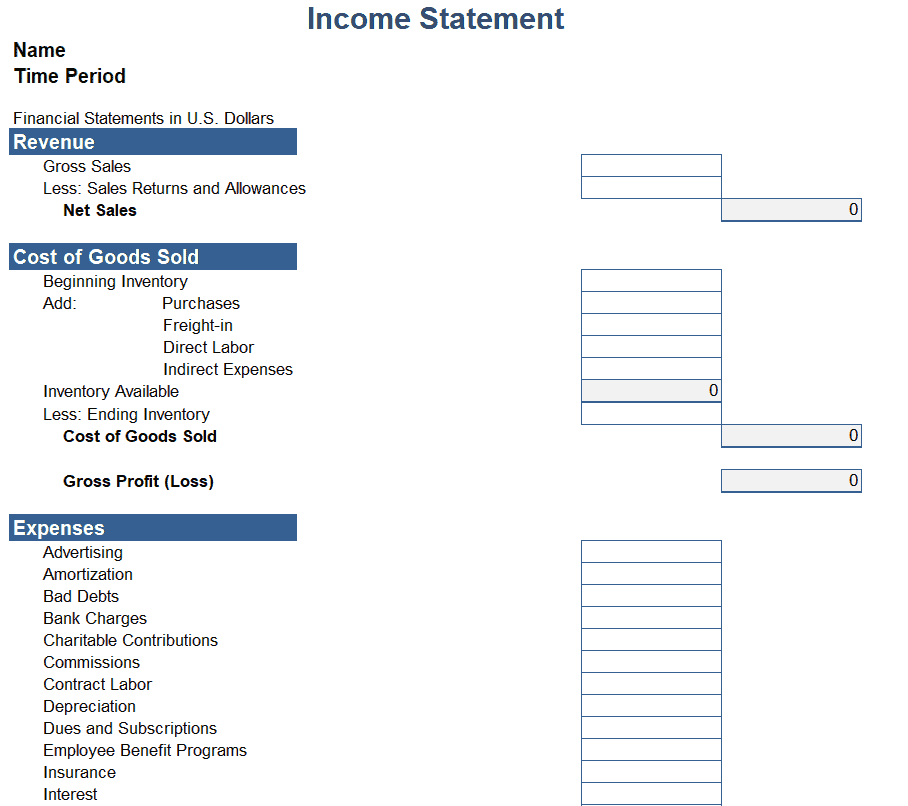
- Income statement summary — total revenue, cost of goods sold, operating expenses, and net profit or loss for the period.
- Balance sheet snapshot — assets, liabilities, and owner’s equity as of the report date, showing what the company owns versus what it owes.
- Cash flow overview — cash generated or used by operating, investing, and financing activities, which explains whether profit on paper is backed by actual cash.
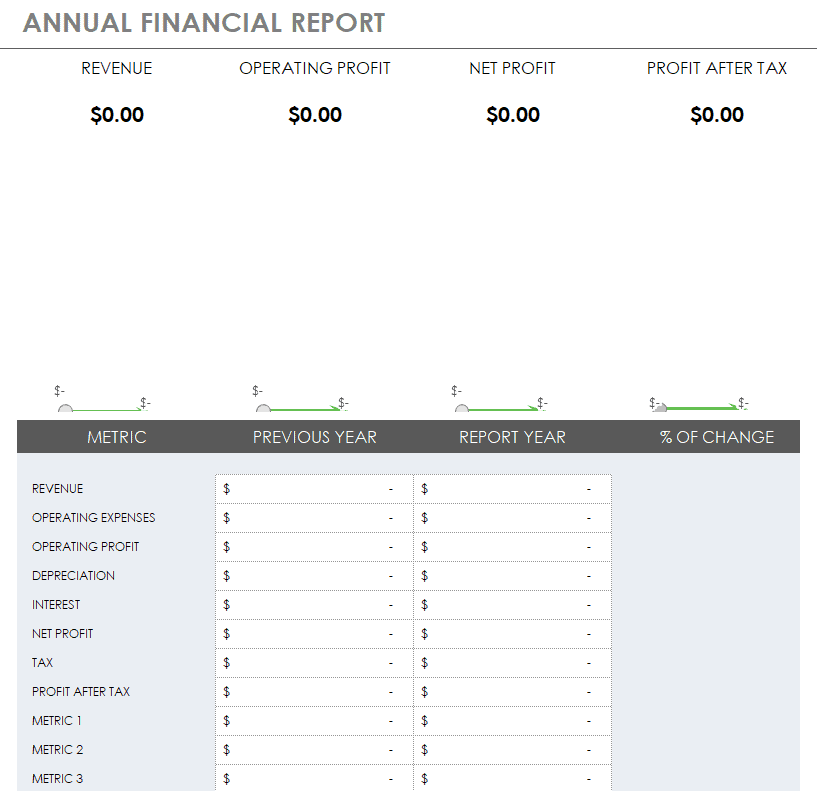
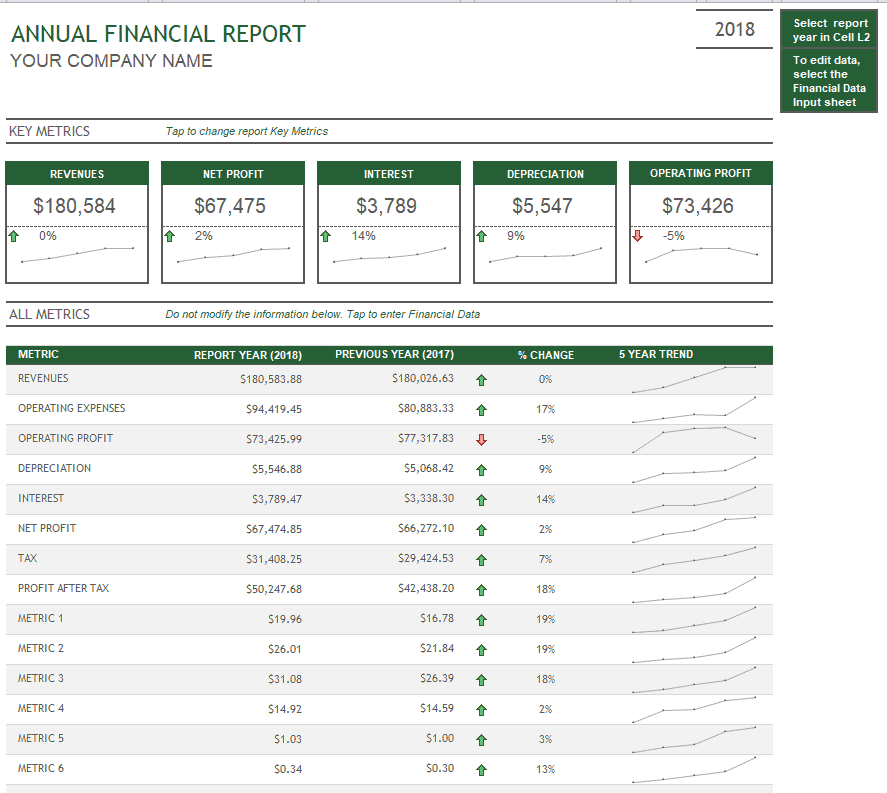
- Comparative figures — the same numbers from the prior period or prior year, so trends and percentage changes are visible at a glance.
- Notes and commentary — short explanations for unusual variances, one-time expenses, or upcoming risks that raw numbers alone don’t convey.
Financial Report Excel Templates
Income Statement Financial Report Template

Annual Financial Report Excel Template
Company’s Year End Financial Report Template in XLSX Format
Financial Report Word Templates
Word Annual Financial Report Template
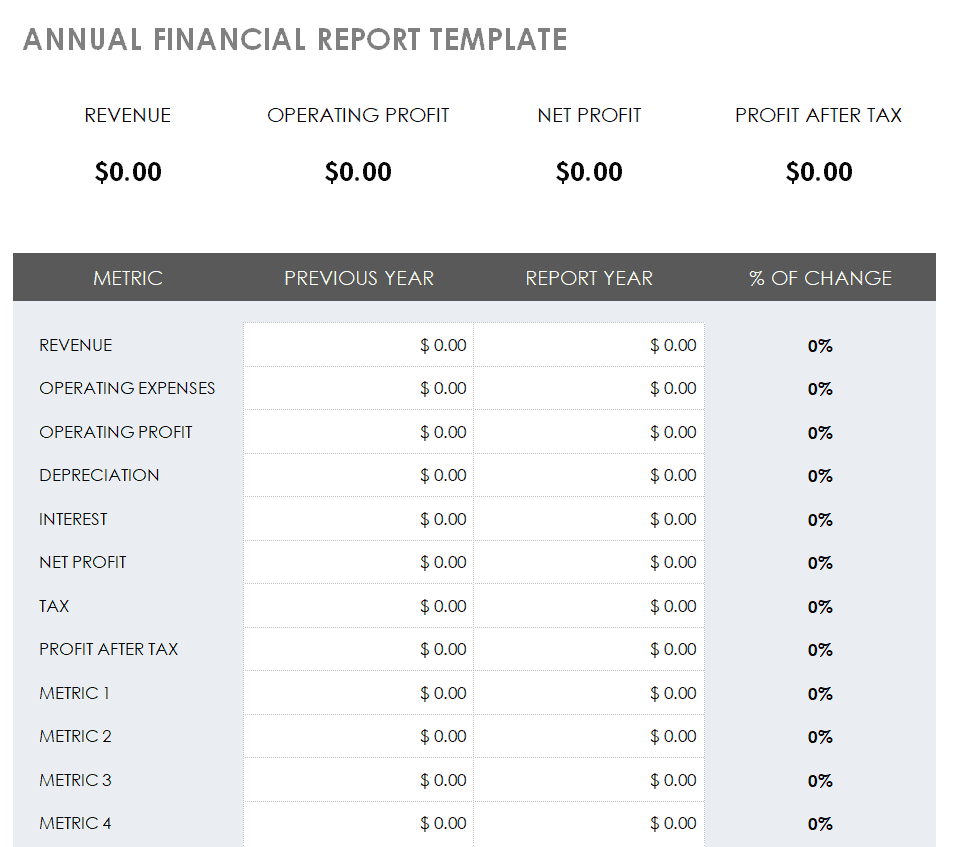
Blank Financial Report Template for a Business
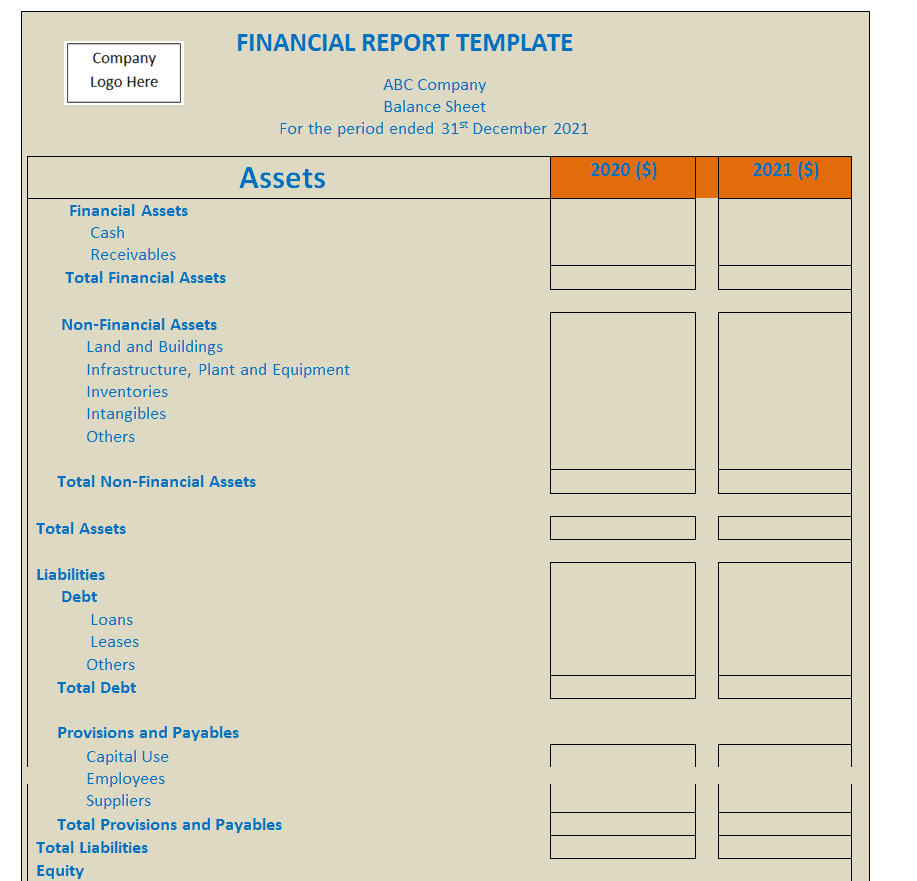
Corporate Balance Sheet Financial Report Word Template
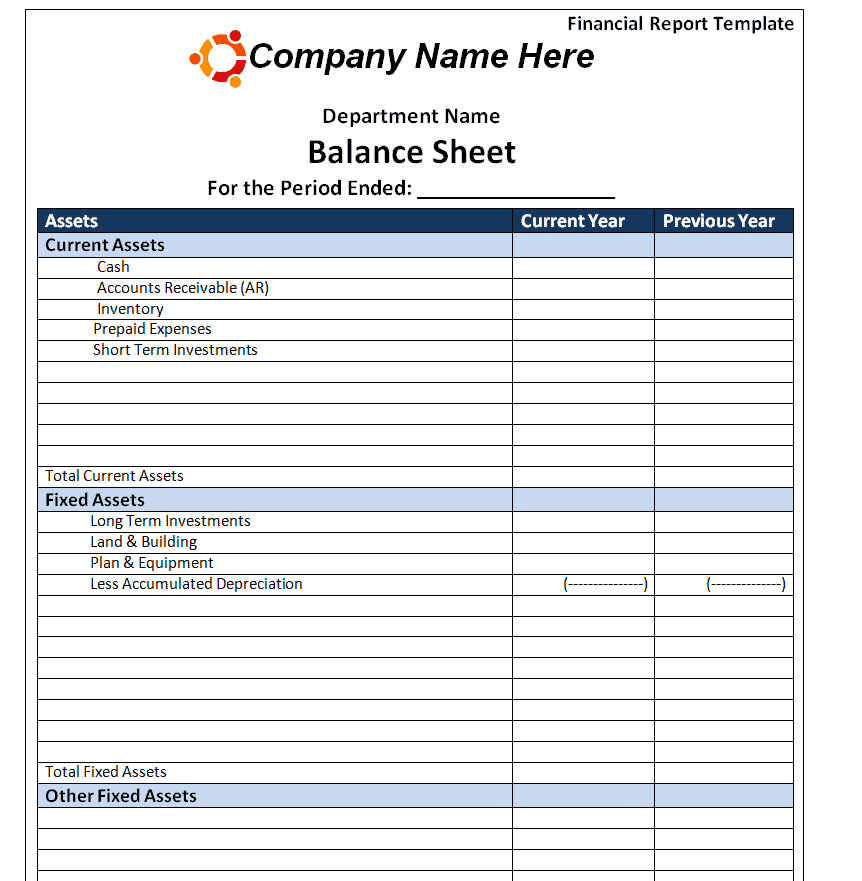
Fillable Financial Report Template Doc
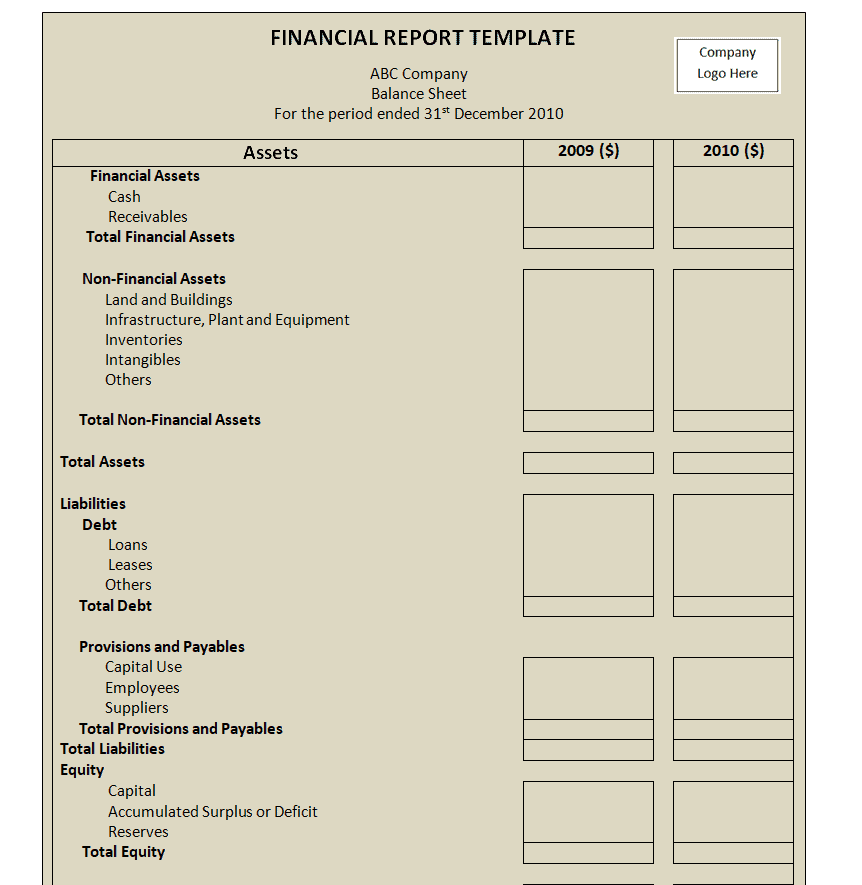
Financial Report Samples PDF
Sample Financial Audit Report Template
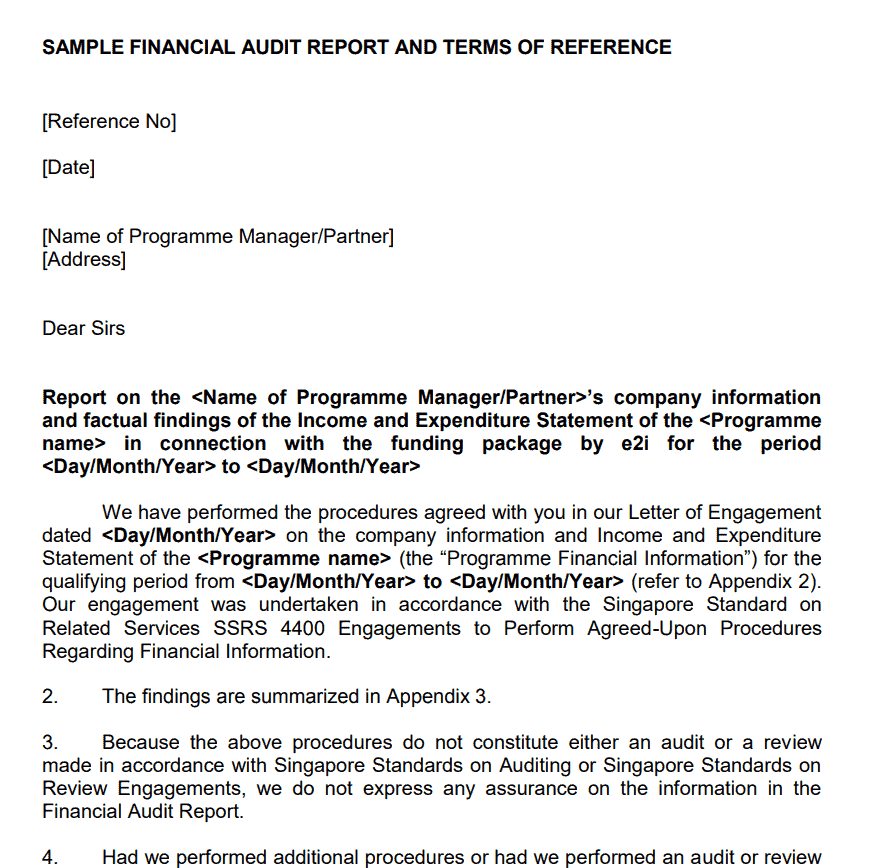
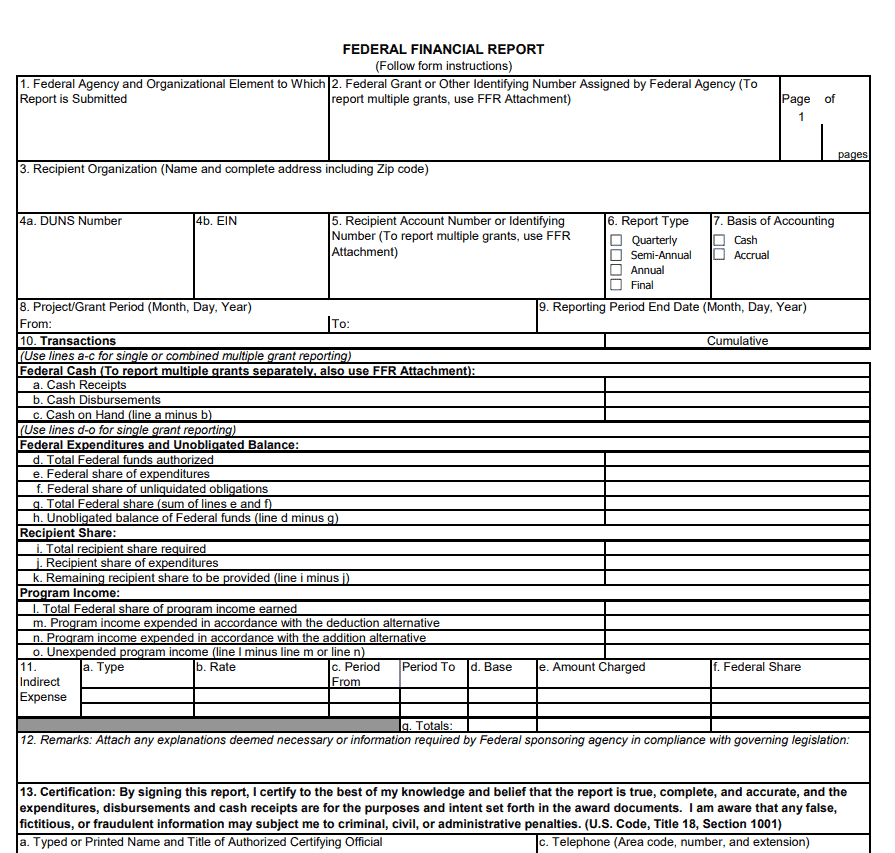
Free Printable Federal Financial Report Sample PDF
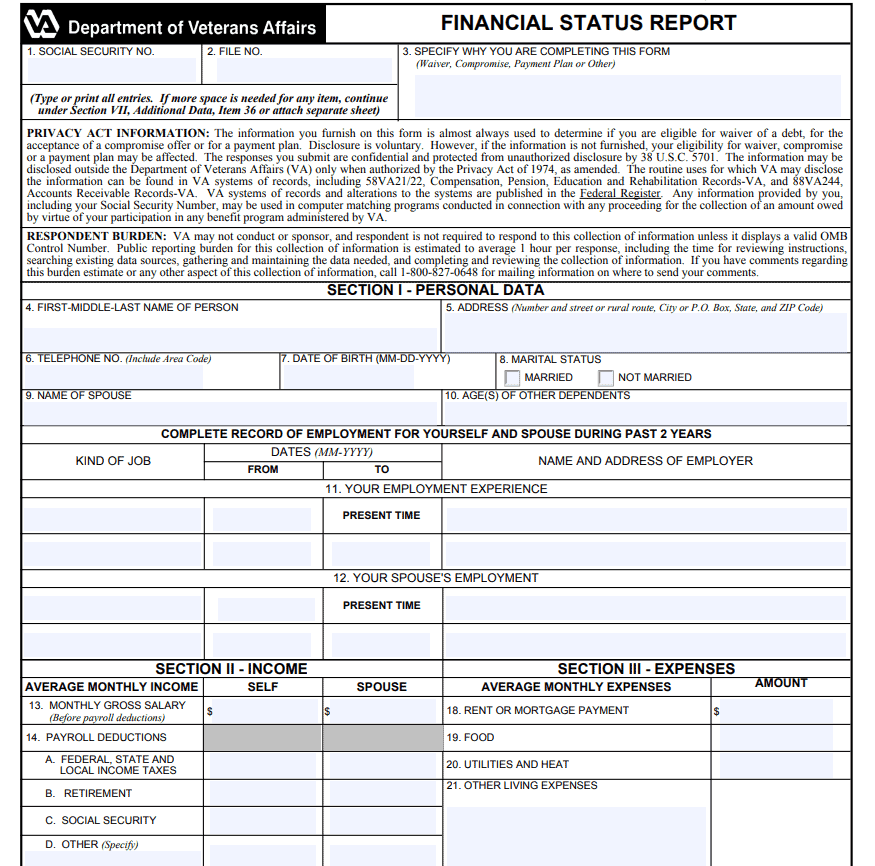
Financial Status Report PDF Template
How to Create a Financial Report: Step-by-Step
- Pick the right template and period. Choose an Excel, Word, or PDF version above based on whether numbers need formulas (Excel), a formatted narrative (Word), or a locked, shareable file (PDF), then set the reporting period — monthly, quarterly, or annual.
- Gather source data. Pull figures from your accounting software, bank statements, invoices, and payroll records rather than estimating; every number in the final report should trace back to a source document.
- Fill in the income statement section. Enter revenue by category, subtract cost of goods sold to get gross profit, then subtract operating expenses to arrive at net profit or loss.
- Complete the balance sheet section. List current and fixed assets, then current and long-term liabilities, and confirm that assets equal liabilities plus equity — if they don’t balance, there is a data entry error to find before moving on.
- Add the cash flow summary. Separate cash movements into operating, investing, and financing activities so readers can see whether the business is generating cash from its core operations.
- Write the narrative and notes. Add two or three sentences explaining any large swings, seasonal effects, or one-off items, since numbers without context are easy to misread.
- Review and proofread. Check that totals foot correctly, dates and currency are consistent throughout, and formulas in the Excel version haven’t broken from copy-pasting.
- Export and distribute. Save a PDF copy for archiving and external sharing, and keep the editable Excel or Word file for internal updates next period.
Common Mistakes to Avoid
- Mixing accounting periods. Combining a few weeks of one quarter with a full prior quarter distorts comparisons; always align identical date ranges.
- Skipping the cash flow section. A report that only shows profit can hide a cash shortage, since profit and available cash are not the same thing.
- Leaving out comparative figures. A single period in isolation tells you what happened, not whether it’s improving or declining — always show at least one prior period.
- Rounding inconsistently. Switching between exact figures and rounded thousands within the same report confuses readers and can make totals appear off.
- Forgetting to reconcile. Numbers pulled manually from different systems should be reconciled against bank and ledger balances before the report is finalized.
- Overloading the narrative. Long paragraphs explaining every minor fluctuation bury the important points; keep commentary focused on what actually matters to the reader.
Practical Tips for a Polished Financial Report
Keep formatting consistent across every page — same fonts, same number of decimal places, same color coding for positive and negative figures — so the report reads as one cohesive document rather than several pasted-together sheets. In Excel templates, build formulas that pull totals automatically instead of typing static numbers, since a single manual error can throw off every downstream calculation. When sharing outside the company, convert the final version to PDF to prevent accidental edits and to guarantee that formatting looks the same on every device. If the report goes to investors or lenders, lead with a short one-paragraph summary of the key takeaways before the detailed tables, because busy readers often decide how closely to read the rest based on that opening. Finally, store each period’s report in a dated folder so you can quickly pull up prior versions when a comparison or audit request comes in.
Frequently Asked Questions
How is a financial report different from a balance sheet?
A balance sheet is one component inside a financial report, showing only assets, liabilities, and equity at a single point in time. The financial report is the larger document that combines the balance sheet with the income statement, cash flow statement, and narrative commentary to give a complete picture of performance, not just position.
Which format should I choose — Excel, Word, or PDF?
Choose Excel when you need live formulas and plan to update numbers regularly, Word when the report leans heavily on written narrative and formatted text, and PDF when you’re distributing a finished version that shouldn’t be edited by the recipient.
How often should a small business prepare a financial report?
Monthly is common for businesses tracking cash flow closely, quarterly is typical for most small and mid-sized companies, and an annual report is generally required for tax filing, loan applications, and year-end review regardless of how often interim reports are produced.
Can I use these templates for an audit or loan application?
Yes, these templates give you a solid working structure to organize figures for an audit or a lender, but the final numbers should still be reviewed against your actual accounting records before submission, since auditors and loan officers will verify every figure against source documentation.
Disclaimer: These templates are provided as general-purpose starting points to help organize financial information and are not a substitute for professional advice. For financial reporting that must meet tax, audit, lending, or regulatory compliance requirements, consult a qualified accountant or financial advisor before finalizing and submitting your report.
Related templates you may find useful: free expense report templates, free progress report templates and free project report templates. Need to create one online instead? Try our free online Invoice Generator, no download required.