

You can download some helpful Advertising Flyer Templates here for free which will help you a lot in designing advertising flyers. An Advertising Flyer is a flyer that is a one-sheet advertisement generally handed out, updated on the bulletin poles or boards, placed on the cars, or slipped under the doors.
Usually, the size of a flyer is 8.5 * 11 inches. For creating advertising flyers, firstly, you should select a color for the paper that you wish to utilize. You must also know the quantity of the flyers you wish to print and also ensure your budget. Turn up with a snappy bulletin or the headline. Now, you should insert graphics, if there is any need for them. If you are going to open a nightclub, then you can insert a graphic of the hip structure. The copy of the flyer must be to the point only. Offering any discount? Let the individuals know. Make a coupon on the flyer boosting them to come here.
Using advertising flyers is a splendid idea to promote a new or running business. It is one of the versatile and affordable types of promotional tools. Advertising flyers can be used for any purpose and any sort of business.
We can use advertising flyers for business promotion as well as we can use them for social, political, and professional events. The main purpose of advertising flyers is to convey information about something. Unlike other advertising materials, flyers need not cost as much. You can reach more people and grab their attention towards your products and services by using advertising flyers.
These days, it is very easy to design an advertising flyer in less time. There are several websites that offer you to download advertising flyer templates for free of cost. You can also check out the given-below advertising flyer templates here.
Download Advertising Flyer Templates Here:
Stylish Salon Advertising Flyer Template

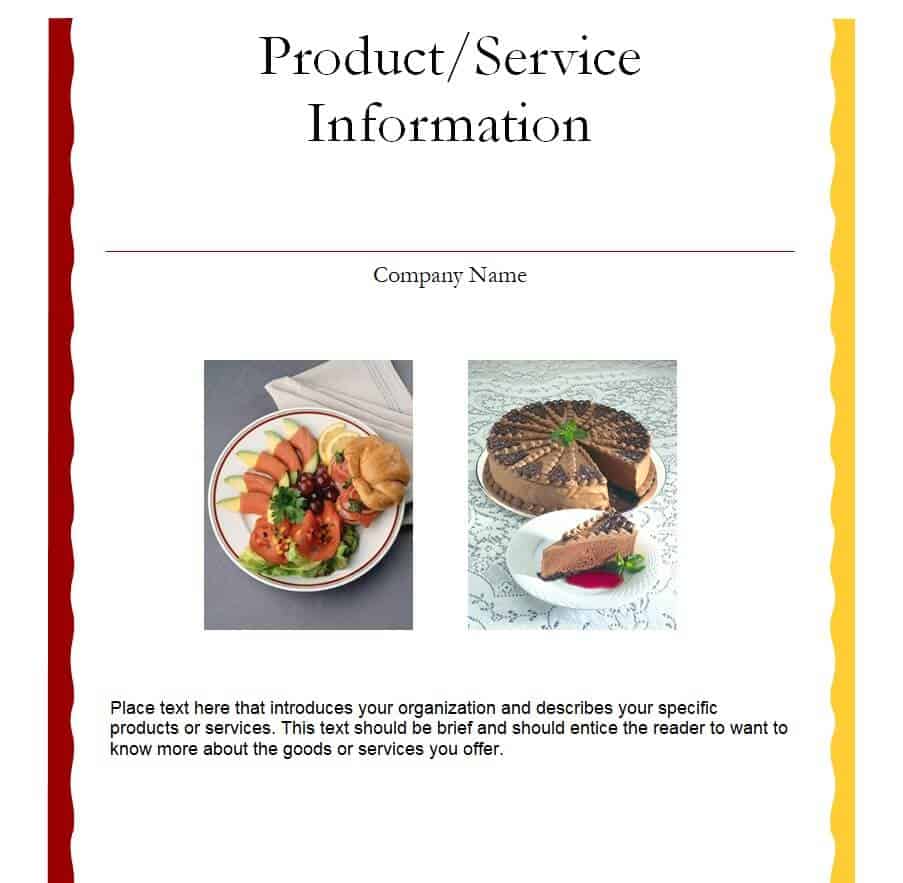
Sample Product Advertising Flyer Template
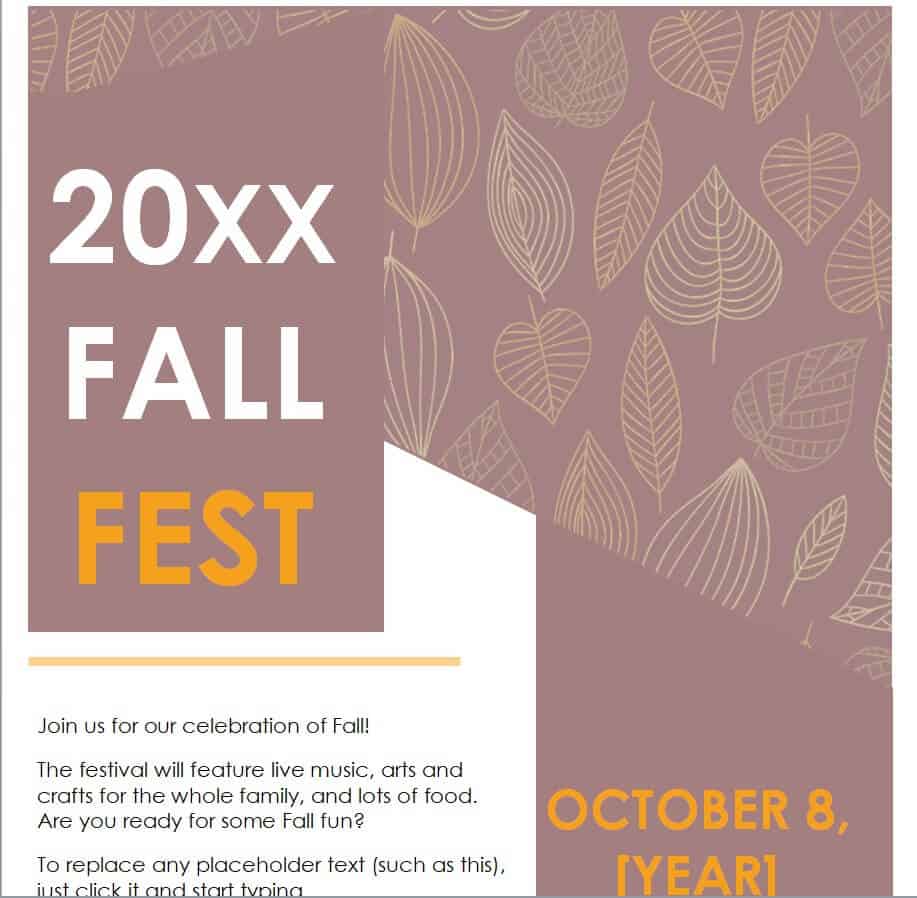
Yealry Fall Festival Advertising Flyer Template
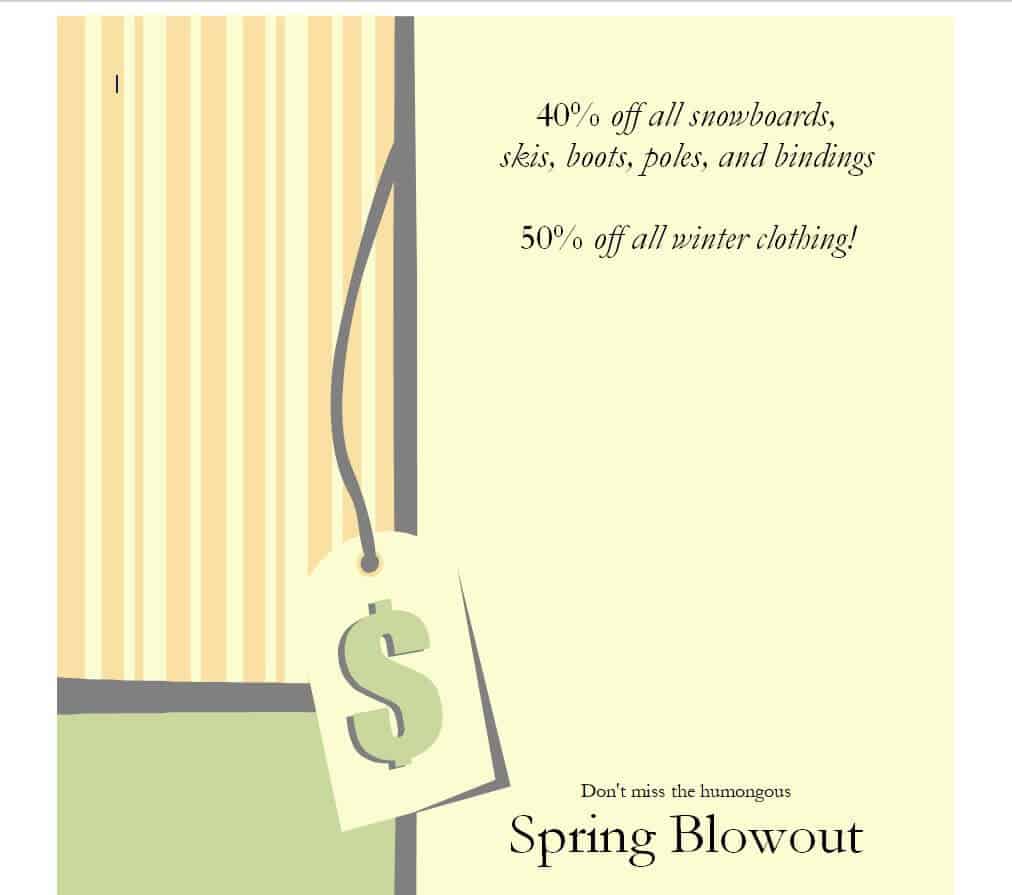
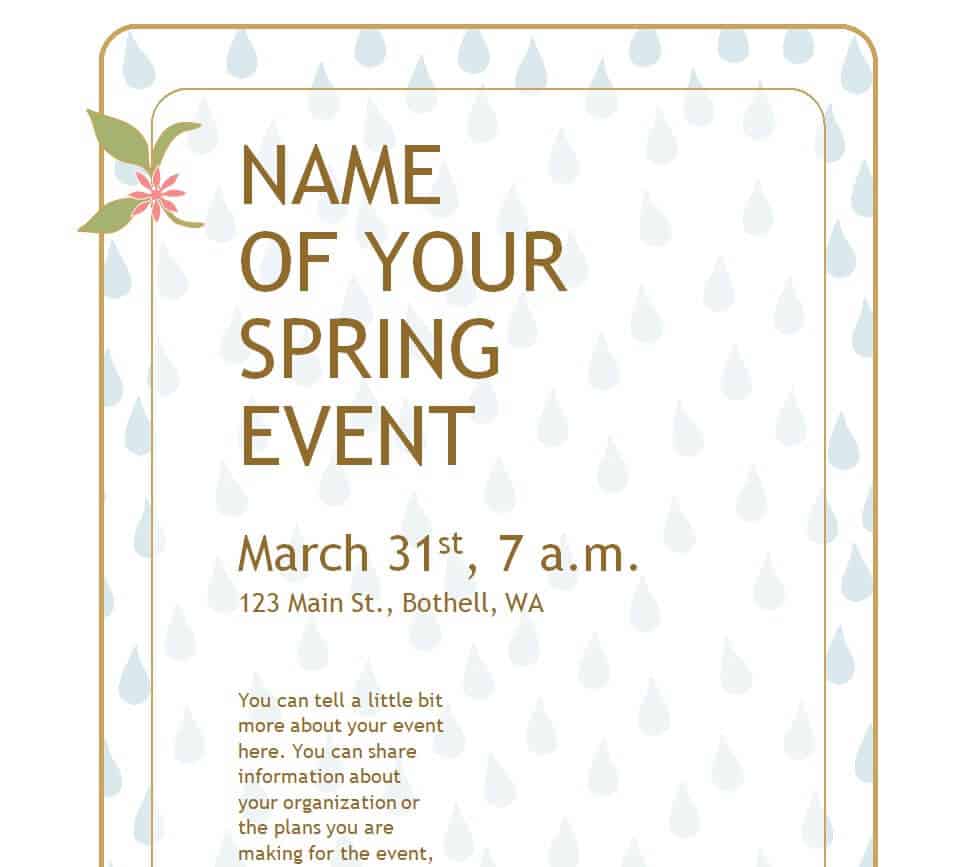
Spring Festival Advertising Flyer Template WORD
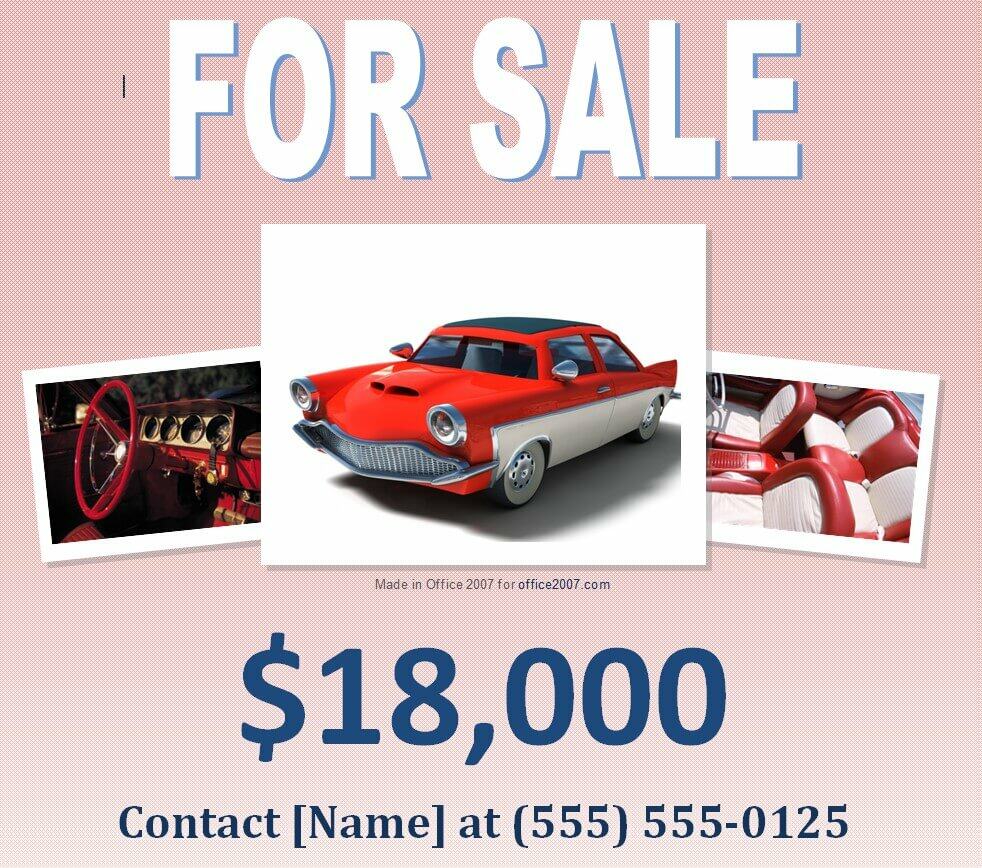
Sales Event Advertising Flyer Template
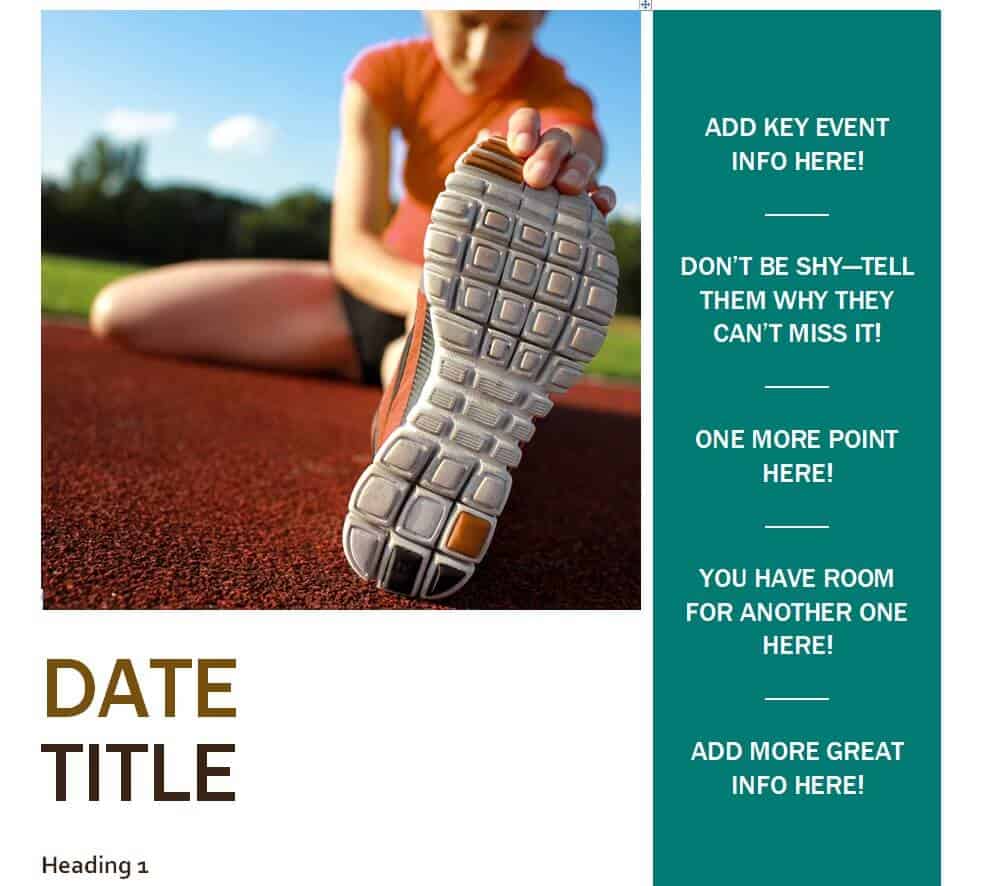
Fitness Advertising Flyer Template in DOC Format
Editable Advertising Flyer Template for a Spring Event
What Is an Advertising Flyer, and Why Does It Still Work So Well?
An advertising flyer is a single-page marketing piece built to sell one specific thing fast: a product launch, a discount sale, a new service, or an upcoming event. Unlike a general-purpose flyer that might just share information, an advertising flyer is written and designed to move someone from “I saw this” to “I’m going to act on this,” whether that means visiting a store, calling a number, or showing up on a date. Because it costs little to design and print, it remains one of the most affordable ways for a small business to reach a local audience without waiting on a digital ad budget or a long social media campaign. Printed and handed out, mailed, or posted where people naturally gather, a well-designed advertising flyer puts your offer directly in front of the people most likely to use it.
Who Uses Advertising Flyer Templates
Advertising flyer templates are used by anyone who needs to promote something on a tight timeline and an even tighter budget. Retail shops and boutiques use them to announce seasonal sales. Salons, spas, and fitness studios use them to advertise new packages or introductory offers. Restaurants and cafes use them for specials and grand openings. Event organizers, from community festivals to nightclub promoters, use them to drive attendance. Nonprofits and schools use them to advertise fundraisers and open houses. Freelance marketers and small agencies also keep a library of advertising flyer templates on hand so they can turn around client requests quickly without designing every layout from scratch.
Key Elements Every Advertising Flyer Needs
Before you open any of the templates above in MS Word, it helps to know what separates an advertising flyer that gets read from one that gets tossed. Look for these elements in the template you choose, and keep them in place when you customize it:
- A headline that states the offer — the discount, the event name, or the product, in as few words as possible.
- A clear focal image or graphic — something that signals what’s being advertised before anyone reads a word.
- Specific details — date, time, location, price, or promo code, so nobody has to guess.
- A single call to action — “Call now,” “Visit us,” “Use code,” or “Scan to order,” stated once and stated clearly.
- Contact information — phone number, address, website, or social handle, sized so it’s readable at arm’s length.
- Consistent branding — your logo and colors, so the flyer is recognizable as coming from your business.
How to Customize These Advertising Flyer Templates in MS Word
Each template above downloads as an editable MS Word file, so you don’t need design software to make it your own. Here’s a simple workflow to get from download to print-ready:
- Download and open the .zip file, then extract the Word document inside it before opening.
- Replace the placeholder headline with your own offer, event name, or product — keep it short enough to read in under three seconds.
- Swap in your own images or logo by clicking the existing graphic and using Word’s “Change Picture” option, which keeps the original sizing and layout intact.
- Update the body copy with your specific details: date, time, location, pricing, and any terms or restrictions on the offer.
- Adjust the color scheme if needed to match your brand, using Word’s font and shape fill options rather than rebuilding the layout.
- Proofread everything, especially the date, phone number, and any pricing, since these are the details readers rely on most.
- Export or print at the flyer’s intended size (most of these templates are built for standard 8.5 x 11 inch paper) using a high-quality or photo print setting so images stay sharp.
Common Mistakes to Avoid
Most advertising flyers fail for the same handful of avoidable reasons:
- Too much text. A flyer is scanned, not read like an article — if it takes more than a few seconds to understand the offer, most people will move on.
- No clear call to action. If the flyer doesn’t say exactly what to do next, most readers won’t do anything at all.
- Missing or buried contact details. Leaving out a phone number, address, or date is one of the most common, and most costly, flyer mistakes.
- Low-resolution images. A blurry or pixelated graphic makes even a great offer look unprofessional once printed.
- Advertising too many things at once. A flyer promoting five different offers usually sells none of them well; one clear message performs better than a crowded one.
- Ignoring where the flyer will actually be seen. A flyer designed to be read up close won’t work well pinned to a crowded bulletin board from a distance.
Practical Tips for Advertising Flyers That Get Results
- Use a strong, high-contrast color for your headline so it’s the first thing people notice.
- Add a time-limited element, like “this weekend only” or “first 50 customers,” to create urgency.
- Include a coupon, promo code, or tear-off tab if the flyer is meant to drive a specific action.
- Match the flyer’s tone to your audience — playful and bold for a nightclub or festival, clean and simple for a professional service.
- Distribute where your actual customers spend time, not just anywhere flyers happen to be allowed.
- Keep a version of the flyer in both print and digital formats so it can also be shared on social media or by email.
Frequently Asked Questions
Are these advertising flyer templates really free to download?
Yes. Every template listed above is free to download and can be edited in MS Word without any subscription or watermark.
What size should an advertising flyer be?
Most advertising flyers, including the templates above, are formatted for standard 8.5 x 11 inch paper, which is easy and inexpensive to print at home, at a copy shop, or through an online printing service.
Can I use one of these templates for more than one type of event?
Yes. Because the layouts are fully editable in Word, you can reuse the same template for a sale, a seasonal promotion, or a business event just by updating the headline, image, and details each time.
Do I need design experience to customize these templates?
No. Since the templates open directly in MS Word, customizing them only requires basic editing skills — replacing text, swapping an image, and adjusting colors — all handled through Word’s normal editing tools.

![12+ Excellent Office Calendar Templates in [EXCEL & WORD]](https://www.docspile.com/wp-content/uploads/2023/03/office-calendar-template-docp-ksd3524adca09-150x150.png)
