

A collection of practical and useful postcard templates can be downloaded for free here on this page. These postcard templates are designed by professionals. Mobile phones have taken away the hindrance faced in old times of delay or having a time lag in communicating or greeting wishes or a message. While in old times, it was like people use to communicate through letters, postcards, or telegrams.
They use to convey the feelings and message in written form, which use to be even preserved so that it could be relished even after a time span as and when wished to. A postcard used to have the picture of the place where the sender used to reside and the message on the flip side of the card. And in reply, the receiver would also send a postcard of his/her residing place. These postcards were like photographs back then in time having a picture on one side of the card and a message on another side. Though now they are no more utilized for the purpose, they only serve as a remembrance of the visited place.
It is a piece of paper or cardboard usually containing a picture that may be sent without using an envelope. Generally, postcards are used to send a personal message to anyone across the world. It is the best way to send a personalized message via the postal system.
Some people collect postcards as their hobby. You can design your own postcard at home in order to send your friends and family. You can also insert pictures, paintings, and designs into a postcard prepared by you. There is also a huge variety of postcard samples and templates that you can utilize in this regard. By using a perfect postcard template, you will be able to design an impressive postcard yourself.
Check Out the Given Postcard Templates Below:
Stylish Postcard Template
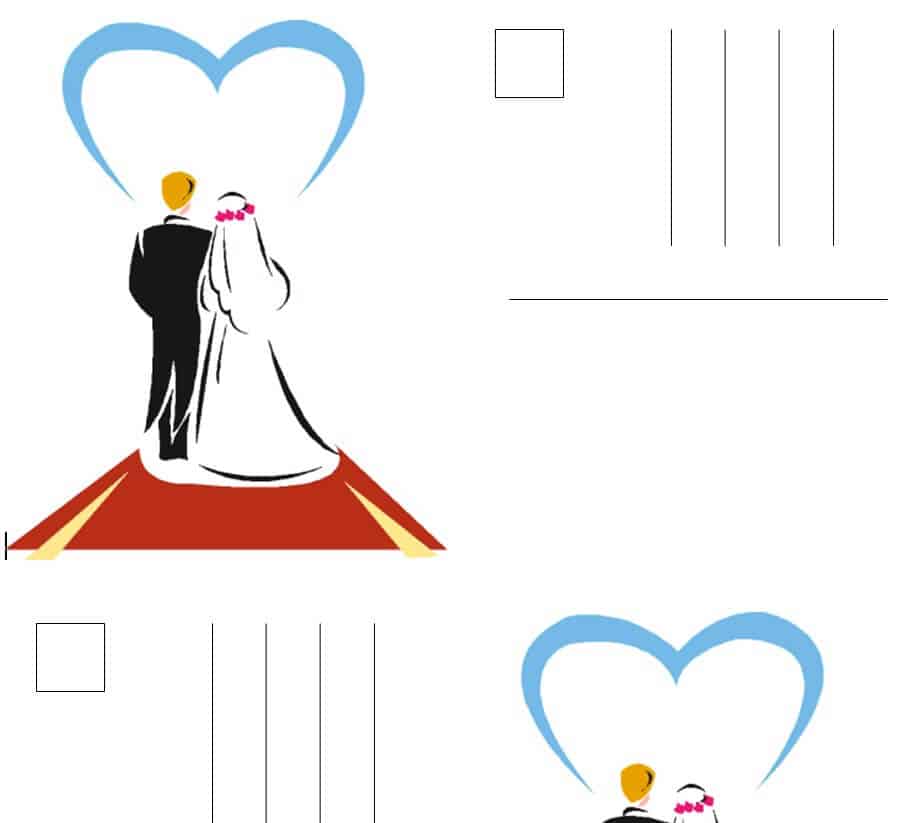
Community Health Center Postcard Template

Sample Business Postcard Template
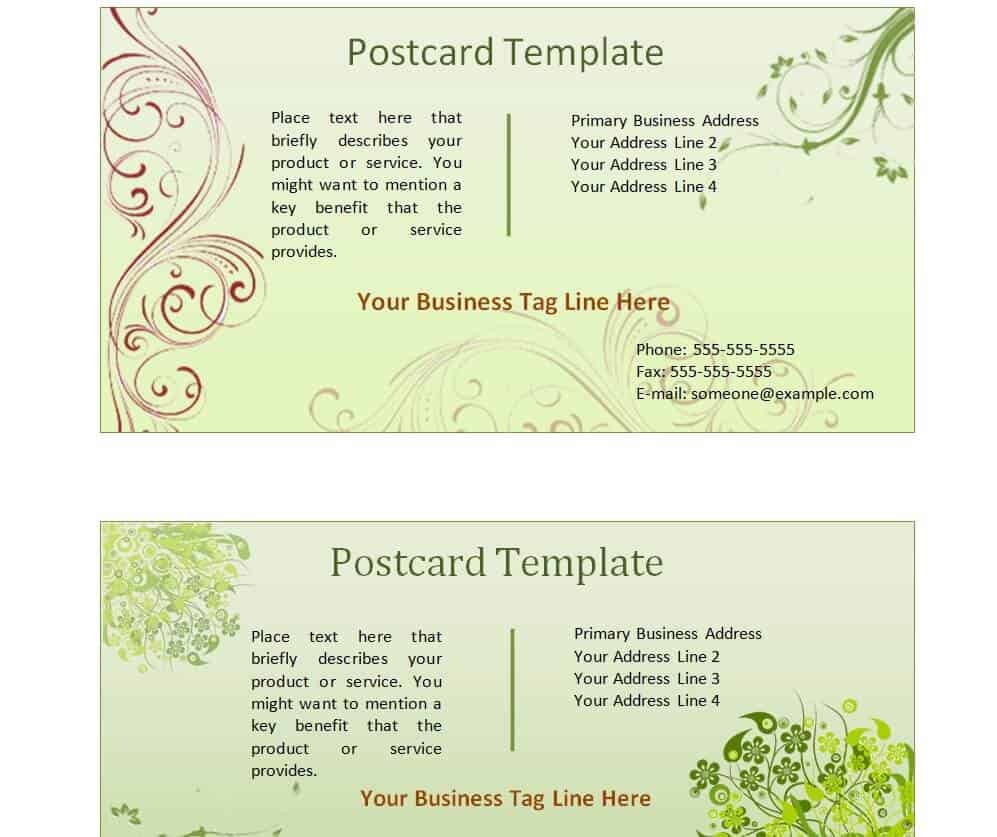
Cute Design Postcard Template WORD
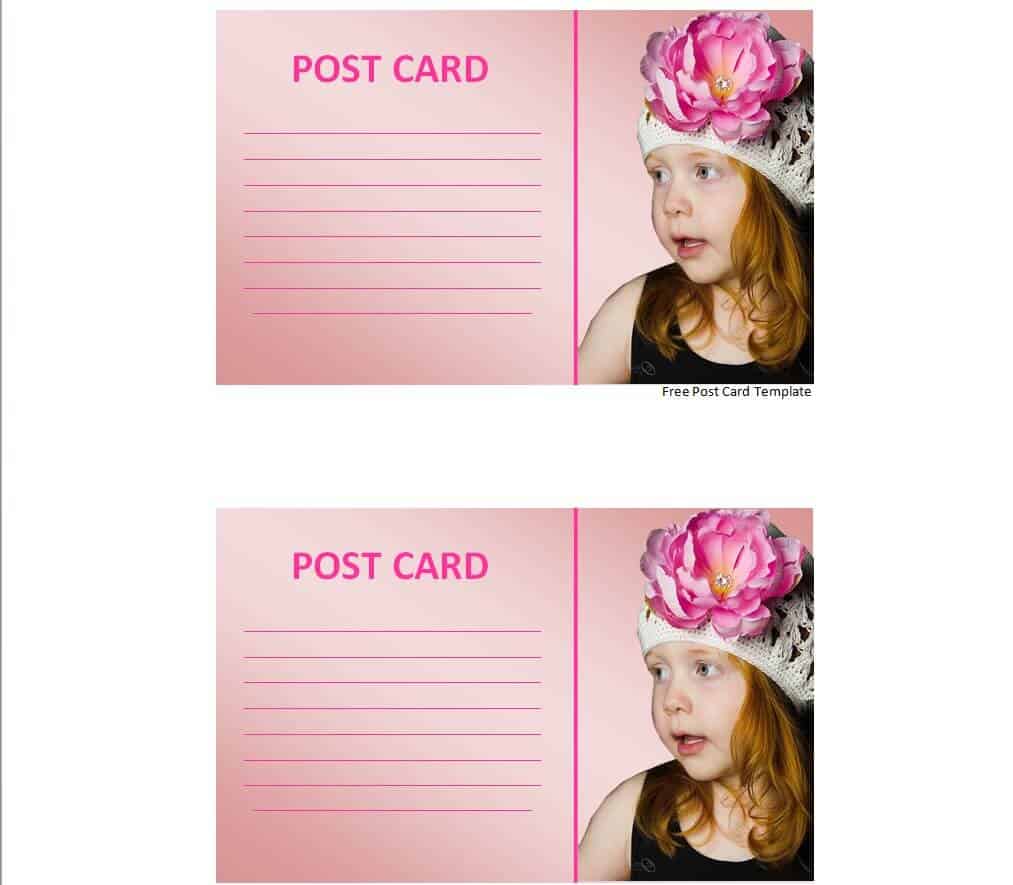
Seed Supplying Company’s Postcard Template

Blank Postcard Format Template
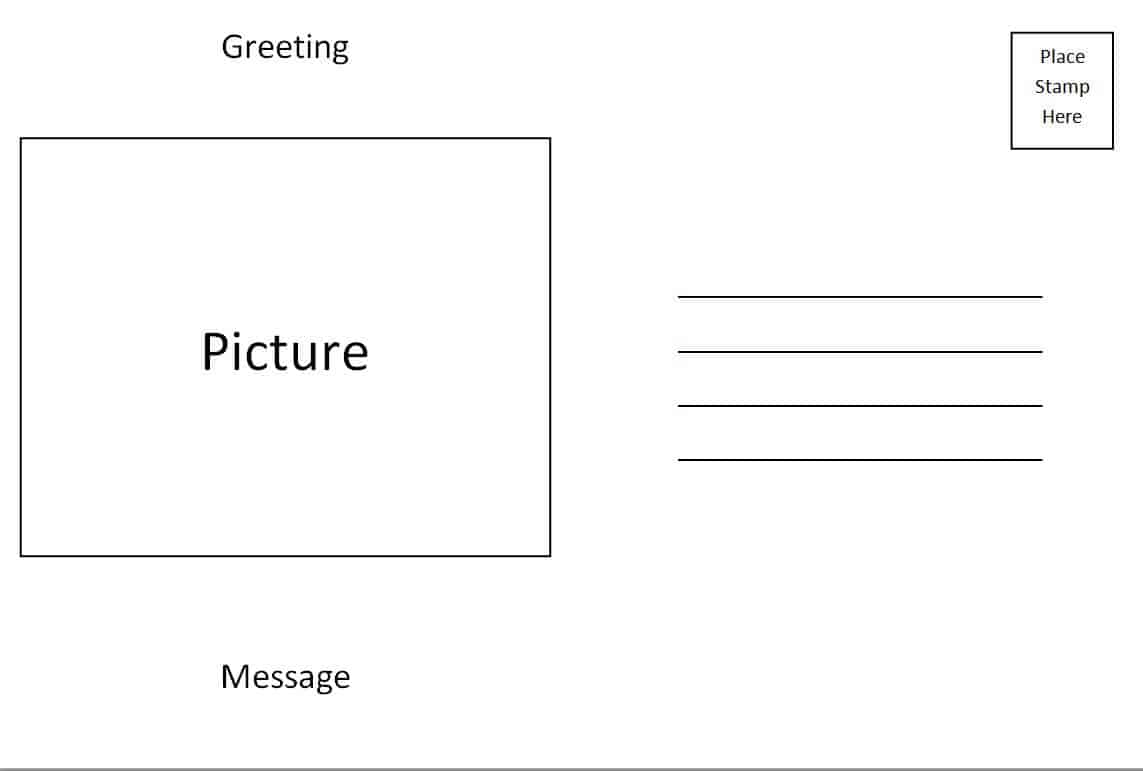
Free Postcard Template in DOC Format
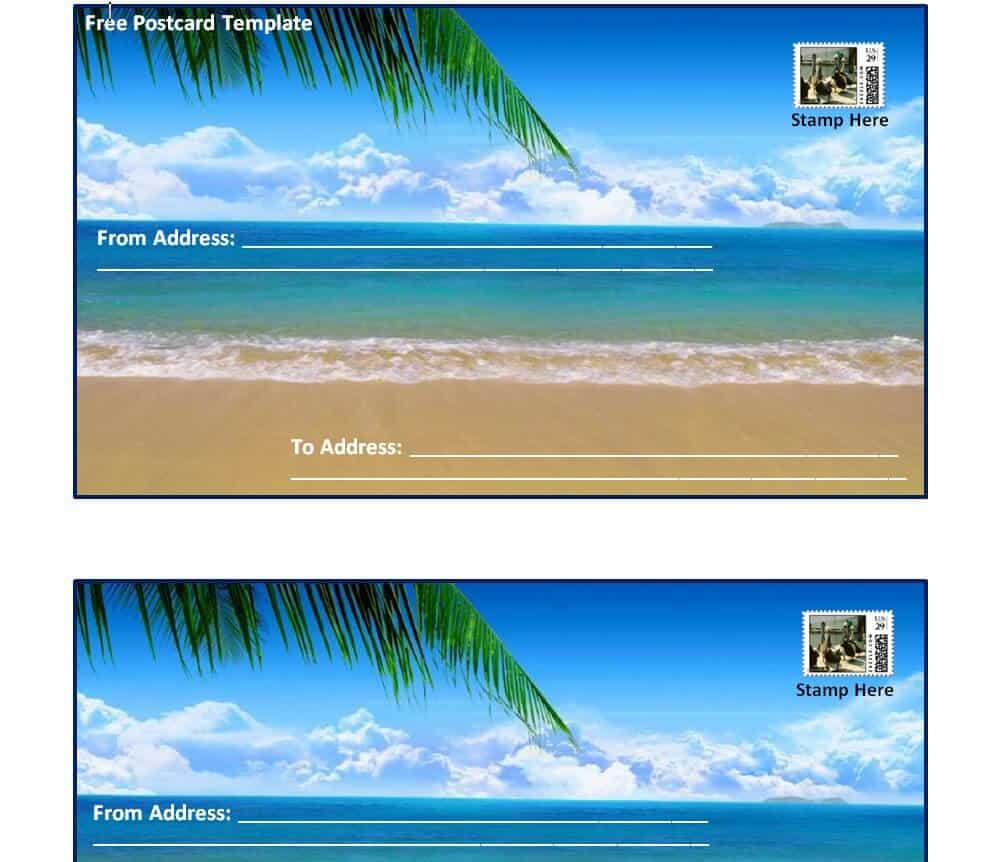
Professional Postcard Template Editable

Sample Printable Postcard Template
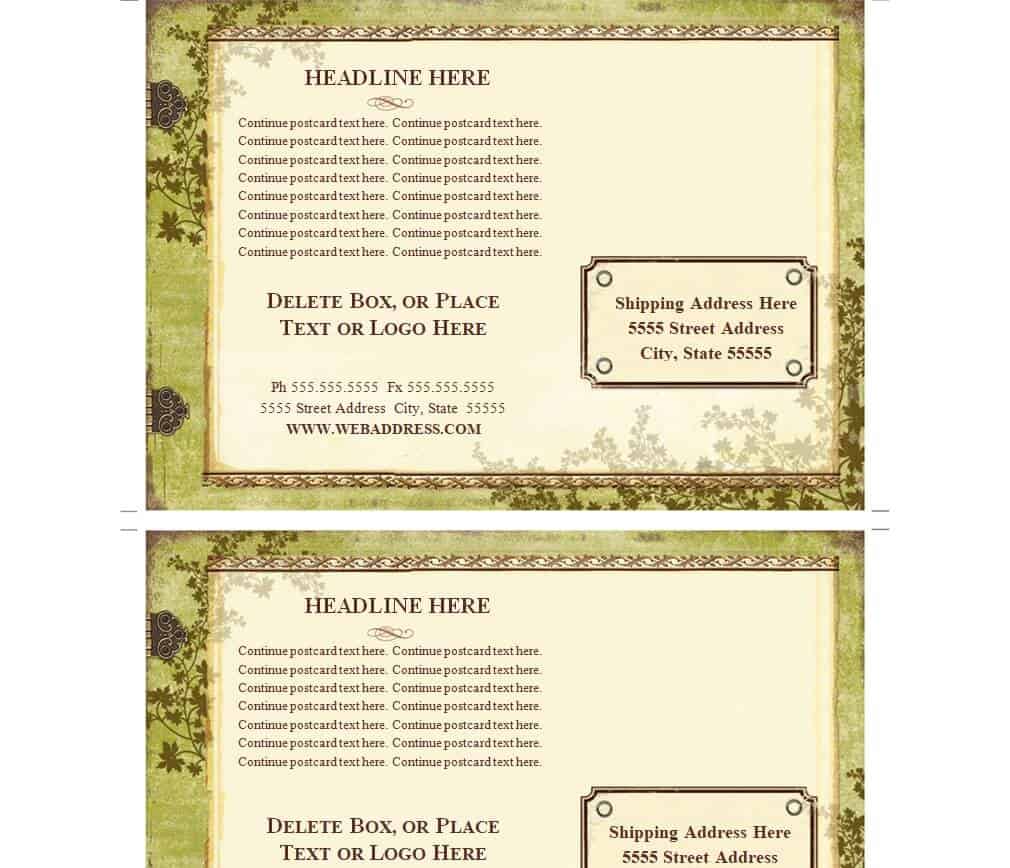
Exmple Business Postcard WORD Template
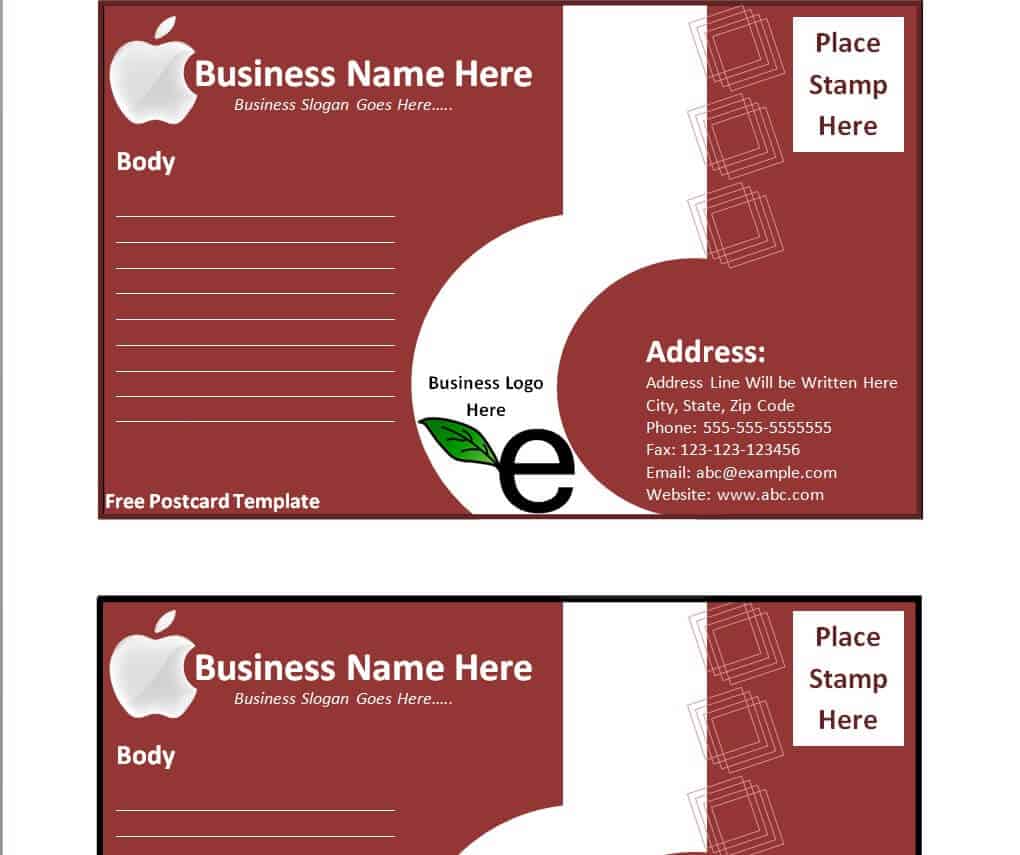
What Is a Postcard Template Used For?
A postcard template gives you a ready-made front and back layout so you don’t have to build a print-ready design from a blank page. Businesses use them for marketing mailers that announce a sale, a new product, or a limited-time offer, since a postcard lands directly in front of the recipient without needing to be opened like an envelope. Real estate agents use them to advertise a new listing or a just-sold property to a neighborhood. Event planners use them as save-the-date and invitation cards for weddings, birthdays, and grand openings. On the personal side, people use postcard templates for holiday greetings, travel keepsakes, and thank-you notes, because the format is quick to customize, inexpensive to print, and easy to mail in bulk.
Who Typically Uses These Templates?
Small business owners rely on postcard templates to run affordable direct-mail campaigns without hiring a designer for every mailing. Real estate and insurance agents use them for recurring outreach, such as farming a zip code with listing updates or renewal reminders. Nonprofits and community organizations use them for fundraising appeals and event announcements. Travelers and hobbyists use blank or photo-style templates to turn a personal photo into a keepsake postcard for friends and family. Because these templates are built in Microsoft Word, anyone comfortable with basic word processing can open one, swap the text and image, and have a finished design in minutes, with no graphic design software required.
Key Elements of an Effective Postcard
A postcard has only a few seconds to make an impression, so every element on it has to earn its place. The elements below are what separate a postcard that gets read from one that gets tossed:
- Front visual impact – a large, high-quality image or bold graphic that is recognizable at a glance, since the front is what decides whether the card gets a second look.
- A clear headline or offer – one short line that states the benefit or announcement in plain language, positioned where the eye lands first.
- A structured back layout – the back is split into a message or offer area on the left and an address block with a marked postage area on the right, matching standard postal formatting.
- A specific call to action – a direct instruction such as a phone number, website, coupon code, or QR code that tells the recipient exactly what to do next.
- Consistent branding – logo, colors, and fonts that match the sender’s other materials, so the card is recognizable even without reading the text.
How to Customize a Postcard Template in Word
Each template above opens directly in Microsoft Word, and the same basic workflow applies to all of them:
- Download the template and open it in Word (or a compatible editor such as Google Docs or LibreOffice Writer).
- Click on the existing placeholder image and use Picture Format > Change Picture to swap in your own photo or artwork, keeping the same frame size so the layout doesn’t shift.
- Select the placeholder headline and body text and retype it with your own message, offer, or greeting, keeping sentences short since postcard space is limited.
- Update the color scheme through Design > Colors if you want the card to match a specific brand palette, rather than editing each shape individually.
- Check the back layout and confirm the address block and postage marker are still clear of any text or image you added to the message area.
- Use File > Print, or export to PDF first, and confirm the paper size matches your intended postcard dimensions (commonly 4×6 in or 5×7 in) before sending it to a printer.
Common Postcard Design Mistakes to Avoid
- Overcrowding the layout – too much text or too many graphics on one card makes it hard to read at a glance and dilutes the main message.
- Leaving out a call to action – a postcard with no phone number, link, or next step wastes the mailing, since the recipient has nothing to act on.
- Ignoring bleed and print size – designing right up to the edge without extra bleed margin can cause a white border or cropped content once it’s trimmed at the print shop.
- Using a low-resolution image – a photo that looks fine on screen can print blurry; use images of at least 300 DPI at the final print size.
- Blocking the address area – adding design elements over the address or postage zone on the back can cause delivery problems through the postal system.
Printing and Mailing Tips
For a professional finish, print postcards on cardstock of at least 14pt to 16pt thickness rather than standard paper, since postal services and printers both expect a sturdier card. If you are mailing in the United States, standard-size postcards (up to 4.25×6 inches) qualify for postcard postage rates, which are lower than a standard letter stamp; oversized postcards are charged at letter rates instead. Always leave the bottom-right area of the back clear for a stamp or postage indicia, and keep the address block free of any overlapping graphics. If you’re printing in bulk for a mail campaign, request a physical proof from your printer first to check color accuracy before committing to a full print run.
Frequently Asked Questions
Can I edit these postcard templates for free?
Yes, every template on this page can be downloaded and edited at no cost in Microsoft Word. You can change the text, swap the images, and adjust colors without any special licensing.
What size should a postcard be for printing?
The most common postcard sizes are 4×6 inches and 5×7 inches. Staying within these standard dimensions keeps the card compatible with standard postage rates and most home and commercial printers.
Can I use these templates for a business marketing campaign?
Yes. Several of the templates above, such as the business and community health center designs, are built specifically for marketing use and can be customized with your own logo, offer, and contact details.
Do I need design software to customize a template?
No. Every template here is built in Microsoft Word, so you only need Word (or a compatible word processor) to replace the text and images and prepare the file for printing.

![10+ Practical Restaurant Business Plan Templates [PDF & WORD]](https://www.docspile.com/wp-content/uploads/2022/03/restaurant-business-plan-sample-1227408-150x150.jpg)