
A greeting card is a piece of paper or cardboard that consists of pictures, drawings, and greetings regarding any special event or situation. Make beautiful greeting cards using the Greeting Card Templates given on this page. A greeting card is the best way to convey your best wishes and other sentiments to someone special on a special occasion.
You can also browse our full collection of free card templates for more ready-to-use designs.
Greeting cards are generally used to express your feelings, love, care, sentiments, and best wishes to any other person. Greeting cards may present on birthdays, weddings, Christmas, and any other special event. Greeting cards are normally packaged with a beautiful and colorful envelope. There is a wide range of greeting cards available on the internet for different events and situations.
You can buy online greeting cards from your home without going anywhere. Many websites also allow you to make your own greeting cards by using their greeting card samples and templates. It is also very easy to prepare a greeting card by hand, utilizing some useful tips and tricks. The greeting card templates will help you in making a good card.
This is a sort of card which is being sent by the wisher on a particular event. The greeting card can be of birthday, traditions, and wedding anniversary or to welcome somebody. This card features the expression of friendship or another sentiment. Usually, greeting cards are packed in an envelope with different styles.
The card with die-cuts or glued-on decoration may be more expensive. If the person wants to send a card to a foreign country then a stamp is required of the state from which the card is going to be sent. It is the tradition of many people to send seasonally themed cards to their loved ones. The users of this card are businessmen, religious people, friends, and relatives. Anyone feels great when he/she receives an unexpected card. Due to the latest technology, it has become easier for people to send greeting cards.
Occasions a General Greeting Card Template Covers
Unlike a template built for one single occasion, a general greeting card template is designed to flex across dozens of moments. The same fold-and-print structure that works for a birthday message also works for a thank you note, a sympathy card, a get-well wish, a congratulations card for a promotion or graduation, a holiday greeting, a retirement send-off, a new-baby announcement, a housewarming welcome, or a simple "thinking of you" note. That versatility is the whole point: instead of hunting for a separate template every time a new occasion comes up, you keep one well-built layout on hand and swap the message, color palette, and cover art to match the moment.
This is also what separates a general greeting card template from an occasion-specific one, such as a birthday card template built around candles, cake, and party themes. A general template is intentionally more neutral in its base layout so it can be dressed up for a celebration or toned down for a somber occasion like condolences, without the design fighting the message.
Who Typically Uses These Templates
Families use general greeting card templates to keep in touch with relatives for everyday moments that do not warrant a store trip. Small business owners and freelancers use them to send thank-you notes to clients or welcome notes to new customers. Teachers and school staff use them for appreciation notes, farewells, and encouragement cards for students. HR teams and office managers rely on them for employee anniversaries, condolences, get-well wishes, and congratulations on promotions. Community groups, places of worship, and volunteer organizations use them for member outreach, while event planners keep a stock of templates ready for guest thank-yous after weddings, showers, and fundraisers.
Key Elements of a Well-Designed Greeting Card Template
A strong greeting card template balances a handful of design elements so the finished card looks professional whether it is printed at home or at a copy shop:
- Fold structure — most templates use a single fold (half-fold) or a bifold layout sized to fit a standard A2 or A7 envelope once trimmed.
- Cover artwork — a focal image, illustration, or pattern that sets the tone before the recipient even opens the card.
- Message area — clear, uncluttered space on the inside panel sized for a handwritten or typed note.
- Typography hierarchy — a distinct font for the greeting line versus the body message, so the card reads well at a glance.
- Color palette — colors that match the occasion’s tone, from bright and festive to muted and respectful.
- Print-ready margins and bleed — enough edge space so nothing important gets cut off when the card is trimmed.
- Envelope compatibility — a finished size that fits a standard envelope without extra trimming or folding tricks.
FREE Greeting Card Templates:
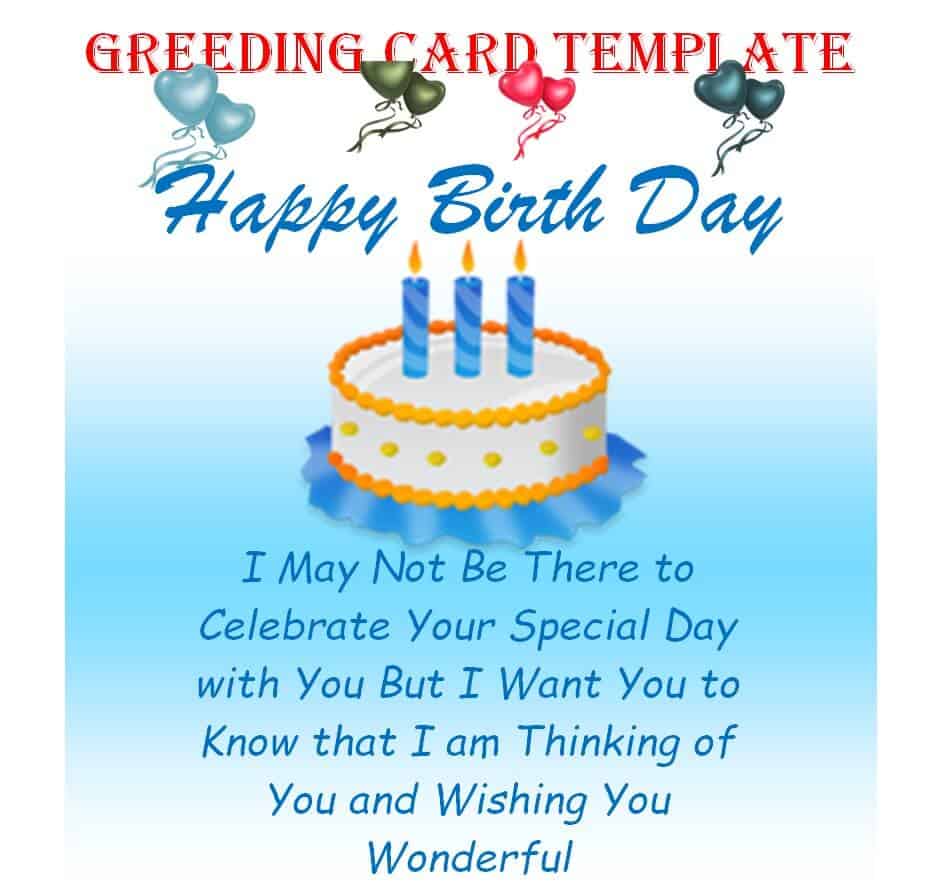
Birthday Greeting Card Template
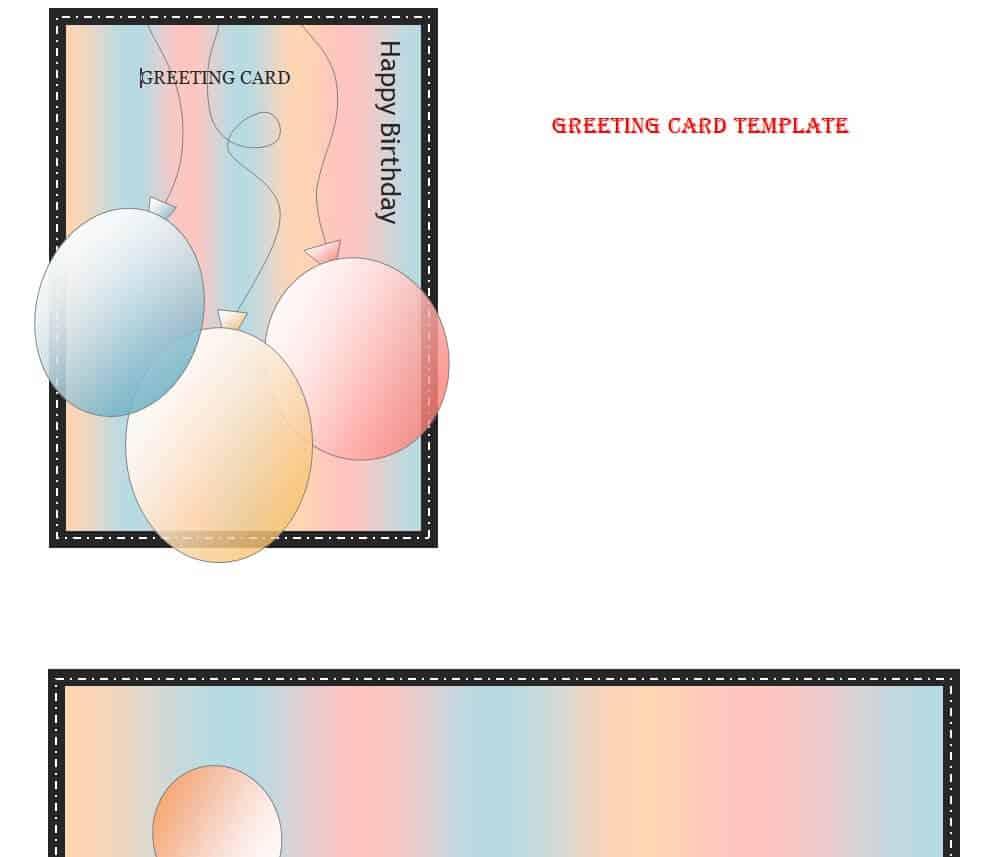
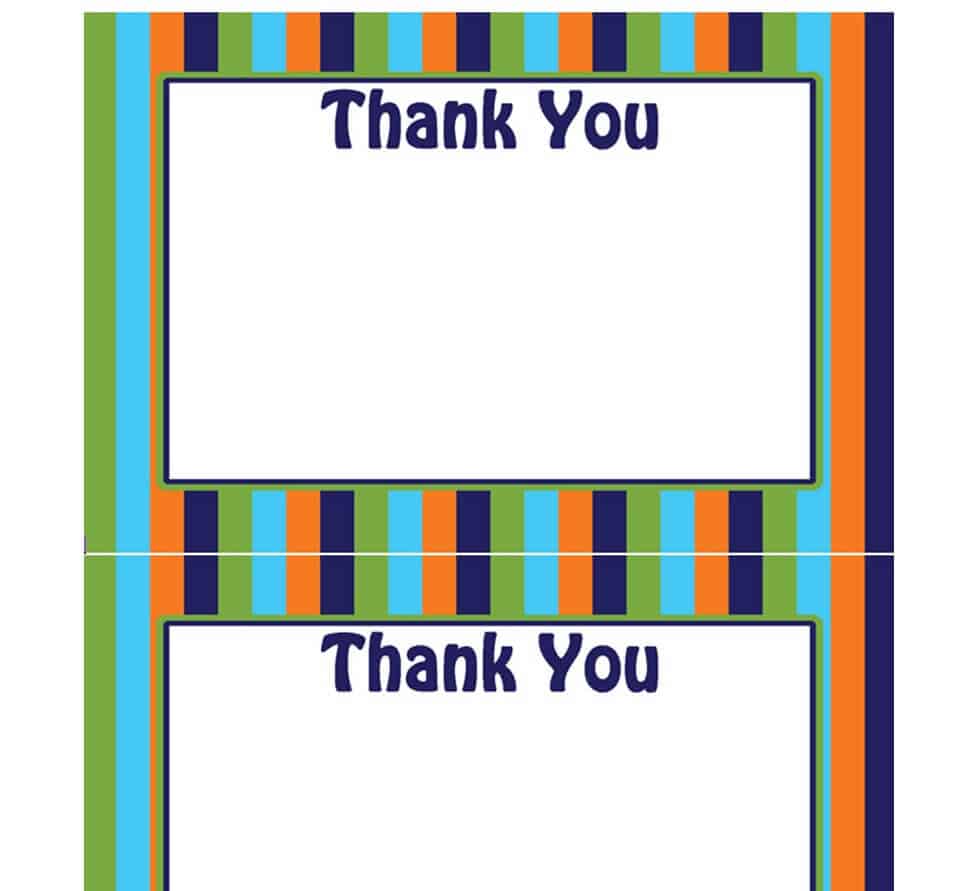
Blank Greeting Card Template
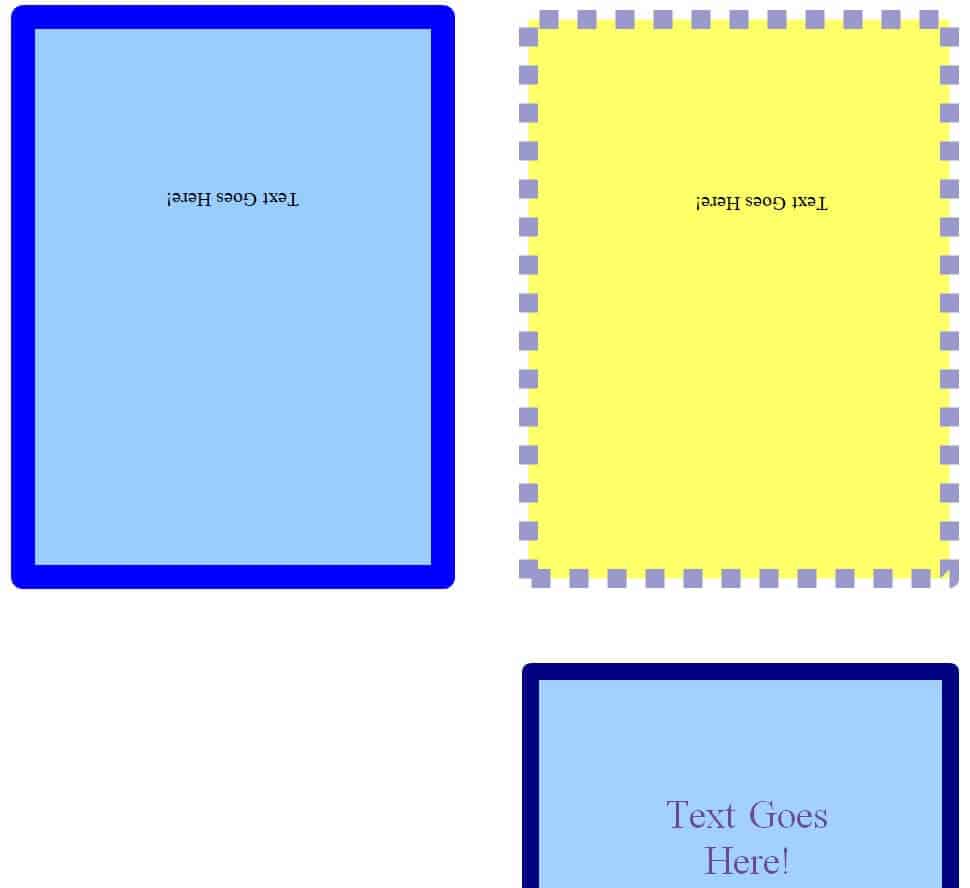
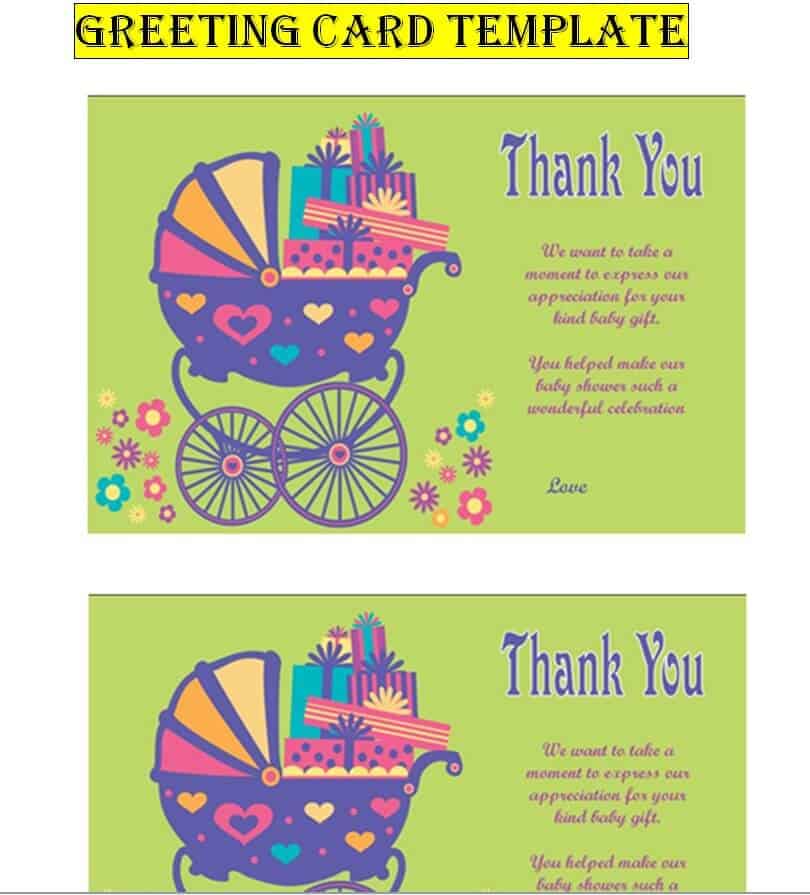
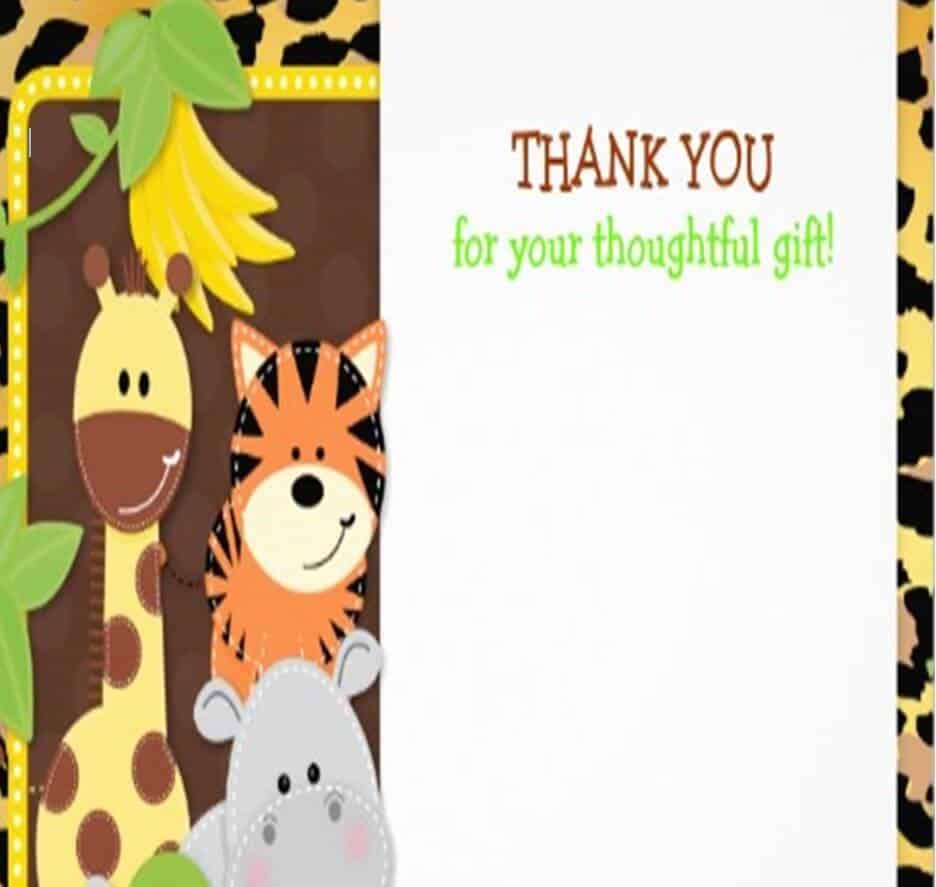
Thank You Greeting Card Template WORD
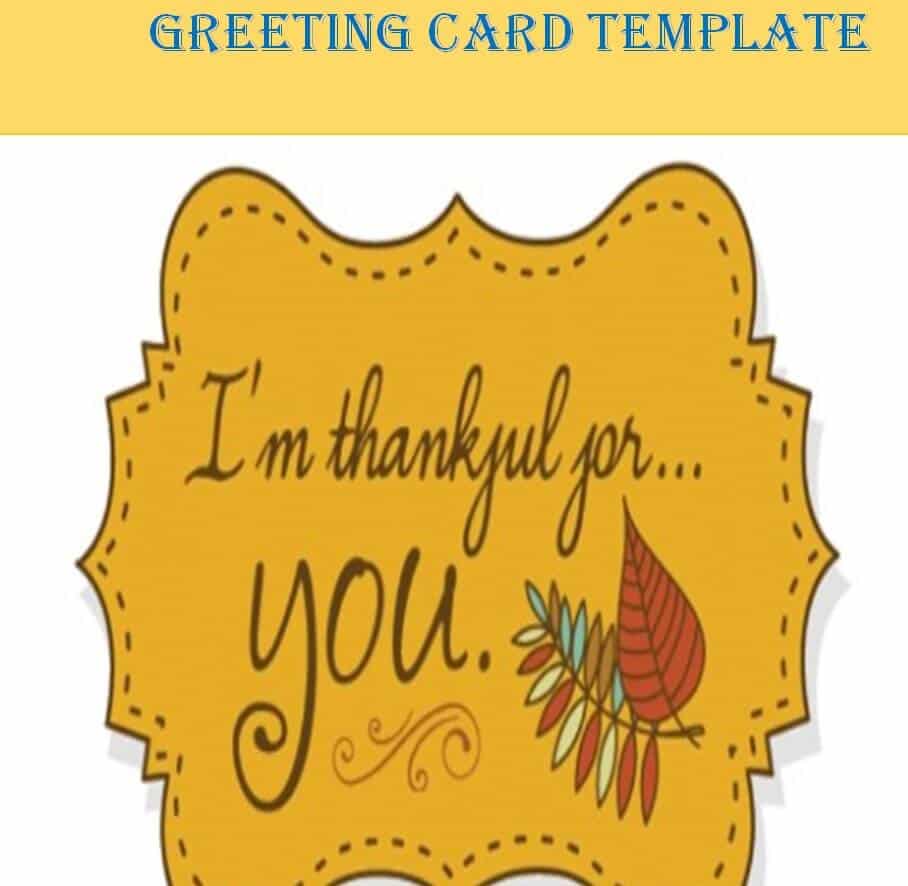
Stylish Greeting Card Template Printable
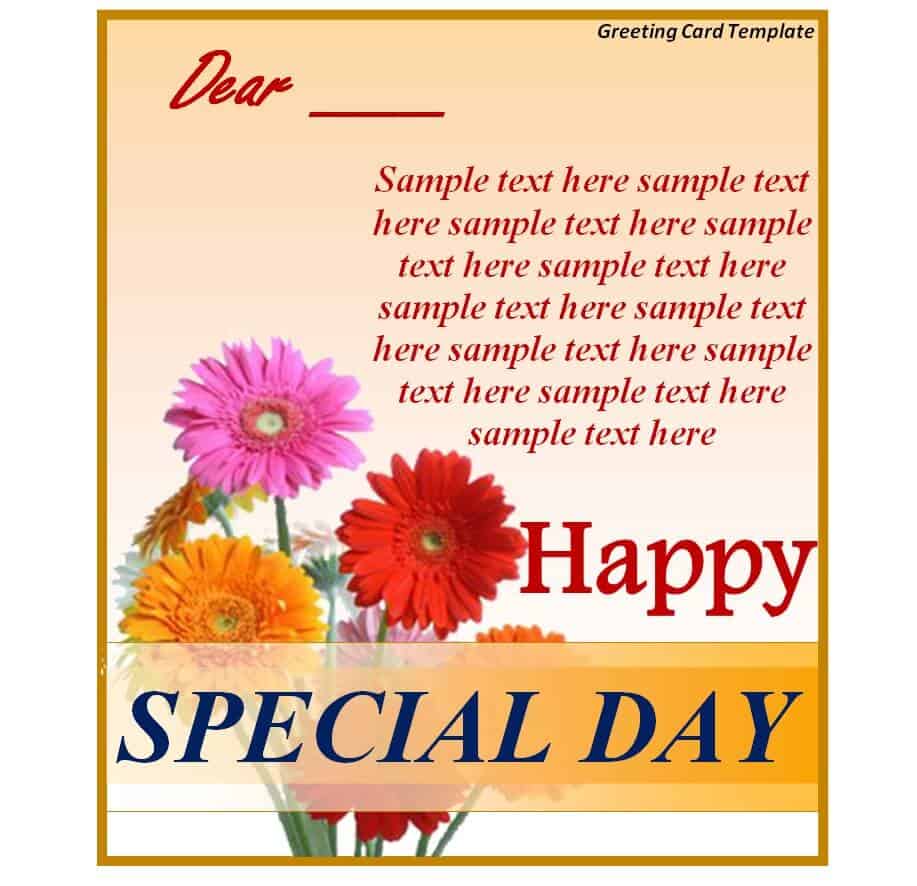
Special Greeting Card Template in DOC Format
Example Greeting Card Template
Minimal Design Greeting Card Template
Sample Greeting Card Template
How to Customize a Greeting Card Template in MS Word
Every template on this page opens directly in Microsoft Word, so no design software is required. Follow these steps to turn any of them into a finished, ready-to-print card:
- Download the template and open it in Microsoft Word (desktop or Word Online).
- Replace the placeholder photo or graphic with your own image, or keep the original artwork as-is.
- Click into the greeting text and type your own message, adjusting the font size if your wording runs longer or shorter than the placeholder text.
- Adjust the color scheme so it matches the occasion — brighter tones for celebrations, softer tones for sympathy or get-well cards.
- Proofread the card carefully, checking names, dates, and spelling before printing.
- Check the page setup against the fold guide so the panels line up correctly once the card is folded.
- Print on cardstock for a sturdier finish, or export the file as a PDF if you plan to print elsewhere or send it digitally.
- Trim to size, fold along the guide lines, and sign the card by hand for a personal touch.
Common Mistakes to Avoid
A few small oversights are responsible for most greeting cards that come out looking unfinished:
- Skipping the proofread and printing a card with a misspelled name or the wrong date.
- Printing on standard paper instead of cardstock, which makes the card feel flimsy.
- Ignoring the fold guide, which throws off alignment between the front cover and inside message.
- Choosing colors or imagery that clash with the occasion’s tone, such as bright party colors on a sympathy card.
- Placing text too close to the trim edge, so words get cut off after cutting the card to size.
- Swapping in a low-resolution replacement photo that prints blurry.
- Reusing the exact same wording across every card instead of personalizing the message for the recipient.
Practical Tips for Choosing and Using a Template
- Match the template’s formality to your relationship with the recipient — a playful design for a close friend, a more restrained layout for a colleague or client.
- Keep the written message concise; a short, sincere note reads better than a long one crammed into a small panel.
- Use a heavier cardstock for cards meant to be kept or displayed, such as sympathy or congratulations cards.
- Save a customized copy of each template so you can reuse the layout for future occasions without starting from scratch.
- Coordinate the envelope color or liner with the card’s palette for a more polished, finished look.
- If the recipient is far away, export a digital copy as a PDF or image so you can send the greeting immediately while the printed card is in the mail.
Frequently Asked Questions
Are these greeting card templates free to use?
Yes. Every template listed on this page is free to download and can be customized for personal or small business use.
Do I need Microsoft Word to edit these templates?
The templates are built for Microsoft Word, including Word Online, so no other design software is required. Some also open in compatible word processors, though formatting may shift slightly outside of Word.
What size should I print a greeting card template?
Most templates on this page are sized to fold down to a standard A2 or A7 card that fits a common envelope. Check the fold guide in the template before trimming so the final size matches your envelope.
Can one template be reused for different occasions?
Yes. Because these are general greeting card templates rather than occasion-specific designs, you can swap the color palette, cover art, and message on the same layout to cover thank-you notes, sympathy, get well, holidays, and congratulations without switching templates.
Related templates you may find useful: free birthday card templates, free visiting card templates and free creative business card templates.