A business card is a card that consists of business information and contact details of the company or individual. The Business Card Templates are available here on this page that you can easily download and use for free. A business card is the best way to pass contact information to potential customers of the company and other professionals.
A business card may include the giver’s name, designation, company name, and other contact information such as phone number, e-mail address and website, etc. A business card is an easy and primary marketing medium to use to promote the services of the company or an individual. A well-designed business card should provide a clear picture of the company.
In every kind of business, a business card can play a vital role to promote a business in less time and without making any extra effort. If you are seeking guidelines to prepare a business card yourself, you should browse the internet where you can get a bunch of tips and tricks in this regard. It will be really helpful for you if download a sample business card from the given business card templates.
The card given by a businessman to the customer for visiting the office in case of information about the product is known as a business card. The details on the business card include the name, designation, contact number, the trademark of the company. The business cards are printed according to the directions of a businessman.
With the help of a business card, the customer can easily approach a person for discussing the product he/she has used. The business cards are usually given by an employee to the customer after the conversation. The business cards show the relation of an employee with the company. The business card is necessary for an employee because it helps a lot in promoting the business. The business cards are issued by the company to the management.
Why Business Cards Still Matter in a Digital-First World
Even though so much business now happens online, exchanging a business card remains one of the fastest and most personal ways to share your contact information. A business card puts your name, brand, and details directly into someone’s hand at a conference, meeting, trade show, or casual introduction, creating an impression that a digital contact request rarely matches. Handing over a business card signals preparation and professionalism, and a well-designed card is often remembered long after a networking event ends, giving you an edge that a quick social media follow does not provide. In an age of endless digital noise, a tangible business card still stands out as a physical reminder of who you are and what you do.
Who Uses Business Cards
Business cards are used across nearly every profession and industry. Entrepreneurs and small business owners rely on them to introduce their brand and open doors to new clients. Freelancers and consultants use business cards to look established and easy to reach, even when they move from project to project. Sales professionals hand out business cards constantly as part of everyday prospecting, follow-ups, and relationship building with customers. Corporate employees, from executives to junior staff, use company-branded business cards to represent their organization at meetings, conferences, and industry events. Even students, job seekers, and side-hustle creators are increasingly designing their own business cards to make a strong first impression.
Key Elements of an Effective Business Card Design
A strong business card design balances information with clarity, so it communicates quickly and looks professional the moment someone picks it up. Before you choose a template below, make sure your design includes the following essentials:
- Full name and job title, so the recipient immediately knows who you are and what you do
- Company name and logo, placed clearly to reinforce brand recognition
- Contact information, including phone number, email address, and website
- A QR code (optional), linking to your website, portfolio, or digital contact card for quick scanning
- A legible, appropriately sized font that stays readable even at a small scale
- Good quality card stock, since a flimsy or overly glossy card can undercut an otherwise great design
Download FREE Business Card Templates Below:
Special Business Card Template
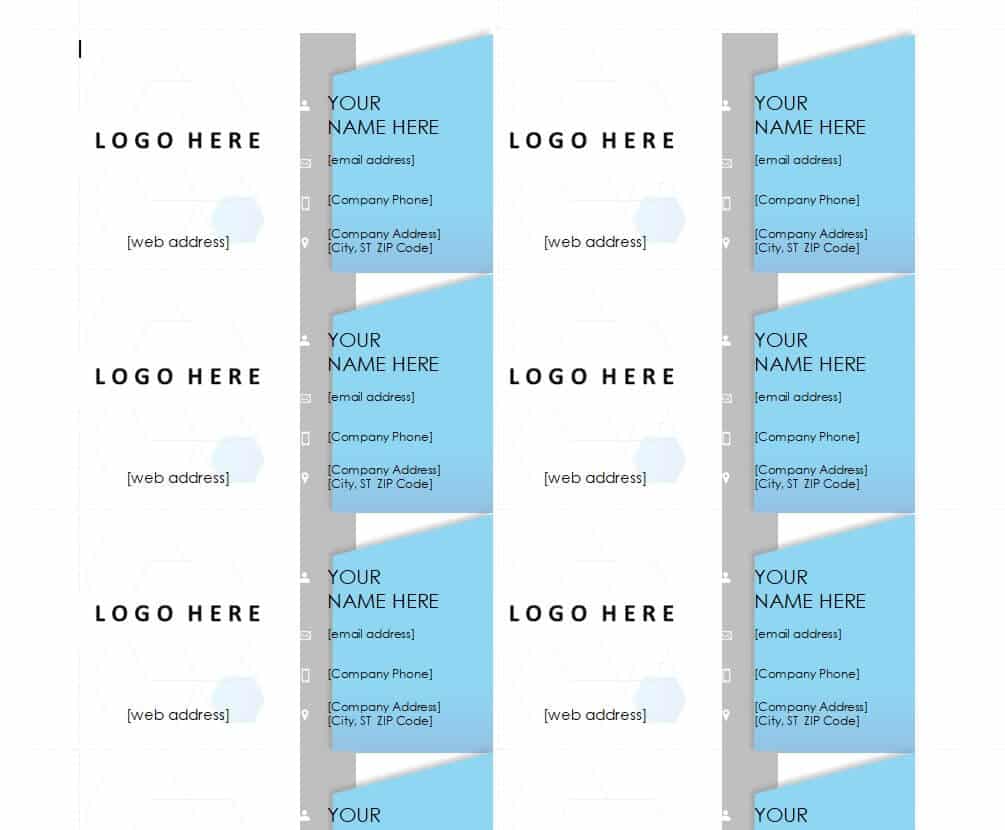
Executive Business Card Design Template
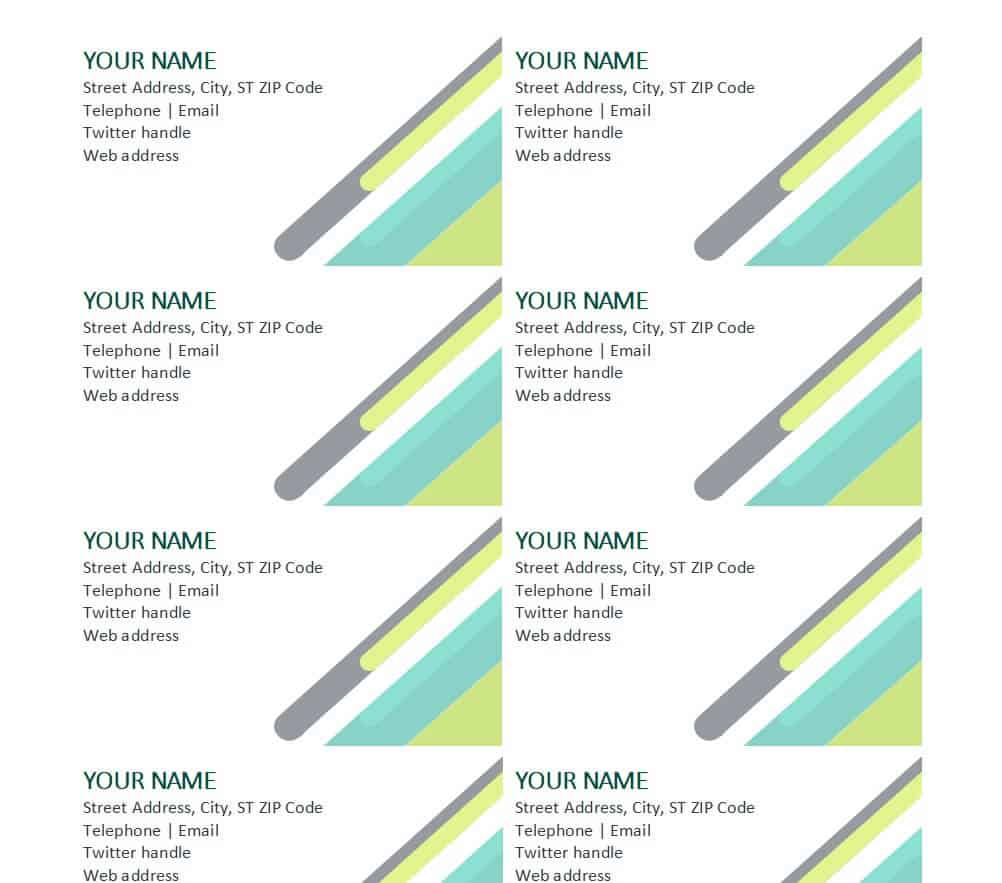
Professional Business Card Template
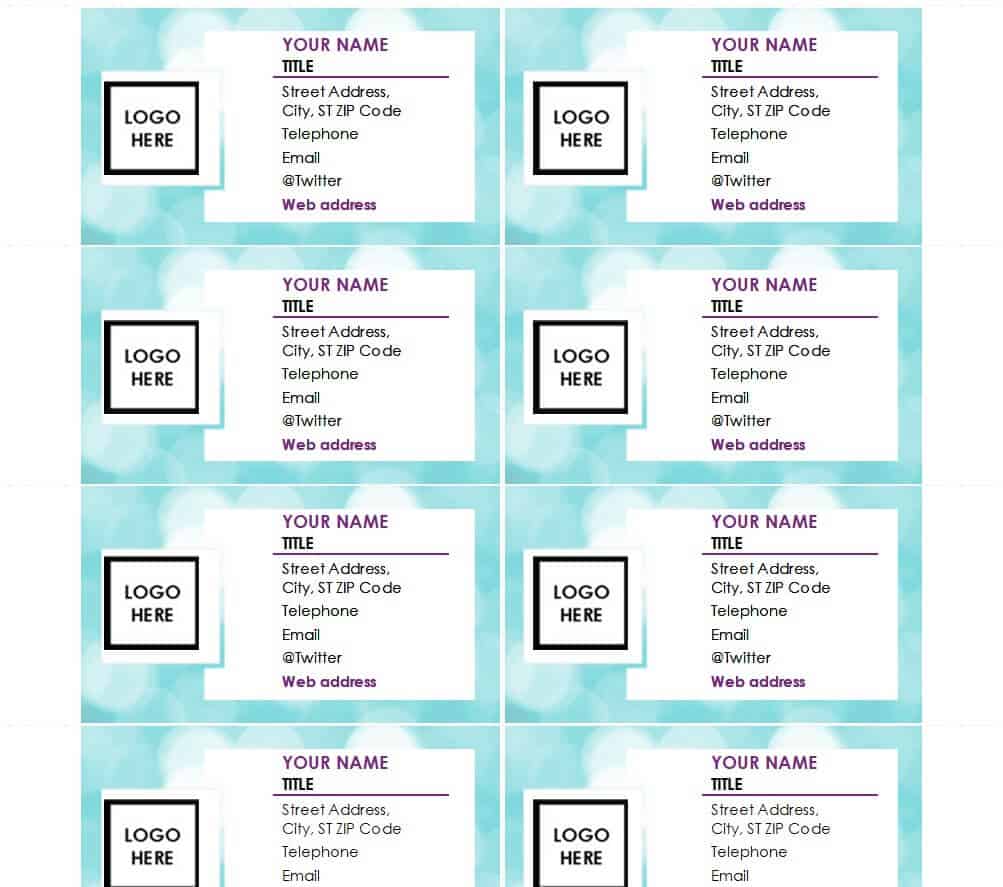
Financial Consultant Business Card Template
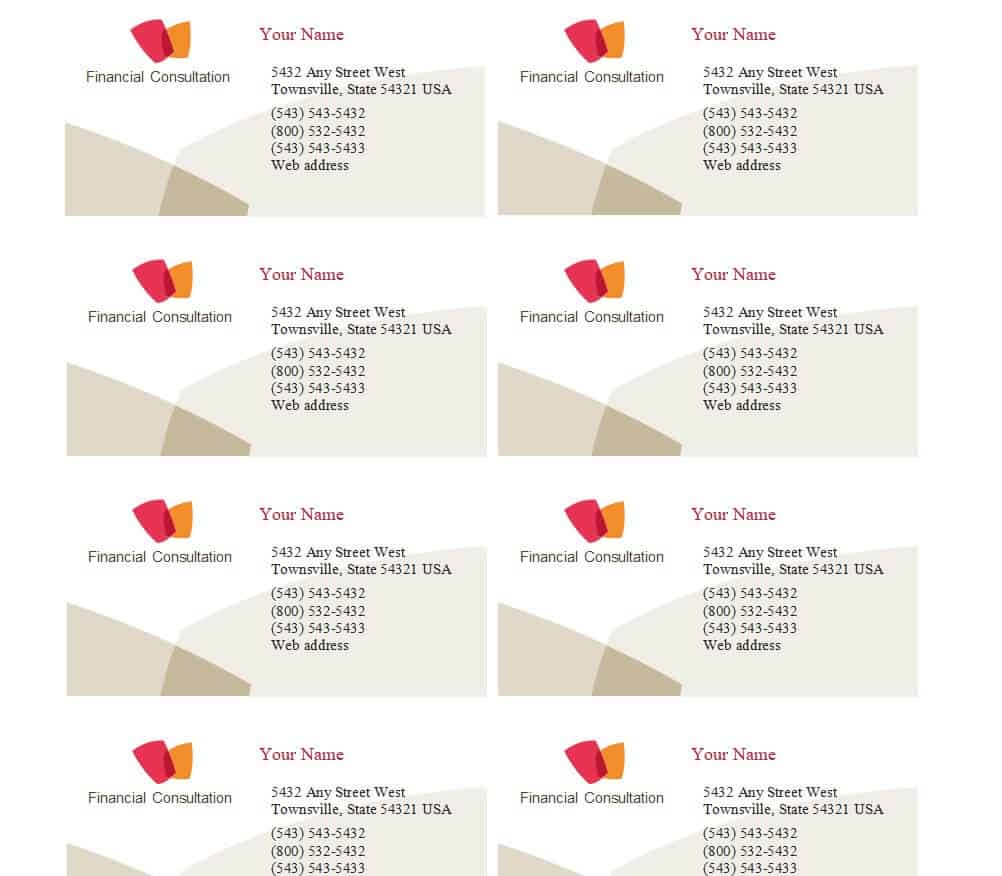
Manager’s Business Card Design Template
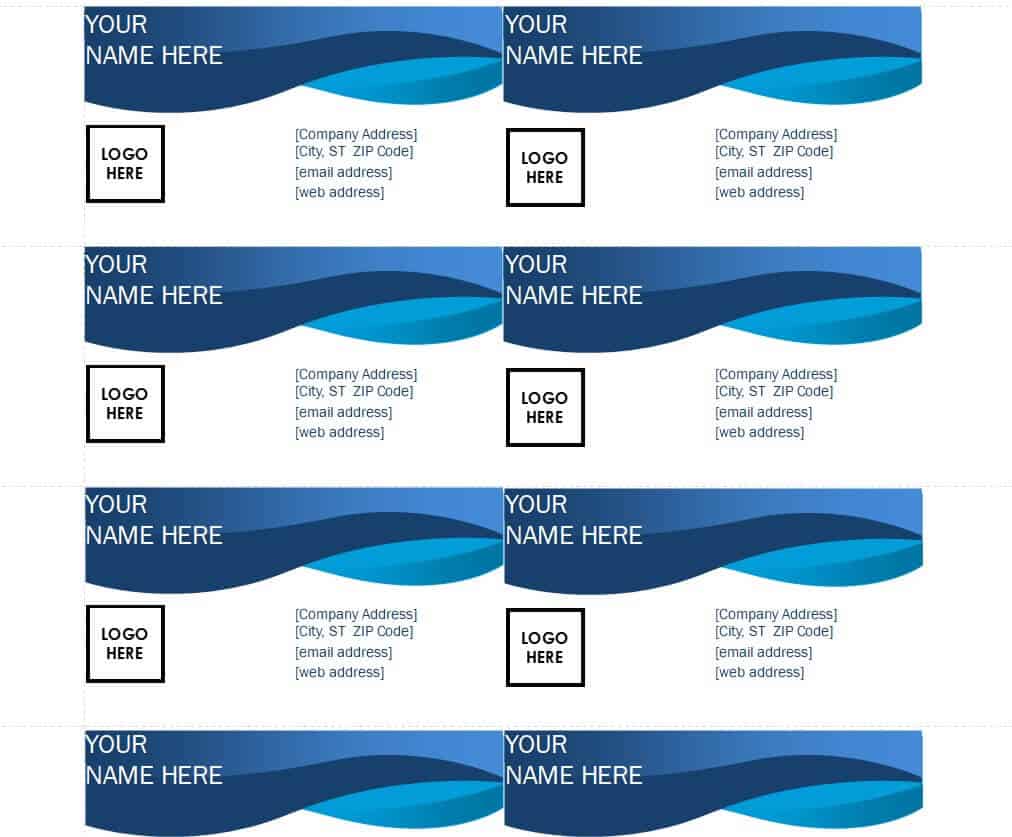
Photographer’s Business Card Template PowerPoint
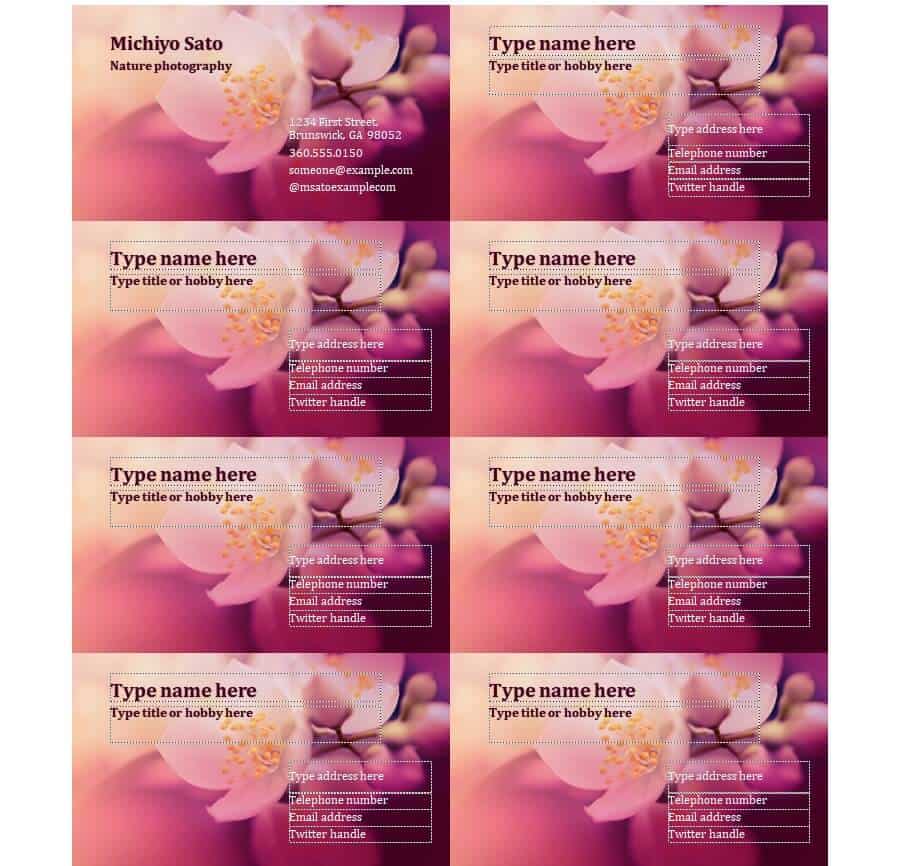
Sales Representative Business Card Template WORD
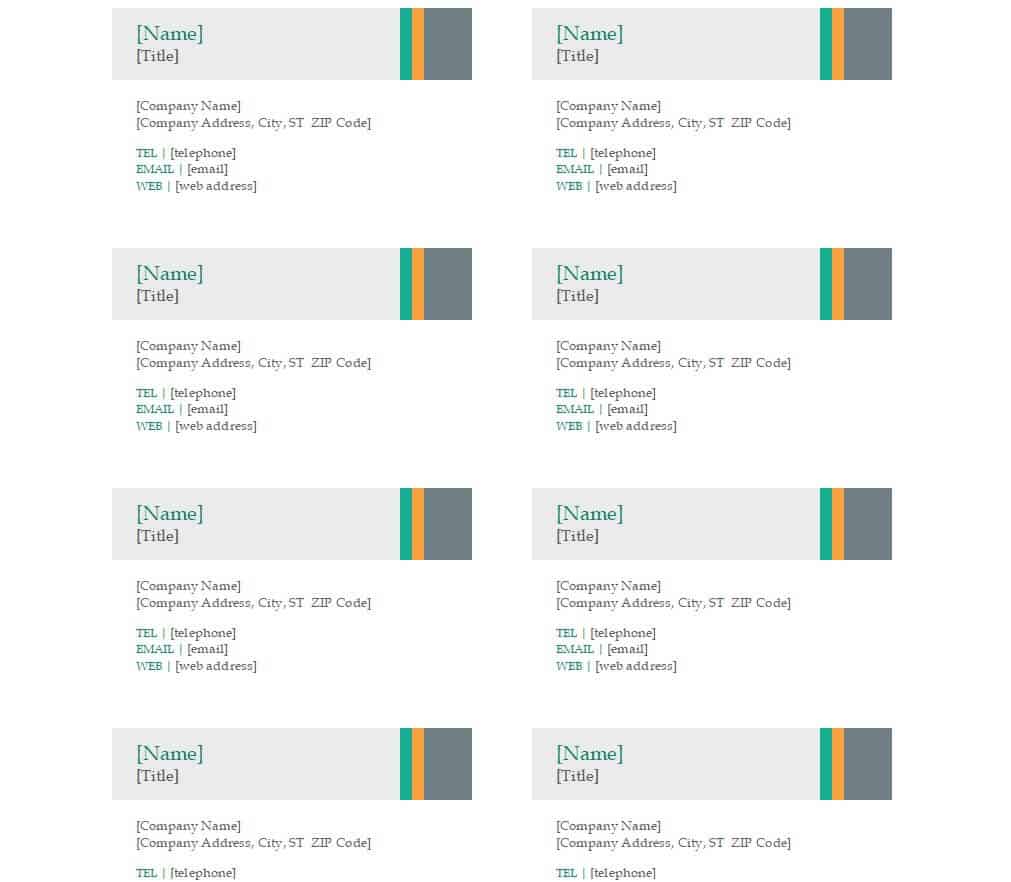
Elemental Business Card Design Template
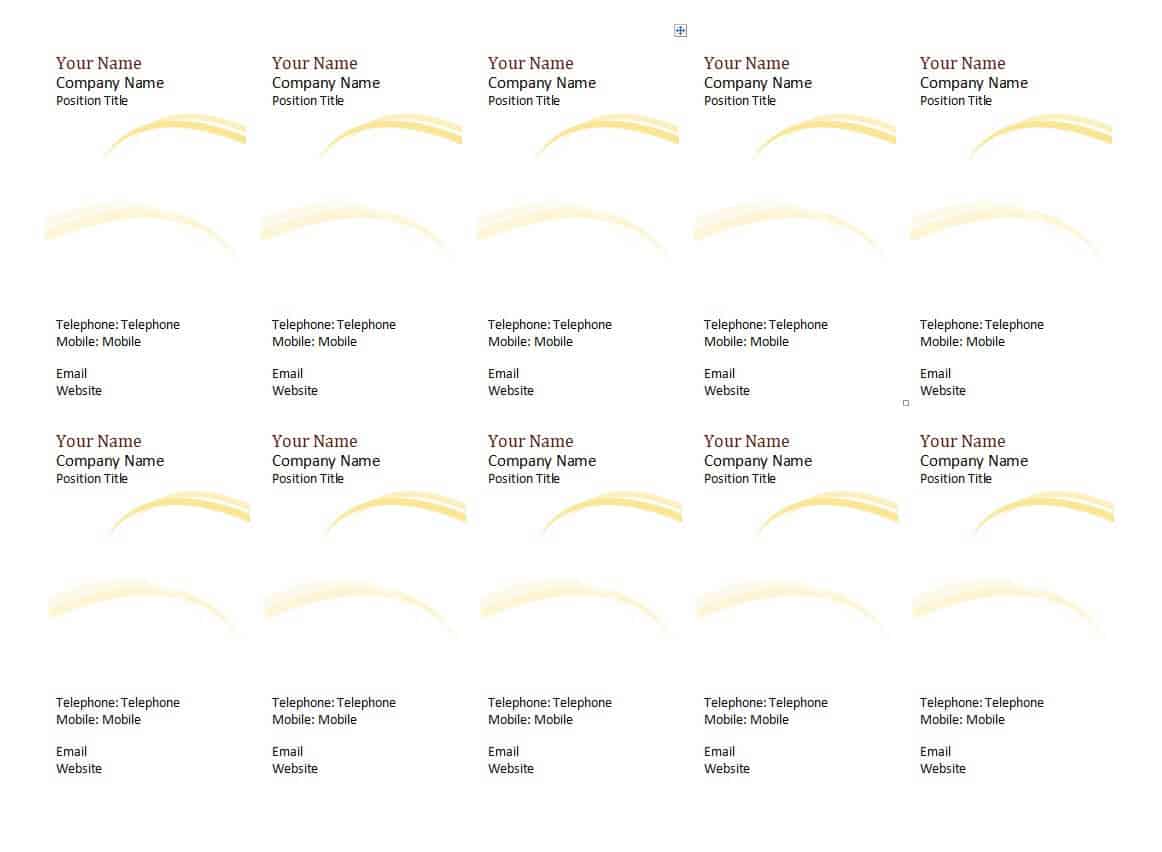
Practical Business Card WORD Template
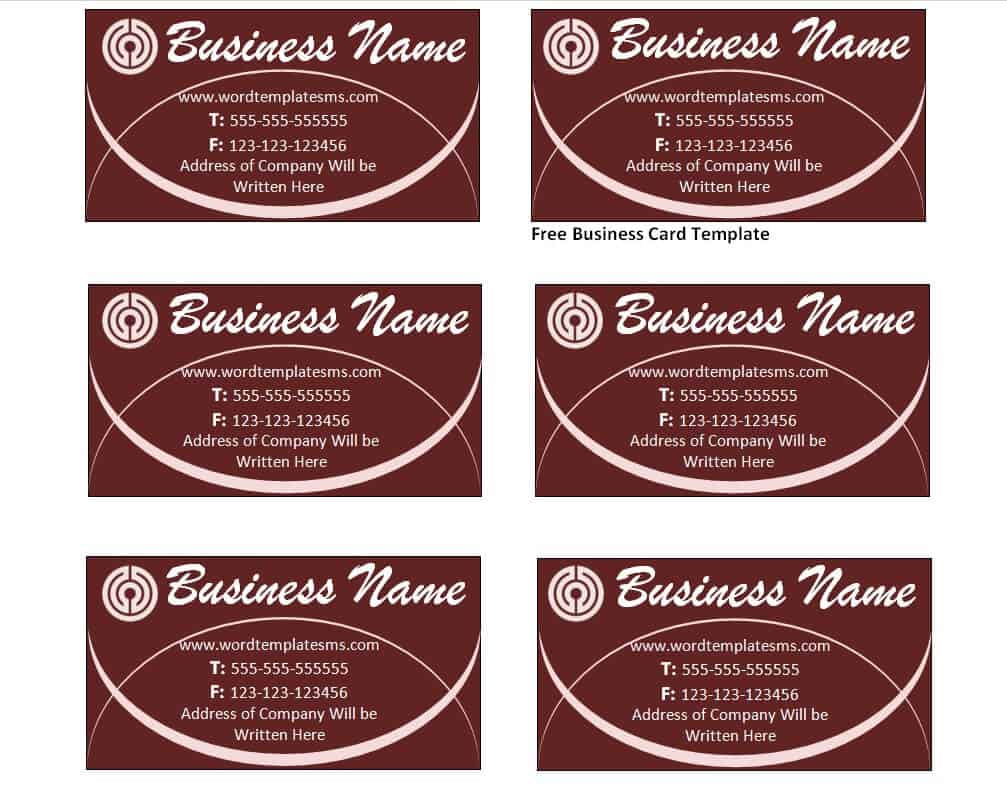
Company’s Business Card Template Free
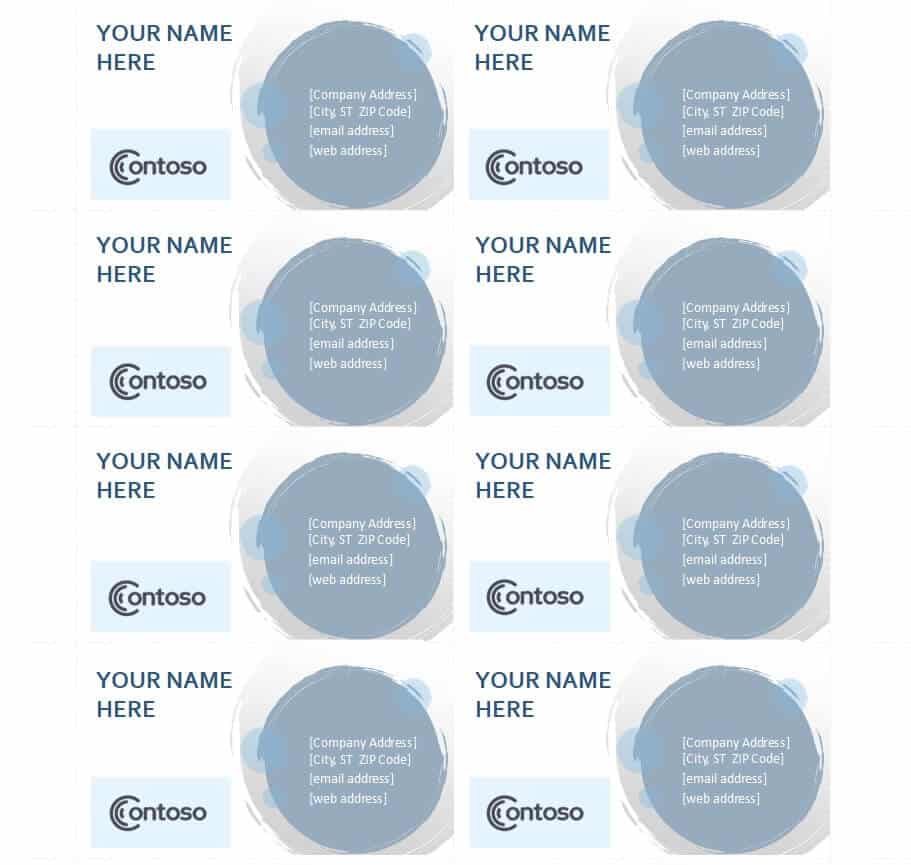
Sample Printable Business Card Template
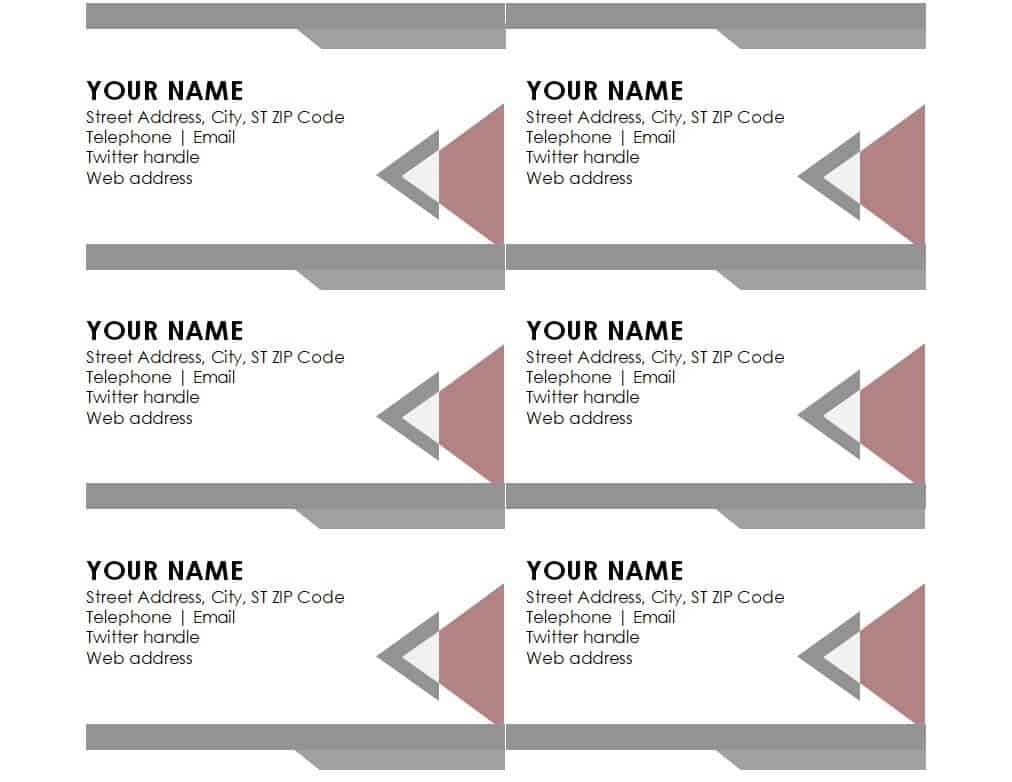
Example Business Card Template in DOC Format
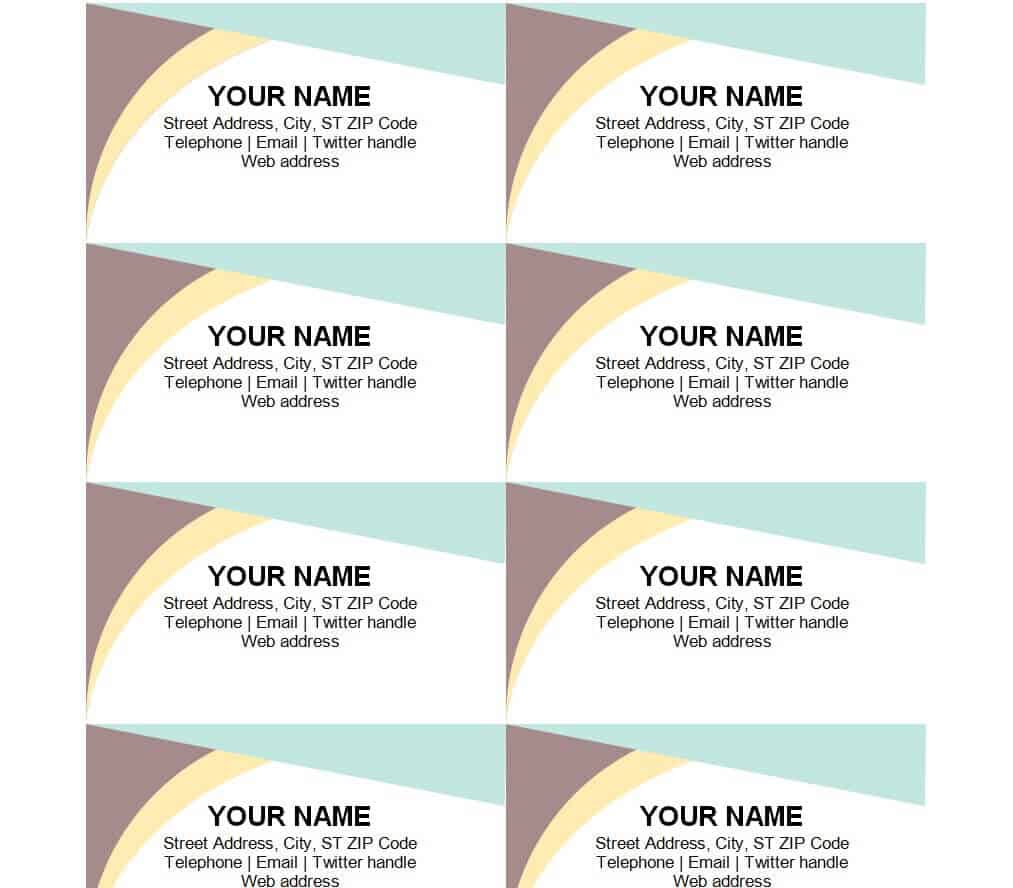
Editable Business Card Model Template
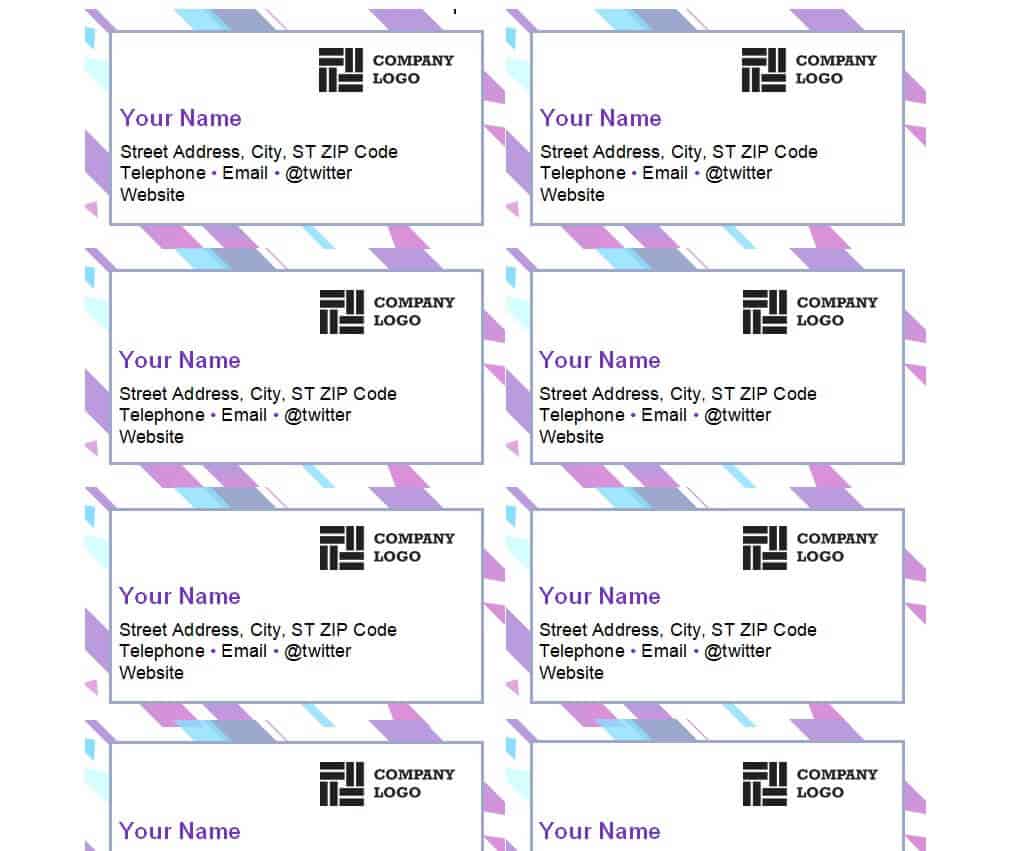
How to Customize and Prepare a Business Card Template for Printing
Once you have picked a business card template from the options above, a few simple steps will get it ready for professional printing:
- Open the downloaded template in the software it was designed for (Word, PowerPoint, Excel, or an image editor), and replace the placeholder name, title, and contact details with your own information.
- Swap in your company logo as a high-resolution image file, ideally a vector or at least 300 DPI, so it prints sharply instead of looking blurry or pixelated.
- Check the card’s bleed and margin settings. Standard business cards print at 3.5 x 2 inches, and most printers require an extra 0.125-inch bleed around the edge so colors and backgrounds extend fully to the trimmed edge.
- Proofread every line of text carefully, since a misspelled email address or phone number can make an entire batch of cards unusable.
- Export or save the finished design as a high-resolution PDF or image file, the format most print shops and online printing services prefer.
- Order a small test batch first if you are printing in bulk, so you can check the color, paper stock, and finish before committing to a large print run.
Common Mistakes to Avoid
Even a great template can be undermined by a few avoidable design mistakes. Watch out for:
- Cluttered layouts that try to fit too much text, imagery, or too many contact methods onto a small card
- Text set too small to read comfortably, especially phone numbers and email addresses
- Low-resolution logos or images that look blurry or pixelated once printed
- Missing key contact information, such as leaving off a phone number, email address, or website
- Ignoring bleed and margin requirements, which can cause important text or design elements to be cut off during trimming
- Using too many fonts or colors, which makes a card look busy rather than polished
Tips for Making Your Business Card Memorable
To make sure your business card gets remembered rather than set aside, keep these tips in mind:
- Choose one or two brand colors and use them consistently, rather than a mix of unrelated colors
- Add a distinctive finish, such as matte, spot-gloss, or rounded corners, to make the card feel more premium
- Keep the design clean, with plenty of white space around the text and logo
- Include a short, specific tagline or specialty instead of generic wording, so people remember exactly what you do
- Match the card’s branding to your website and social media profiles for a consistent, professional impression
Frequently Asked Questions About Business Cards
What’s the standard business card size?
The most common business card size in the United States is 3.5 x 2 inches. Some countries and designers use slightly different dimensions, so it is worth checking your local printing standard, but 3.5 x 2 inches is the safe default for most templates and print shops.
Should I include a QR code on my business card?
A QR code is a great optional addition, especially if it links to your digital contact card, portfolio, or booking page, since it lets people save your details instantly with their phone. Keep it a reasonable size and leave enough white space around it so it scans reliably.
What paper stock is best for business cards?
A heavier cardstock, generally between 14pt and 16pt, feels more durable and professional than standard paper. A matte or soft-touch finish tends to look modern and is easy to write on, while a glossy finish makes colors and photos look more vibrant.
Can I design a business card for free?
Yes. The templates on this page are completely free to download and customize in common programs like Word, PowerPoint, or Excel, so you do not need paid design software to put together a professional-looking business card.

![13+ Sample Event Planning Templates [WORD, EXCEL]](https://www.docspile.com/wp-content/uploads/2022/03/event-planning-sample-2728914-150x150.jpg)