A collection of Shipping Label Templates is provided here on this page for your ease and understanding of the significance of the document. A shipping label is a document or a piece of paper attached with the package or shipping container which contains all of the information about shipping goods such as weight, size, contact information, and destination of the shipped goods.
A shipping label can be prepared by mail carriers to write the address of the destination. The shipping label describes what is inside the container or package and where to ship. Now you can prepare shipping labels online via the internet. Lots of websites allow you to prepare shipping labels for your company. Another way is to use pre-formatted shipping label templates in this regard.
A wide range of shipping label templates and samples are available on the internet without any cost that you can easily download and customize as per your requirements. After making a shipping label on the computer, you can take a print out and it is ready to dispatch with a shipping container. Download free Shipping Label Templates given in this article.
A Shipping Label is generally compatible with photocopy, inkjet, and laser printing machines. Durability is a representative feature of packing labels. In present times, the most utilized materials in these types of labels are matte white and gloss. Other glosses materials are semi-gloss matte, high gloss white, and gloss clear polyester. Semi-gloss white and high gloss white is obtainable in adhesive peelable and permanent, while gloss clear polyester is accessible in permanent type of adhesive only.
Label size and its form are decided by the template tool packed with the machine that is interchangeable in nature. This tool permits any type of shape or size of these types of labels. Shipping labels are the best and most popular source for business marketing and promotion in the business sector. There are so many advantages of using personalized shipping labels.
Why Shipping Labels Matter for Accurate Delivery
A shipping label is the single piece of information a carrier’s sorting equipment and delivery driver rely on to get a package to the right address without delay. Barcodes and QR codes on the label let automated scanners route the parcel through the correct distribution hub, while the printed address block tells a human driver exactly where to leave it. When a label is missing information, printed too small to scan, or fixed to the wrong side of the box, the package can be misrouted, held up at a sorting facility, or returned to the sender at the shipper’s expense. For a business shipping dozens or hundreds of orders a week, a clear and consistent label format is what keeps delivery times predictable and customer complaints low.
Who Relies on Shipping Label Templates
Shipping label templates are used by a wide range of people who need to move goods without designing a label layout from scratch. Ecommerce sellers on marketplaces and their own online stores use templates to keep every outgoing order looking professional and consistent with their brand. Small businesses that pack and ship their own products, from home bakeries to craft studios, use a ready-made template so they don’t need design software or graphic design skills. Warehouses and logistics companies standardize on one template across every outbound pallet or carton so staff can process shipments quickly and consistently. Individuals who occasionally mail a package, return an online purchase, or send a gift also turn to free templates rather than handwriting a label, since a typed, well-organized label is far less likely to be misread by a scanner or sorting clerk.
Key Elements Every Shipping Label Should Include
Regardless of which template you choose from this page, a functional shipping label should always contain the following:
- The full sender (return) address, including a company name where applicable
- The full recipient address, with a correctly formatted postal or ZIP code
- A scannable barcode or QR code tied to the shipment’s tracking number
- The tracking number printed in human-readable digits beneath the barcode
- Package weight and dimensions, where the carrier bases cost on dimensional weight
- The carrier and service level, such as Ground, Express, or 2-Day, plus any handling icons like Fragile or This Side Up
- Country of origin and customs details for shipments crossing an international border
FREE Shipping Label Templates:
Company’s Shipping Label Template
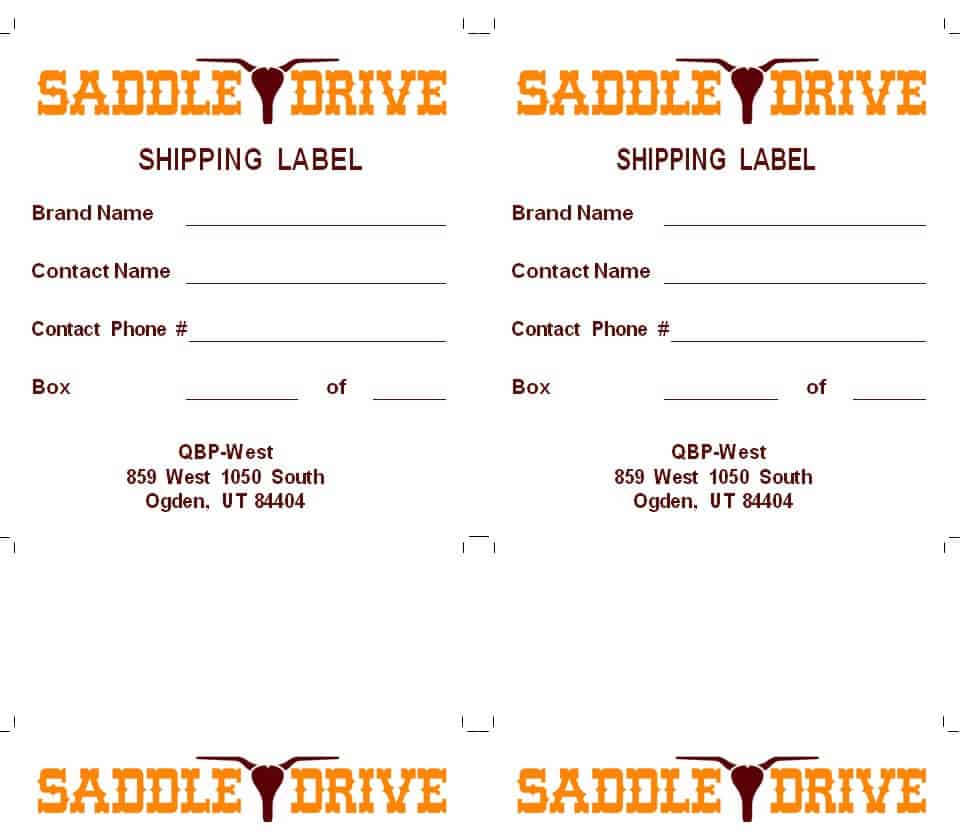
FREE Shipping Label Sample
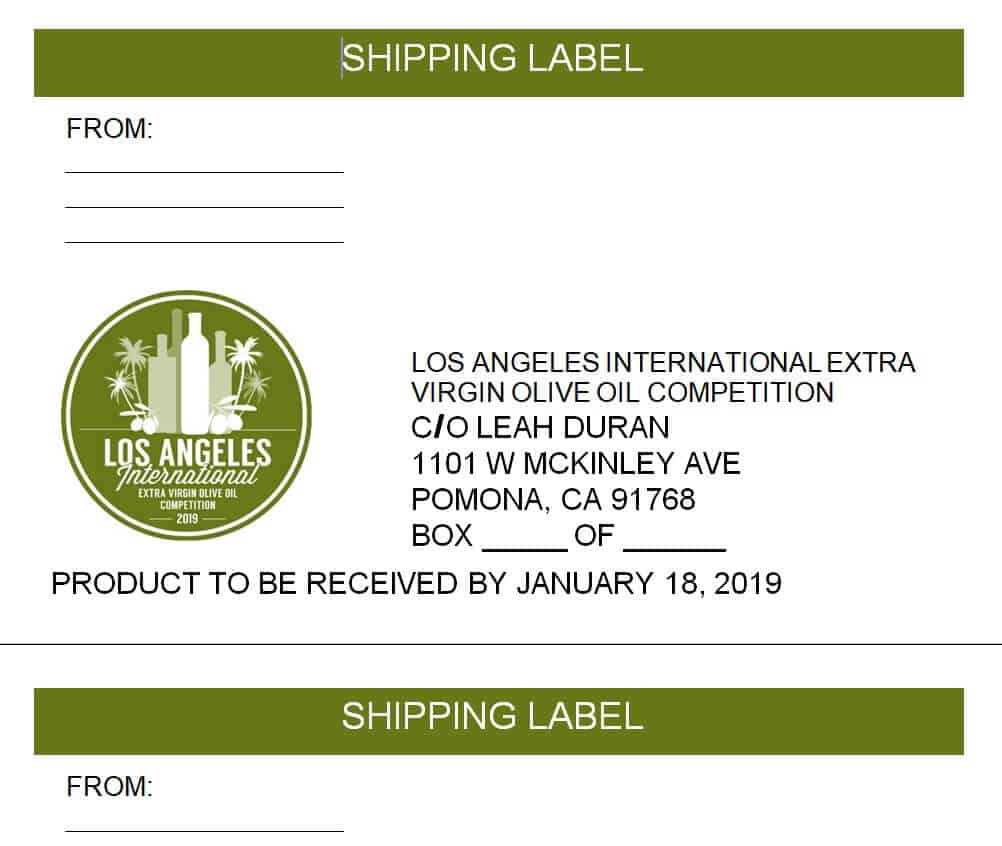
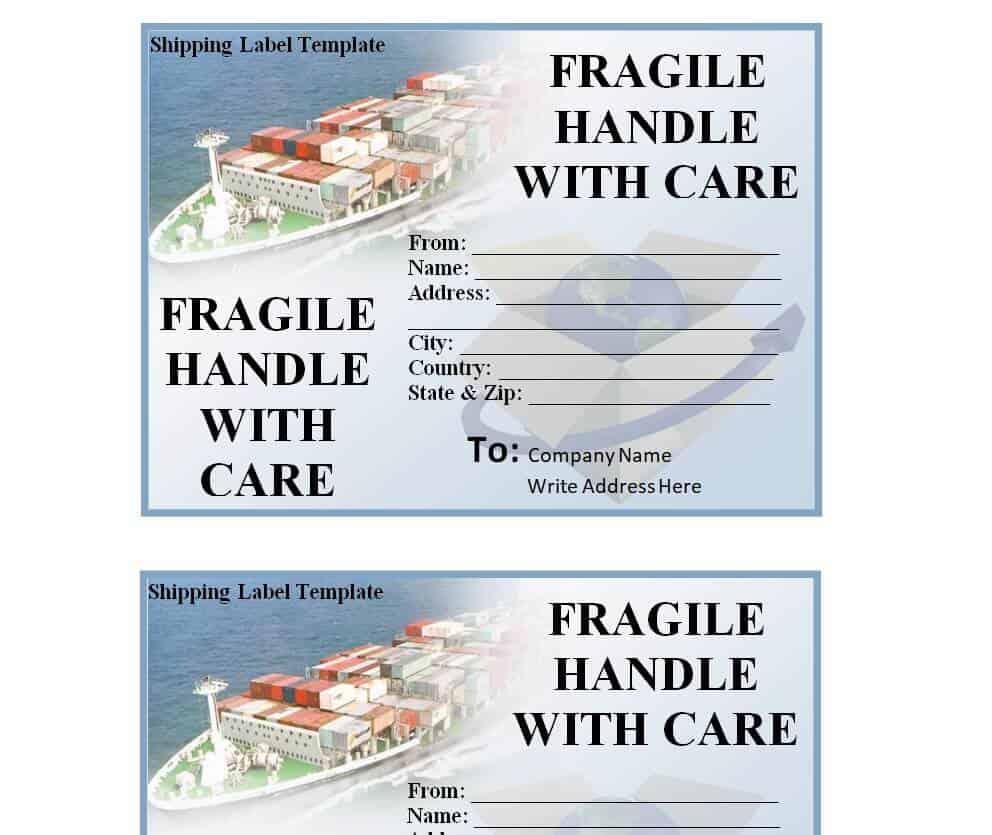
Cargo Shipping Label Template WORD
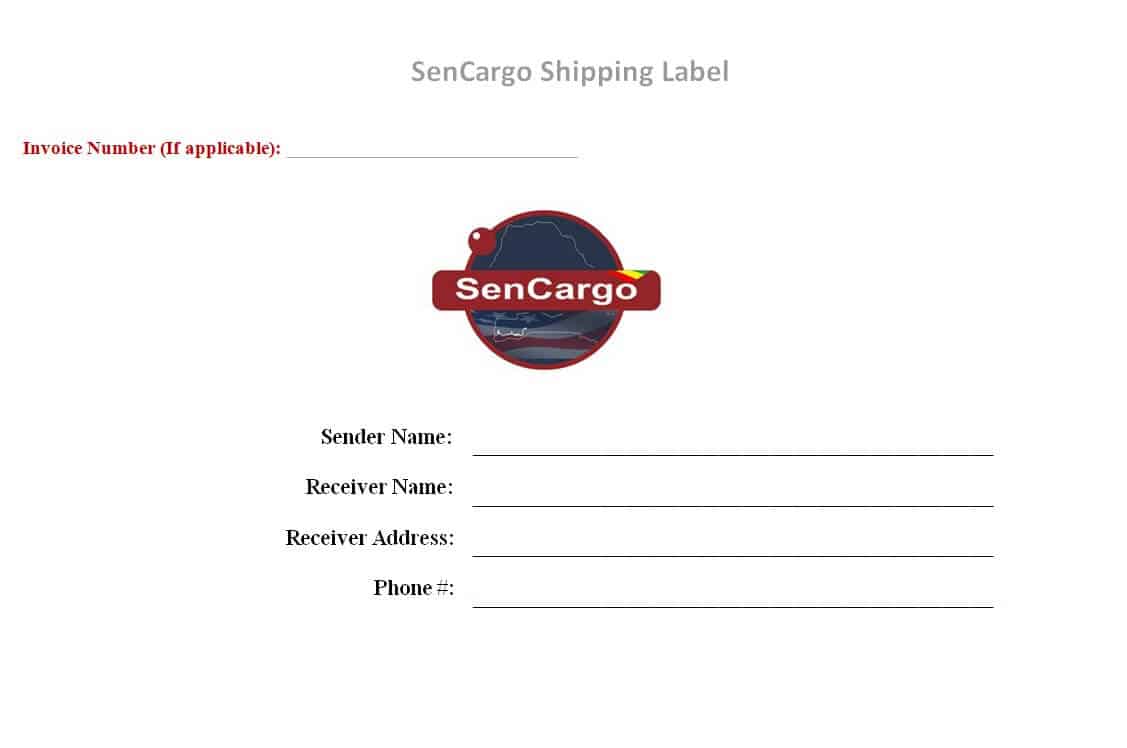
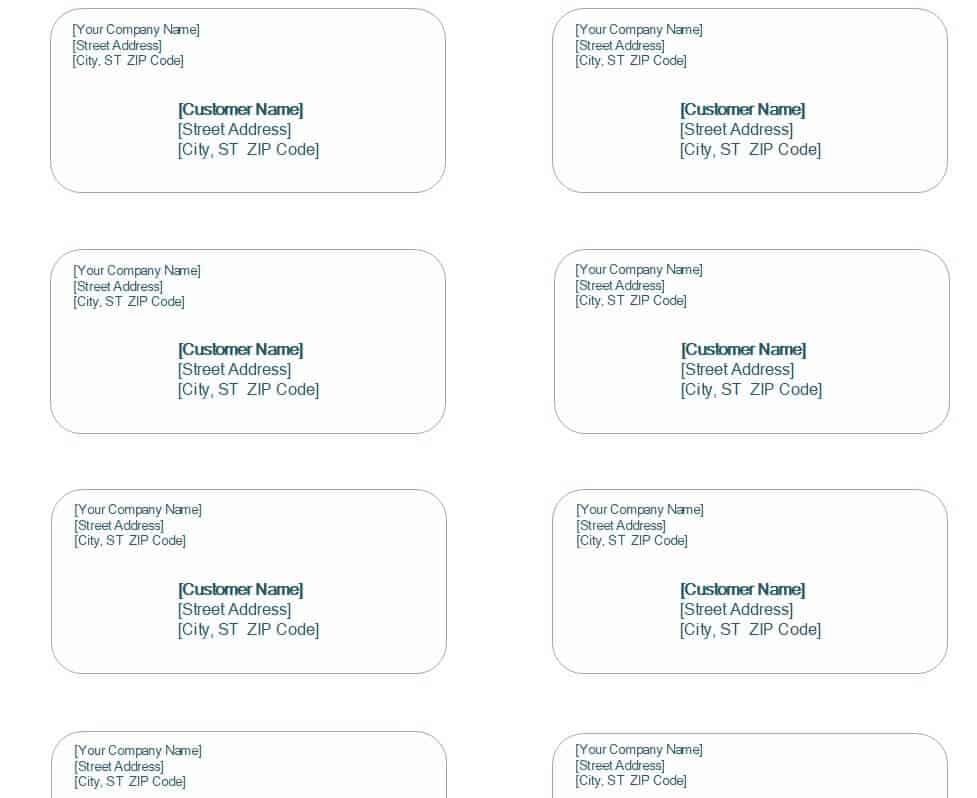
Basic Shipping Label Template

Logistics Company Shipping Label Template
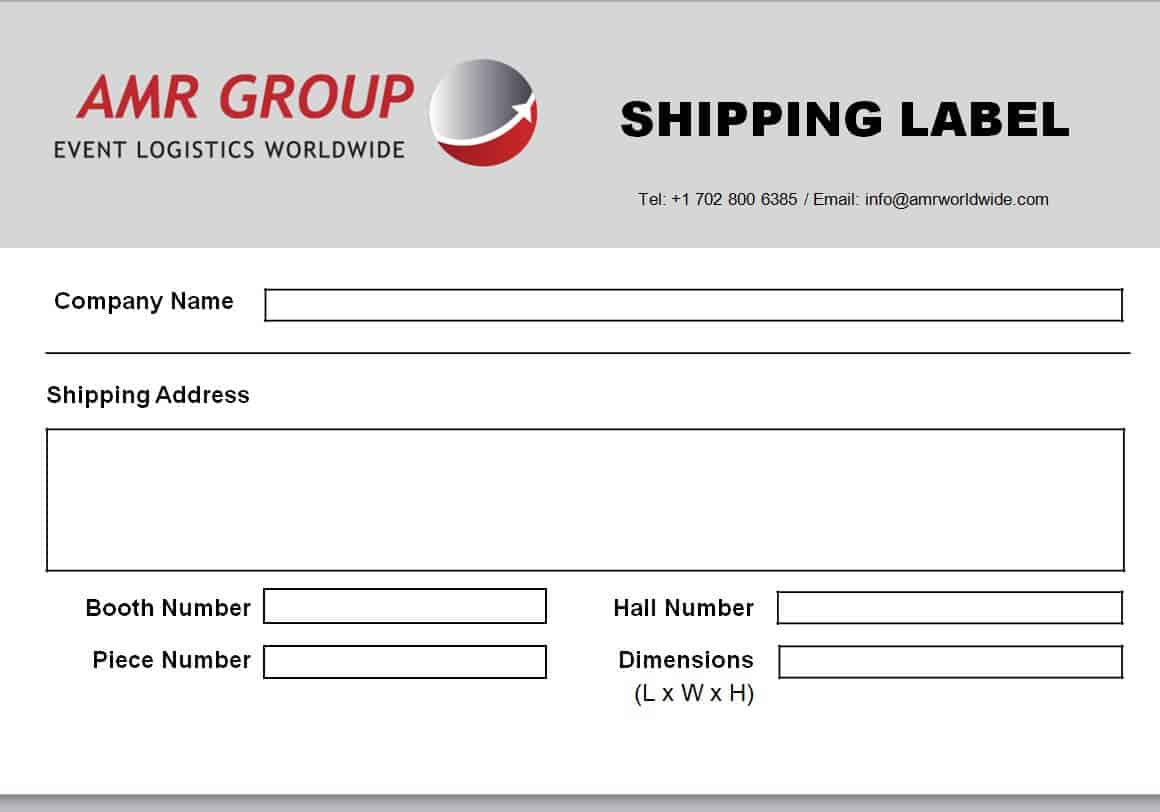
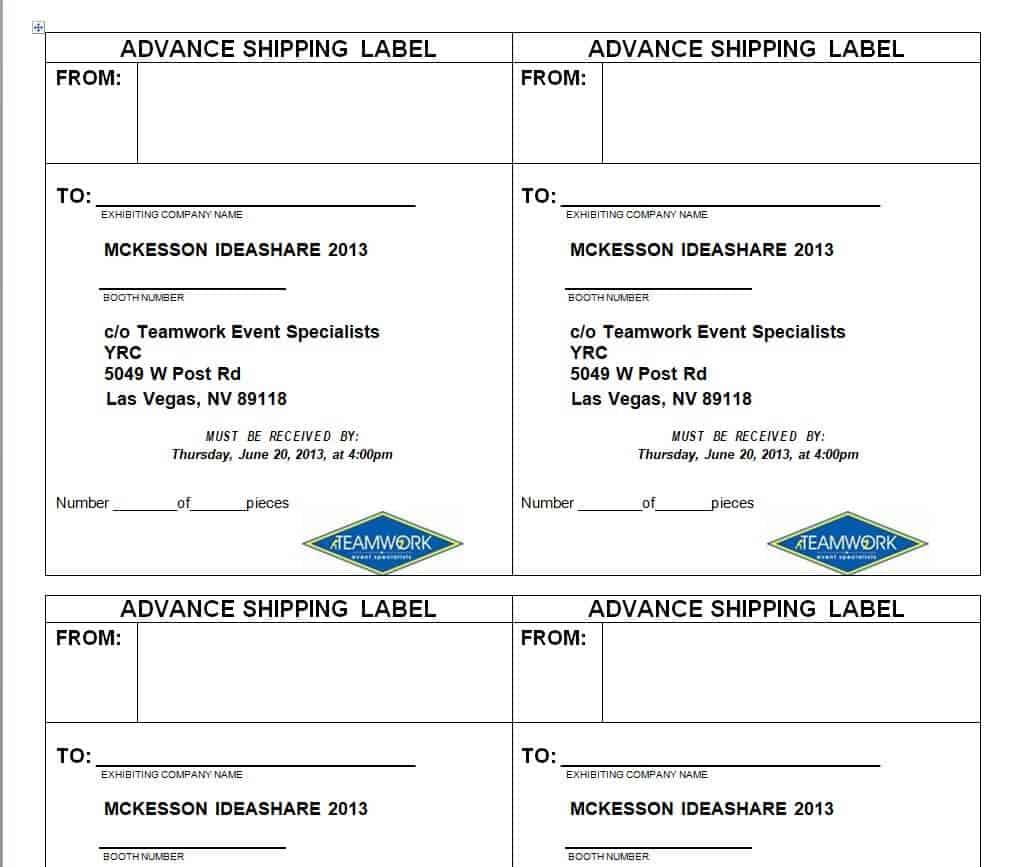
Advance Shipping Label WORD Template
Stylish Shipping Label Template
Simple Shipping Label Template
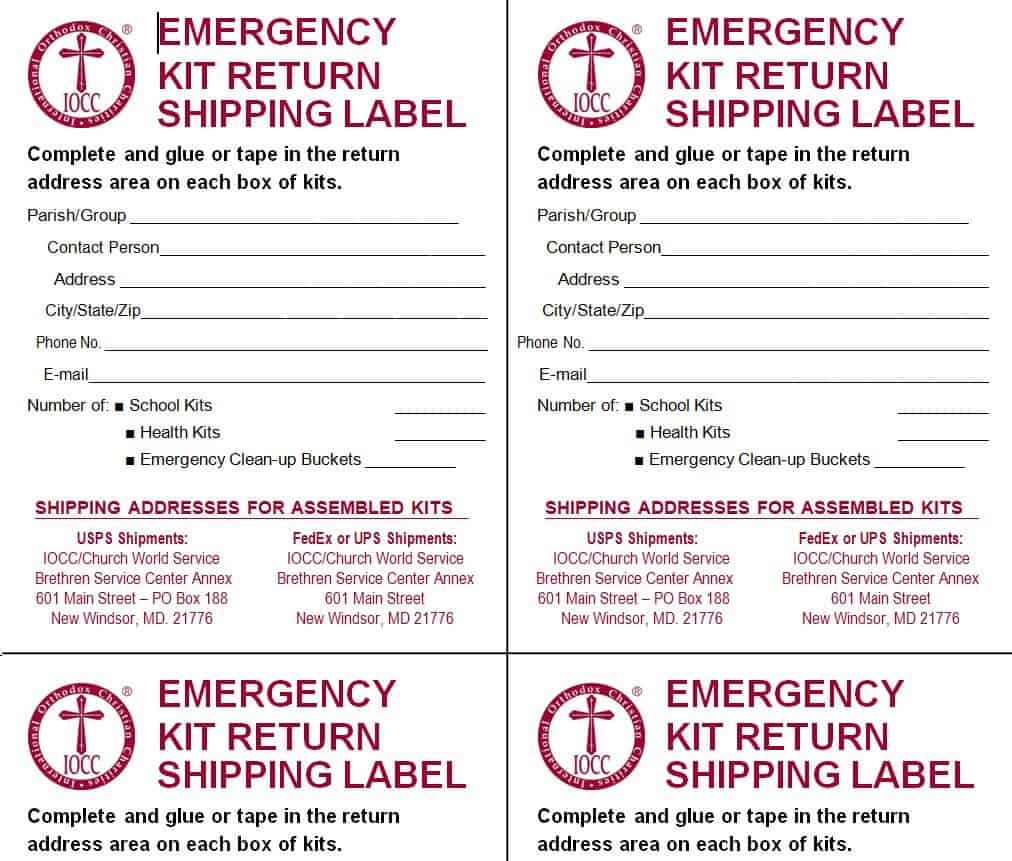
Emergency Kit Return Shipping Label Template
Sample Advance Shipping Label Template
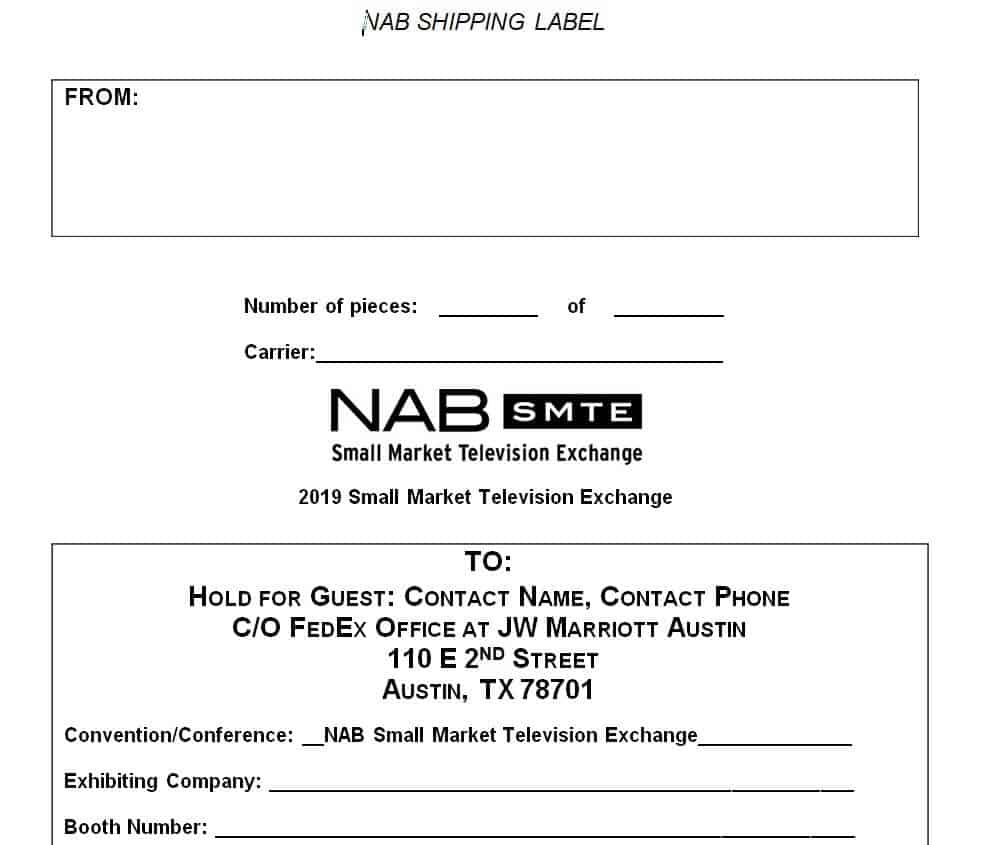
Online Shipping Label Template Free
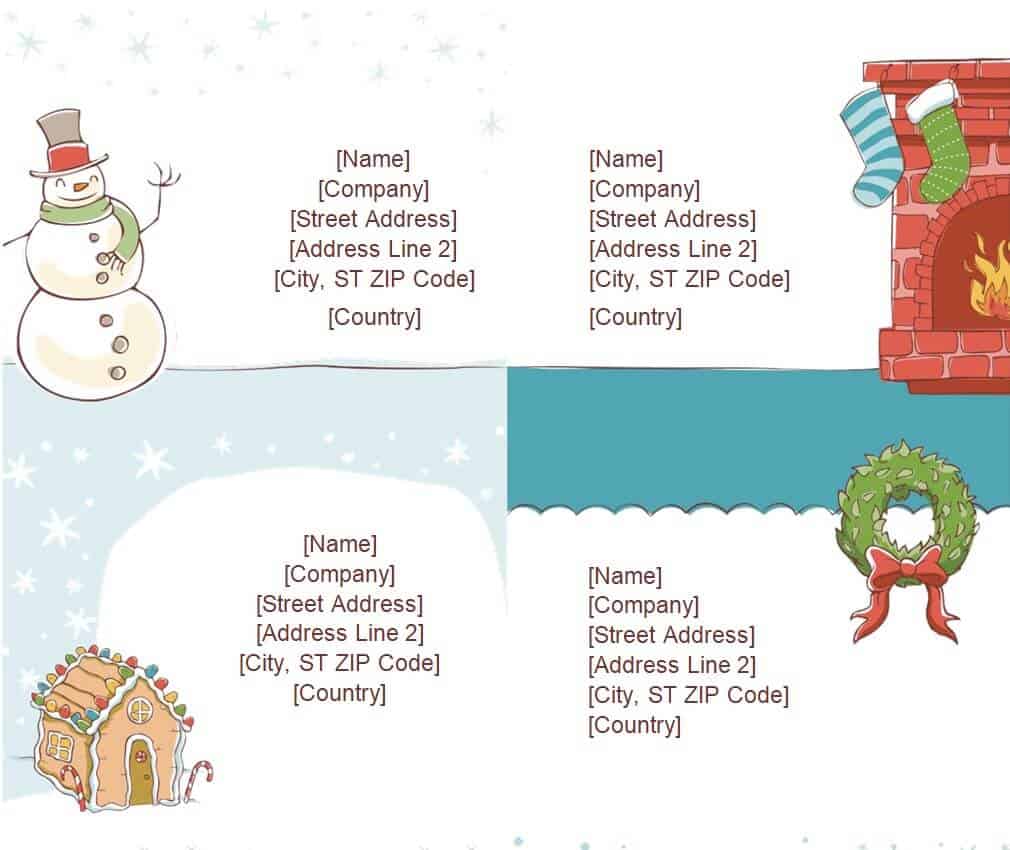
Special Christmas Shipping Label Template
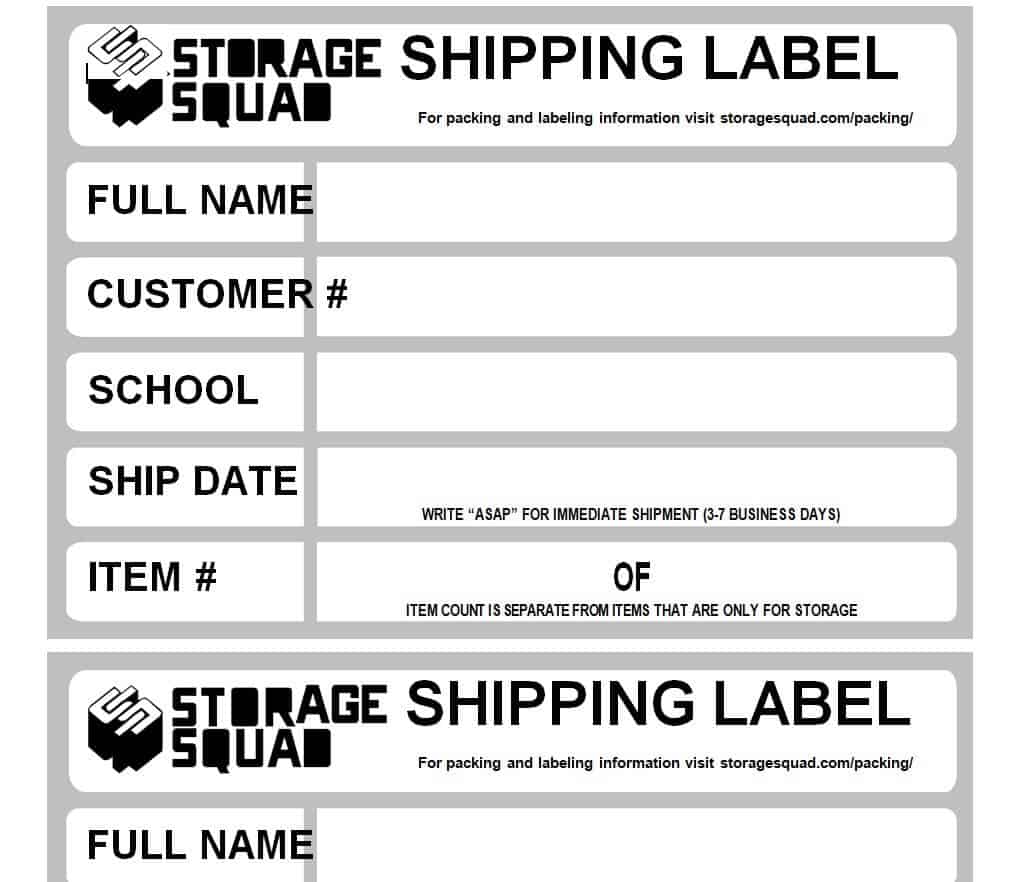
Storage Shipping Label Template
Basic Shipping Label Format Template
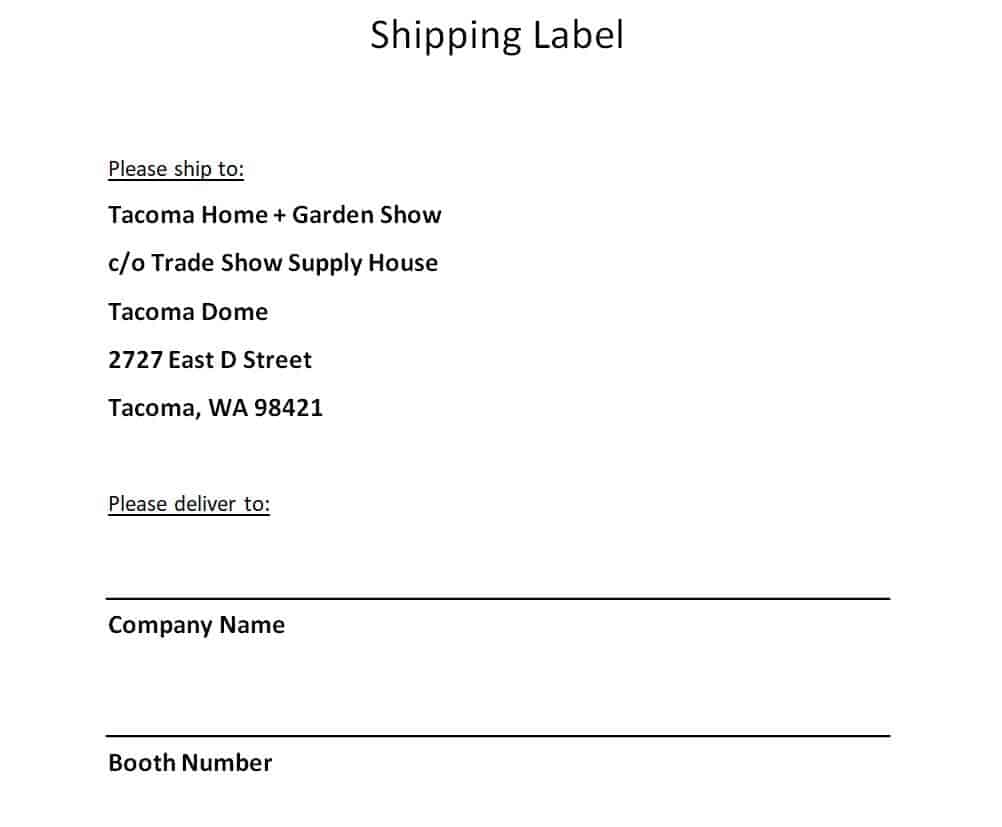
Food Business Shipping Label Template
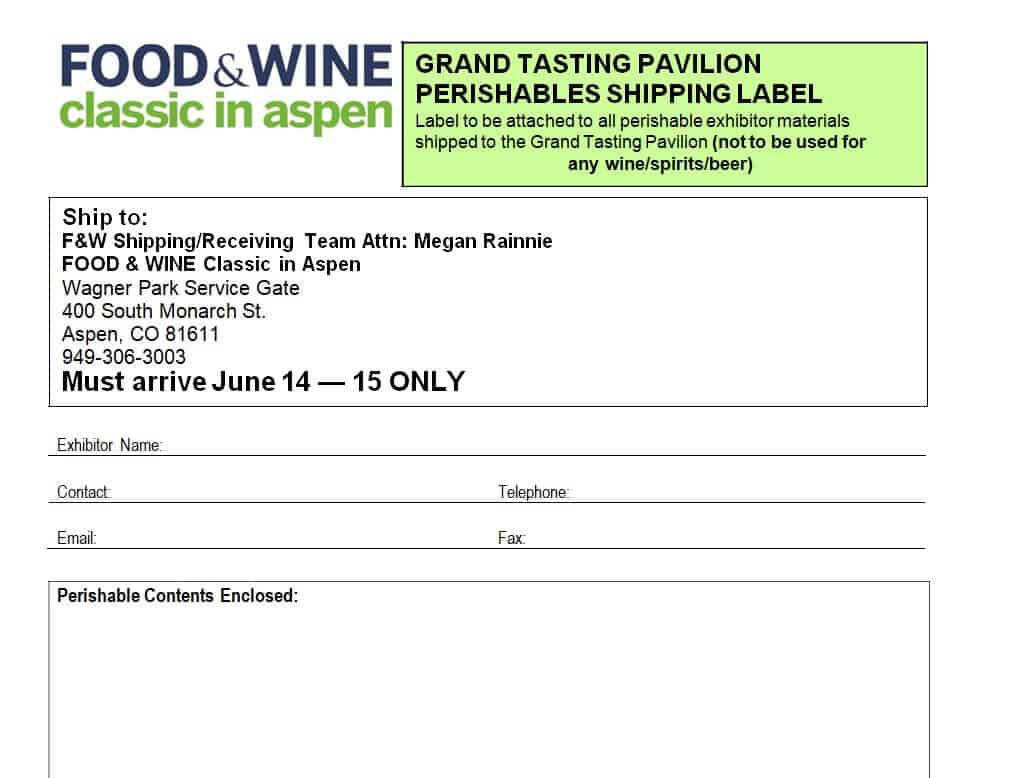
Example Shipping Label Template
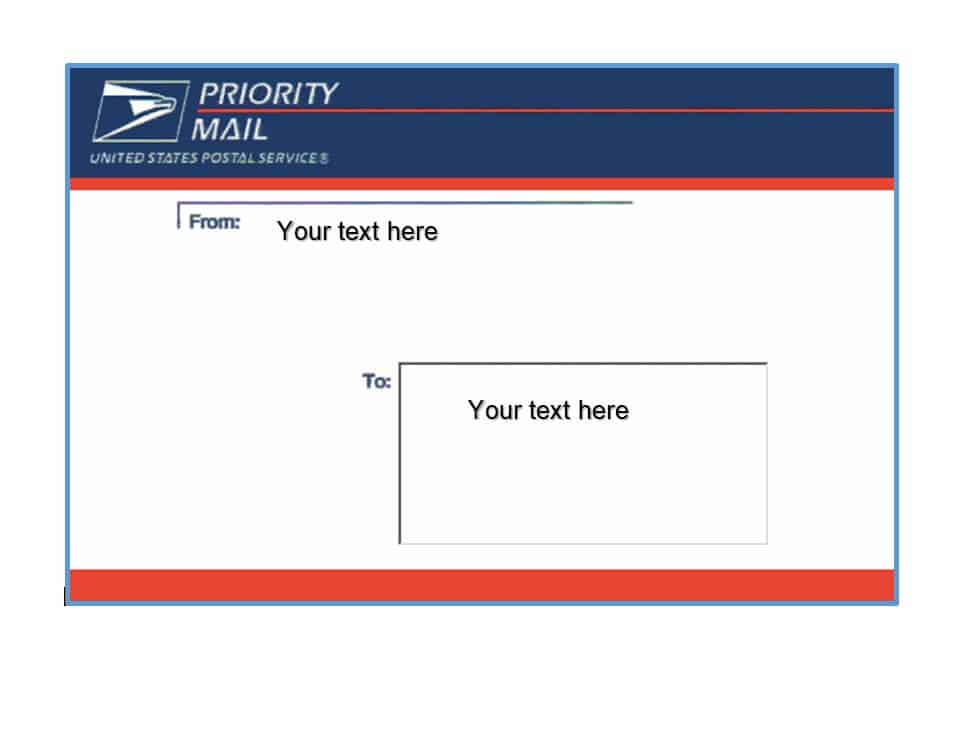
Company’s Executive Shipping Label Template
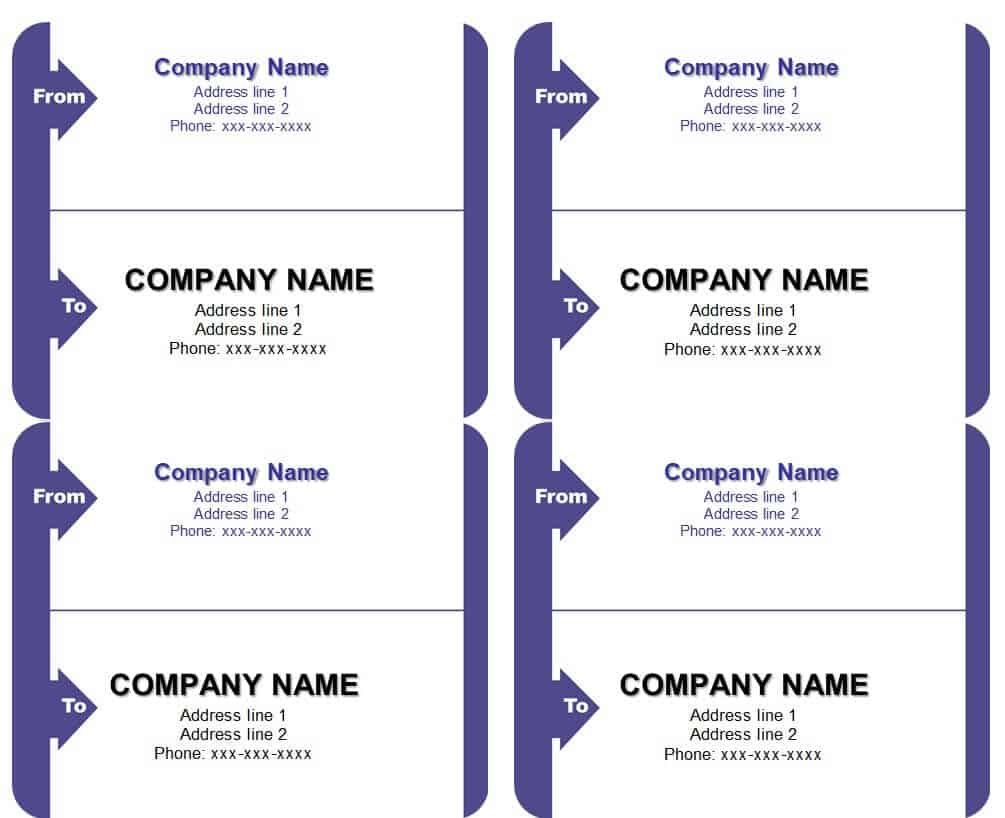
Construction Company Shipping Label Template

Shipping Label Template DOC Format
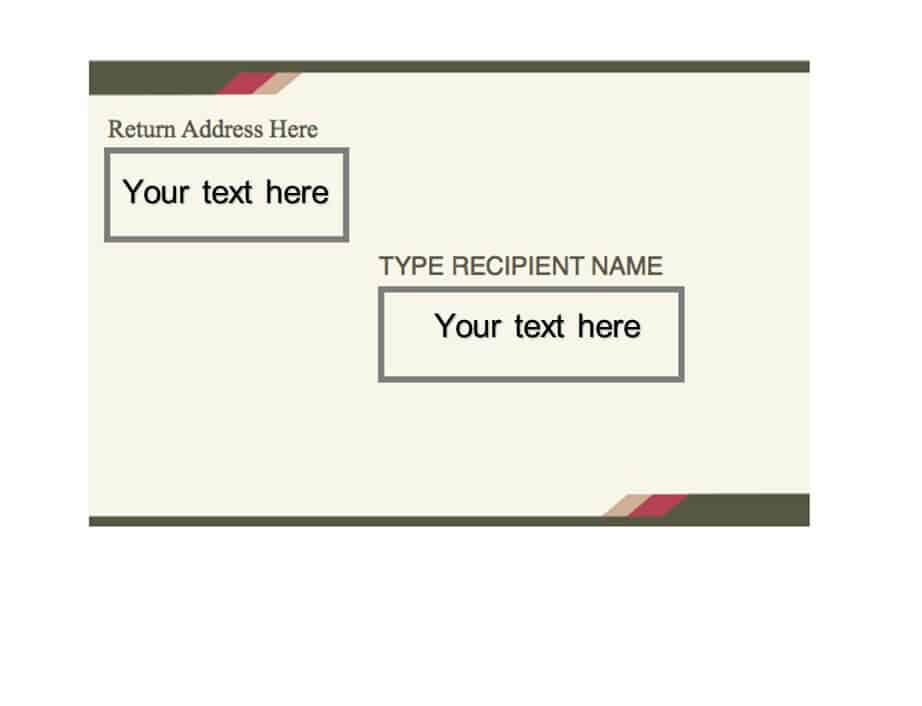
How to Customize and Print a Shipping Label Template
Each template above can be turned into a finished, ready-to-apply label in a few straightforward steps:
- Download the template that best matches your carrier, box size, or paper stock.
- Open the file in the matching program, such as Word for a .docx template or a PDF reader for a .pdf layout.
- Replace the placeholder sender and recipient details with your own, double-checking the postal or ZIP code carefully.
- Fill in the package weight and dimensions if the template includes these fields, since carriers can re-bill a shipment for inaccurate dimensional weight.
- Add or paste in the tracking barcode supplied by your carrier or ecommerce platform rather than leaving a placeholder graphic.
- Preview the file at full size to confirm the barcode isn’t cropped, rotated, or blurred before you print.
- Print one test label on plain paper to check alignment, then switch to your label stock and print the full batch.
- Apply the label to the largest flat surface of the package, smoothing out air bubbles or wrinkles so the barcode scans cleanly.
Common Shipping Label Mistakes to Avoid
A label that looks fine on screen can still fail in the warehouse. Watch out for these frequent errors:
- Using a label size that doesn’t match your printer or the carrier’s required dimensions, which crops the barcode
- Leaving no clear space around the barcode, so automated scanners can’t get a clean read
- Printing on a low-resolution or draft setting that turns the barcode’s bars into a blurry smear
- Forgetting to update the tracking number when reusing an old template file for a new shipment
- Placing the label over a box seam, tape line, or curved corner where it can peel or tear in transit
- Applying the label to a wet, dusty, or oily surface so the adhesive fails before delivery
Practical Tips for Printing Shipping Labels
Direct-thermal label rolls, commonly sized 4×6 inches, print without ink or toner and are the standard choice for most carrier-generated labels, while a regular inkjet or laser printer on adhesive sheet labels works well for the templates in this collection. Set your printer to its highest quality or “photo” setting whenever a barcode is involved, since low-resolution output is the most common reason a scanner rejects a label at the depot. If you’re shipping internationally, confirm that your chosen template leaves room for a customs form such as a CN22 or CN23, or attach one separately, because many carriers will not move a parcel abroad without it. Keep a small supply of spare labels and a permanent marker on hand so a smudged or torn label can be replaced immediately instead of delaying a pickup.
Frequently Asked Questions About Shipping Label Templates
Can I use these templates with any shipping carrier?
Yes. The templates in this collection use a generic layout that can be filled in with any carrier’s address and tracking details. If your carrier issues its own official barcode through an online postage account, print that barcode alongside your customized template rather than replacing it with your own image.
What file formats do these templates come in?
The templates on this page are provided as ready-to-download layouts that open in common word processors and image viewers, making it easy to edit the text fields, resize the layout, and print directly from your computer.
Do I need special paper to print a shipping label?
A standard adhesive shipping label sheet or a 4×6 inch direct-thermal roll works well for most home and small-business printers. Plain paper taped to a box can work in a pinch, but it is more likely to tear, smudge, or come loose in transit.
How do I know if my label size is correct for my carrier?
Check your carrier’s shipping guidelines for the minimum barcode size and label dimensions. Major carriers typically require at least a 4×6 inch label for reliable automated scanning and may reject a smaller, handwritten, or improperly sized label.