There are some really amazing and professionally designed Purchase Order Templates added here on this page for your help and reference. A purchase order is a document issued by a buyer to its seller which identifies the type of goods or services, quantity, price, and other terms and conditions regarding the transaction. A purchase order is a kind of legal offer to buy goods and services. A sale is a result of the acceptance of a purchase order by the seller of goods. A purchase order helps a purchasing agent to manage his orders. The basic elements of a purchase order are the date, purchase order number, description of goods and services, price, and complete details of both parties (buyer and seller). A purchase order protects both buyer and seller. It should be prepared in a simple, easy, and professional format. There is a huge variety of purchase order forms, blank purchase orders and purchase order templates that you can utilize for your company or business. You can insert your own information in a blank purchase order and can prepare a purchase order for your company.
The purchase order is a document given by the buyer to the seller. The details mentioned in the purchase order include the price of the product or services, the quantity, and the name of the product. There is a contract between the seller and buyer as the purchase order is accepted by the seller. The purchase order protects the seller in case of refusal by the buyer to pay. Due to the purchase order, the buyer can communicate his intention to the seller. Once the purchase order is given by the buyer to the seller then it is the responsibility of the seller to take care of the goods. The buyer is bound to pay for the items listed in the purchase order. It is the duty of the seller to read the purchase order carefully and provide goods to the buyer in the first instance.
What a Purchase Order Does in Business Procurement
Beyond the basic definition above, a purchase order functions as the official starting point of the procurement cycle. It is the document that turns a verbal or informal purchasing decision into a binding commercial commitment, and it is usually created only after an internal purchase request has been reviewed and approved. Once issued, the purchase order becomes the single source of truth that both sides refer back to if a question comes up about price, quantity, or delivery date. For a growing business, purchase orders also make it possible to compare what was ordered against what was actually delivered and billed, which is the foundation of basic spend control.
Who Uses Purchase Orders
Purchase orders are used across nearly every type of organization that buys goods or services from an outside vendor. Procurement teams at mid-size and large companies rely on them to formalize every purchase request before money changes hands, giving finance a clear paper trail to match against invoices. Small business owners use simpler purchase order templates to keep spending organized even without a dedicated purchasing department, since a written PO makes it easy to track what was ordered, from whom, and at what price. On the other side of the transaction, suppliers and vendors depend on the purchase order to confirm exactly what the buyer wants, in what quantity, and by when, so they can plan production, scheduling, and delivery accordingly. Buyers use purchase orders to set expectations and control budgets, while vendors use them as the basis for invoicing and shipment, and in many companies purchasing agents, department managers, and accounts payable staff all touch the same purchase order at different stages.
Key Elements Every Purchase Order Should Include
A well-built purchase order should always include a unique purchase order number, since this number is what ties the document to the eventual invoice and delivery receipt. Beyond the number, it should show the date the order was issued, complete contact details for both the buyer and the vendor, and an itemized description of every product or service being ordered. Each line item needs a clear description, the quantity ordered, the agreed unit price, and the extended total for that line, followed by a grand total for the entire order. A complete purchase order also states the expected delivery date, the shipping method and address, and the agreed payment terms, such as net 30 or due on receipt. Many organizations add an authorization or signature line so there is a documented approval before the order goes out, and some include special instructions or conditions that apply to that specific purchase. Leaving any of these fields blank is one of the most common ways a purchase order creates confusion later.
Get Yearly Calendar Templates Here
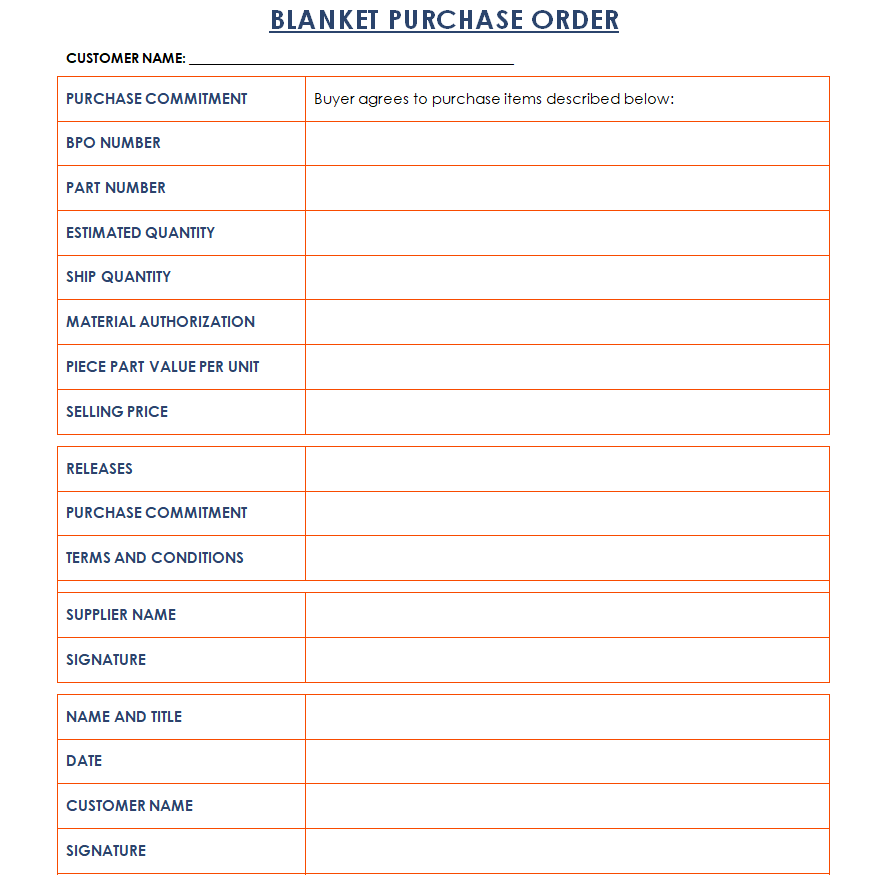
Blanket Purchase Order Template

Standard Purchase Order Word Template
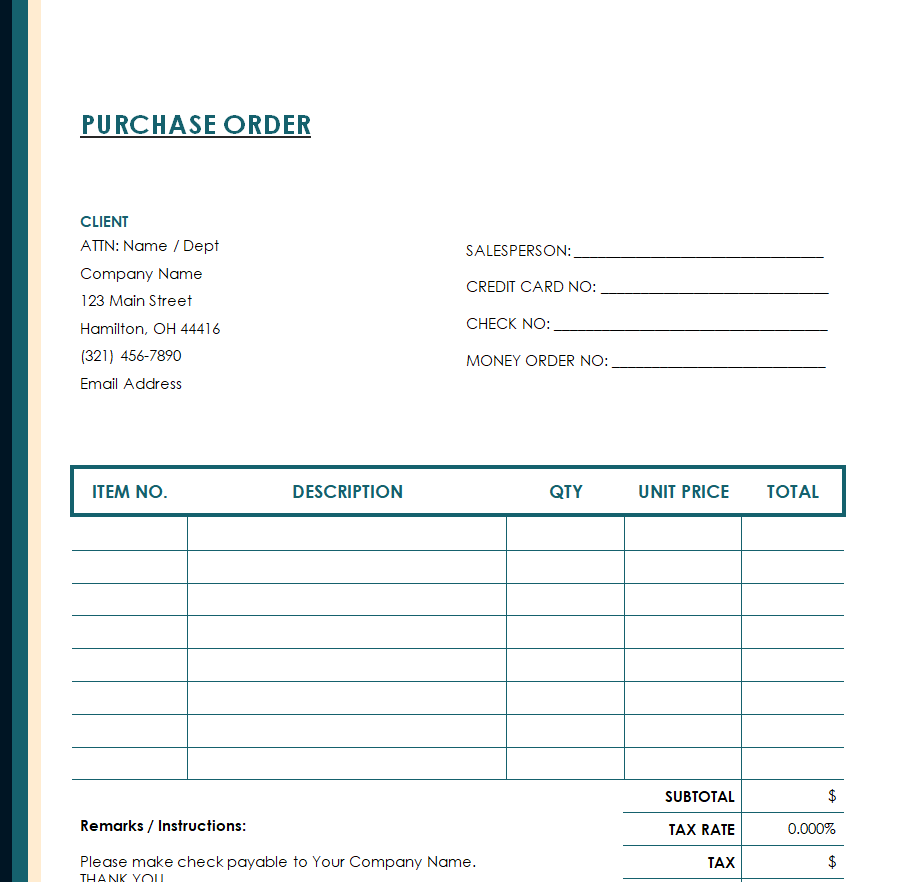
Blank Purchase Order Template
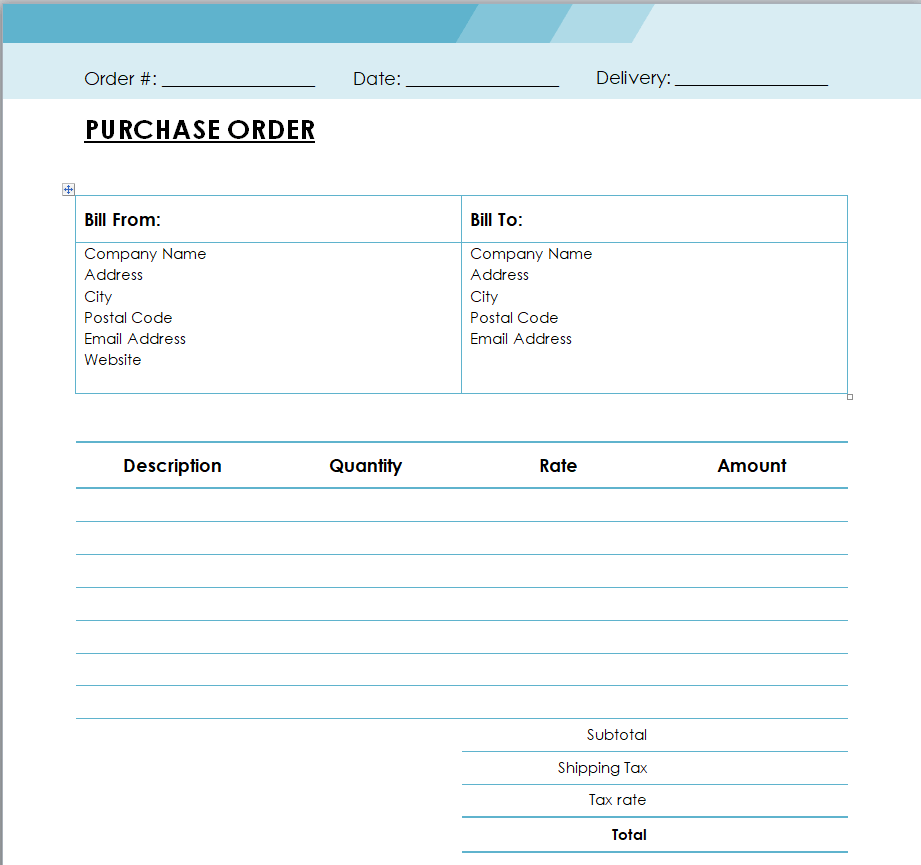
Purchase Order Form Template Word
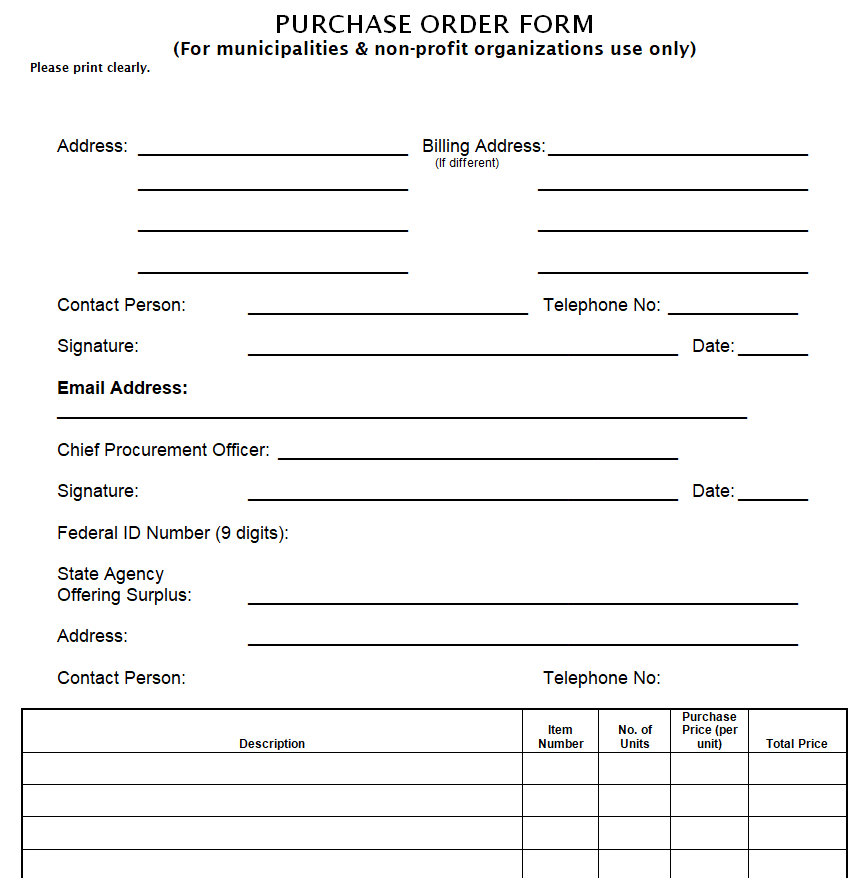
Official Purchase Order Template Excel
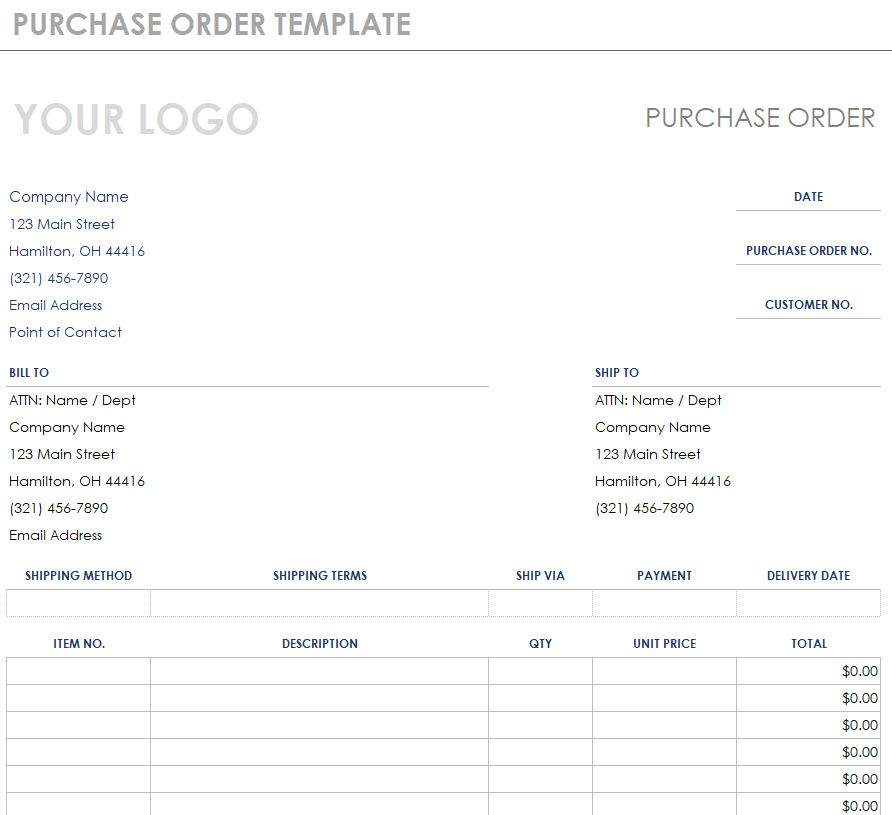
Simple Purchase Order Sample Doc
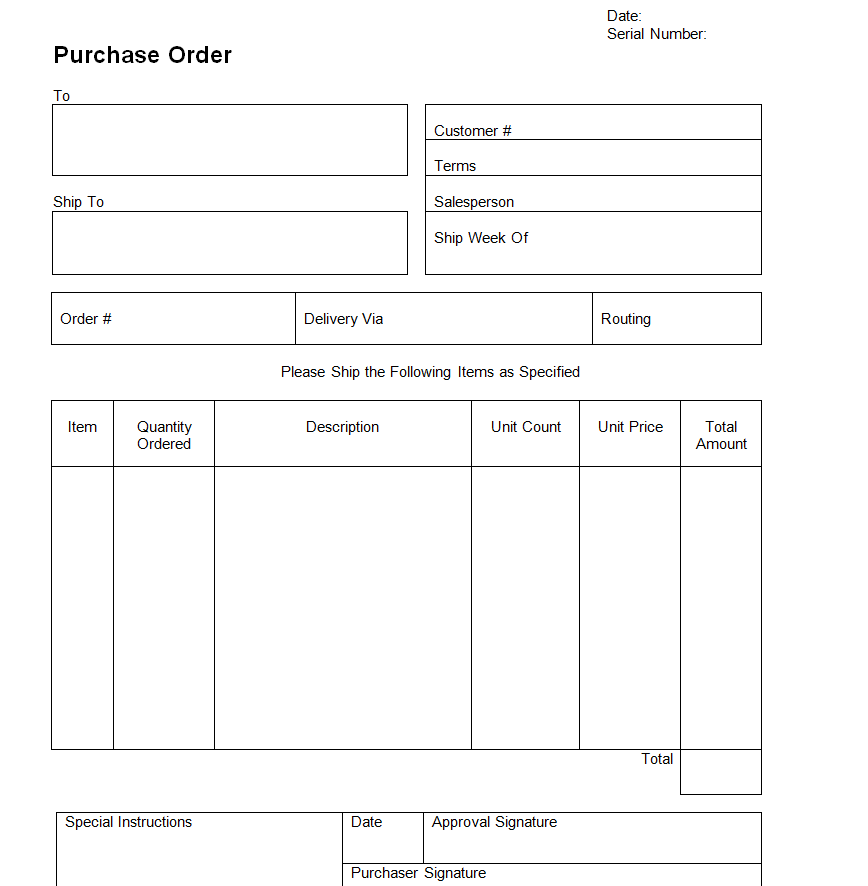
Professional Purchase Order Template
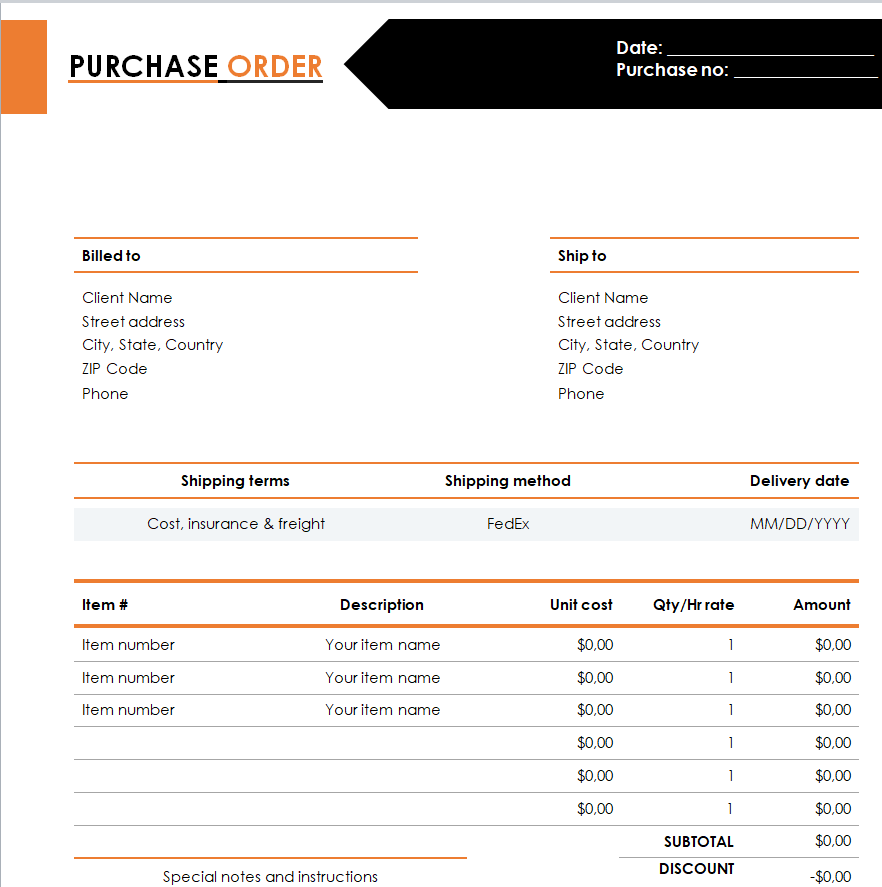
Free Fillable Purchase Order Template MS WORD
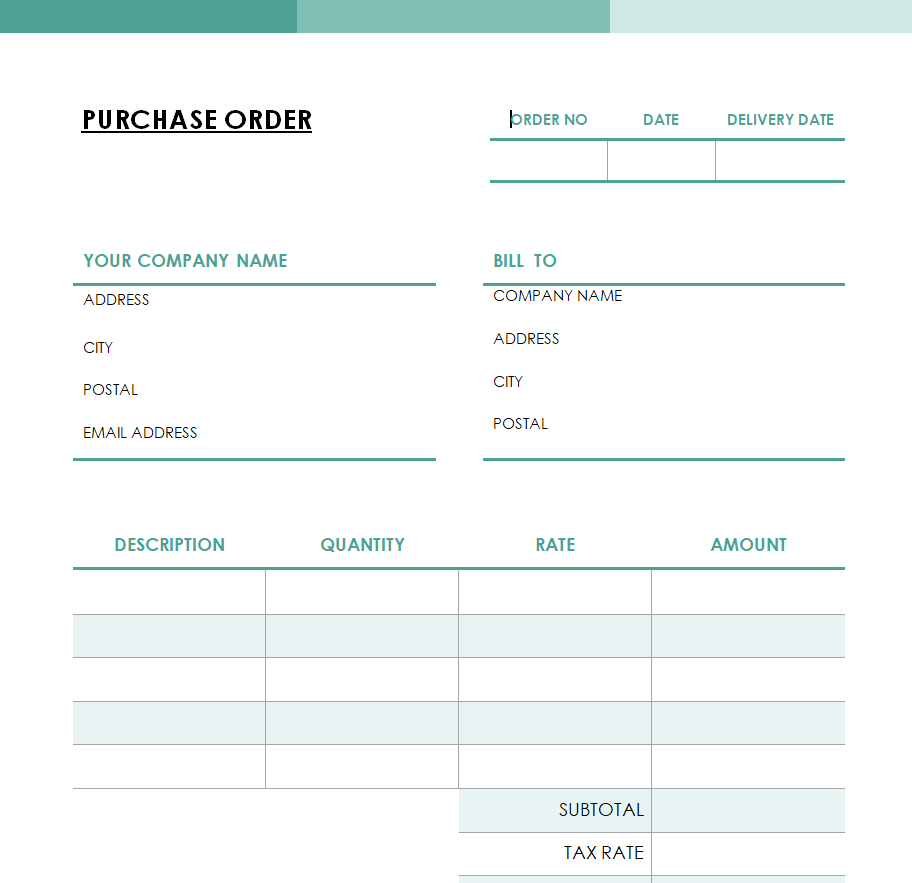
Customizable Purchase Order Example
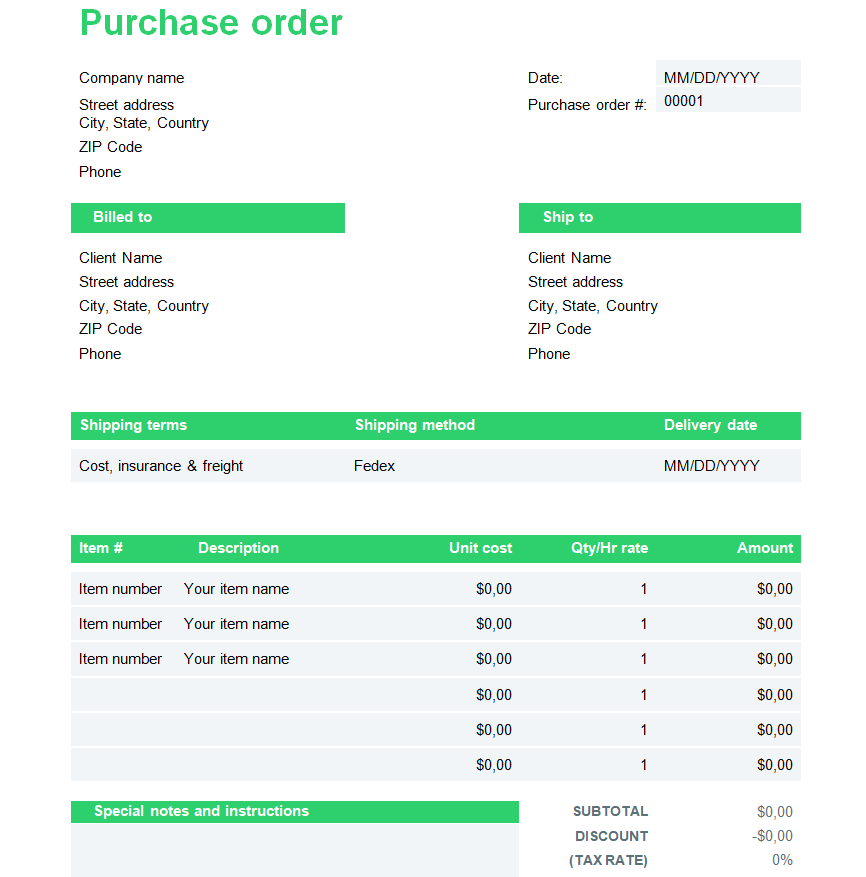
Company’s Purchase Order Template in XLSX Format
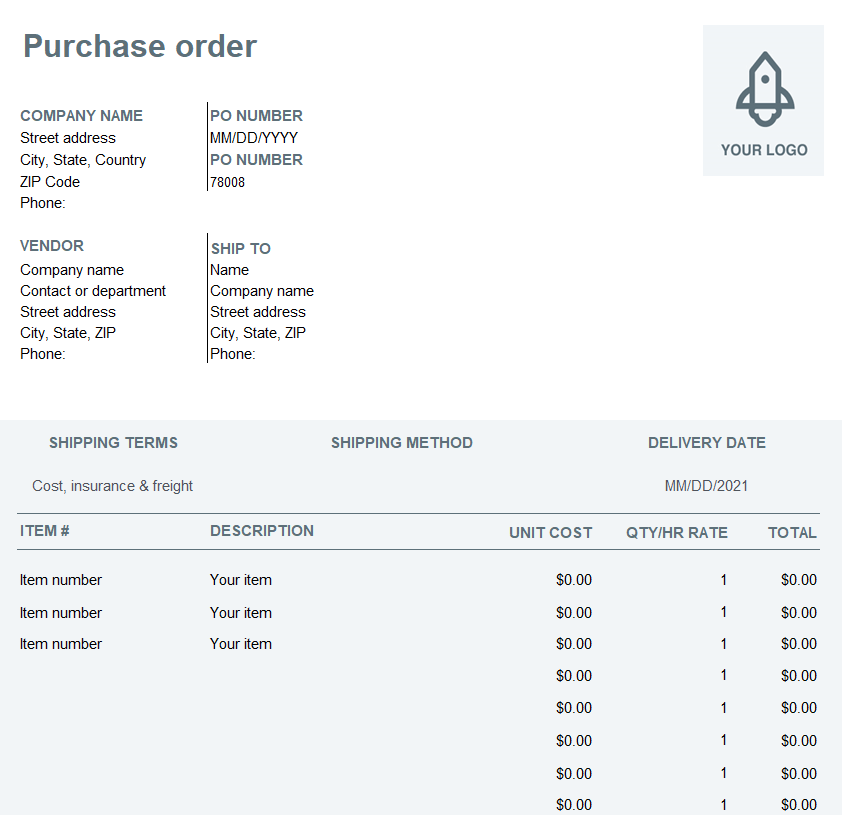
Executive Purchase Order Template in MS WORD
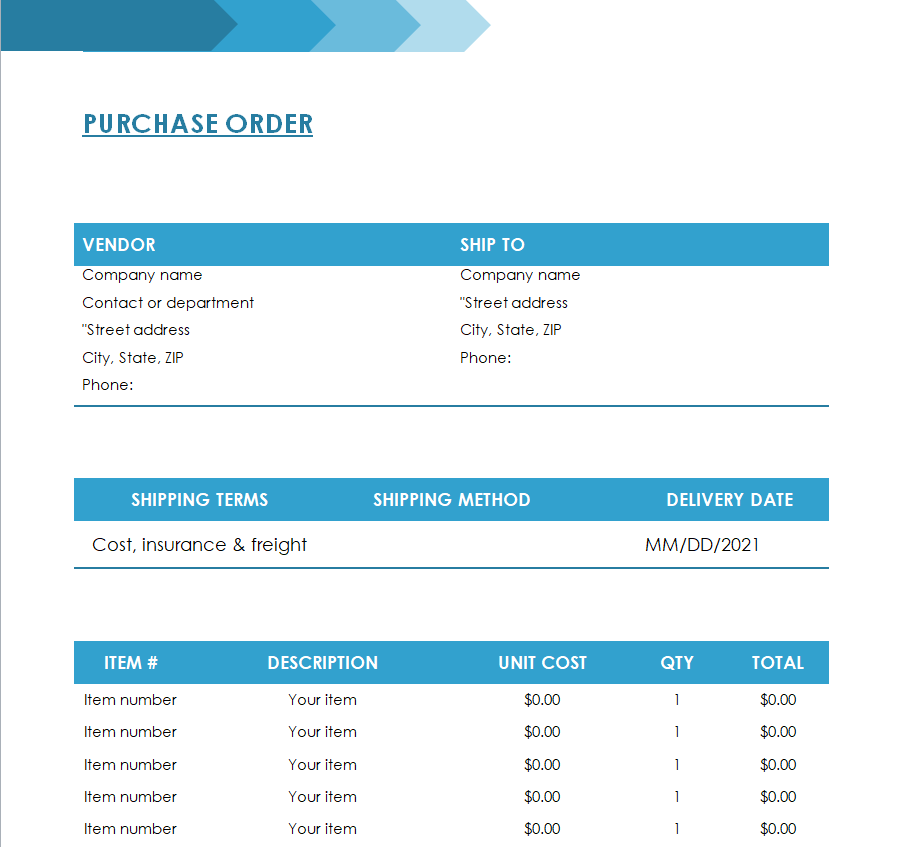
Small Company’s Purchase Order Sample
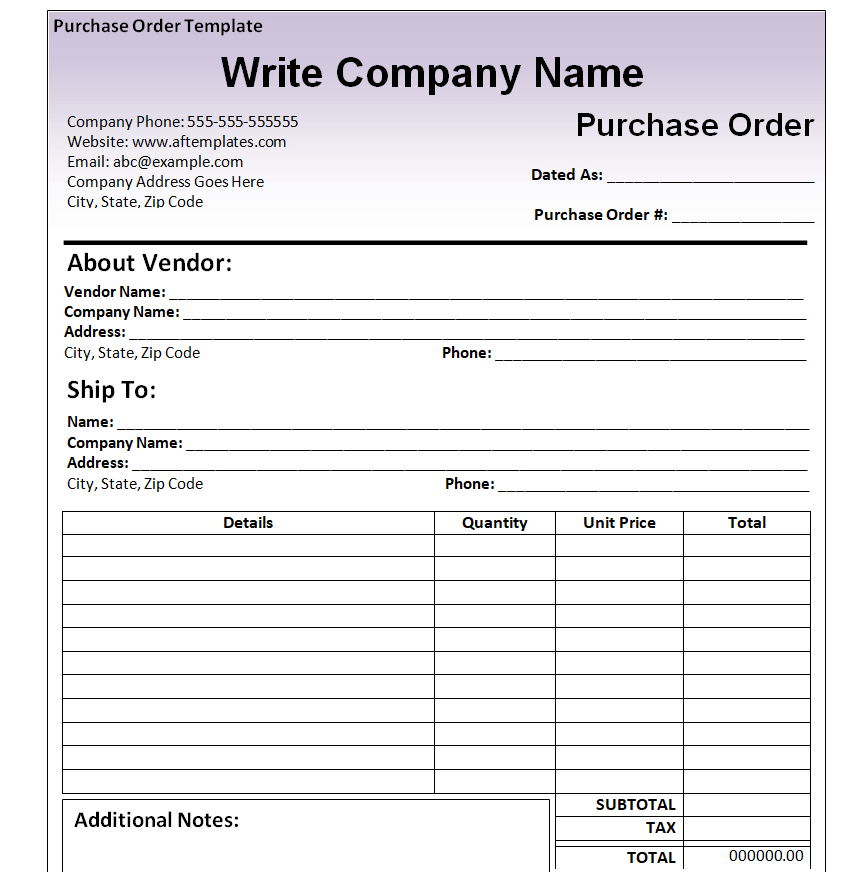
Business Blank Purchase Order Template
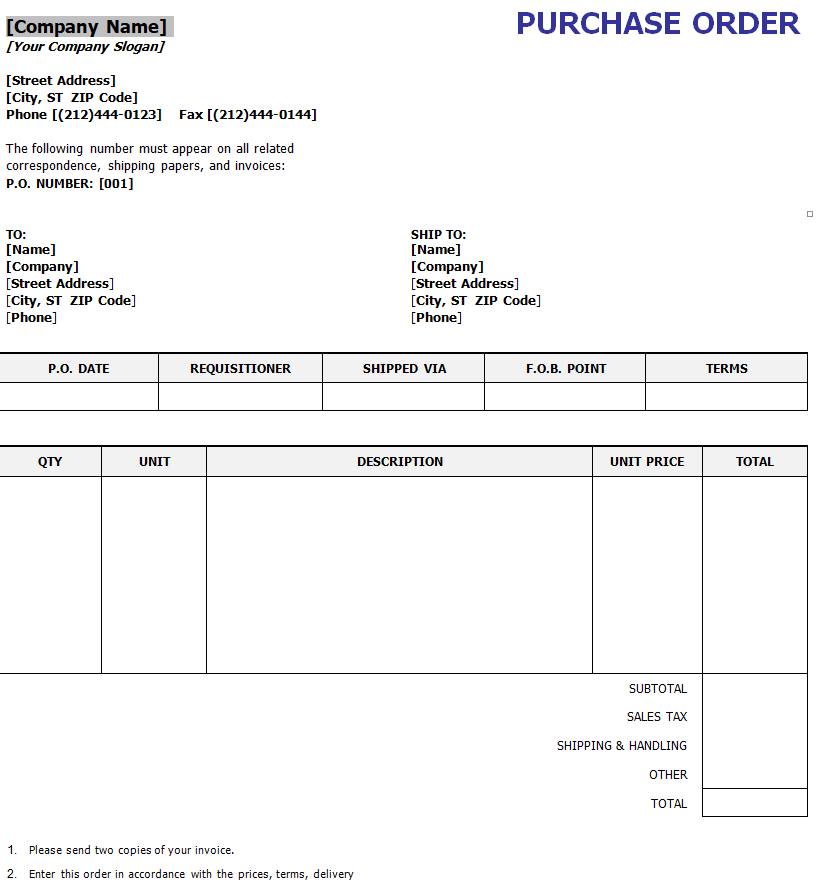
Official Purchase Order Word Template
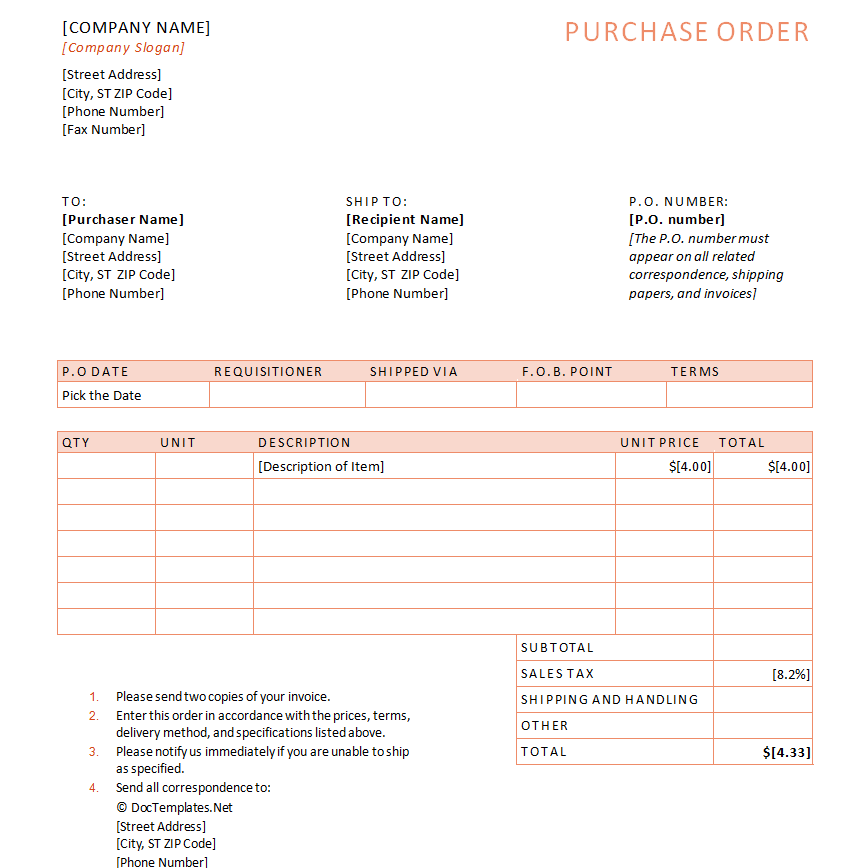
Company’s Purchase Order Excel Template
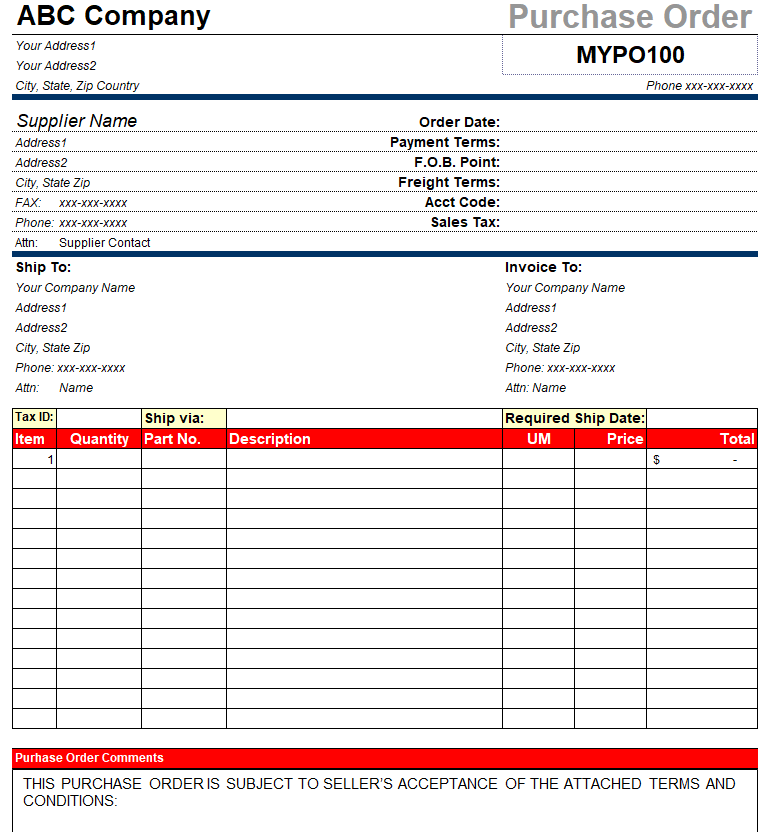
Sample Purchase Order Template
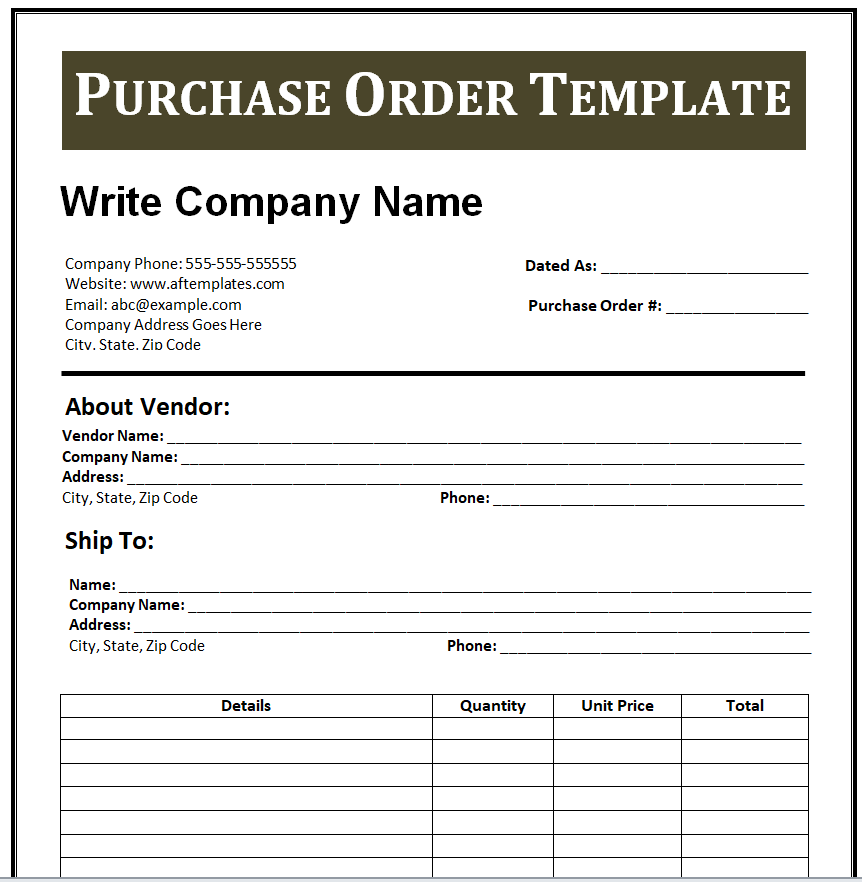
Simple Purchase Order Doc Template
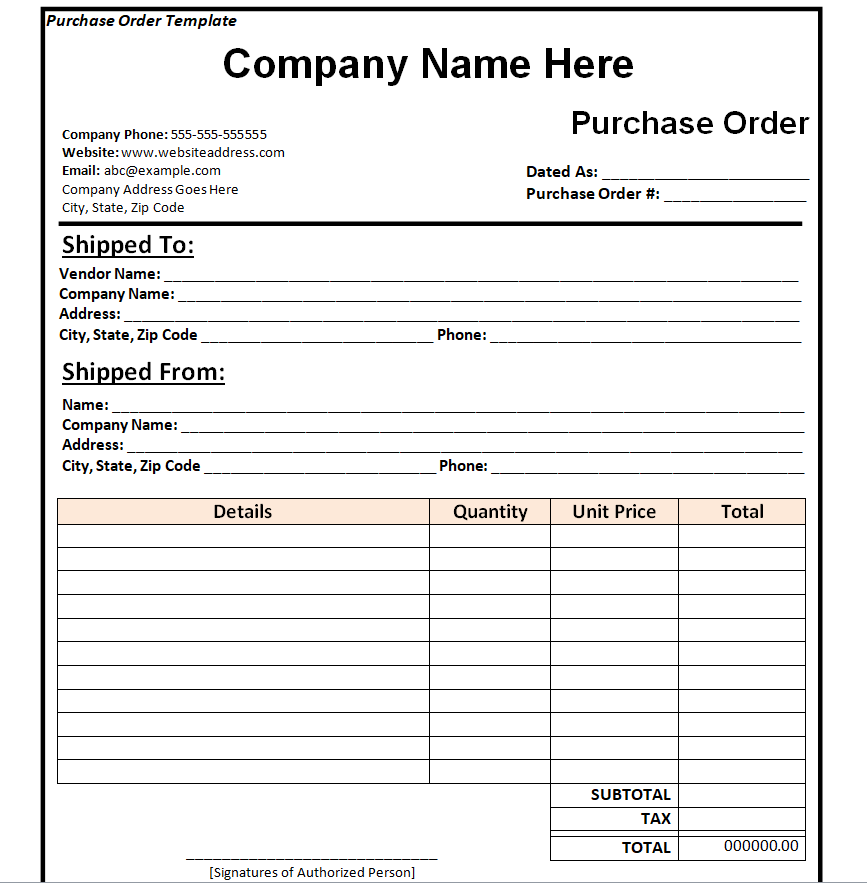
Blank Purchase Order Form Template Word
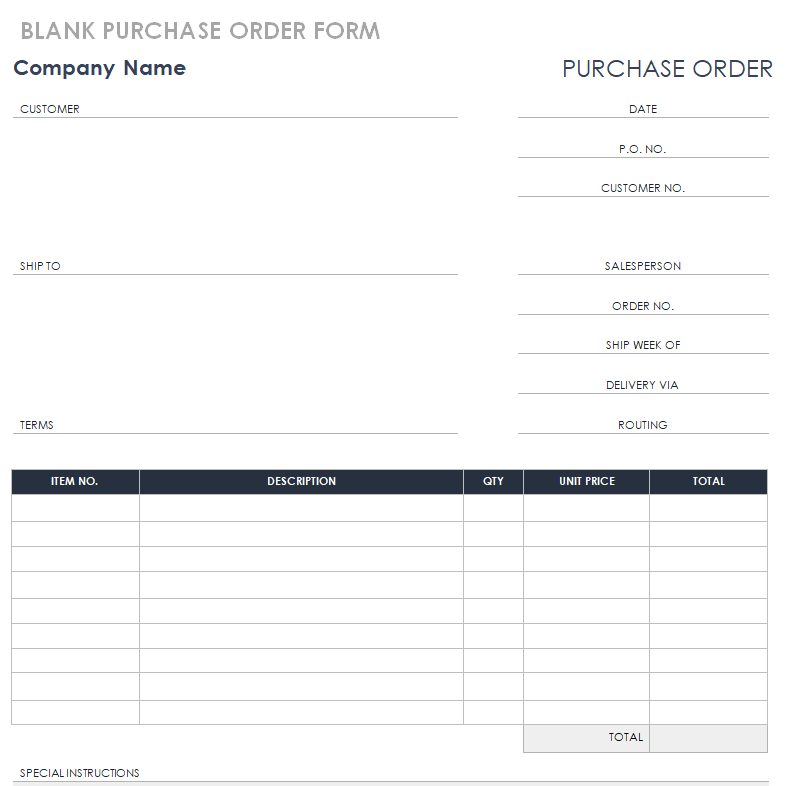
Organization’s Purchase Order Template
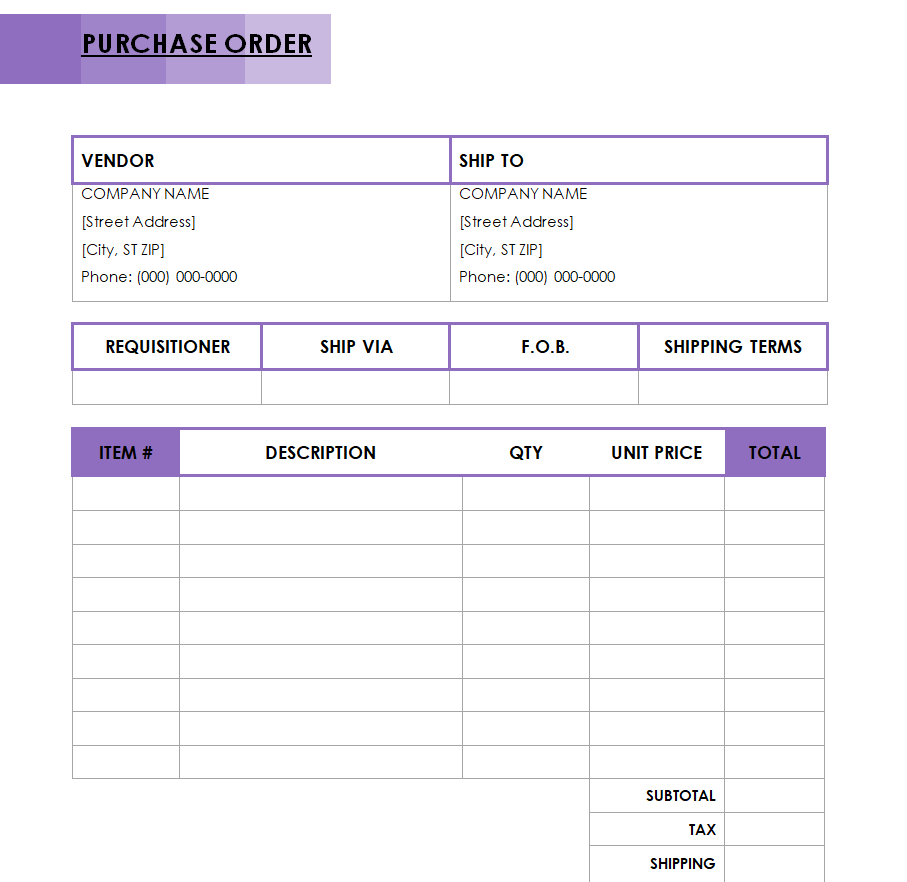
How the Purchase Order Process Works
Although the exact steps vary by company size, most purchase order workflows follow the same basic path from request to payment:
- Requisition and internal approval – A department identifies a need and submits an internal purchase request, which a manager or budget owner reviews and approves.
- Purchase order creation – Once approved, the request is converted into a formal purchase order with a unique PO number, itemized products or services, pricing, and delivery terms.
- Sending the PO to the vendor – The buyer sends the purchase order to the supplier, who reviews it and confirms acceptance, effectively agreeing to the terms as a binding contract.
- Order fulfillment and shipping – The vendor prepares and ships the goods or begins the service, referencing the PO number on packing slips and shipping documents.
- Goods receipt and inspection – The buyer receives the delivery, checks it against the purchase order for correct quantity and condition, and records any discrepancies.
- Invoice matching and payment – Accounts payable matches the vendor’s invoice against the original purchase order and the receiving report before releasing payment.
Common Purchase Order Mistakes to Avoid
Even a simple purchase order process can break down when basic details are handled carelessly. Missing or duplicated purchase order numbers make it difficult to track spending and match invoices later, and unclear item descriptions or specifications often lead to the wrong product being shipped. Skipping an internal approval step removes the audit trail that protects a business from unauthorized spending, and it makes it harder to catch errors before an order is sent. Quantity mismatches between what was ordered and what is delivered are another frequent problem, especially when receiving staff do not check deliveries against the purchase order itself. Finally, failing to record agreed pricing and payment terms on the PO, and instead relying on a verbal agreement, leaves both buyer and seller exposed if a dispute comes up later.
Tips for Using Purchase Orders to Control Spending and Avoid Disputes
Assign purchase order numbers sequentially and never reuse one, so every transaction stays traceable from request to payment. Require a manager or budget owner to approve a purchase order before it goes out, even for small amounts, to keep spending visible and accountable. Keep item descriptions specific enough that there is no ambiguity about size, model, color, or specification, since vague wording is one of the most common sources of delivery disputes. Compare every incoming delivery against its purchase order before accepting it, and note any shortages or damage immediately rather than after the invoice arrives. Store completed purchase orders together with their matching invoices and receiving documents, so that if a vendor dispute or an audit comes up, the full paper trail is easy to pull together.
Frequently Asked Questions
What’s the difference between a purchase order and an invoice?
A purchase order is created by the buyer to request goods or services, stating what is wanted, at what price, and on what terms. An invoice is created afterward by the seller, billing the buyer for what was actually delivered. In short, the purchase order starts the transaction and the invoice closes it.
Is a purchase order legally binding?
Once a seller accepts a purchase order, it generally functions as a binding contract between the two parties, much like any other written agreement to buy and sell goods or services. That is why it should always state clear, complete terms.
Do small businesses need purchase orders?
Yes. Even a very small business benefits from using purchase orders, since they create a written record of what was ordered and agreed, which helps with budgeting, recordkeeping, and resolving any disagreement with a supplier.
How long should purchase order records be kept?
Many businesses keep purchase order records for several years, often aligned with their general financial record retention policy and any tax or audit requirements that apply to their location, so the documents stay available if a dispute or audit comes up later.