
A project sponsor usually needs three answers first. What changed since the last report? Which milestone is at risk? What decision do you need, and by when?
How to Write a Project Status Report: Step-by-Step
Writing a status report is faster once you follow a repeatable process rather than starting from a blank page each period. The steps below work with any of the templates below.
- Gather the data first. Pull actual progress, spend, and schedule information from your project plan, timesheets, or tracking tool before you start writing, so the report reflects reality rather than memory.
- Set the overall status. Decide on a single RAG rating for the project as a whole, based on schedule, budget, and risk together, not just one dimension.
- Summarize accomplishments. List only what was actually completed in the period, using specific, verifiable statements rather than vague activity descriptions.
- Flag risks and issues honestly. Note open risks with an owner and a next action; a report that hides bad news loses credibility the moment the problem surfaces on its own.
- Outline next steps. Keep this forward-looking section short and specific, listing the two or three priorities the team will focus on before the next report.
- Review before sending. Read the report as if you were the recipient: does it answer “are we on track” within the first ten seconds?
What Is a Project Status Report?
A project status report is a structured update that captures where a project currently stands against its plan: what has been completed, what is in progress, what is coming up next, and what obstacles are slowing things down. Rather than a raw activity log, it translates day-to-day work into a snapshot that anyone outside the project, from a direct manager to a steering committee, can read in a few minutes and understand exactly how things are tracking. Reports are usually issued on a set cadence, such as weekly, biweekly, or monthly, so decision-makers always have current, comparable information instead of having to chase updates individually.
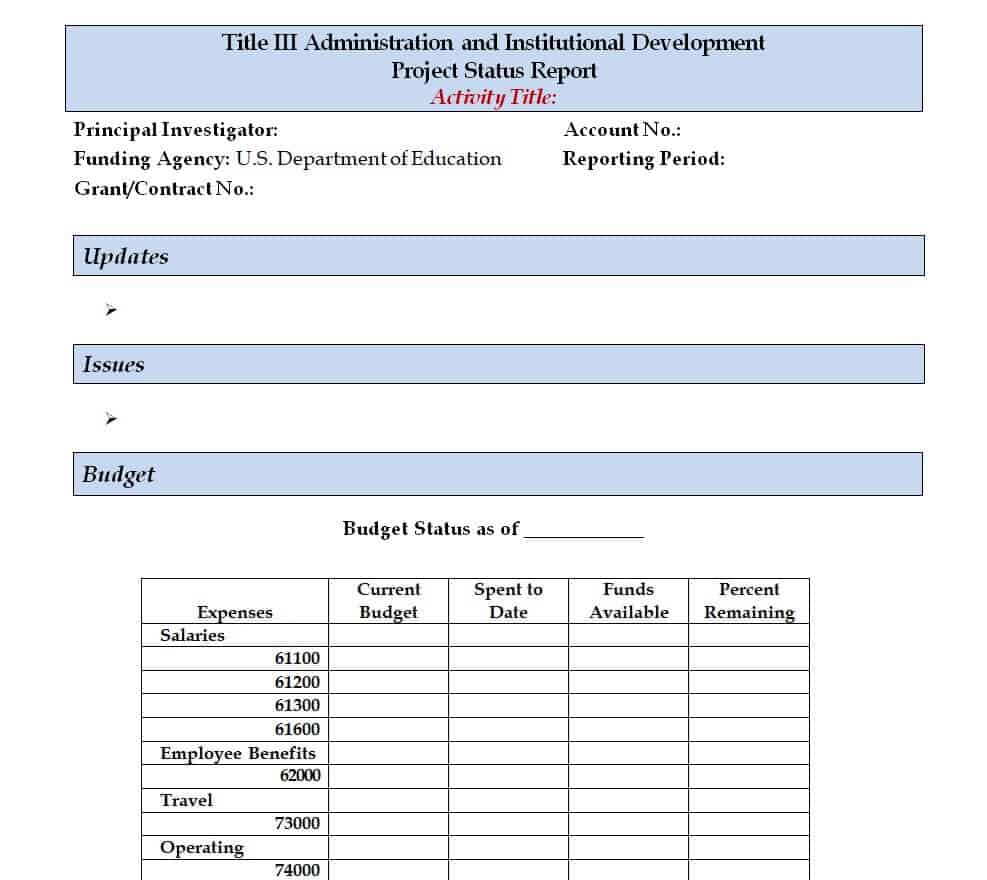
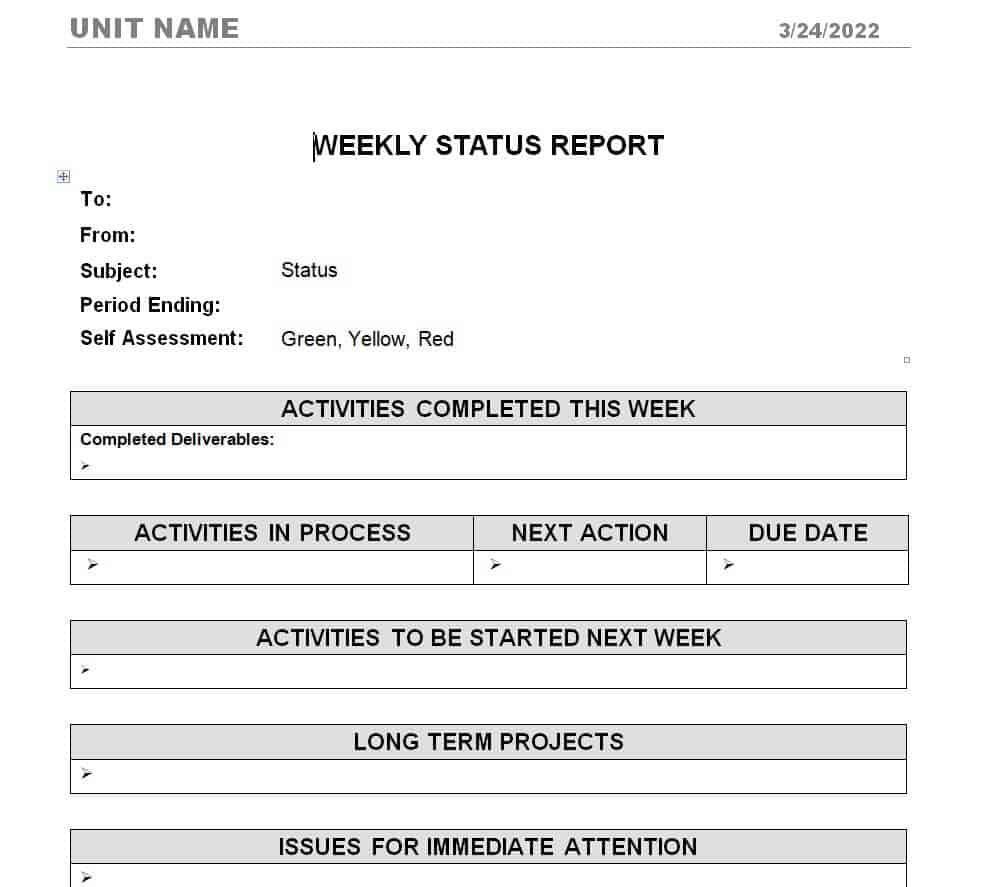
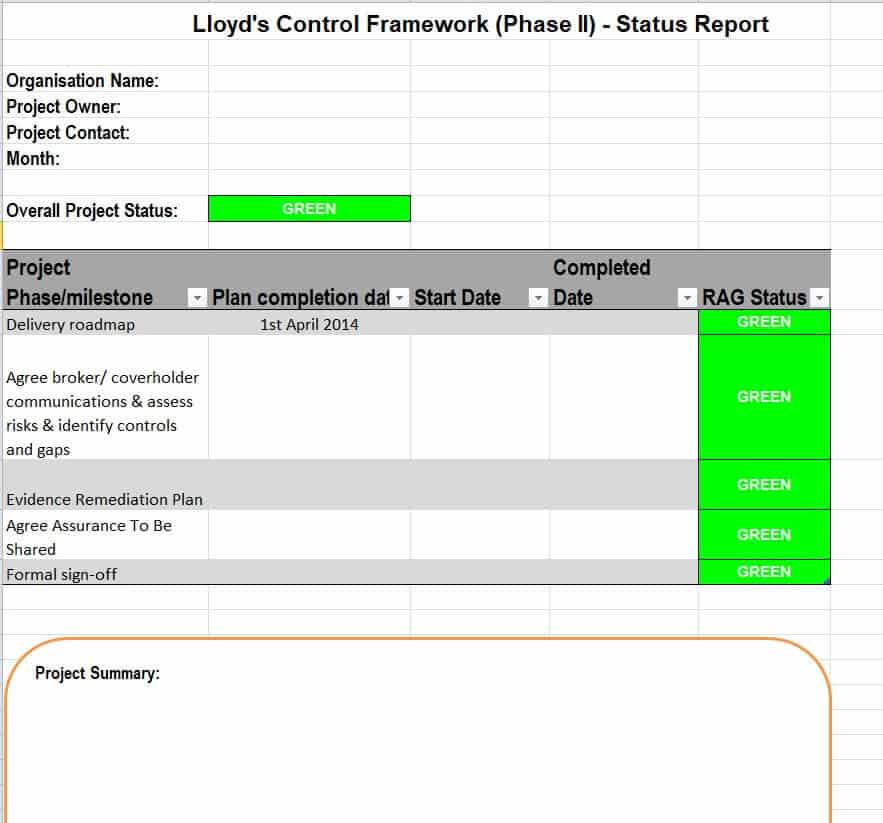
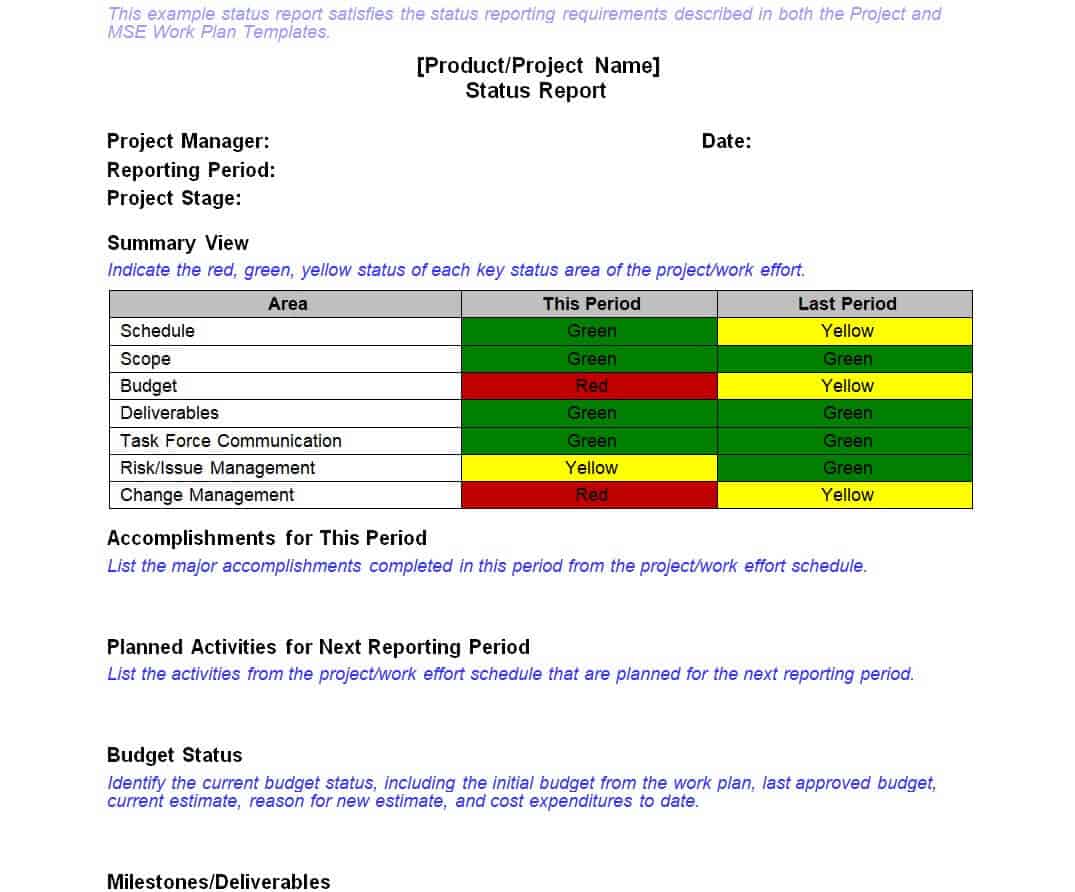
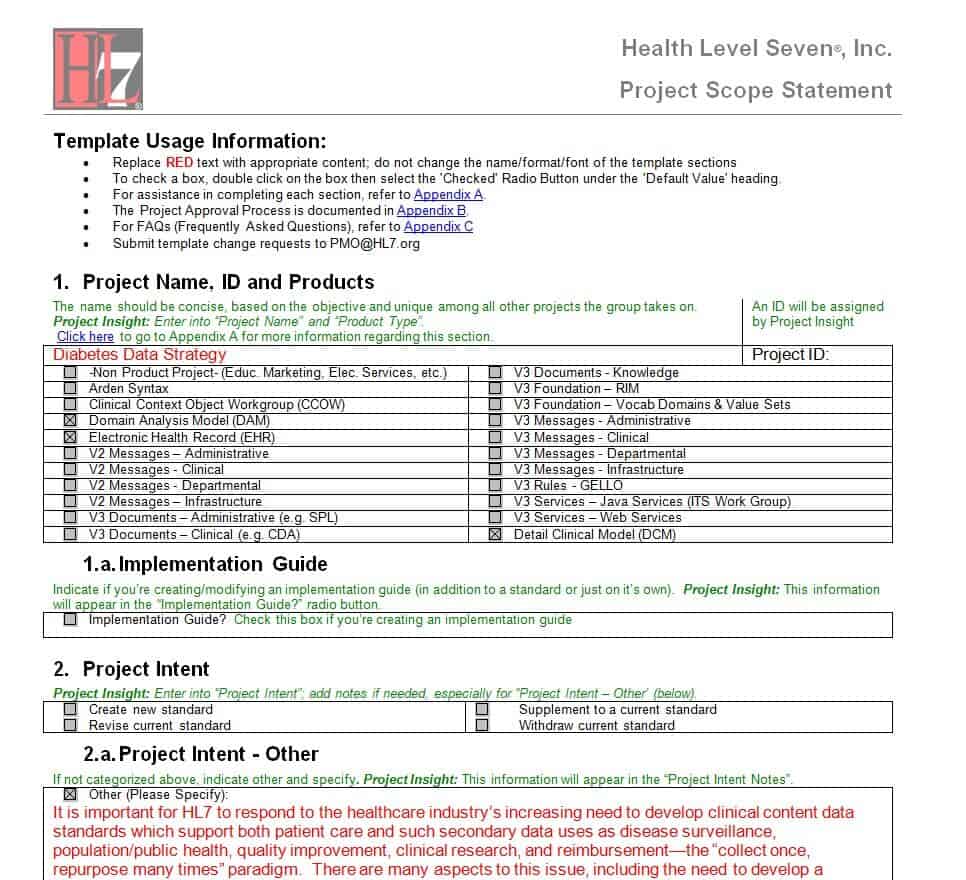
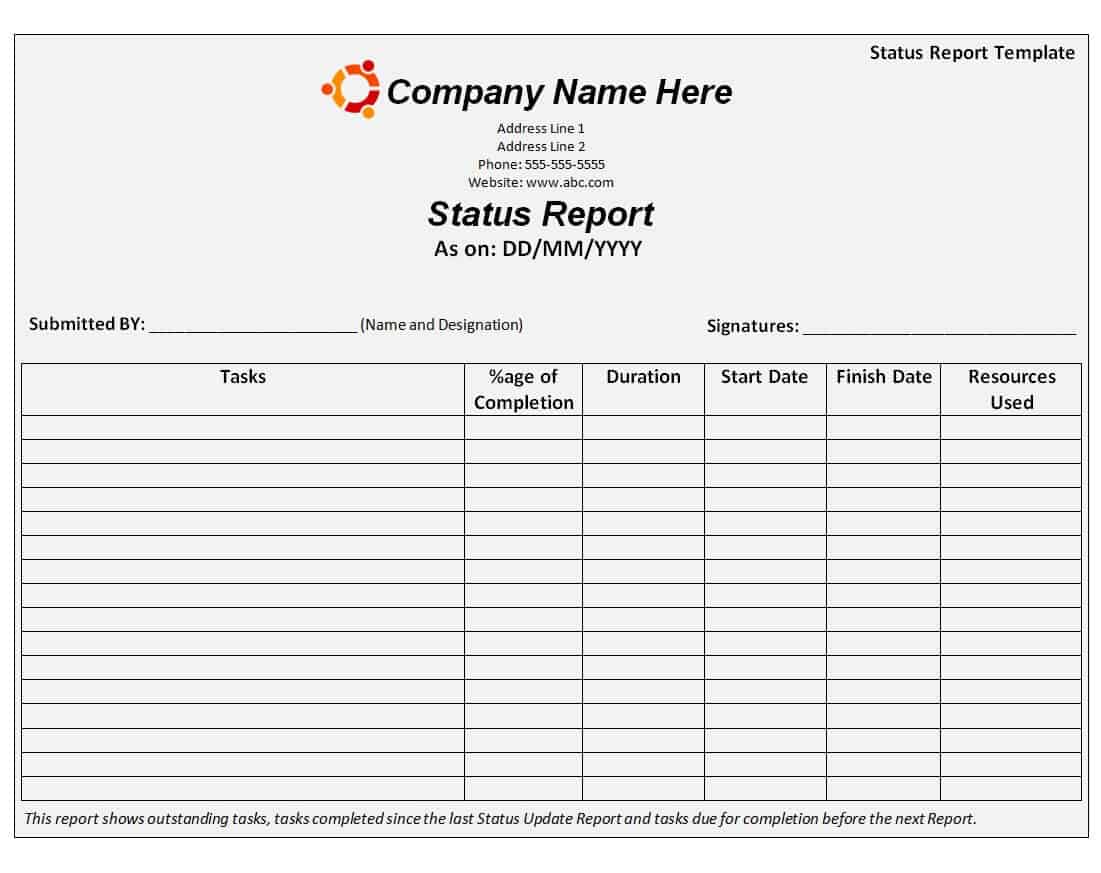
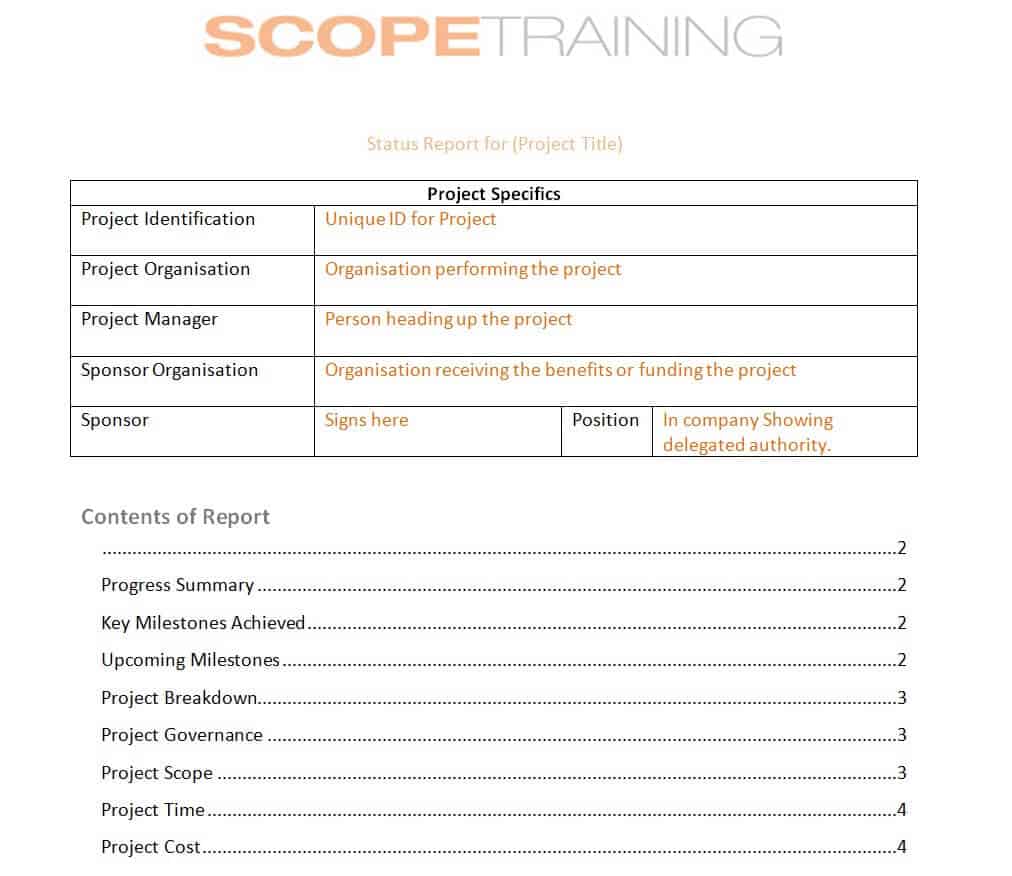
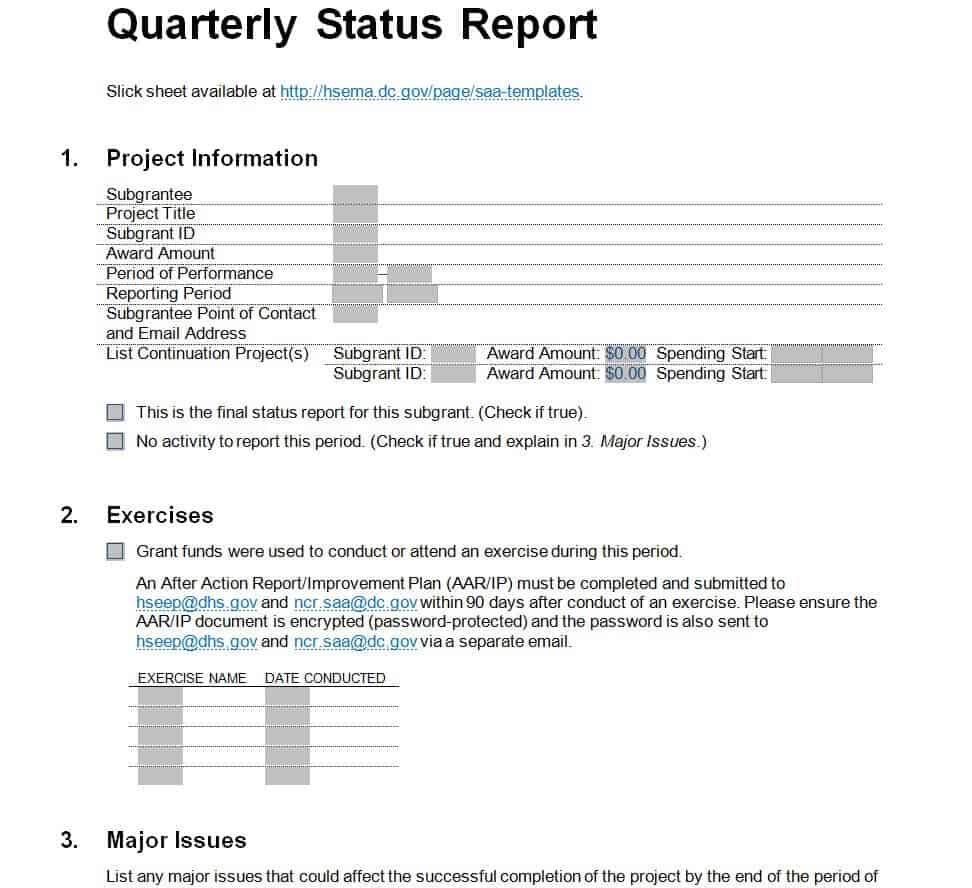
Download Project Status Report Templates
Who Uses a Project Status Report?
Project managers write the majority of status reports, since compiling task, schedule, and budget data into one document is central to their role. Team leads and individual contributors often prepare section-level updates that roll up into the larger report. On the receiving end, sponsors and executives use status reports to judge whether a project still deserves its current funding and priority, while clients and external stakeholders rely on them to confirm that a vendor or contractor is delivering as promised. In organizations running several projects at once, resource managers also read status reports to plan staffing across competing priorities.
Key Elements of a Project Status Report
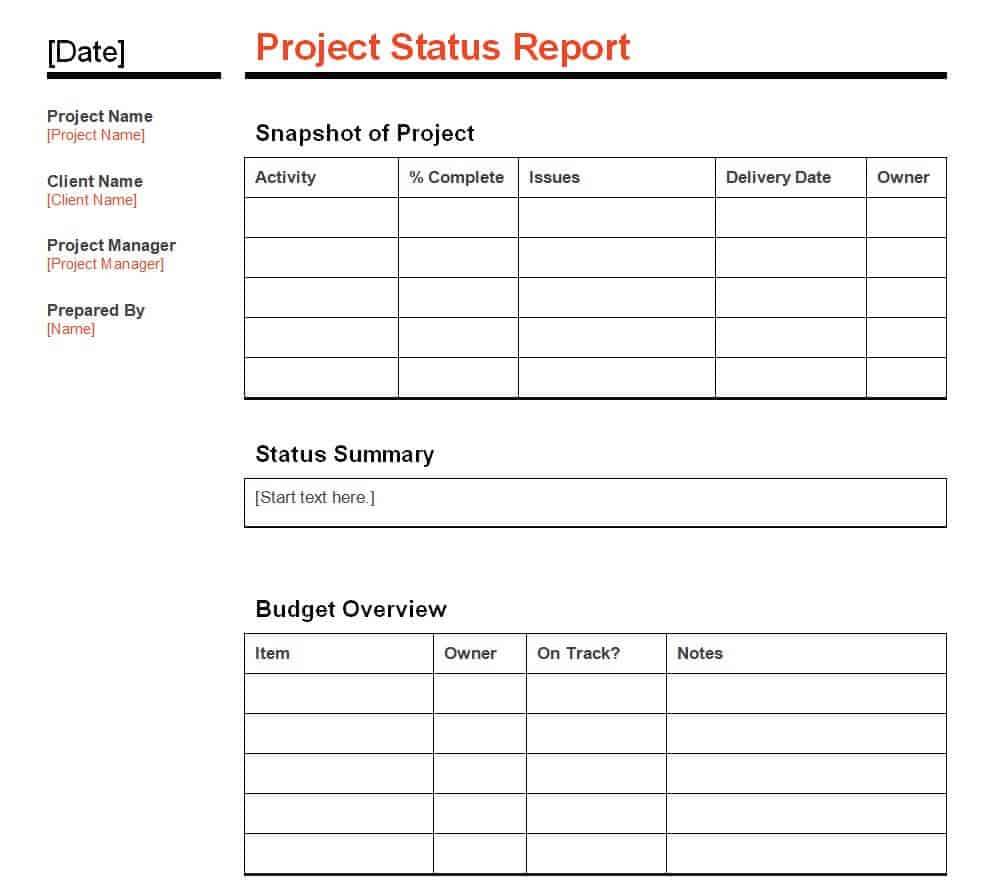
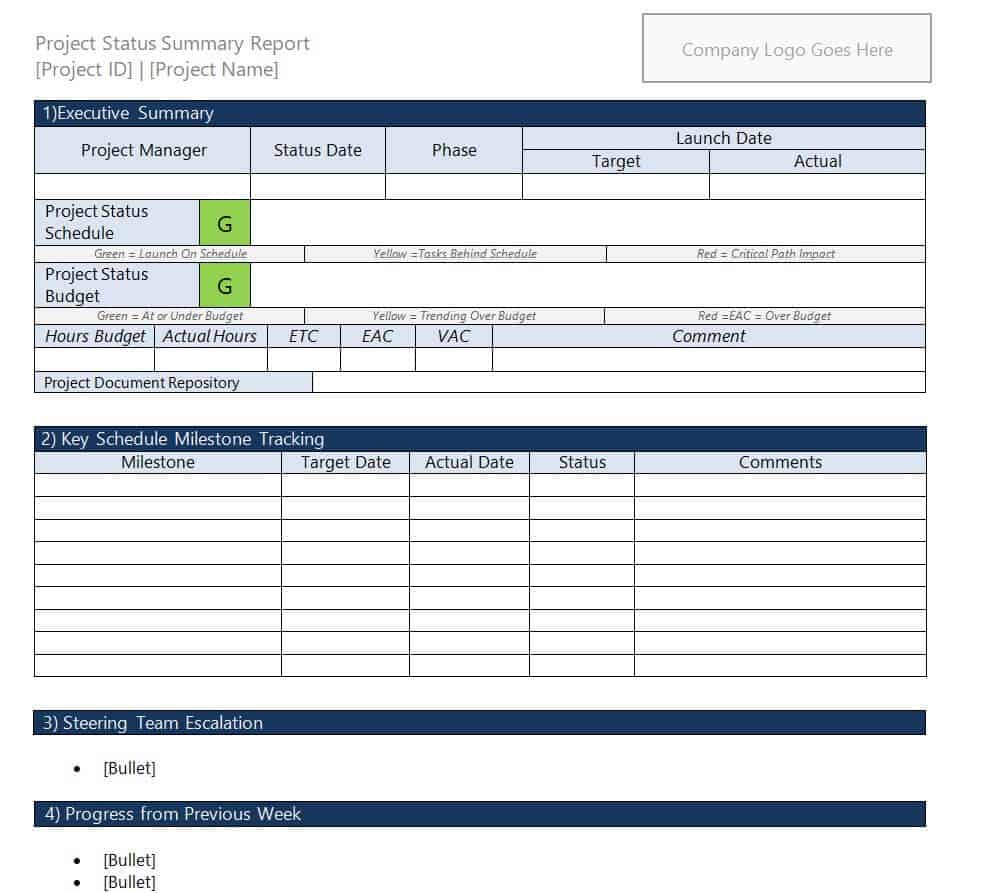
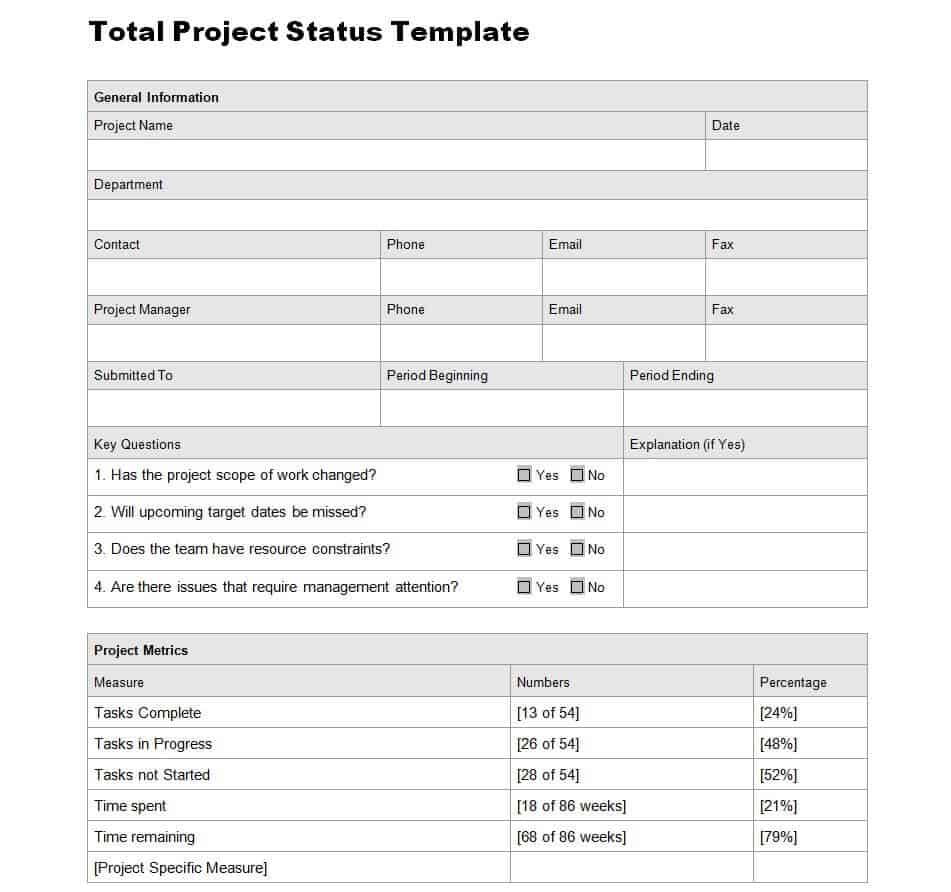
A well-built template keeps every recurring report consistent, which makes trends easy to spot over time. Most effective templates include the following sections:
- Project overview: project name, manager, sponsor, and reporting period at a glance
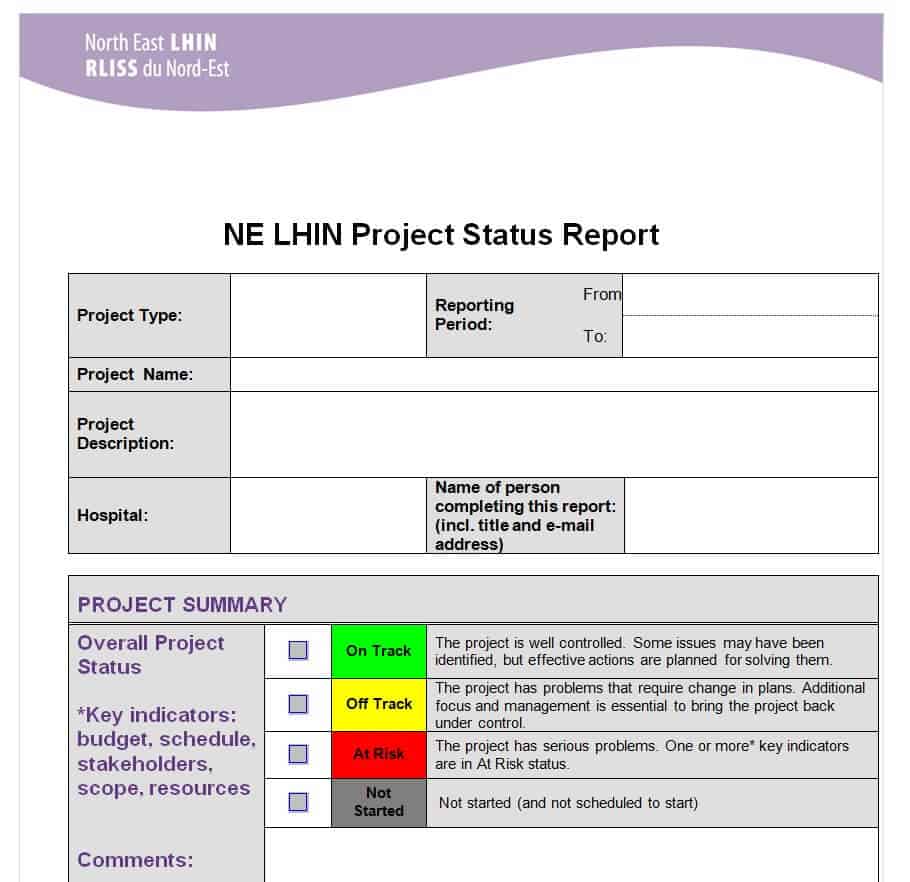
- Overall status indicator: a simple RAG (Red/Amber/Green) rating so readers can judge health in seconds
- Milestone and schedule status: planned versus actual dates for key deliverables
- Budget status: planned spend versus actual spend, and a forecast to completion
- Accomplishments: what was finished since the last report
- Risks and issues: open items, their impact, an owner, and a mitigation plan
- Next steps: priorities and planned work for the upcoming period
Project Status Report Templates
Common Mistakes to Avoid
- Burying the headline status inside a wall of text instead of stating it clearly up front
- Reporting activity, such as meetings held, instead of outcomes, such as a completed milestone
- Leaving out risks or issues to avoid an uncomfortable conversation
- Using an inconsistent format from one reporting period to the next, which makes trends hard to compare
- Writing a report so long that stakeholders stop reading it in full
- Forgetting to name an owner for each open risk or action item
Practical Tips for Better Status Reports
- Keep the report to one page whenever possible; length rarely correlates with usefulness
- Use the same template every period so readers know exactly where to look for each type of information
- Write the accomplishments and next-steps sections in plain, specific language rather than jargon
- Attach or link supporting detail, such as the full schedule or budget sheet, instead of pasting it into the report itself
- Send the report on the same day and time each cycle so stakeholders can plan around it
Frequently Asked Questions
How often should a project status report be sent?
Most teams send status reports weekly for active projects and monthly for longer, lower-intensity initiatives. The right cadence depends on how fast the project changes and how closely stakeholders need to track it.
What is a RAG status and why does it matter?
RAG stands for Red, Amber, and Green, a simple color rating that tells readers at a glance whether a project is on track (Green), at risk (Amber), or in trouble (Red). It lets busy stakeholders judge project health without reading the full report.
Who is responsible for writing the status report?
The project manager typically owns the report, though the content usually comes from updates submitted by team leads and individual contributors for their portion of the work.
Can these templates be customized?
Yes. Every template on this page is a downloadable Word or Excel file, so you can edit the sections, branding, and layout to match your own project or company’s reporting standards.
Related templates you may find useful: free project report templates, free project schedule templates and free expense report templates.
You can also browse our full collection of free report templates for more ready-to-use designs.