A letterhead template provides a professional layout for business letters, official correspondence, invoices, notices, proposals, and other documents. A typical letterhead includes a company or person’s name, logo, address, phone number, email address, website, and other essential contact information.
You can also browse our full collection of free word templates for more ready-to-use designs.
Creating a professional letterhead from a blank document can take time. These free letterhead templates in Word provide ready-made designs that you can customize with your own logo, business name, colors, contact information, and other branding elements. Choose a layout that fits your organization and edit it in Microsoft Word before printing or using it for digital correspondence.
Free Letterhead Templates
A professional letterhead helps create a consistent visual identity across business correspondence. When letters, notices, and other documents use the same logo, typography, contact details, and overall design, they present a more organized and recognizable appearance.
A good letterhead should contain the information recipients actually need. Avoid overcrowding the header with unnecessary contact details. Depending on your business, you may include the company name, logo, physical address, telephone number, email address, and website.
Company Letterhead Template
A company letterhead template can be used for formal business correspondence with customers, suppliers, employees, partners, government agencies, and other organizations. Add your company logo and official contact details to create a consistent document format.
A company letterhead can be used for many types of communication, including business letters, announcements, quotations, notices, statements, and other documents. Keep the design consistent with your company’s branding.
Business Letterhead Template in Word
A business letterhead template in Word is convenient because it can be edited without specialized graphic-design software. You can replace sample information, insert your logo, adjust fonts, and modify colors or other supported design elements.
Once customized, the template can be saved as a master document and reused whenever your business needs to prepare formal correspondence. This can save time and help maintain consistent branding.
Personal Letterhead Template
A personal letterhead template is useful for individuals who want a distinctive format for professional or personal correspondence. It can include your name, contact information, website, professional title, or other details you want recipients to see.
Personal letterhead can be useful for consultants, freelancers, professionals, authors, students, and others who send formal letters independently of a company.
Professional and Official Letterhead
A professional letterhead should be clean, readable, and appropriate for its intended use. For formal organizations, an official-looking design can help establish consistency across correspondence without making the page unnecessarily complicated.
Use only information and branding that you are authorized to represent. If the letterhead is intended for an organization, make sure the company name, logo, address, and contact details are accurate and current.
Printable Letterhead Templates
A printable letterhead template can be used when business or personal correspondence needs to be printed on paper. Before printing a large quantity, test the template on your intended paper size and check margins, logo quality, header placement, and footer information.
A well-designed printable letterhead should leave enough space for the actual letter while keeping the branding visible and balanced.
Letterhead with Logo
Adding a logo is one of the easiest ways to make a company letterhead recognizable. Place the logo where it supports the overall design without taking too much space away from the letter itself.
Use a high-quality version of the logo and make sure it remains clear when printed. If your organization has brand guidelines, follow the approved logo size, placement, colors, and typography.
How to Create a Letterhead in Word
Start by selecting a template with a layout that suits your business or personal needs. Open it in Microsoft Word and replace the sample company name, logo, address, phone number, email address, and website with your own information.
Review the header and footer, adjust the page margins if necessary, and test the document with a sample letter. Once everything looks correct, save a master copy so you can reuse the letterhead for future correspondence.
Download Free Letterhead Templates
These free letterhead templates in Word provide a convenient starting point for creating professional business and personal stationery. The collection includes simple, executive, official, business, personal, editable, and industry-specific designs.
Choose a template that matches your style, customize it with your own branding and contact information, and save the finished document for repeated use. A consistent letterhead can make everyday correspondence look more polished while saving you the time of designing a new document each time.
Download FREE Letterhead Templates:
Sample Letterhead Template
This sample letterhead template provides a practical starting point for creating professional stationery. It can help users understand how a business name, logo, contact information, and letter content can be arranged on a page.
Customize the sample with your own branding and business details. Once the layout is finalized, save a master copy for future correspondence.
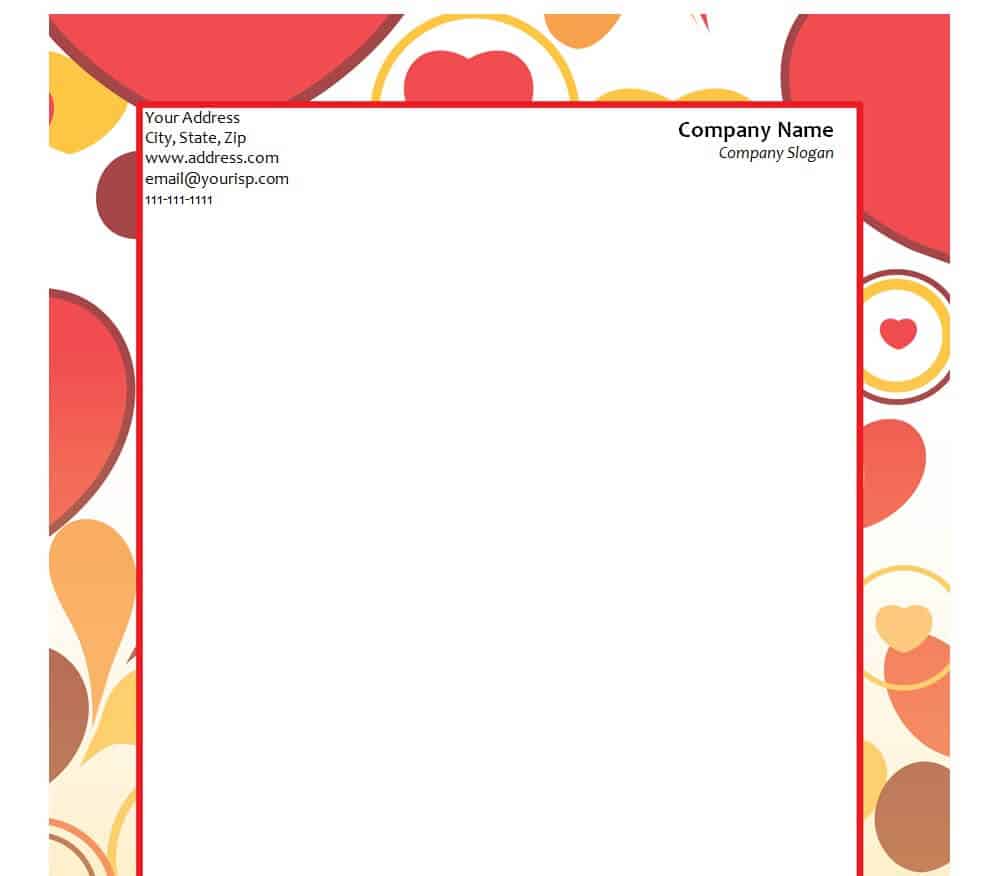
Company Simple Letterhead Template
This simple company letterhead template provides a clean format for business correspondence. Its straightforward design allows the company name, logo, and essential contact information to remain clear without taking too much space from the letter.
It can be adapted for everyday business letters, notices, quotations, and other company documents. Add your approved branding and verify all contact information before use.
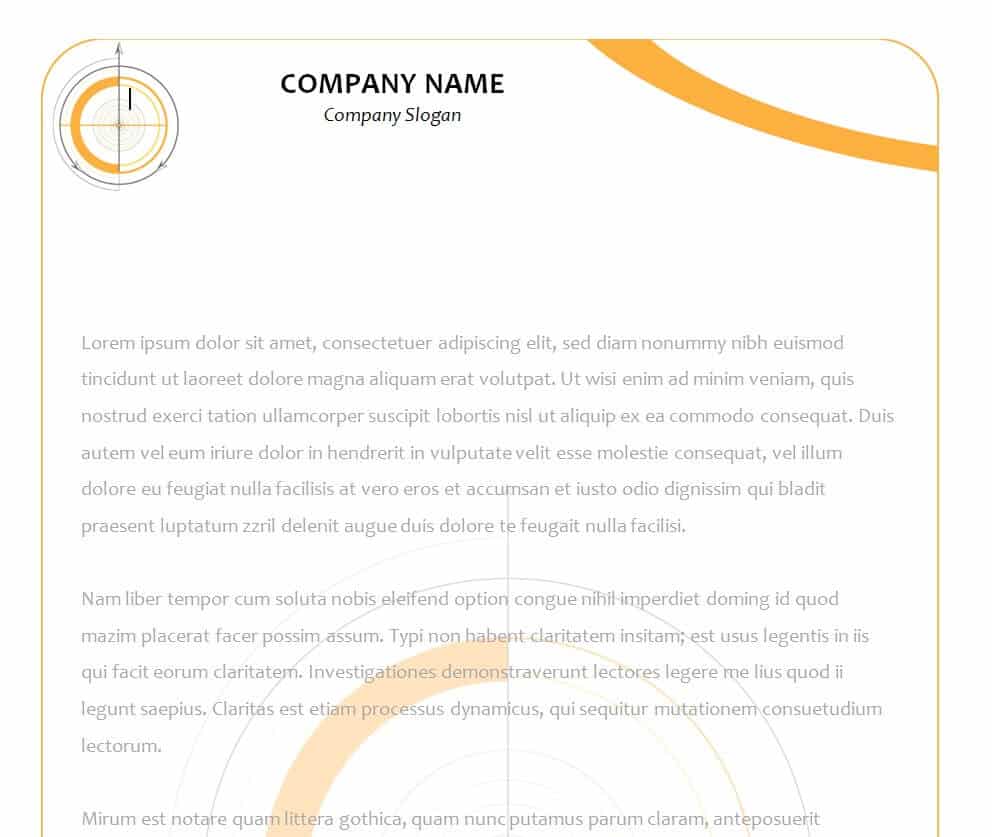
Blank Company’s Letterhead Template
This blank company letterhead template provides an editable foundation for creating branded business stationery. Starting with a blank layout gives you flexibility to add your own company name, logo, address, and contact information.
It can be reused as a master letterhead for different types of business correspondence. Keep the design consistent with your company’s branding guidelines.
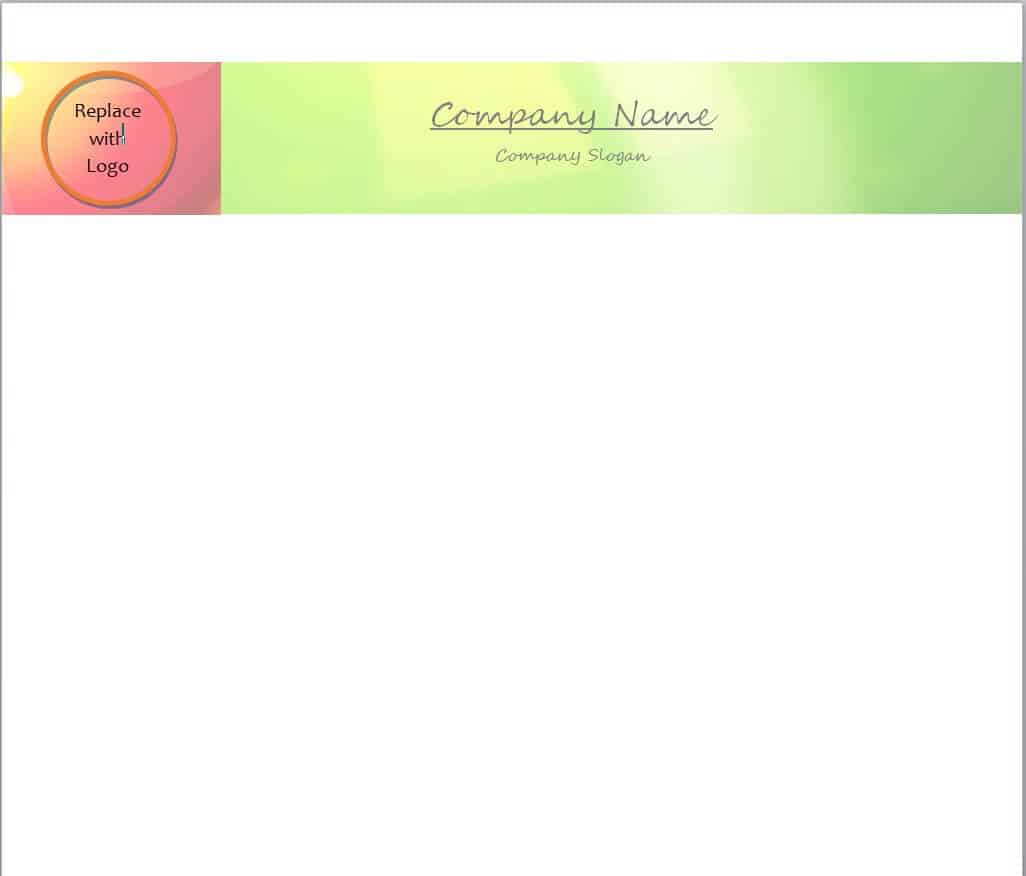
Executive Letterhead Template Free
This executive letterhead template provides a more formal starting point for professional correspondence. It can be customized with company branding and appropriate contact information for senior-level or formal business communication.
Use a restrained design and avoid adding unnecessary information. The goal is to provide a professional identity while leaving sufficient space for the actual letter.
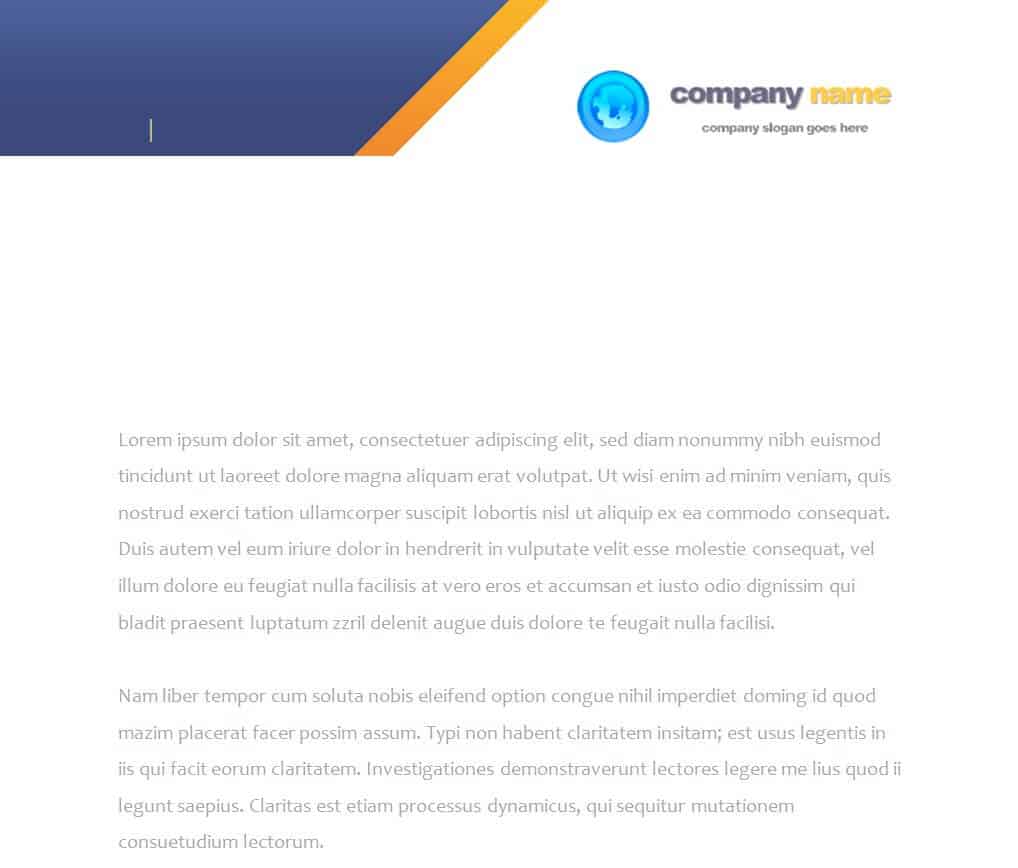
Online Letterhead Maker Template
This online letterhead maker template provides a starting design for creating customized stationery. It can help users organize branding elements and contact information before preparing the final document.
Customize the available content with accurate business details and use a consistent logo and typography. Review the final layout before printing or distributing documents.
Official Design Letterhead Template
This official design letterhead template provides a formal layout for organizations that need professional correspondence. It can be customized with authorized organizational branding and essential contact information.
Use the template only for legitimate correspondence and ensure that any organizational name, logo, or official information is used with proper authorization.
Letterhead Template for MS WORD
This MS Word letterhead template provides an editable format for creating professional stationery. Word makes it easy to replace placeholder information, add a logo, and modify supported design elements.
Once customized, save the document as a reusable master copy. This makes it easier to prepare consistent letters in the future.
Practical Letterhead Template with Watermark
This practical letterhead template includes a watermark-style design element that can add visual branding without overwhelming the page. It can be customized for business or professional correspondence.
When using a watermark, make sure it does not interfere with the readability of the letter. Test both digital viewing and printed output before adopting the design.
Sample Business Letterhead Template
This sample business letterhead template provides a professional starting point for company correspondence. It can be adapted with a business logo, name, address, phone number, email, and website.
Use the finished letterhead for appropriate business communication and keep the information current. A consistent template can help maintain a recognizable business identity.
Personal Letterhead Template
This personal letterhead template provides a way for individuals to create professional stationery using their own name and contact information. It can be useful for freelancers, consultants, professionals, authors, and other individuals.
Customize the template with only the information you want recipients to see. Keep the design simple enough that the actual message remains the main focus.
More About Letterhead Template
A company letterhead is usually a heading on the upper side of a paper that consists of the name, logo, and address of the company. Letterhead term is generally used to identify the whole paper printed with such heading. Company letterheads are often used to take a printout of a company’s confidential documents or letters.
Most companies prefer to prepare company letterhead in Microsoft Word software. Your company letterhead must contain the company name, logo, and necessary contact information only. The rest of the design of a company letterhead should be simple and don’t insert too much contact information.
You can also practice on paper first and make a few design ideas, or rough drafts in order to give a credible look to your company letterhead. You can also use letterhead templates provided for free on this page while you make a company letterhead.
Since the company enjoys a separate identity from the members of the company. Thus the members cannot sign and direct on behalf of the company by themselves. However, the directors may provide a direction on working of the company by proper authorization on Company Letterhead.
This letterhead provides a base for authentication of approval to the outside party. In the heading on the top of the letterhead is the name of the company with the full address of the registered office where the books of accounts are kept. It shall also consist of complete information about the contact address on it.
It may or may not contain the logo or the corporate identity design of the company in its background. With the help of these letterheads, you can direct or impose the policies of the company as proper authentication and it serves as a means of conveying a direct message to the staff from authorities it may be posted on the bulletin board for common addressing.
Stylish Company Letterhead Template
This stylish company letterhead template provides a more visually distinctive option for business stationery. It can be customized with company branding while maintaining a professional appearance.
Use colors, typography, and graphics that match your brand. Make sure decorative elements do not reduce readability or make the document difficult to print.
Catchy Letterhead Outline Template
This catchy letterhead outline template provides a creative framework for branded stationery. Its outline-based design can help distinguish business correspondence while leaving room for the main letter content.
Customize the outline and branding elements to match your organization. Review the design at actual print size before using it for regular correspondence.
Editable Letterhead Template WORD
This editable Word letterhead template provides a flexible format for creating customized company or personal stationery. You can update the text, insert your logo, and adjust supported formatting elements.
After customization, save a clean master version and create individual letters from copies of the template to prevent accidental changes to the original.
Formal Style Letterhead Template
This formal style letterhead template provides a professional format for official or business correspondence. A restrained layout can work well for organizations that want their letters to look polished and consistent.
Customize it with accurate contact information and authorized branding. Leave enough white space for the letter itself so the page remains easy to read.
Practical Letterhead Design Template
This practical letterhead design provides a balanced starting point for everyday business stationery. It can be adapted with company branding and contact information without requiring an elaborate design.
The template can be reused for letters, notices, and other appropriate documents. Test the layout on your intended paper size before producing final copies.
Common Company Letterhead Template with Logo
This company letterhead template with logo provides a branded layout for business correspondence. Adding an authorized logo can make company documents more recognizable and consistent across different communications.
Keep the logo clear and appropriately sized, and include only essential contact information. Follow any existing brand guidelines for logo placement and colors.
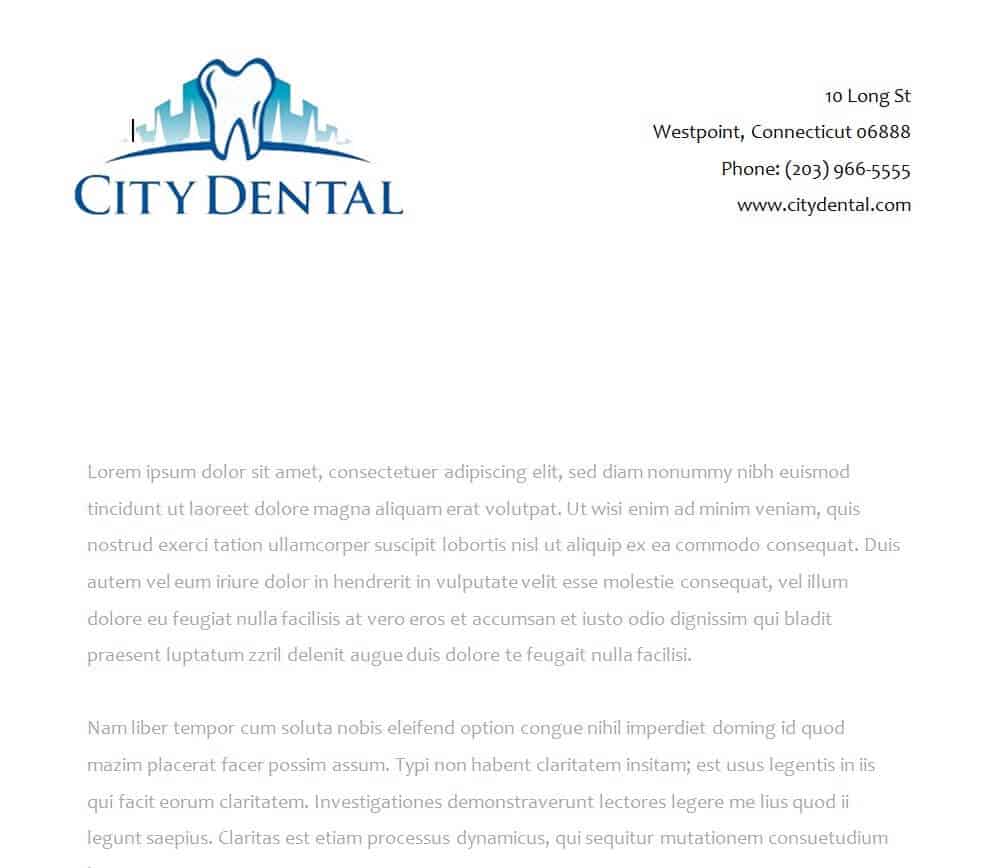
Dental Clinic Letterhead Template
This dental clinic letterhead template provides a specialized starting point for dental practice correspondence. It can be customized with the clinic name, logo, address, phone number, website, and other appropriate contact information.
Use the template for suitable clinic communications and ensure that all professional and practice information is accurate and current.
BEST Letterhead WORD Template
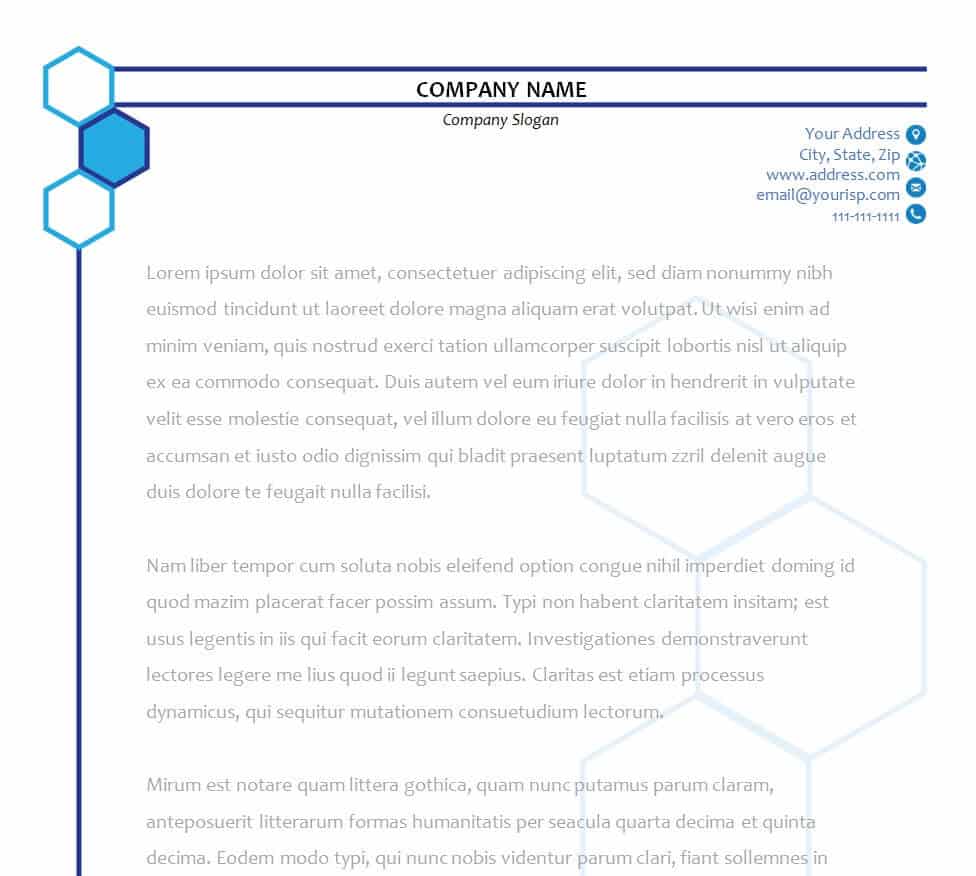
This Word letterhead template provides a customizable starting point for creating professional stationery. It can be adapted with business or personal branding, contact information, and other appropriate elements.
Choose the design elements that best match your organization and keep the final letterhead clean and readable. Save the customized version as a reusable Word template.
BEST Letterhead WORD Template
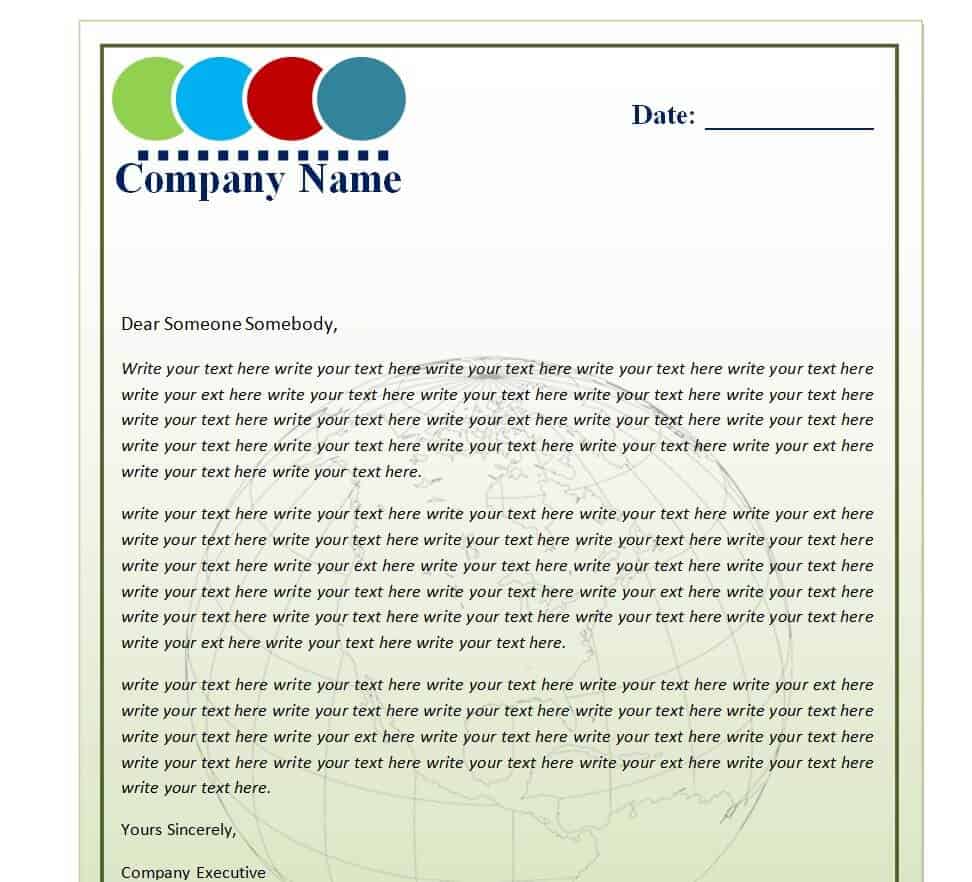
This additional Word letterhead template provides another option for creating customized professional correspondence. It can be adapted for company stationery, personal professional letters, or other suitable documents.
Replace placeholder information with accurate details and test the finished design before using it regularly. Keeping a consistent master template can simplify future document creation.
FAQs
1. What is a letterhead template?
A letterhead template is a pre-designed document layout containing space for a company or person’s name, logo, contact details, and other branding information.
2. Can I edit a letterhead template in Word?
Yes. Word letterhead templates can generally be customized with your logo, company name, address, contact information, colors, and other editable elements.
3. What should a company letterhead include?
A company letterhead commonly includes the business name, logo, address, phone number, email address, and website.
4. Can I create a personal letterhead?
Yes. A personal letterhead can include your name, professional title, contact information, website, or other appropriate details.
5. Can I print these letterhead templates?
Yes. After customizing and checking the layout, you can print the letterhead on suitable paper for business or personal correspondence.
6. Can I add my company logo to a letterhead?
Yes. Adding an authorized company logo is a common way to personalize a letterhead and maintain consistent business branding.
7. What makes a good professional letterhead?
A good letterhead is clean, readable, appropriately branded, and contains only the contact information recipients need.
8. Can I reuse a customized letterhead template?
Yes. Save the customized version as a master template and use it for future letters, notices, and other business documents.
Related templates you may find useful: free non-disclosure agreement templates, free expense report templates and free to do list templates.