

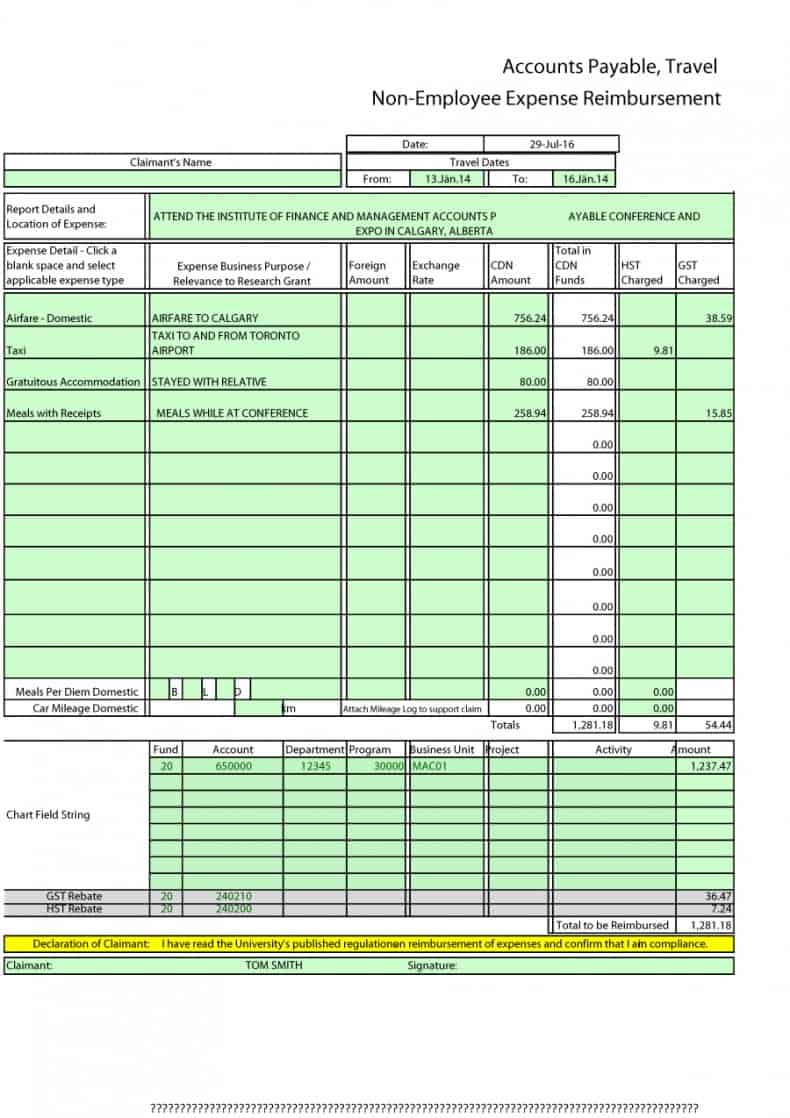
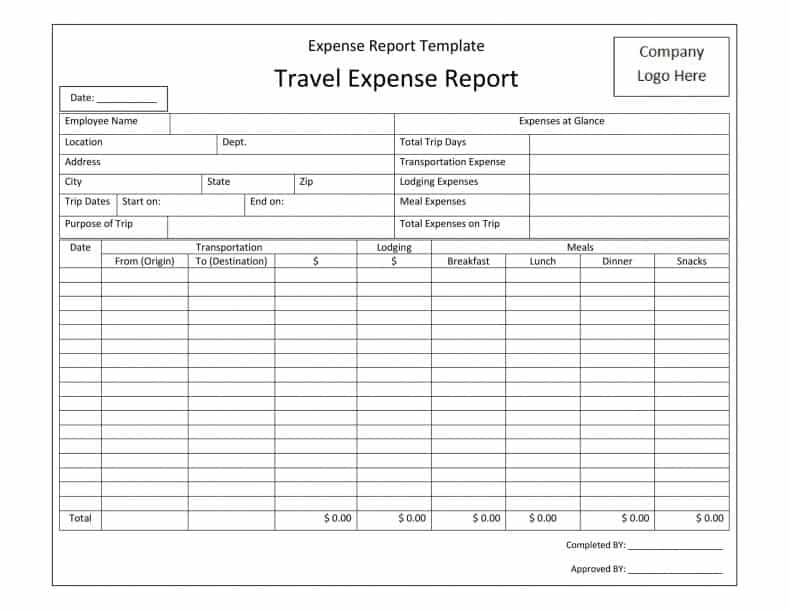
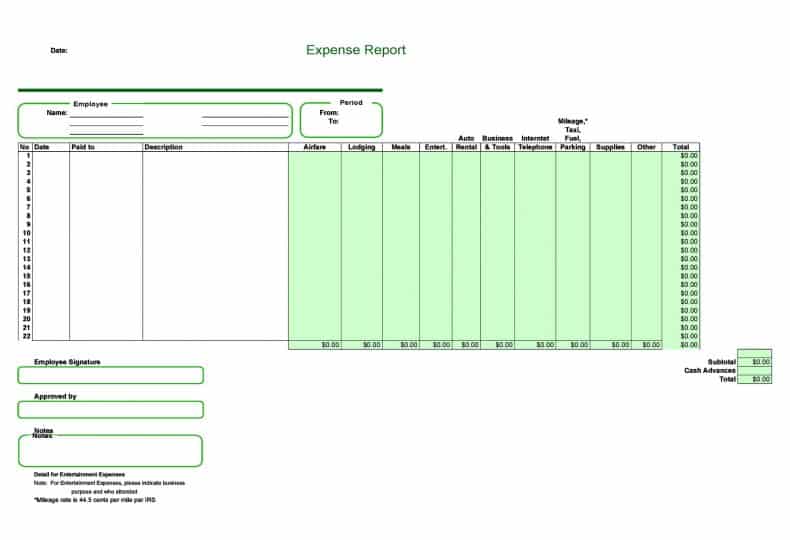
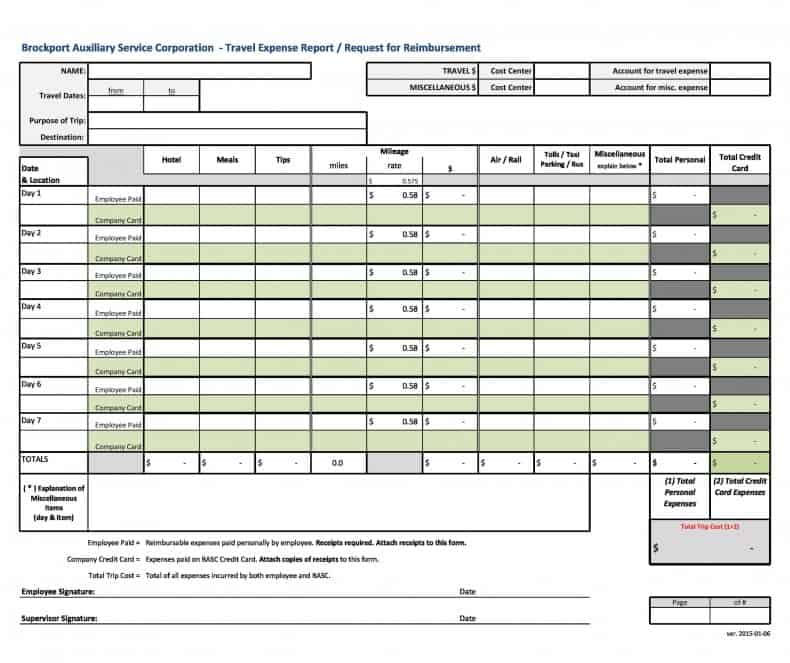
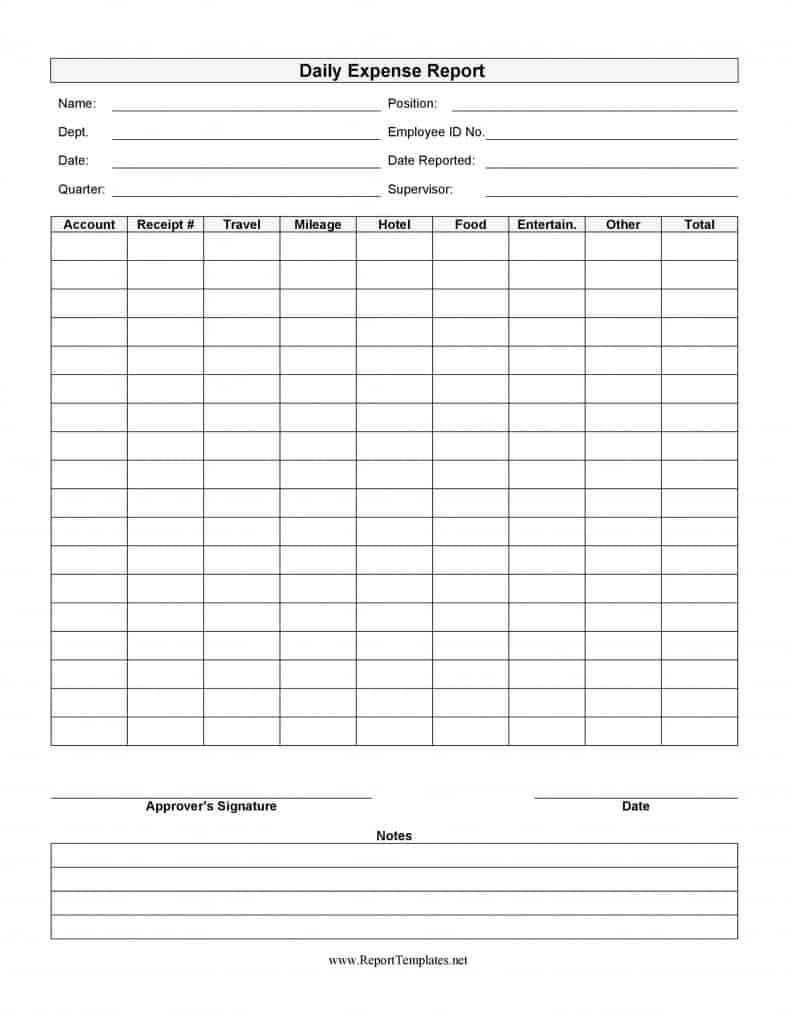
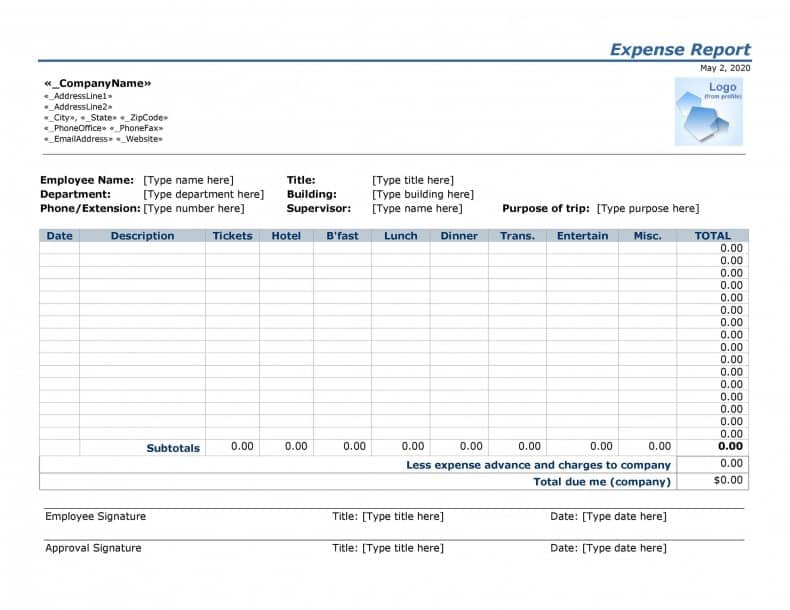
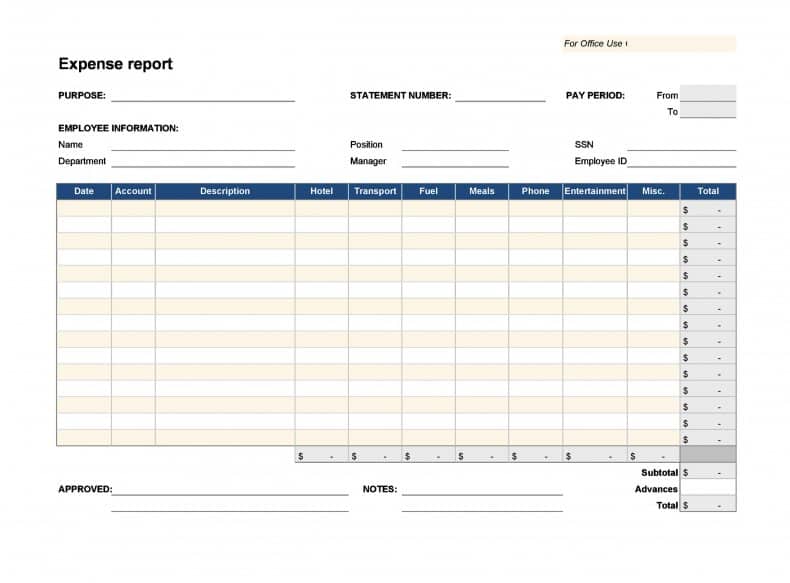
Expense Report Template is available for download. The flow of funds to meet the day to day requirements of the business is known as expense. The report on which the details of expenditures on travel, entertainment, meeting and appointment are shown is known as expense report. DocsPile includes many report templates like expense report templates. You can get an idea of how expense report format is used in professional business circle. We do hope that you will like these expense report templates at this page.
You can also browse our full collection of free report templates for more ready-to-use designs.
The objective of the reporter is to let the concerning person know about the way in which expenditures are incurred. Expenses are of two types (1) direct (2) indirect. Direct expenses relates to such as painting in the business premises and indirect covers like running the business with intention of going concern. The record of this report can be helpful while dealing with liability issues. This report is prepared by every sort of businessman for calculating profit or loss of the entity. It helps to ensure the organization about the systematic approach adopted by an employer. You can get these Expense Report Templates from here.
What a Complete Expense Report Should Include
A well-built expense report gives whoever approves it everything they need to verify a claim without asking follow-up questions. At minimum, it should list the employee’s name and department, the reporting period, and a line item for every expense showing the date, a short description, the expense category, the payment method (cash, personal card, or company card), and the amount. Most templates also include a running subtotal by category, a grand total, and a signature line for both the employee and the approving manager. If the company reimburses mileage, a separate mileage log with the trip purpose, starting and ending odometer readings (or total distance), and the applicable per-mile rate is usually attached as well. A clear layout like this makes the difference between a report that gets approved in minutes and one that bounces back with questions.
Who Uses an Expense Report and When
Expense reports are not limited to large corporations. Salaried employees who travel for meetings, sales calls, or conferences use them to get reimbursed for out-of-pocket costs. Freelancers and independent contractors use a similar format to track deductible business expenses for tax season, even though nobody reimburses them directly. Small business owners rely on expense reports to separate personal spending from business spending, which matters both for bookkeeping accuracy and for staying compliant with tax rules. Project managers sometimes use a project-level expense report to track costs against a budget, which is a slightly different use case from a personal reimbursement claim but follows the same basic structure.
Common Expense Categories
Most organizations group expenses into a handful of standard categories so reports stay consistent and easy to compare month over month:
- Travel: airfare, train or bus fares, rental cars, tolls, and parking
- Lodging: hotel or short-term rental costs while traveling for work
- Meals and entertainment: client meals, team dinners, and per diem allowances
- Mileage: personal vehicle use for business errands, calculated at a fixed rate per mile
- Office and supplies: software subscriptions, printing, postage, and small equipment
- Miscellaneous: conference fees, training costs, and other approved one-off purchases
Keeping categories consistent from one report to the next makes it much easier for a finance team to roll individual claims up into a department or company-wide budget.
How to Fill Out an Expense Report Template Step by Step
- Download the version that matches the software you already use, either the Word format or the Excel format.
- Fill in your name, employee ID or department, and the date range the report covers.
- Add one row per expense, entering the date, a brief description, the category, and the amount exactly as it appears on the receipt.
- Attach or scan the receipt for each line item; most companies require proof for anything above a small threshold, and some require it for every expense regardless of amount.
- Let the template total each category and the overall amount automatically if you are using the Excel version, or add up the totals by hand in a Word version.
- Review the report for accuracy, sign it, and submit it to your manager or finance department before the deadline set out in company policy.
Practical Tips for Accurate Expense Reporting
- Log expenses as they happen instead of trying to reconstruct a week or month of spending from memory.
- Keep both a digital photo and the original paper receipt until the reimbursement is confirmed and paid.
- Separate personal purchases from business ones on the same trip so nothing gets flagged during review.
- Use the same category names every time so your finance team can build accurate budget reports across periods.
- Check your company’s current per diem and mileage rates before you travel, since these figures change periodically.
- Save a copy of every submitted report for your own records in case a question comes up later.
Common Mistakes to Avoid
- Submitting a report without receipts, which slows down or can block reimbursement entirely.
- Rounding amounts instead of entering the exact figure shown on the receipt.
- Mixing multiple trips or projects into a single report, which makes it hard to allocate costs correctly.
- Forgetting to record the business purpose of a meal or trip, which most approval policies require.
- Waiting weeks or months to submit a claim, which can put it outside the company’s reimbursement window.
Frequently Asked Questions
How often should I submit an expense report?
Most companies expect weekly or monthly submissions, though the exact schedule varies by employer. Check your employee handbook or ask your manager for the deadline that applies to you.
Do I need a receipt for every expense?
Many policies set a minimum dollar threshold below which a receipt isn’t strictly required, but it is good practice to keep documentation for everything you plan to claim, just in case it is requested later.
Can I use these templates for a small business instead of an employee reimbursement?
Yes. Freelancers and small business owners commonly use the same layout to track deductible business expenses for tax purposes, not just to request reimbursement from an employer.
What’s the difference between the Word and Excel versions?
The Excel version can automatically total categories and calculate mileage reimbursement using formulas, while the Word version is easier to format for a simple, printable report that doesn’t need built-in calculations.
Download Expense Report Templates:

Related templates you may find useful: free progress report templates, free project report templates and free book report templates. Need to create one online instead? Try our free online Invoice Generator, no download required.


