
A collection of high-quality To Do List Templates is available on this page that will help you make good lists. The list of tasks to be performed by an individual for completing the project is known as a to-do list. The tasks include gathering the specific people who are skilled and hardworking. This list is usually prepared by the project manager for delivering it to an employer.
You can also browse our full collection of free list templates for more ready-to-use designs.
The purpose of the to-do list is to enlist all the activities required for the completion of the project. The important factor in the to-do list is the time allotted by an entrepreneur for starting and completing a project within the budget offered. The to-do list is prepared by the person before starting the project and changes can be made if necessary during the completion of the project. The to-do list defines the importance of performing the task with respect to time. The given below To Do List Templates will be very useful for you.
A list is a set of names, goods, or other items written one after the other. Usually, lists are prepared to show data in an ordered and sensible format. There are many types of lists that can be prepared and used for several reasons. Preparing a shopping list can help you to all those things that you are willing to buy them.
A To-do list is a tool to manage your task and objective for a day or a specific time period. A guest list is the best way to manage your invited guests in order to make your event more enjoyable. You will be able to find a large number of lists used for various purposes in general life. You can also get help and guideline to make a list that you want to prepare.
What to Include in a To Do List Template
A good to-do list template gives every task a clear place, so nothing important gets lost in a wall of text. At minimum, look for a layout that leaves room for the task description, a priority or category marker, and a checkbox or box to mark it complete. Many of the templates on this page also include a date or due-date column, which is useful for weekly planners or project checklists where timing matters as much as the task itself. A well-designed template also groups related tasks together, whether that is by project, by day of the week, or by priority level, so you can scan the list quickly and know what to tackle first.
How to Fill In and Use Your To Do List
Start by choosing the layout that matches how you actually work: a simple checklist for daily errands, a weekly grid for recurring tasks, or a priority-based template if you juggle several projects at once. Open the file in Word or Excel and replace the placeholder title and any sample tasks with your own. List each task in short, specific language rather than vague reminders, since “finish report” is far easier to act on than “work on stuff.” If the template includes a priority or category column, fill it in consistently so you can sort or scan the list at a glance later. Once your list is set up, print it out or keep the digital file open somewhere visible, and get in the habit of checking items off as you complete them rather than waiting until the end of the day.
Tips for Making Your To Do List Actually Work
Keep each list focused on a single day, week, or project rather than combining everything into one long, unmanageable page, since a to-do list that never gets fully checked off quickly loses its usefulness. Put your most important or time-sensitive tasks near the top so you see them first, and break larger tasks into smaller steps if a single line item feels too big to start. Review and update your list at the same time each day, whether that is first thing in the morning or the night before, so it stays an accurate reflection of what actually needs doing. Finally, do not be afraid to carry unfinished tasks over to the next list rather than cramming everything into one day, since a realistic list you can finish beats an ambitious one you constantly fall behind on.
Check Out these FREE To Do List Templates Below:
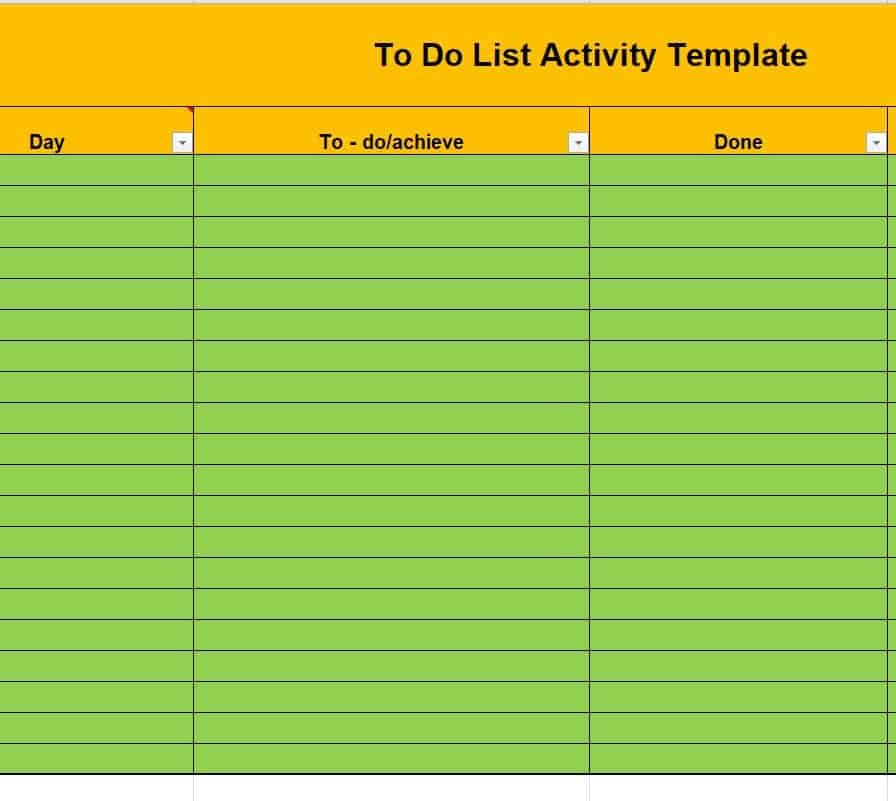
To Do List Activity Template
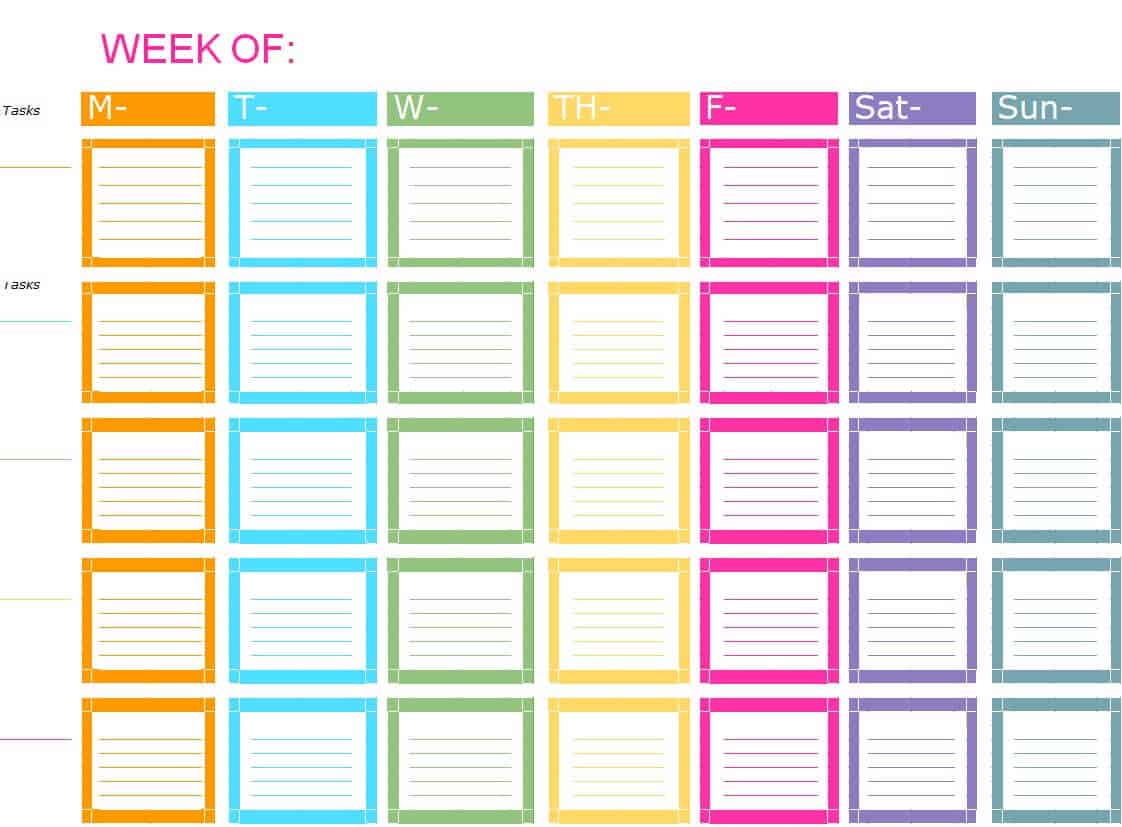
Colorful Weekly To Do List Excel Template
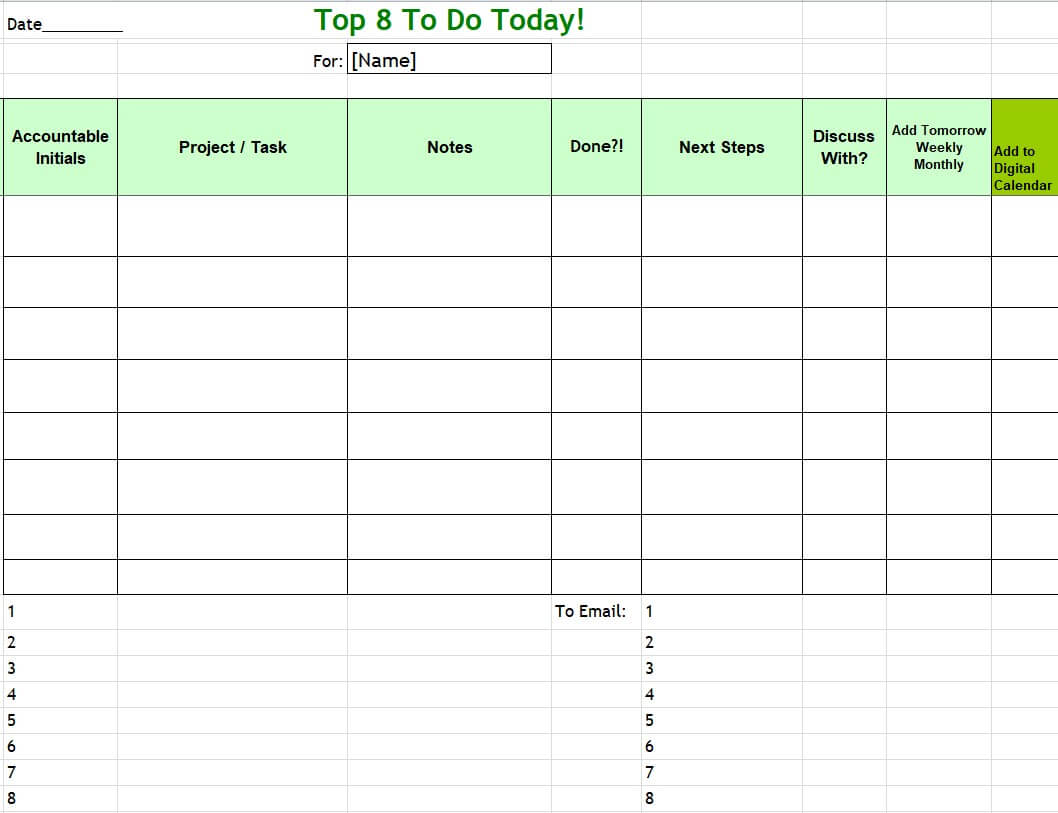
Sample Priority To Do List Template
Blank To Do List Template WORD
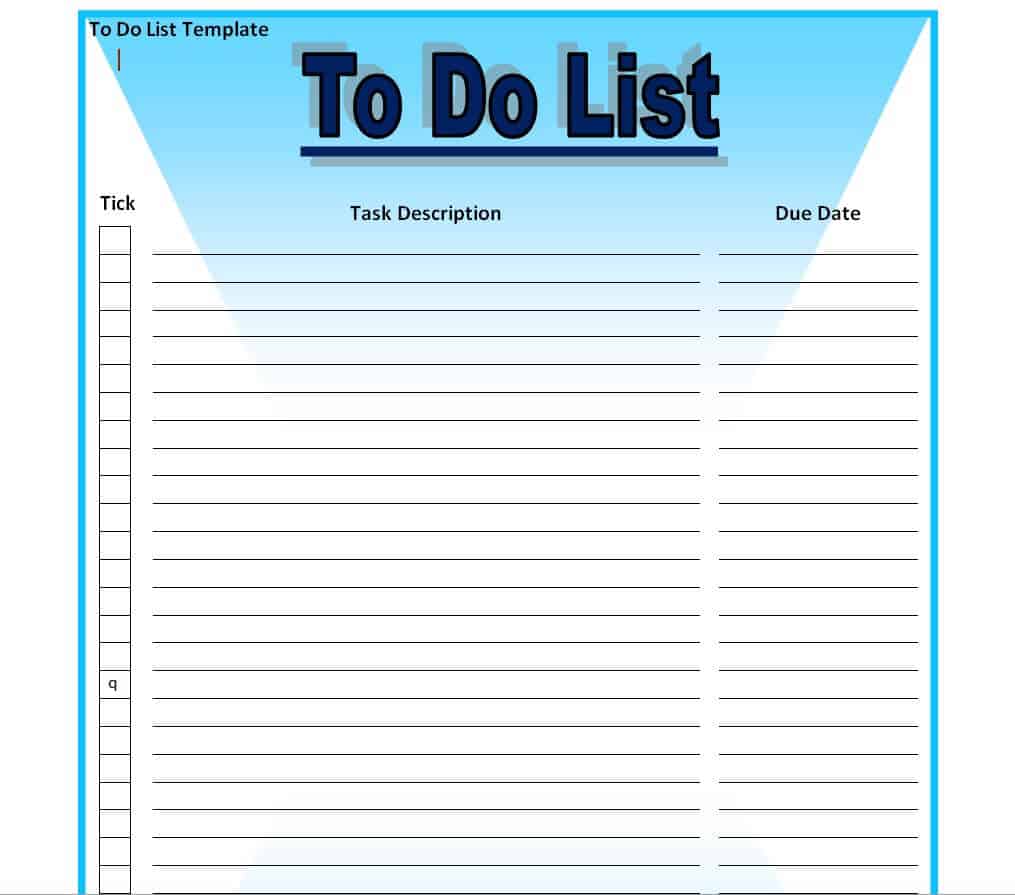
Sample Things To Do List Template
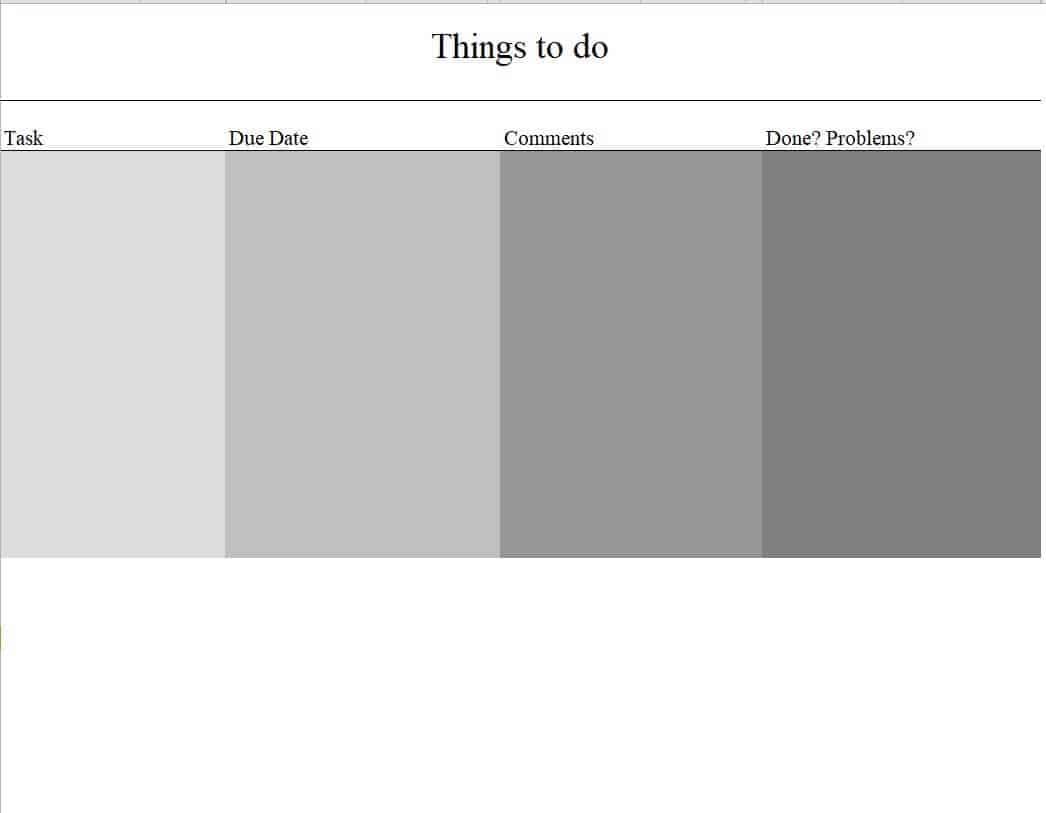
To Do List Template Excel Format
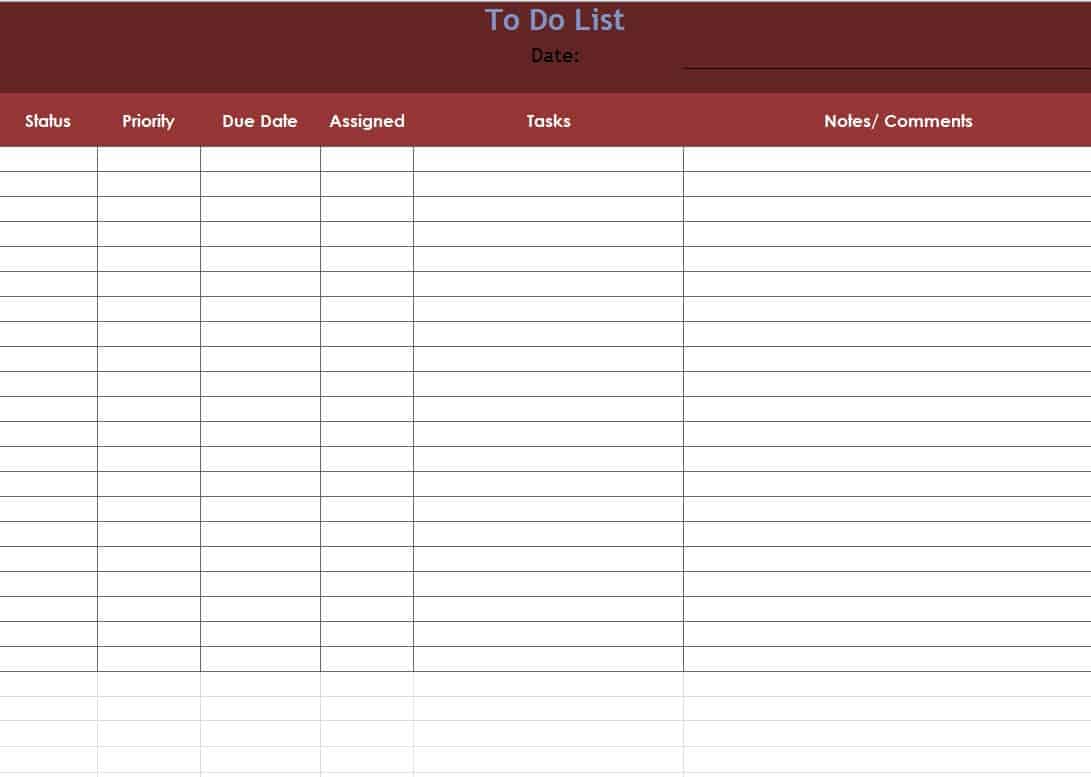
Standard To Do List Template
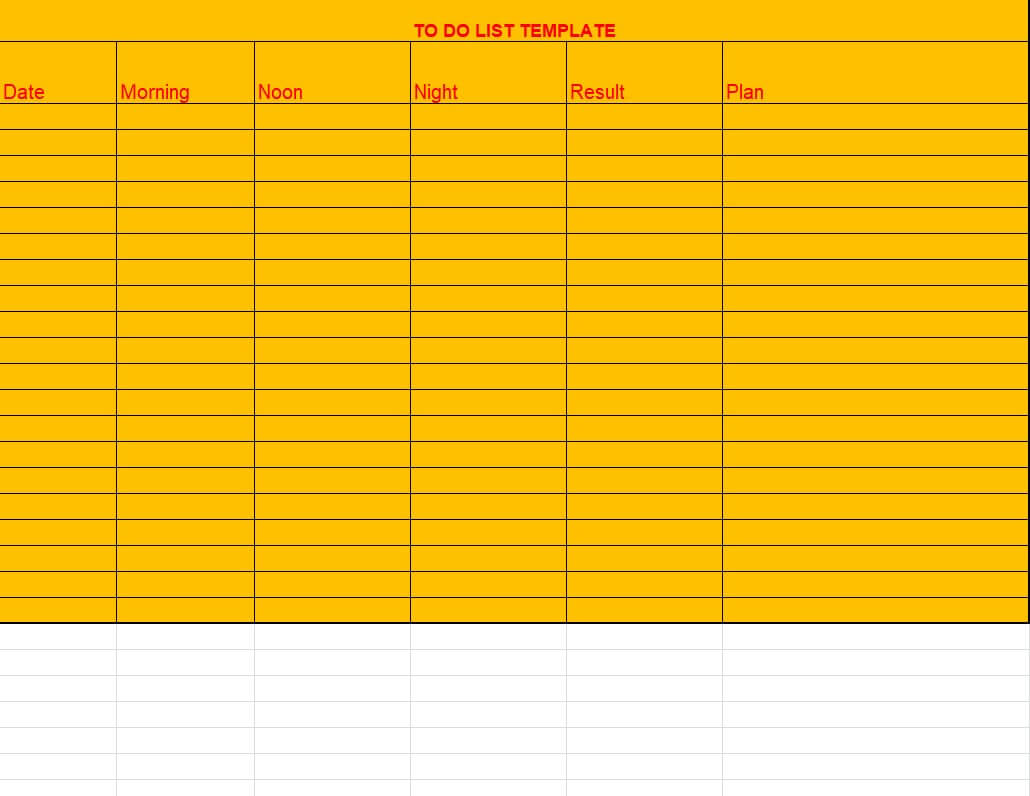
Fillable To Do List Template DOC Format
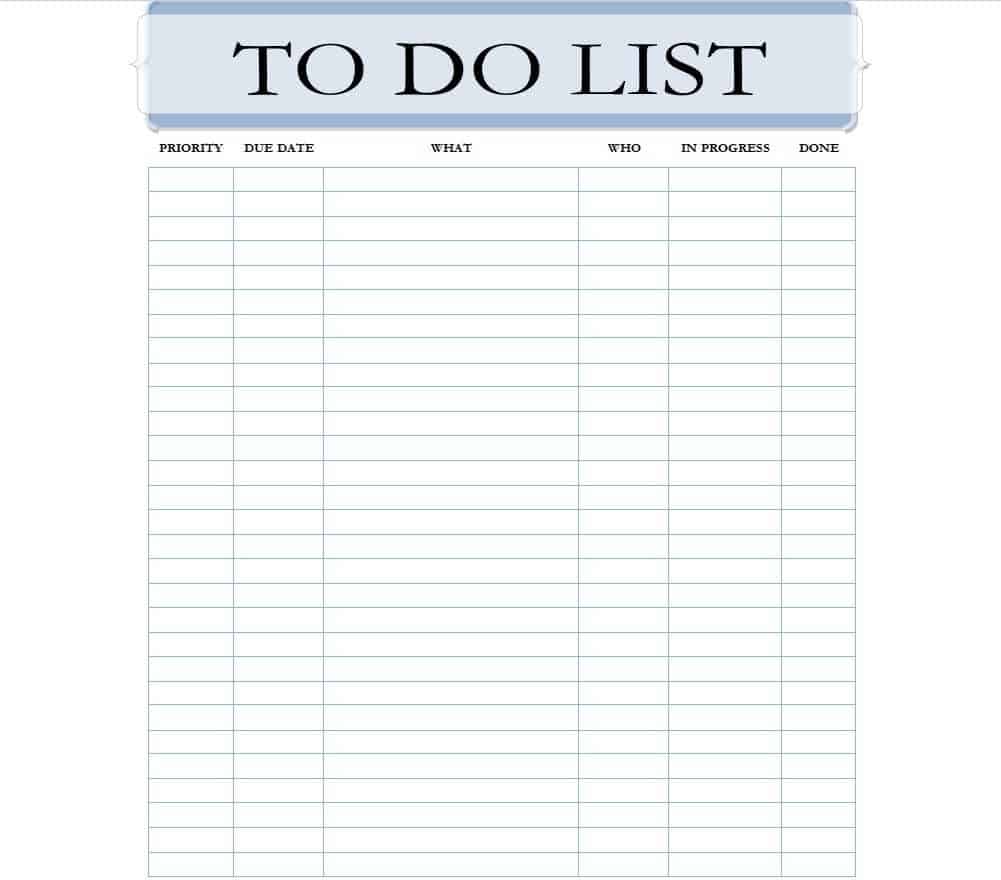
Common To Do List Template
Detailed To Do List Template
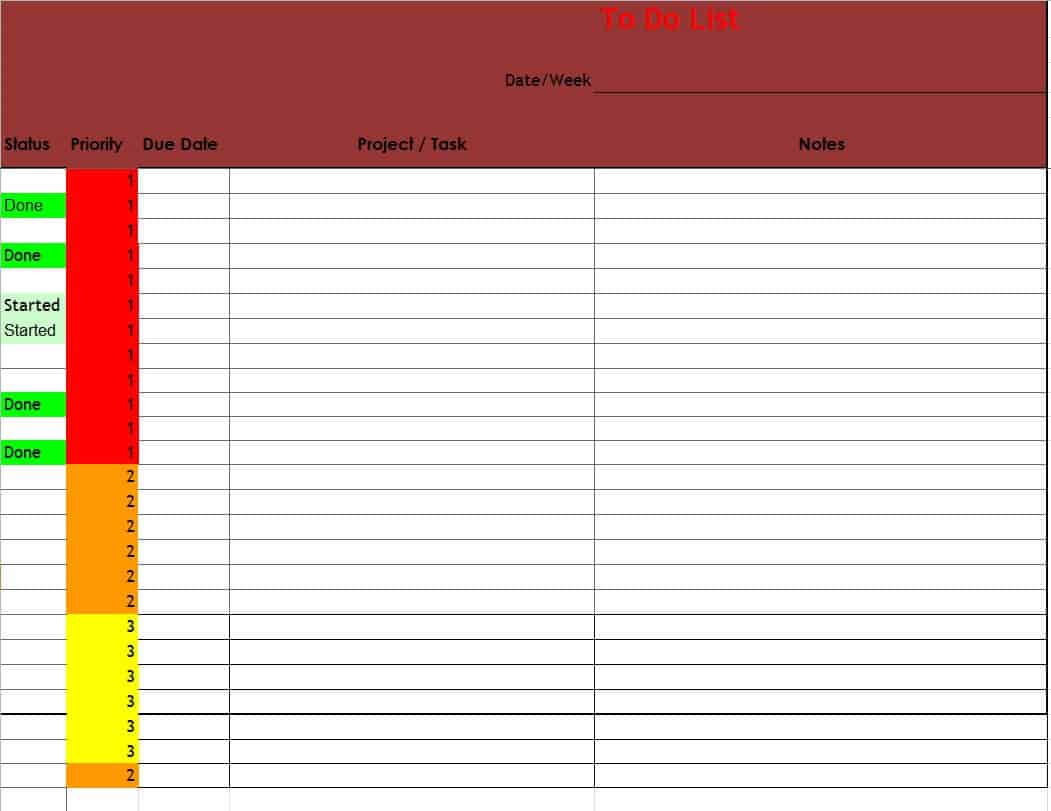
To Do List Template Editable
Printable To Do Checklist Template PDF
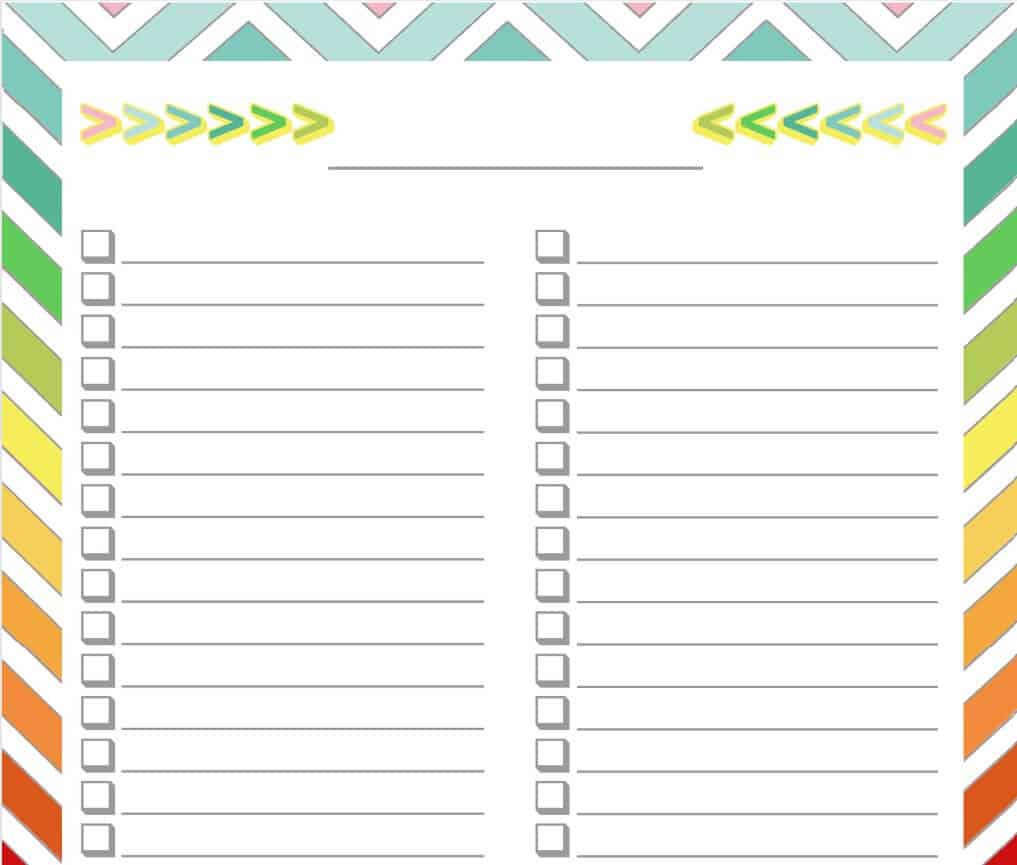
Common To Do List Mistakes to Avoid
One common mistake is writing a to-do list that is really just a wish list, packed with far more tasks than can realistically be finished in the time available, which leads to discouragement rather than progress. Avoid vague entries like “emails” or “project” without any specifics, since a task you cannot immediately act on tends to get skipped repeatedly. Do not mix truly urgent tasks with someday-maybe ideas on the same list, as this makes it hard to tell what actually needs attention today. Skipping a regular review is another frequent issue; a list that is never updated stops reflecting reality and becomes easy to ignore. Finally, avoid keeping multiple to-do lists scattered across different notebooks, apps, and sticky notes, since tasks are far more likely to get missed when they are not all in one place.
Frequently Asked Questions
What is the difference between a to-do list and a checklist?
A to-do list usually covers a broader set of tasks to complete over a day, week, or project, while a checklist is typically used for a specific, repeatable process where the same steps need to be followed each time, such as a packing list or an inspection routine.
Should I use a paper template or a digital to-do list?
Both work well, and the right choice depends on your habits. A printable template is useful if you like checking items off by hand and keeping the list visible on a desk, while a digital version in Word or Excel is easier to update quickly and share with others.
How many tasks should go on a daily to-do list?
Most people find that five to eight meaningful tasks are realistic for a single day. Listing far more than that often means some items are minor enough that they do not need to be tracked individually.
Can these templates be used for team projects instead of personal tasks?
Yes. Templates such as the priority or detailed layouts on this page work well for team task tracking too; just add a column for who is responsible for each item so accountability is clear.
Related templates you may find useful: free supplier list templates, free packing list templates and free wedding invitation list templates.