Wine labels are essential sources of information for users since they inform the origin and the type of the wine. The Wine Label has been often just the source a purchaser has for assessing the wine prior to buying it. Some stylish and beautifully designed wine label templates are available here for you to download for free. Make necessary changes in a wine label template of your choice and use it as per your requirements.
You can also browse our full collection of free word templates for more ready-to-use designs.
Definite information is commonly incorporated on the label of the wine, like, the country of origin, type of wine, quality of wine, producer, and degree of the alcohol content, importer or bottler. There are different varieties of label designs of wine available in the market. This is due to the reason that several wineries put utmost significance on the design of a label whilst others do not. You can check out the unique and creative designs for labels on the internet from where you can get an idea of creating a label design for your wine in a simple and instant manner.
More About Wine Label Templates:
A wine label is a way of information for consumers in order to identify the true type and origin of the wine. Wine labels play a vital role in the wine world. A wine label can show how a particular wine is distinguished from its other competitors in the market, and also provide vital product information briefly. A wine label is a legal requirement in different states.
A wine label may identify all contents of wine like a country of origin, type of wine, alcohol content, quality, name of producer and importer, etc. If you are a winemaker and wish to design a wine label yourself, there are various sources to use such as wine label templates and wine label samples. You can get them right here on this page for free of cost and can easily customize them as per your needs. It is a perfect way to design a wine label in a short time.
What Is a Wine Label Template and Why Use One?
A wine label template is a pre-formatted design file — usually built in Microsoft Word, Adobe Illustrator, Photoshop, Canva, or a similar editable format — that gives you the layout, fonts, and decorative elements of a finished wine label without requiring you to design one from a blank page. Instead of hiring a graphic designer or learning design software from scratch, you simply open the template, swap in your own wording (winery name, varietal, vintage, tasting notes), adjust the colors if you like, and print it onto label paper or send it to a professional label printer. Using a template shortens the process from days to minutes while still producing a label that looks intentional and polished rather than homemade.
Who Uses Wine Label Templates?
These templates serve a wider audience than professional vintners. Home winemakers use them to label bottles from a backyard harvest or a kit batch, giving their homemade wine the same shelf-ready look as a store-bought bottle. Small wineries and boutique producers rely on templates to test new label concepts quickly or to produce short runs for a single vintage without commissioning custom artwork every season. Gift-givers use a template to personalize a bottle for a wedding, anniversary, birthday, or holiday, turning an ordinary bottle into a keepsake with a name, date, or message printed right on the label. Event hosts — for weddings, corporate parties, fundraisers, or milestone celebrations — use wine label templates to create matching favors or table centerpieces that tie into the event’s theme.
Get Wine Label Templates Here:
Classic Studio Wine Label Template

Sample Wine Label Template

Stylish Wine Label Template
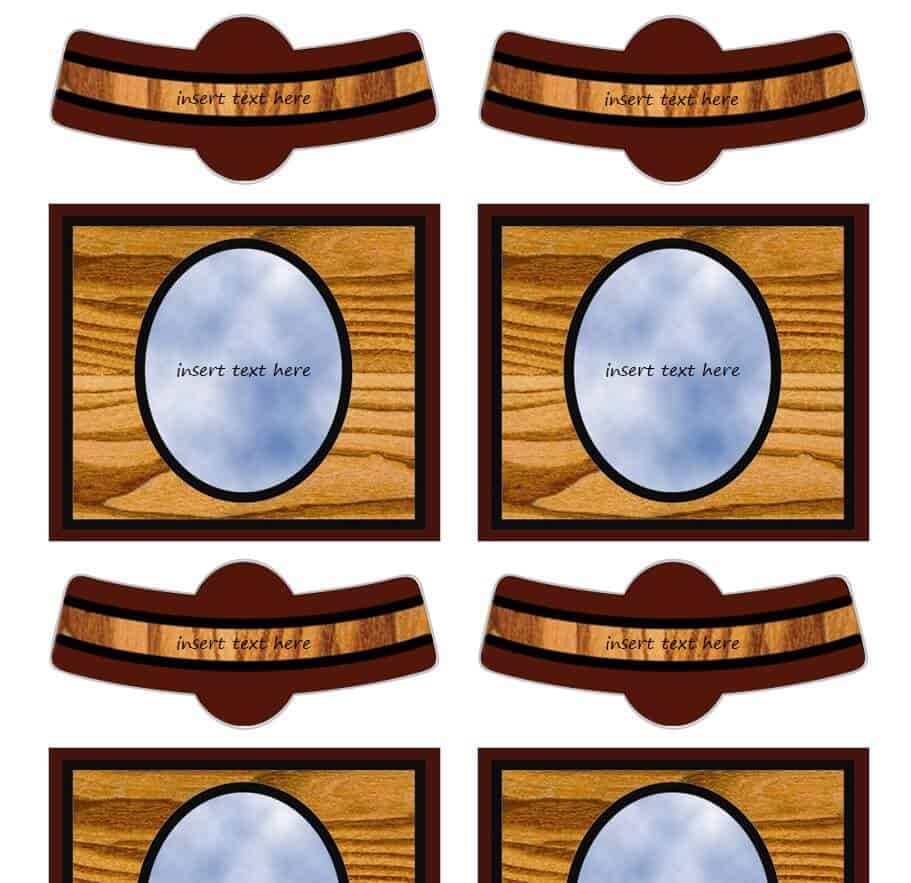
Celebrations Wine Label Template

Common Style Wine Label Template WORD

Minimal Design Wine Label Template
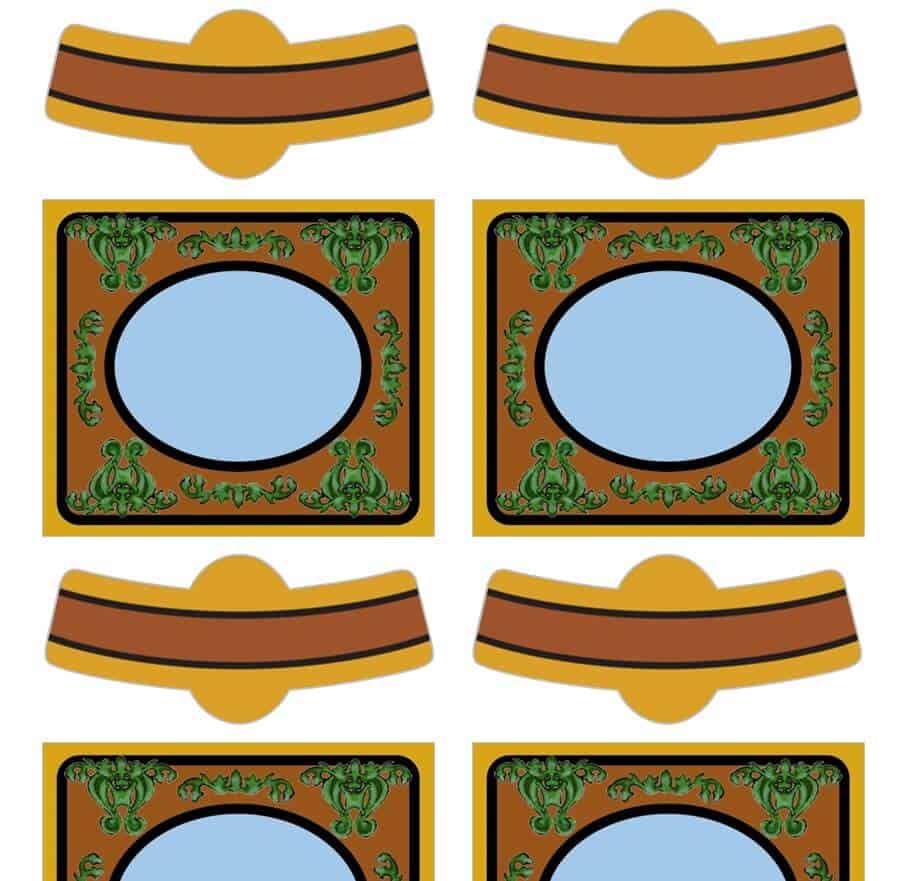
Custom Wine Label Template

Online Wine Label Template PDF

Editable Wine Label Template

Holidays Celebration Wine Label Template

Special Wine Label Template in MS Word
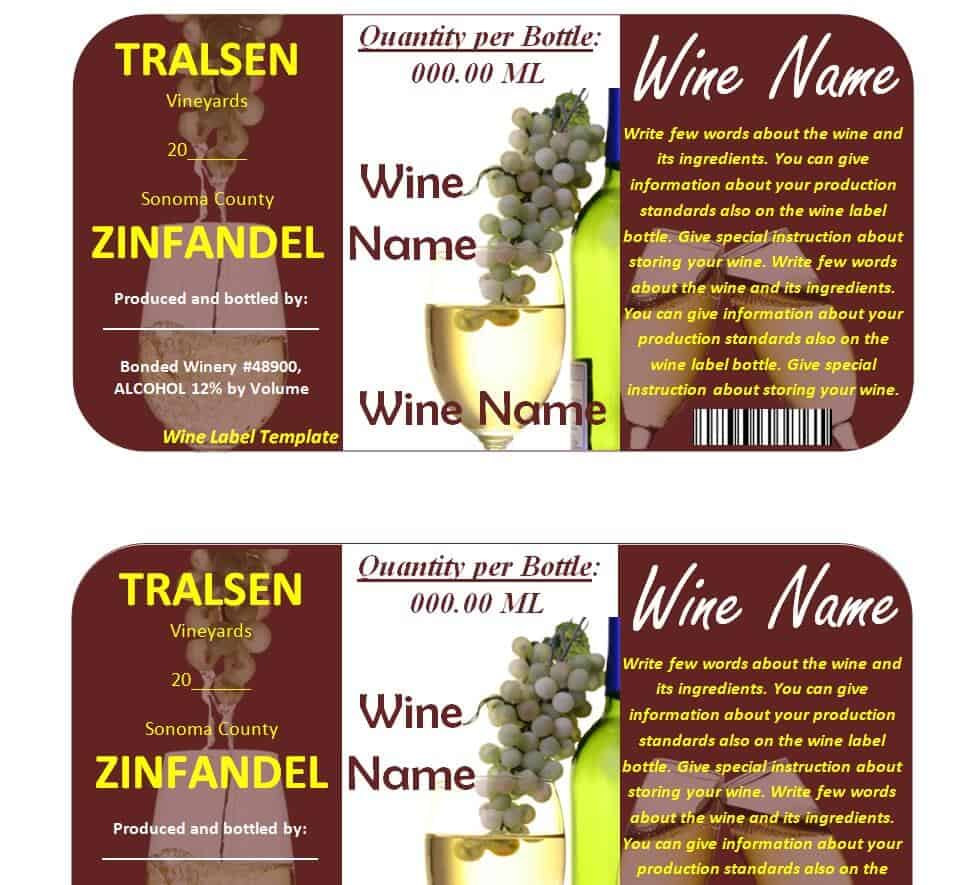
Avery Wine Label Template
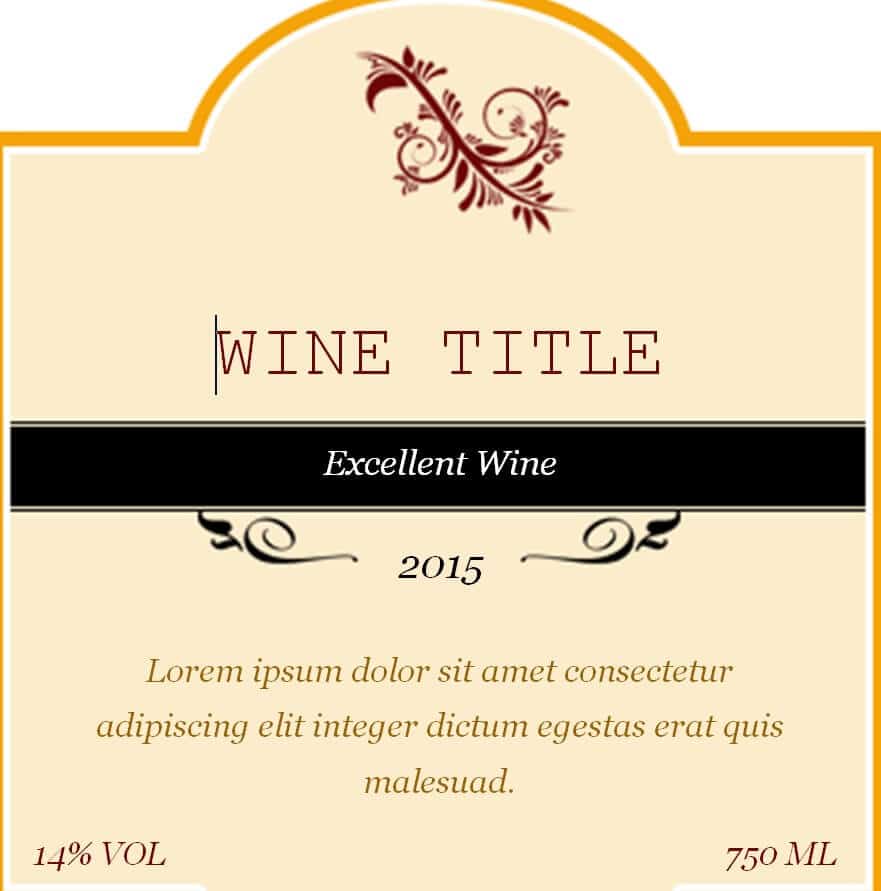
Mini Wine Label Template in DOC Format

Elemental Wine Label Template Free

Branded Wine Label WORD Template

Printable Mother’s Day Wine Label Template

Customizable Wine Label Template

Classy Wine Label Doc Template

Attractive Wine Label Template Free Download

Neato Wine Label Template

Key Elements Every Wine Label Should Include
Regardless of the design you choose, a well-made wine label should communicate a specific set of details clearly and legibly. The varietal (such as Cabernet Sauvignon, Chardonnay, or Pinot Noir) tells the drinker what grape or blend is in the bottle, while the vintage — the year the grapes were harvested — helps set expectations about aging and flavor. The region or appellation (for example, Napa Valley or Willamette Valley) adds authenticity and often signals a particular style or quality level. Alcohol content (ABV) is both useful information for the drinker and, in most places, a required disclosure. Strong branding — your winery or event name, a logo, and a consistent color palette — is what makes a label memorable and shelf-worthy. Finally, many regions require certain legal disclosures, such as sulfite content, net volume, importer or producer information, and a government health warning where applicable. Specific legal labeling requirements vary by jurisdiction, so if you are labeling wine for commercial sale, it is worth confirming the current rules with a professional or legal advisor before printing a full run.
How to Design, Print, and Apply a Wine Label
Turning a template into a finished, applied label is a straightforward process once you know the order of steps. Start by choosing the template whose size and shape best match your bottle — most standard wine bottles use a front label around 3.5 by 4 inches. Next, open the file in the software it was built for and replace the placeholder text with your own varietal, vintage, winery or event name, and any tasting notes or a personal message. Keep the color scheme simple: two or three colors reproduce far more reliably than a busy, multi-color design, especially on a home printer. Before printing a full batch, print a single test copy on plain paper and hold it against the bottle to check sizing, spacing, and readability. For printing, use a laser printer or inkjet loaded with waterproof, self-adhesive label paper — this keeps the ink from smearing if the bottle gets damp in an ice bucket. Let the ink dry fully, then peel and apply the label to a clean, dry, dust-free bottle, smoothing it from the center outward to avoid trapped air bubbles. If the label will be handled often or stored in a humid environment, a light coat of clear sealant spray adds extra durability.
Common Mistakes to Avoid
A few avoidable mistakes account for most disappointing results. Skipping the proofreading step is the most common — a misspelled varietal name or an incorrect vintage year is hard to notice until the labels are already printed, so read every line twice and, ideally, have a second person check it too. Using a low-resolution image or logo will look sharp on screen but print blurry, so always insert graphics at their original resolution rather than stretching a small file to fit. Ignoring the bottle’s curve is another frequent issue: a label designed edge-to-edge can wrinkle once it wraps around glass, so leave a small margin near the edges. Printing on a label size that doesn’t match your bottle leads to overhang or awkward gaps, and forgetting any legally required text, such as an alcohol disclosure, can be a problem for labels intended for sale or wide distribution.
Practical Tips for a Professional-Looking Label
A few small choices make a noticeable difference in the finished look. Choose a font that stays legible at a small size — an ornate script can work well for a title but is hard to read in body text. Keep contrast high between the text and background so the label reads clearly from a normal viewing distance. If bottles will sit in ice or a cooler, use waterproof label stock rather than standard paper. Save both the editable source file and a print-ready PDF so you can make quick corrections or reorder more labels later without starting over. For a personal touch on gifts or event favors, consider adding a short handwritten note or a small QR code linking to a recipe, playlist, or photo album tied to the occasion.
Frequently Asked Questions
What size should a wine label be?
Most standard 750 ml wine bottles use a front label around 3.5 by 4 inches, though this varies by bottle shape. Measure your specific bottle before printing, and use the test-print step described above to confirm the fit.
Can I use these templates for a business, or are they for personal use only?
The templates on this page can be customized for personal projects like gifts, home-brewed batches, and event favors. If you plan to sell wine commercially, check the specific licensing terms for any template you use and confirm your label meets the labeling regulations that apply in your market before going to production.
What software do I need to edit a wine label template?
Most of the templates here can be opened and edited in common programs such as Microsoft Word, Adobe Photoshop, Adobe Illustrator, or a free design tool like Canva, depending on the file format you download. Check the file type before downloading if you have a specific program in mind.
Do wine labels have to meet legal requirements?
In many places, yes — commercial wine labels are subject to rules covering alcohol content disclosure, net volume, sulfite declarations, and other information. These specific legal labeling requirements vary by jurisdiction, so anyone labeling wine for sale should consult a professional or legal advisor to confirm compliance before printing a final run.
Related templates you may find useful: free envelope templates, free shipping label templates and free party invitation templates.