Time management is very important for students during their studies. Download our free Student List Templates Word here. If a student fails to manage his time and day according to his lessons and tasks, he cannot focus on his studies at best. A student list is a perfect way to track all important tasks and assignments according to the day and time. Creating a student list can help a lot to accomplish lessons and tasks smoothly. Student lists also enable a student to save time for extracurricular activities. A student list is not only about prioritizing and tracking tasks, but it can also help them feel like they are accomplishing something each time they check off a task. Nowadays various websites offer free student list templates that we can use in this regard. We can easily download student list templates and can customize them as per our needs. A large number of applications also exist in order to make a student list on the mobile phone as well. Just like that, the Student List Templates given here on this page are really helpful.
You can also browse our full collection of free list templates for more ready-to-use designs.
Every now and then, we are suggested to make a list to organize and coordinate our work or event. In order to execute a series of work it is necessary to form a list briefing about the work to be performed or take it when there is some event a series of items are performed, then also a list is formed which is to be followed to execute the event successfully. Similarly, in the case of a school, a Student List is made for all sought of activities. When a sponsor provides a number of scholarships to a number of students, a list is provided by the trustee to the institution, which shows the name and, the amount of money to be provided to the students. These days, even when a pool of kids applies for admission to an institution, then after considering the admission criteria the list of students eligible for admission is displayed outside the institution according to which kids are admitted for the academic courses.
Download Student List Templates from Here
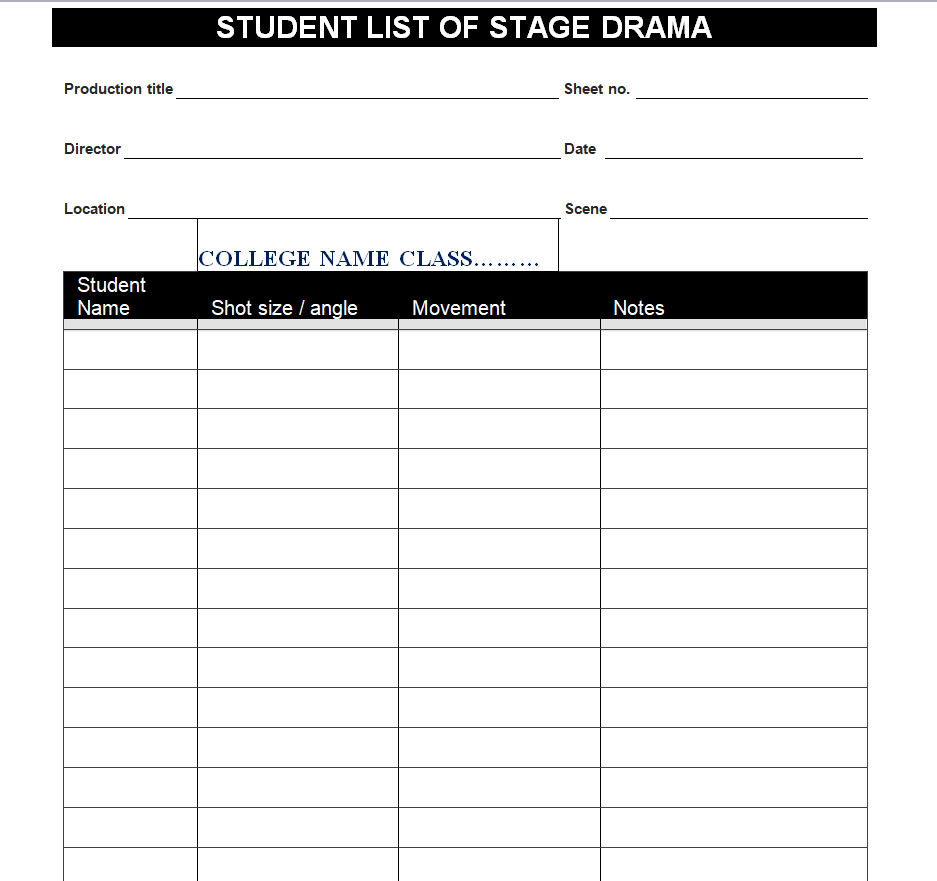
Stage Drama Students List Template

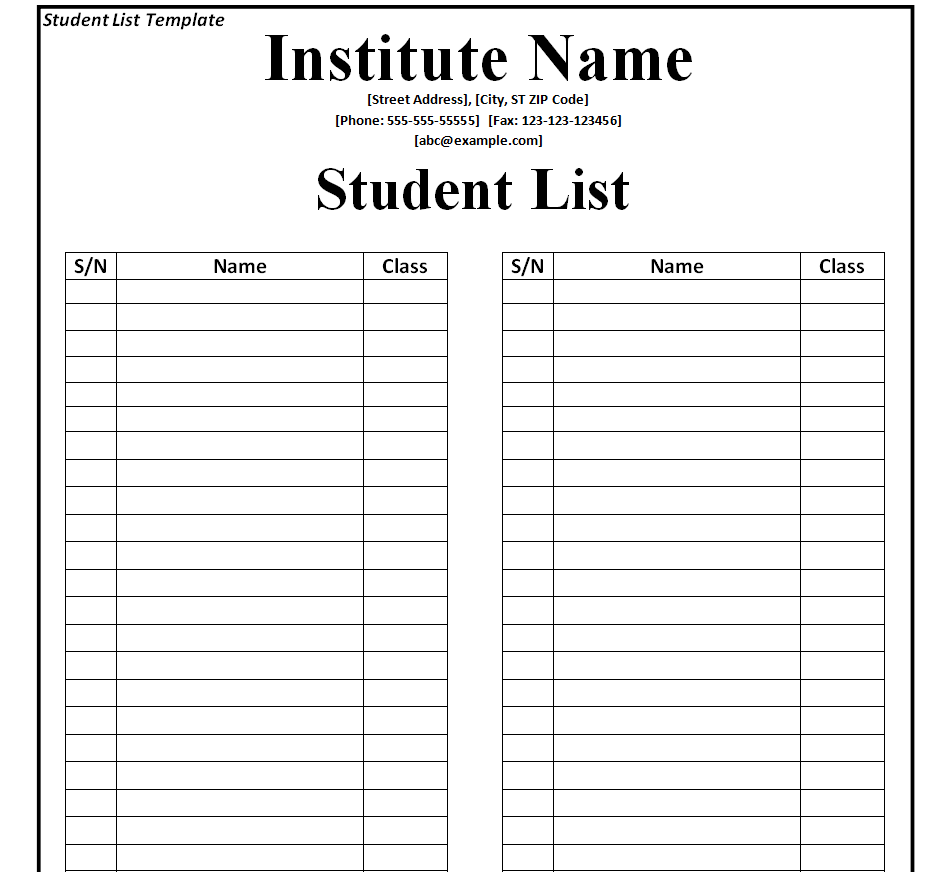
Institute’s Student List Template Word
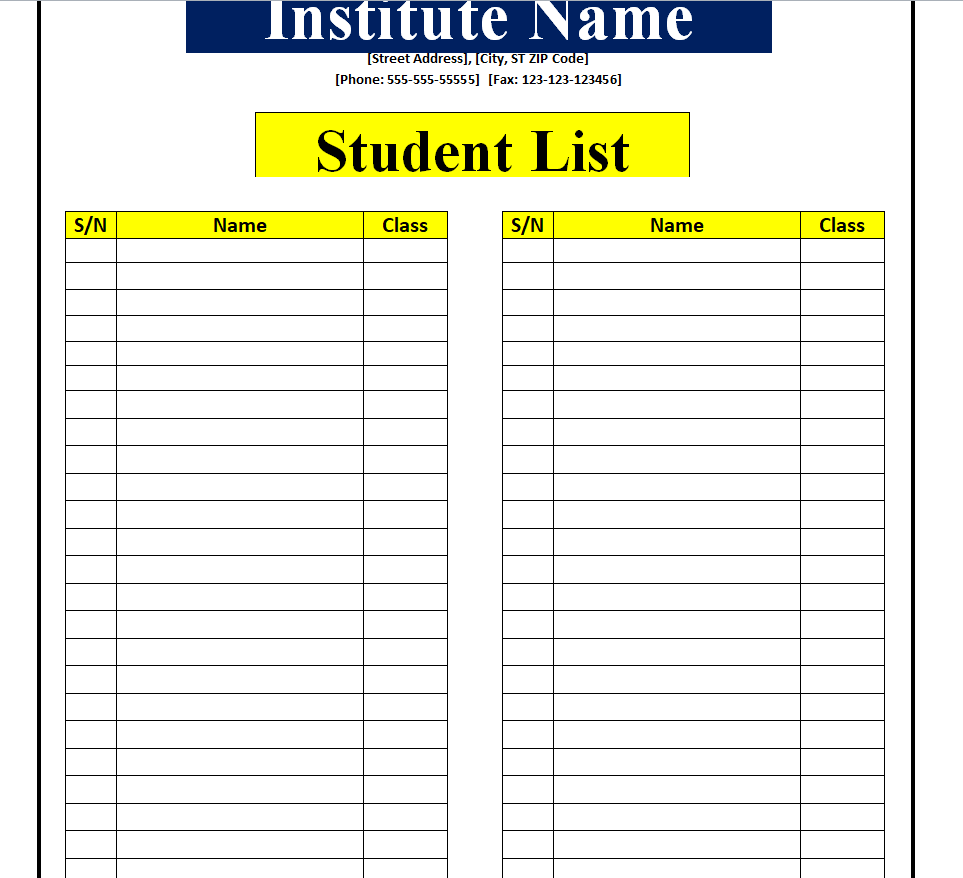
Blank Student List Template
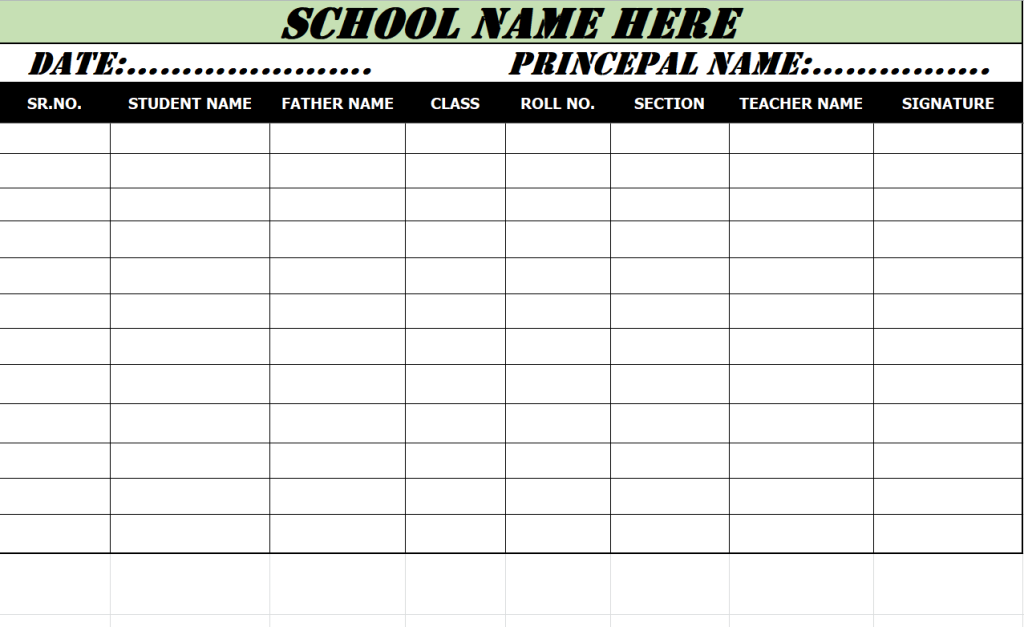
School Student List Spreadsheet Excel Template
Fillable Student List Template
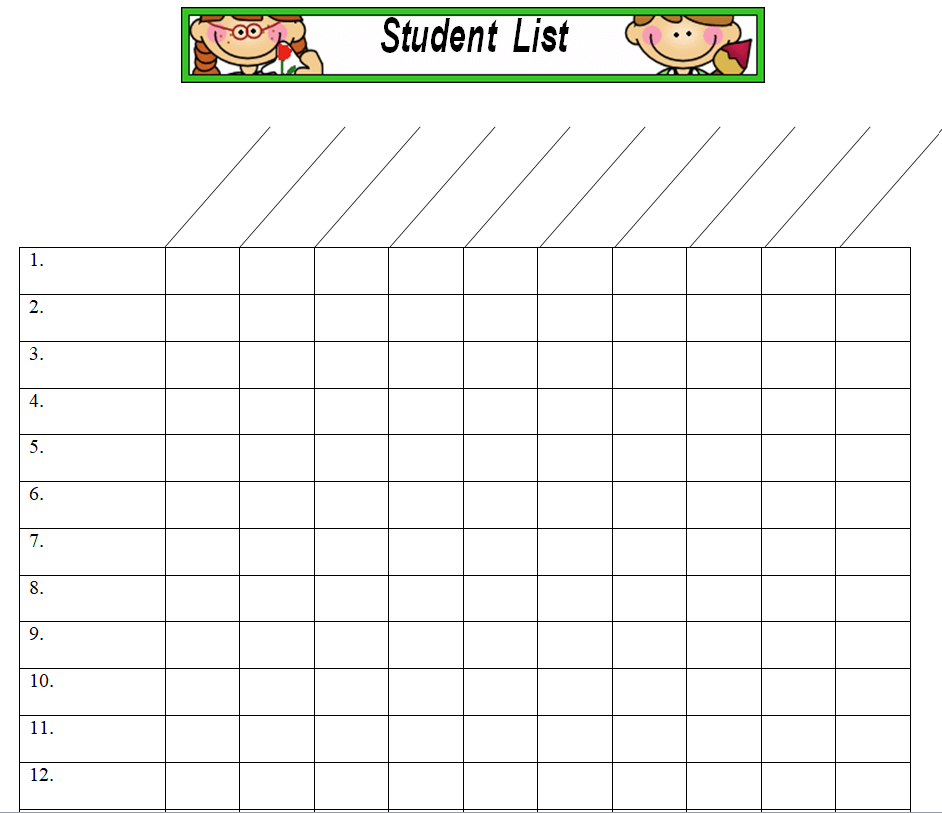
Student List Verification Form Doc Template
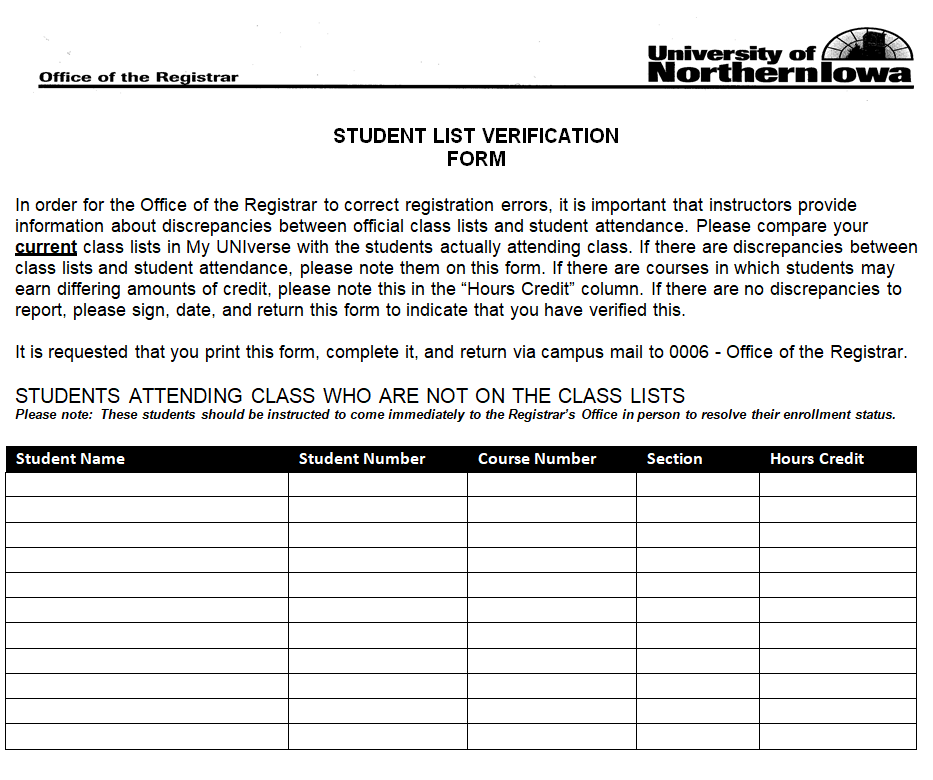
Free Editable Student List Template MS WORD
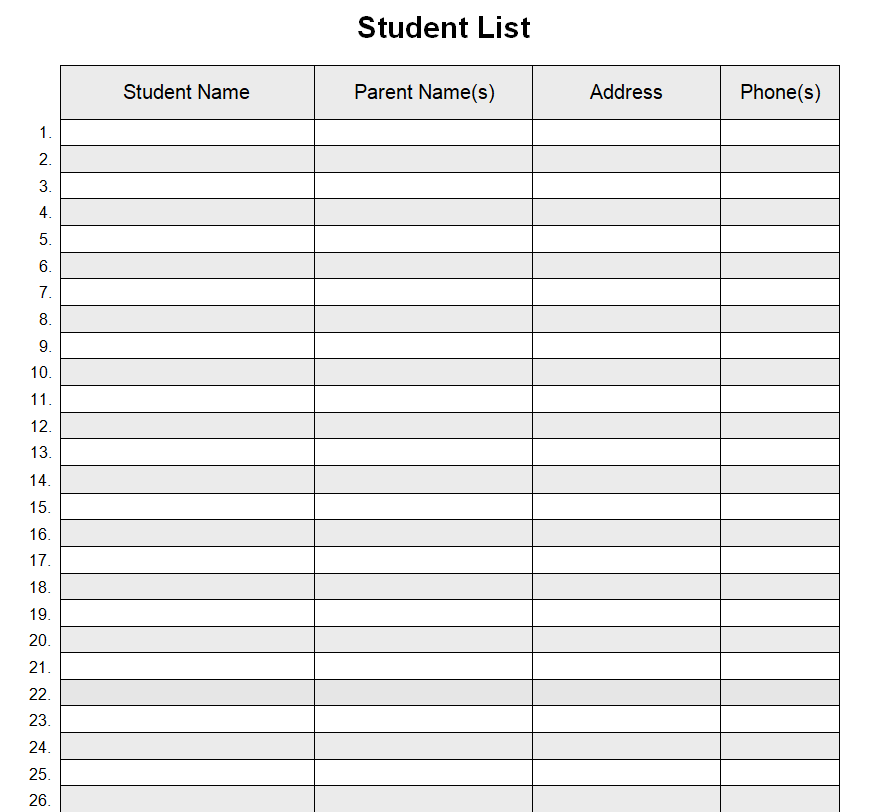
What Is a Student List Template?
A Student List Template is a pre-formatted document used to record the names and relevant details of students belonging to a class, section, club, or program. It is essentially a roster: a structured record of who is enrolled, registered, or participating, rather than a log of who showed up on a given day. This distinction matters because a student list is easy to confuse with an attendance sheet. An attendance sheet tracks presence or absence over time, usually with dates across the top and check marks or codes underneath. A student list, by contrast, is a static or semi-static reference document that answers a different question: who belongs on this roll at all? Schools, tutoring centers, and training programs rely on these lists as the foundation from which attendance sheets, gradebooks, seating charts, and communication logs are later built.
Who Uses a Student List Template
Student list templates are used by anyone responsible for keeping track of a defined group of learners. The most common users include:
- Classroom teachers, who need a quick reference for names, seating, and parent contact information.
- School administrators, who compile rosters for enrollment reporting, class assignments, and record-keeping.
- Private tutors and coaching centers, who use a simplified list to manage a handful of students across different subjects or time slots.
- Program and event coordinators, who need a roster for field trips, scholarship disbursements, competitions, or extracurricular clubs.
- Department heads and course instructors in colleges, who track students across sections or cohorts.
Key Elements a Student List Should Contain
The exact fields will vary depending on the purpose of the list, but a well-built template generally includes the following:
- Serial or roll number for quick reference and sorting.
- Full name of the student, spelled and formatted consistently with official records.
- Class, grade, or section so the list can be filtered or grouped easily.
- Student or enrollment ID, useful for cross-referencing other school systems.
- Contact details, such as a guardian’s phone number or email, when the list will be used for communication.
- Date of birth or age, where relevant to eligibility or grouping.
- A remarks or notes column for anything that doesn’t fit a standard field, such as a medical note or a scholarship status.
Not every list needs every field. A stage drama roster only needs names and roles, while an institute-wide enrollment list may need IDs, sections, and contact details. Choose the fields that match the list’s actual purpose instead of copying every column from a template you find online.
How to Create and Maintain a Student List
Building a usable student list is straightforward once the purpose is clear. Follow these steps:
- Define the purpose first. Decide whether the list is for daily classroom use, a one-time event, an admissions cutoff, or a scholarship disbursement. The purpose determines which fields you actually need.
- Pick a template that matches the format you need, whether that’s a simple blank list, a spreadsheet with sortable columns, or a fillable form. The templates on this page cover each of these cases.
- Enter student information consistently. Use the same name format, date format, and ID structure throughout so the list can be searched or sorted without errors.
- Double-check spellings and numbers against an official source, such as enrollment records, rather than relying on memory.
- Save a master copy before distributing or printing so any edits made afterward don’t overwrite the original.
- Review and update the list on a fixed schedule, such as at the start of each term or after any enrollment change, rather than only when a mistake is discovered.
Common Mistakes to Avoid
- Treating the list as a permanent record. Student rosters change as students transfer, withdraw, or join mid-term, so an outdated list quickly becomes misleading.
- Mixing up a student list with an attendance sheet. Trying to track daily presence inside a roster template makes both harder to read and update.
- Skipping a unique identifier. Relying on first names alone causes confusion when two students share a name.
- Storing sensitive details in an unsecured, widely shared file instead of limiting access to those who genuinely need it.
- Formatting inconsistently, for example mixing “Last, First” and “First Last” in the same column, which breaks sorting and searching.
Practical Tips for Managing Student Lists
- Organize by class or grade so each list stays a manageable size and is easy to hand off to the right teacher or coordinator.
- Keep records updated in real time rather than batching changes, so the list is always accurate when someone needs it.
- Use version names or dates in the file name (for example, “Grade5-List-Sept2026”) to avoid confusion between old and current copies.
- Handle student information responsibly. Names, contact details, and any personal notes should be shared only with staff who need them, and stored in a way that protects student privacy.
- Back up the list before major edits or at the end of each term, so a formatting mistake doesn’t cost you the whole record.
Frequently Asked Questions
Is a student list the same as an attendance sheet?
No. A student list is a roster of who belongs to a class or group, while an attendance sheet tracks whether each of those students was present on specific dates. The list is usually the starting point from which an attendance sheet is built.
What format should I use: Word, Excel, or a fillable form?
Use Word or a fillable form for a simple, printable roster that doesn’t need calculations. Choose a spreadsheet format when you need to sort, filter, or run counts across a larger group of students.
How often should a student list be updated?
At minimum, update it at the start of each term or academic year, and immediately whenever a student joins, transfers, or withdraws, rather than waiting for a scheduled review.
Can these templates be customized?
Yes. All of the templates above can be downloaded and edited to add or remove columns, change the layout, or match a school’s existing branding and reporting requirements.
Related templates you may find useful: free to do list templates, free supplier list templates and free packing list templates.