

A skillfully and professionally designed collection of some customizable envelope templates are given here on this page for you. Most of the office work or any important work gets misplaced because of mishandling. Office documents, which are in the written form need to communicate safely assuring they are packed properly in an Envelope. Packing the documents properly provides surety from the damage of the document in the way of communication or disposal. The envelope should be properly marked and disclose the name of the dispatching party and receiving party with the proper address on it. The date of dispatch and receipt should be evident on the envelope as it acts as a record for a later stage in business proceedings. In earlier times, envelopes were even preserved and collected as a hobby. It showed the time or era to which they belonged the stamp on it displayed the lifestyle of people during those times.
The envelope is a kind of packing made by using thick and flat material. It is also known as a paper container. Usually, it is used to contain letters, cards, and other important papers. It also has a sealable or gummed flap to enclose a letter, card, or other paper. A beautiful envelope can make a good impression on the receiver. Usually, companies print their trademark and other information about the company on their envelopes. Using an envelope for sending and receiving documents or letters is the best and safe way. Nowadays you can find out a variety of printed and printable envelopes on the internet. You can also design an envelope of your own choice. The Internet is the best source to find out useful tips and templates that can really help you in this matter.
What Makes a Good Envelope Template
A good envelope template does more than hold a letter together — it sets the tone before the recipient even opens what is inside. The best templates combine clean, uncluttered layouts with enough flexibility to add a business logo, a monogram, or a decorative border without crowding the address panel. Good design also respects proportion: text sizes, margins, and spacing should scale properly whether the envelope is a small A2 invitation size or a standard #10 business envelope. Because these templates are meant to be reused, they are usually built in an editable format such as Word, so anyone can drop in their own return address, colors, and branding in just a few minutes, then print from a home or office printer without needing design software.
Who Uses Custom Envelope Templates
Custom envelope templates are useful across a wide range of everyday and professional situations. Small businesses use them to send invoices, mailers, and client correspondence that carries their branding on every piece of mail that goes out the door. Event planners and hosts rely on decorative envelope designs to send invitations for weddings, birthdays, holiday cards, and other celebrations, since a well-matched envelope makes the invitation feel complete before it is even opened. Individuals use custom templates for personal letters, thank-you notes, and greeting cards, where a unique design adds a personal touch that a plain envelope cannot. Nonprofits and community groups also use branded envelopes for newsletters and donation requests, helping their mail stand out in a crowded mailbox.
Key Elements of a Well-Designed Envelope Template
A few structural details separate a functional envelope template from one that causes problems at the post office. First, the template needs to match a standard mail size — common choices include the #10 business envelope, the A2 and A7 sizes used for invitations, and the A9 size for larger cards — because an odd size can trigger extra postage or get rejected by automated sorting equipment. Second, the return address should sit in the upper left corner with enough white space around it so it stays legible after folding or stuffing. Third, the template should leave a clear, reserved rectangle in the upper right corner for postage, sized to fit both a standard stamp and any postal barcode a meter might add. Finally, if the design includes a logo or decorative graphic, it should be placed so it never overlaps the address block or the postage area, since either mistake can delay delivery or confuse scanning equipment.
Check the BEST Envelope Templates Below
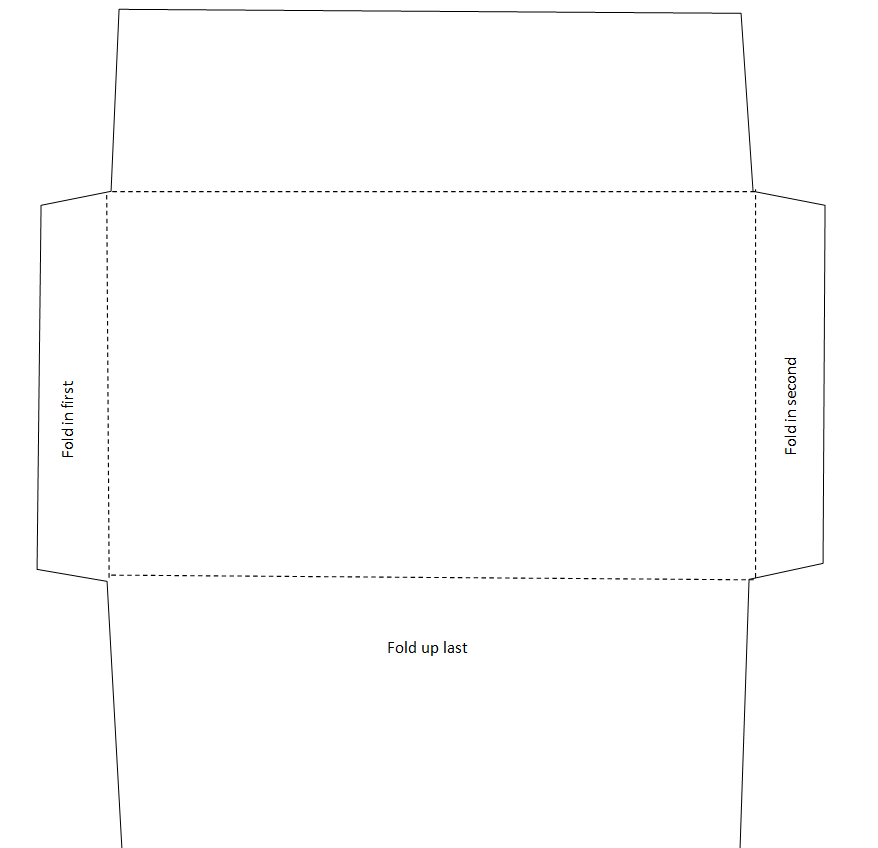
Cute Design Envelope Template Word


Simple Envelope Template
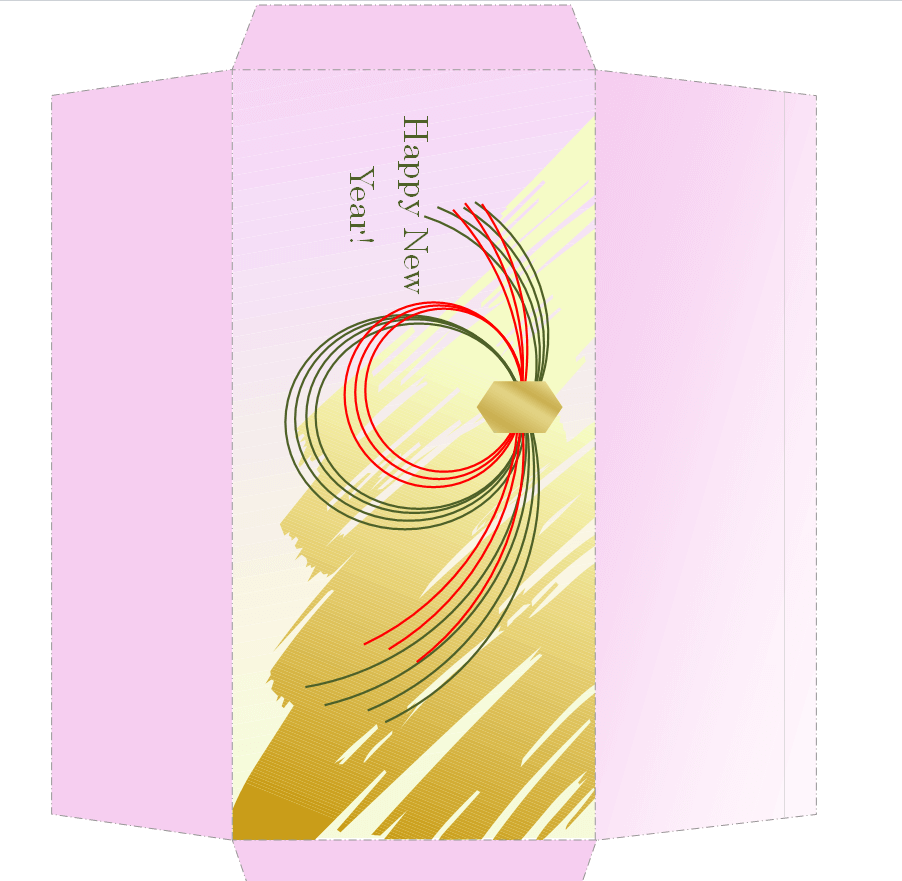
New Year Envelope Design Template
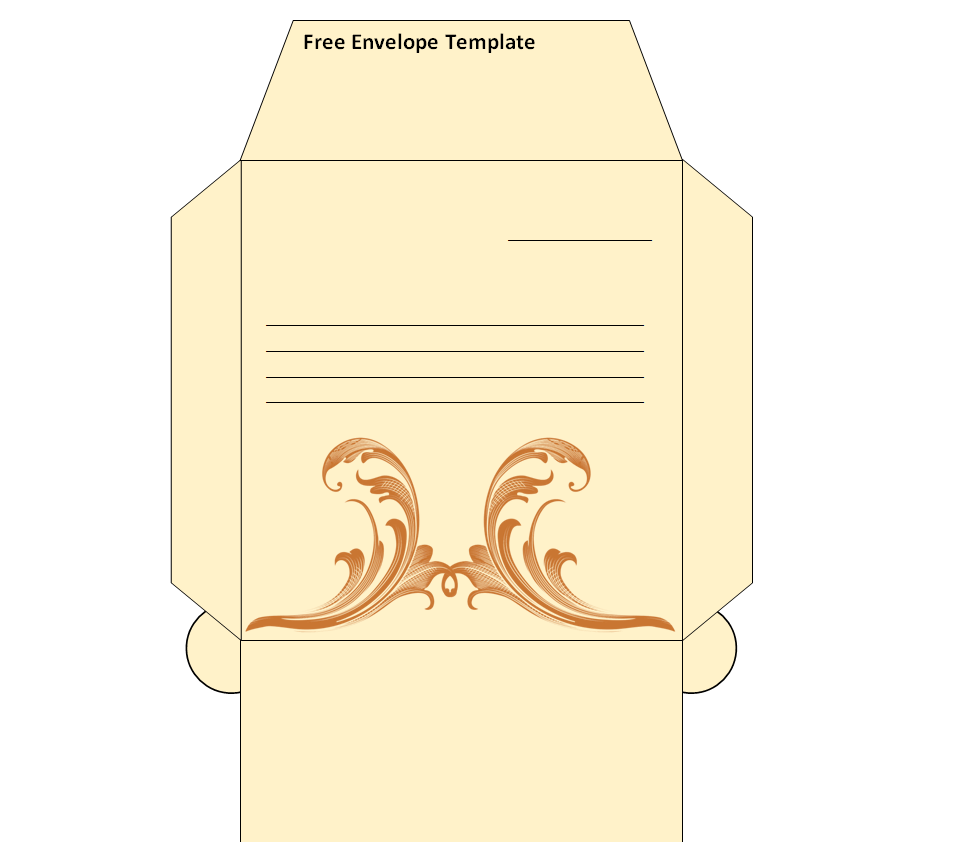
Free Editable Envelope Template in MS WORD
Official Envelope Sample Doc
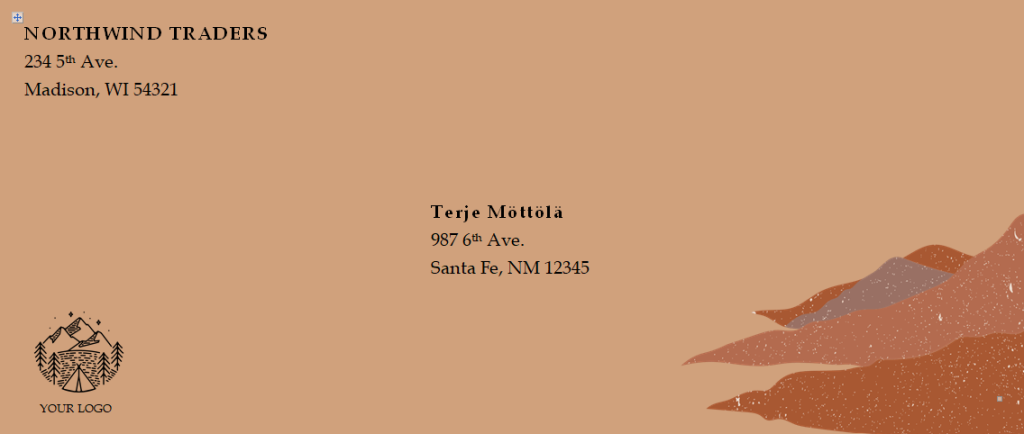
Company’s Customizable Envelope Word Template
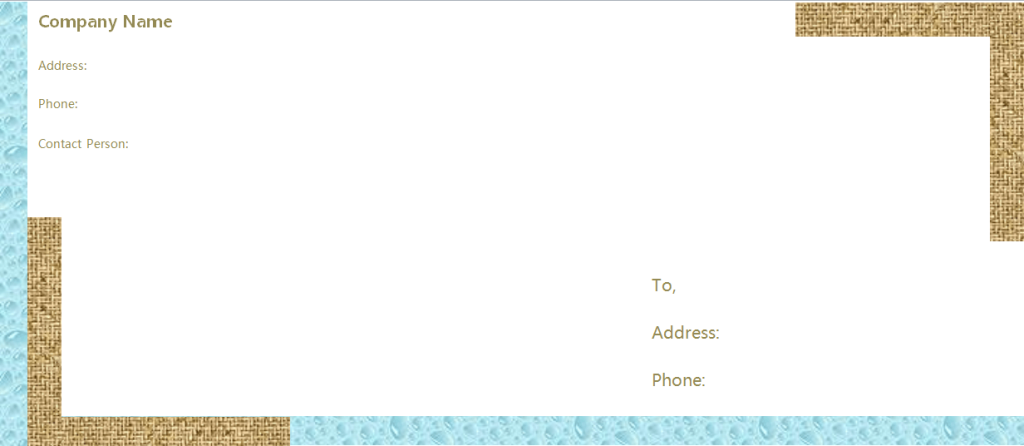
Basic Design Envelope Template
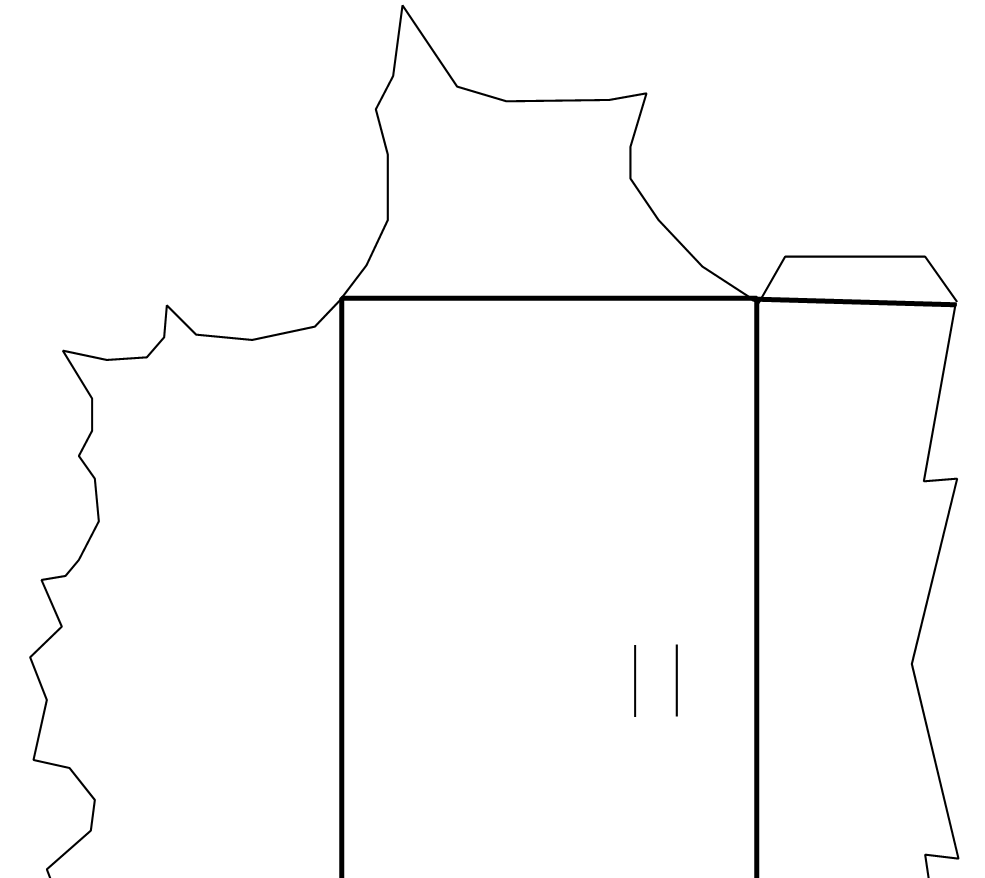
Simple Envelope Template
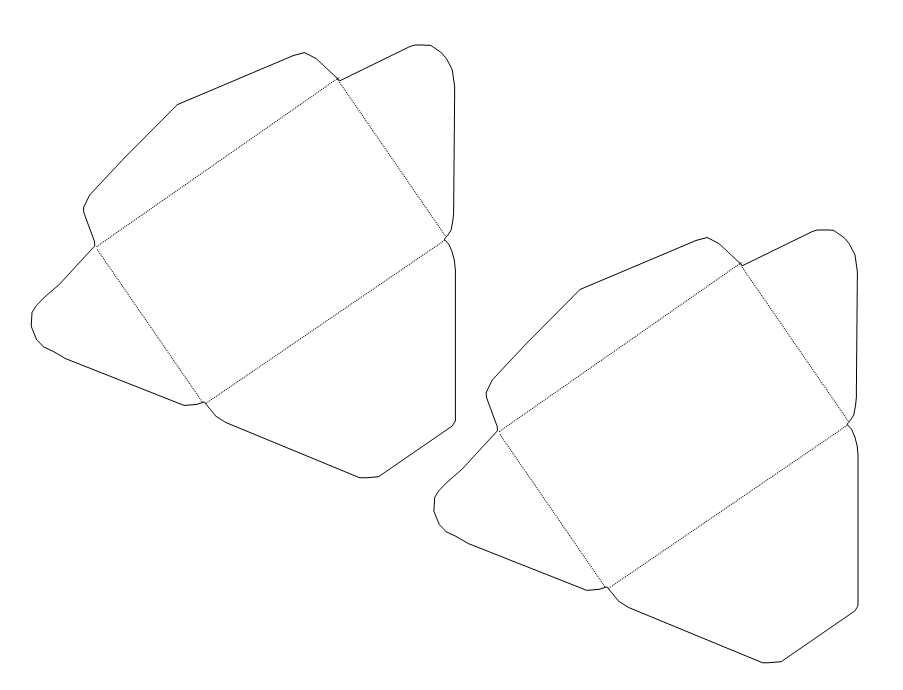
Holidays Envelope Template in MS WORD
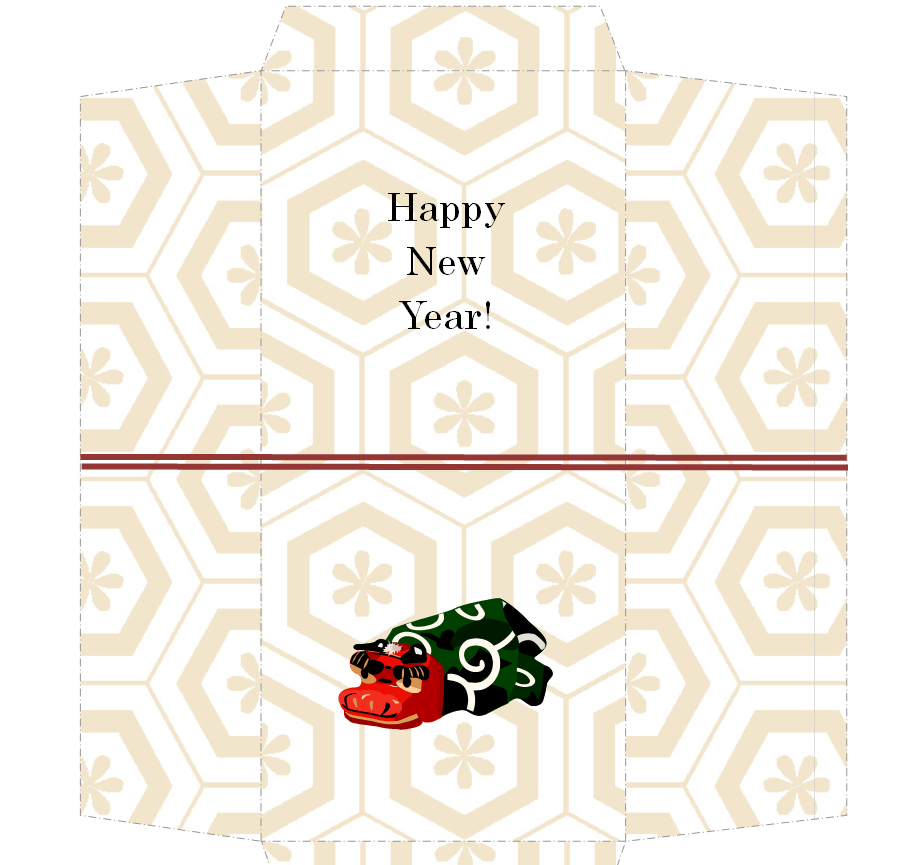
Sample Envelope Diagram Template
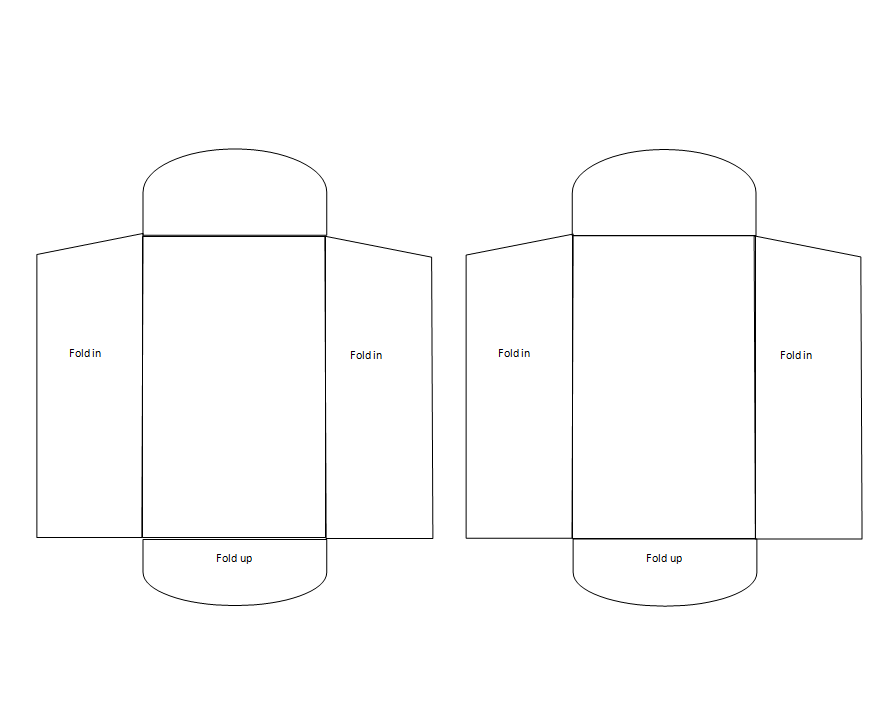
Catchy Envelope Design Doc Template
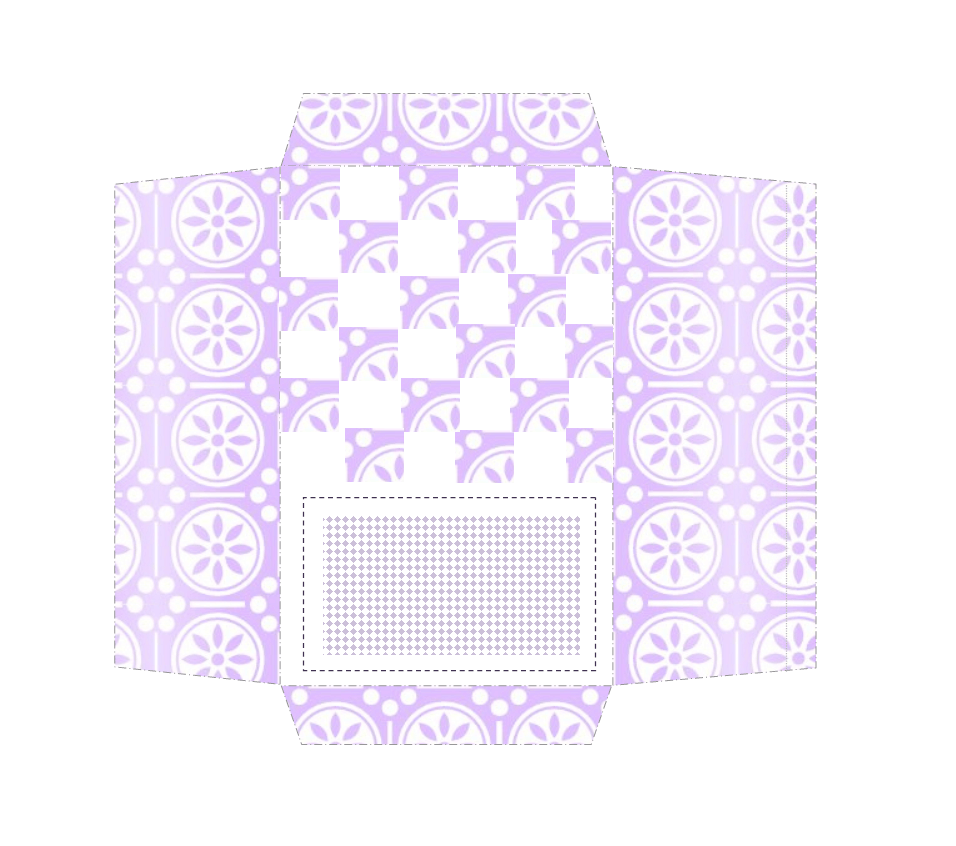
Envelope Making / Designing Guide Template
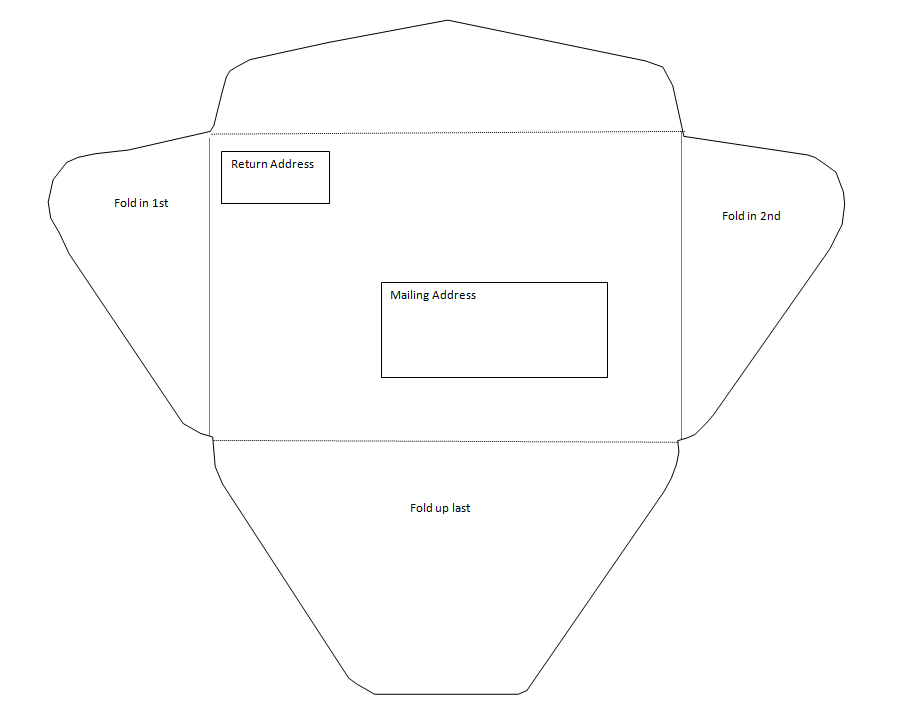
How to Customize and Print an Envelope Template
Turning one of these templates into a finished, printable envelope only takes a few steps. First, download the template file and open it in Microsoft Word or a compatible word processor. Next, replace the placeholder text with your own return address, and add a logo or image if the design has space for one, keeping the file at its original size rather than stretching it. Then check the layout in print preview to confirm the address block and postage area line up correctly for the envelope size you plan to print on. After that, load your printer with the correct envelope size in the tray or manual feed slot, matching the orientation shown in print preview so the text prints right-side up on the front of the envelope. Finally, print a single test envelope first to check alignment and ink quality before running a full batch, especially for larger mailings.
Common Mistakes to Avoid
A few avoidable mistakes account for most envelope printing problems. Using a template sized for one envelope on paper cut for another is the most common, since even a small mismatch shifts the address off the visible face of the envelope. Placing the return address too close to the edge, or in a font too small to read, can confuse postal scanning equipment that relies on that text being clearly positioned. Printing at low resolution or with a low-ink cartridge can leave barcodes and text looking smudged, which slows down machine sorting. It also helps to double-check that decorative elements do not creep into the postage corner, since postal meters and stamps need that space kept clear to be read correctly.
Tips for Making Your Mail Stand Out
A distinctive envelope gets noticed before it is even opened, and there are simple ways to achieve that without breaking postal rules. Sticking to standard sizes and weights keeps mail within regular postage rates, so check your postal service’s size and weight limits before choosing a heavier paper stock or an oversized envelope. Consistent colors and a small logo in the corner make branded mail instantly recognizable, while a subtle pattern or accent color on the back flap adds personality without affecting how the front is read by sorting machines. For invitations and greeting cards, coordinating the envelope design with the card inside creates a more polished, cohesive impression. Whatever the occasion, keeping the address area clean and legible should always come first, since a beautiful design does no good if the envelope is delayed or returned.
Frequently Asked Questions
What is the standard size for a business envelope?
The most common business envelope is the #10 size, measuring 4.125 by 9.5 inches, which is designed to fit a standard letter folded in thirds.
Can I print custom envelopes at home?
Yes. Most home and office inkjet or laser printers can print directly onto standard envelope sizes using the manual feed tray, as long as the template is formatted for that exact size.
Where should the return address go on an envelope?
The return address belongs in the upper left corner of the envelope, with enough surrounding space to stay clear of the postage area and the main mailing address in the center.
Do custom envelopes cost more to mail?
Not if they stay within standard size and weight limits. Oversized, unusually shaped, or heavier envelopes can trigger additional postage, so it is worth checking your postal service’s guidelines before finalizing a custom design.


![13+ Sample Event Planning Templates [WORD, EXCEL]](https://www.docspile.com/wp-content/uploads/2022/03/event-planning-sample-2728914-150x150.jpg)