Multiple Checklist Templates are added here for Free. This Checklist Template will help you in making good checklist. A checklist is a list of items, name or objects that you need to check, verify or inspect. A checklist allows you to make sure that you don’t forget any important job or step. A to do list is a basic example of checklist, it identify all jobs and tasks to be accomplished by you in a specific time period.
Checklist is a best instrument in order to ensure that important jobs or tasks are not forgotten or pending. The main benefit of checklist is that you can easily check your working & progress and see those areas that you still need to work on them. Checklist can be prepared by using various software available on internet. You can also use checklist templates, it is very easy to use them and you can add information as per your needs and requirements. Download this Checklist Template free here.
What Is a Checklist Template and Who Uses It?
A checklist template is a ready-made framework that lists the tasks, items, or verification points needed to complete a job correctly, without missing a step. Instead of building a checklist from a blank page every time, you start from a structure that already has the layout, spacing, and checkbox format in place, and you simply fill in the specific tasks that apply to your situation. This saves time, keeps formatting consistent across a team, and reduces the chance that something important gets skipped because it wasn’t written down.
Checklist templates are used across almost every field. Project managers use them to track deliverables and deadlines. Office administrators use them for onboarding new employees or closing out monthly reports. Event planners rely on them to confirm vendors, venues, and logistics are handled before the big day. Quality control teams use inspection checklists to verify that a product or process meets a required standard. Even outside of work, households use checklists for packing, moving, cleaning schedules, and grocery shopping. Anyone who needs to complete a repeatable set of tasks accurately, and prove that each step was actually done, benefits from a template rather than starting from memory.
Free Checklist Templates (Click Image to Download):
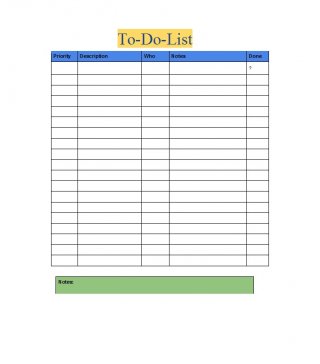
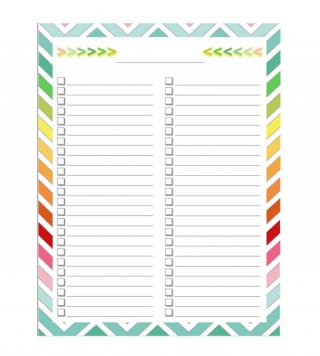
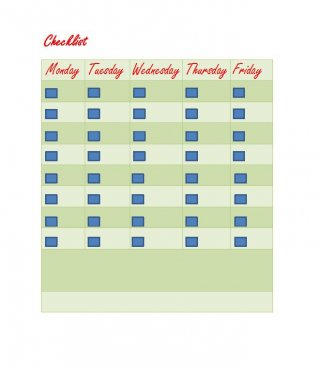
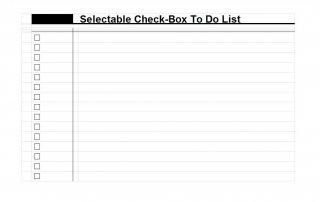
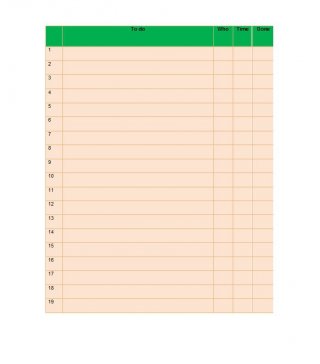
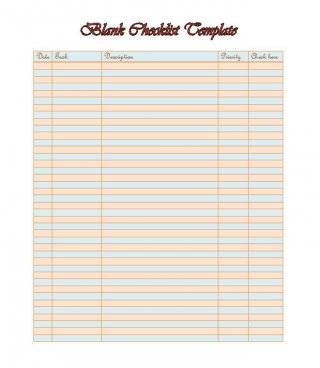
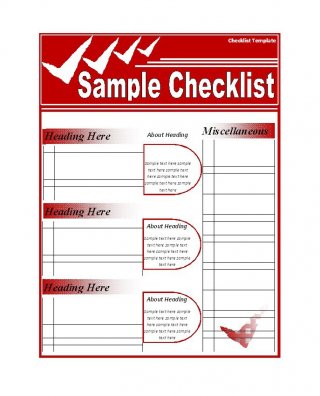
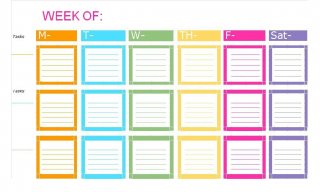
It is a type of informational job aid used to reduce failure by compensating for potential limits of human memory and attention. It helps to ensure consistency and completeness in carrying out a task. The basic example is the to-do list. Excessive dependence of checklist may hinder performance when dealing with the critical situation .Checklists are often presented as lists with small check boxes down the left hand side of page. It is used in quality assurance of software engineering, to check process compliance, code standardization and error prevention, and others. The list is used in industry in operations procedures. This list contains those tasks that must be done with accuracy. Due to the planning this list saves the time of a person. The activities involve in the list are exercise, entertainment and study. This list enhances the competency and efficiency of the performer.
Types of Checklist Templates
Not every checklist serves the same purpose, so it helps to know which type fits your task before you start filling one in.
- Task checklist – a simple list of individual to-dos, used for daily work, project milestones, or personal errands.
- Process checklist – lays out a sequence of steps that must be followed in a specific order, such as onboarding a new hire or closing the books at month end.
- Inspection checklist – used to verify condition or compliance, common in maintenance, safety audits, and quality assurance.
- Packing checklist – tracks items that need to be gathered before a trip, move, or shipment, so nothing gets left behind.
- Safety checklist – confirms that required precautions, equipment checks, or protocols were completed before a task begins.
- Event checklist – organizes vendors, timelines, and logistics for weddings, conferences, or company events.
How to Build an Effective Checklist
A checklist only works if it is built with the actual task in mind, not just copied from a generic template. Follow these steps to create one that people will actually use.
- Define the goal. Decide exactly what outcome the checklist is meant to guarantee, whether that is a completed inspection, a packed suitcase, or a finished process.
- List every step or item. Write down each task in the order it needs to happen, breaking large steps into smaller ones if they involve more than one action.
- Use clear, specific language. Replace vague entries like “check equipment” with something exact, such as “check tire pressure on all four tires.”
- Group related items. Organize the list into logical sections so long checklists stay easy to scan rather than becoming one long block of text.
- Add checkboxes. A visible box next to each line gives a clear, satisfying way to mark progress and confirm nothing was skipped.
- Test it in real conditions. Run through the checklist while actually doing the task, then revise any step that was unclear, missing, or unnecessary.
Common Mistakes to Avoid
- Making it too long. A checklist with too many items becomes something people skim instead of follow.
- Being too vague. Items that are open to interpretation lead to inconsistent results between different people using the same list.
- Never updating it. A checklist should evolve as the process it supports changes; an outdated checklist can cause more problems than it solves.
- Treating it as optional. A checklist only prevents mistakes when it is actually followed every time, not just when convenient.
- Skipping the order. When steps depend on each other, listing them out of sequence can cause rework or errors.
Practical Tips for Using Checklist Templates
- Keep one master copy of each template and print or duplicate it fresh for every use, rather than editing the original.
- Store completed checklists for a period of time; they double as a record that a task was actually performed.
- Color-code or label checklists by category (daily, weekly, project-specific) when you use several at once.
- Review a checklist after a mistake happens, not just when it fails completely, to catch small gaps early.
- Keep the format simple; a checklist that requires training to understand defeats its own purpose.
Frequently Asked Questions
What is the difference between a checklist and a to-do list?
A to-do list is a general collection of tasks you intend to complete, often without a strict order or format. A checklist is more structured: it is usually tied to a specific, repeatable process, often has a defined sequence, and is designed to be checked off as proof that every step was completed correctly.
What file format should I download a checklist template in?
Choose Word or PDF if you plan to print the checklist or fill it in by hand, and choose Excel if you want built-in columns, sortable rows, or the ability to track dates and status electronically.
Can I customize these checklist templates?
Yes. Each template above is fully editable once downloaded, so you can add or remove line items, change labels, and adjust the layout to match your specific process.
How long should a checklist be?
Long enough to cover every necessary step, but short enough to actually get used. If a checklist regularly runs past 15 to 20 items, consider splitting it into smaller, stage-specific checklists instead.