
Check the label sheet’s product number before typing addresses. Print on plain paper first and hold the test sheet behind the labels to check alignment.
How to Create and Print Your Address Labels: Step-by-Step
Turning one of the templates below into a finished sheet of printed labels takes only a few steps:
- Pick the design that fits your purpose from the templates listed on this page, then download the PDF or Word version.
- Open the file in Microsoft Word, or a free alternative like LibreOffice Writer or Google Docs, if you downloaded the Word format.
- Replace the placeholder name and address text with your own details, keeping the existing font and spacing so the layout doesn’t shift.
- Check the page setup or print settings to confirm the label size in the software matches the actual label sheets you plan to load into your printer.
- Print a single test page on plain paper first and hold it up against a blank label sheet to confirm the alignment before committing your actual label stock.
- Load the label sheets into the printer tray according to the manufacturer’s instructions, then print the final batch.
What Is an Address Label Template and Why It Matters
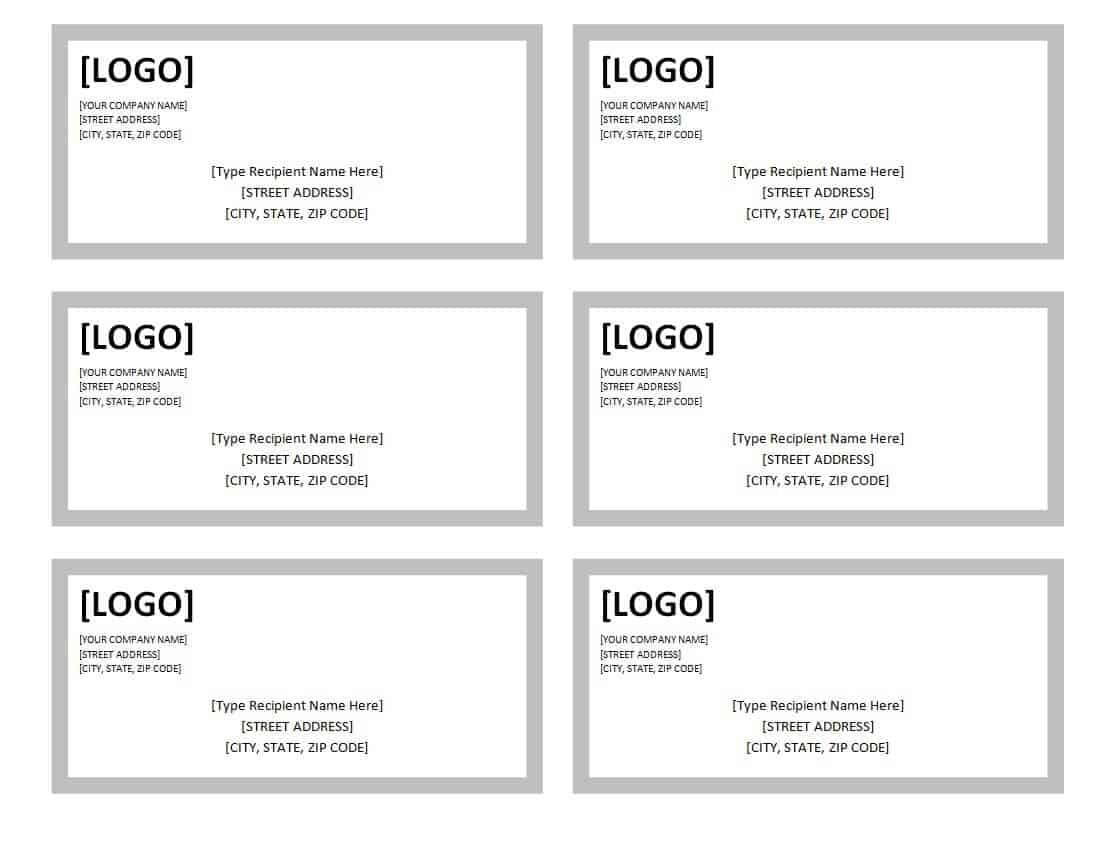
An address label template is a pre-formatted layout, usually sized to fit standard label sheets, that gives you a ready-made frame for the sender’s name, street address, city, state and ZIP code. Instead of measuring margins and lining up text by hand, you simply open the file, type in your details, and print. Because the templates on this page are built around common label sheet dimensions, the finished labels line up correctly on the sheet the first time, which saves paper and printer ink that would otherwise be wasted on trial-and-error printing.
Who Uses These Templates
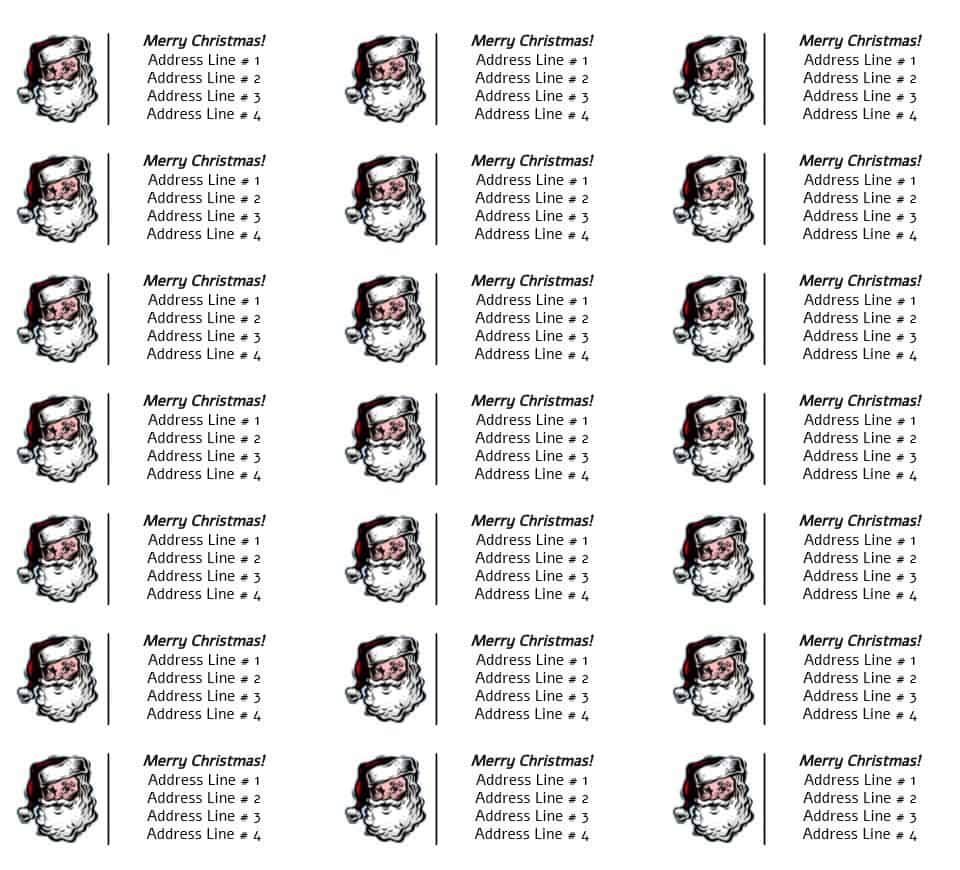
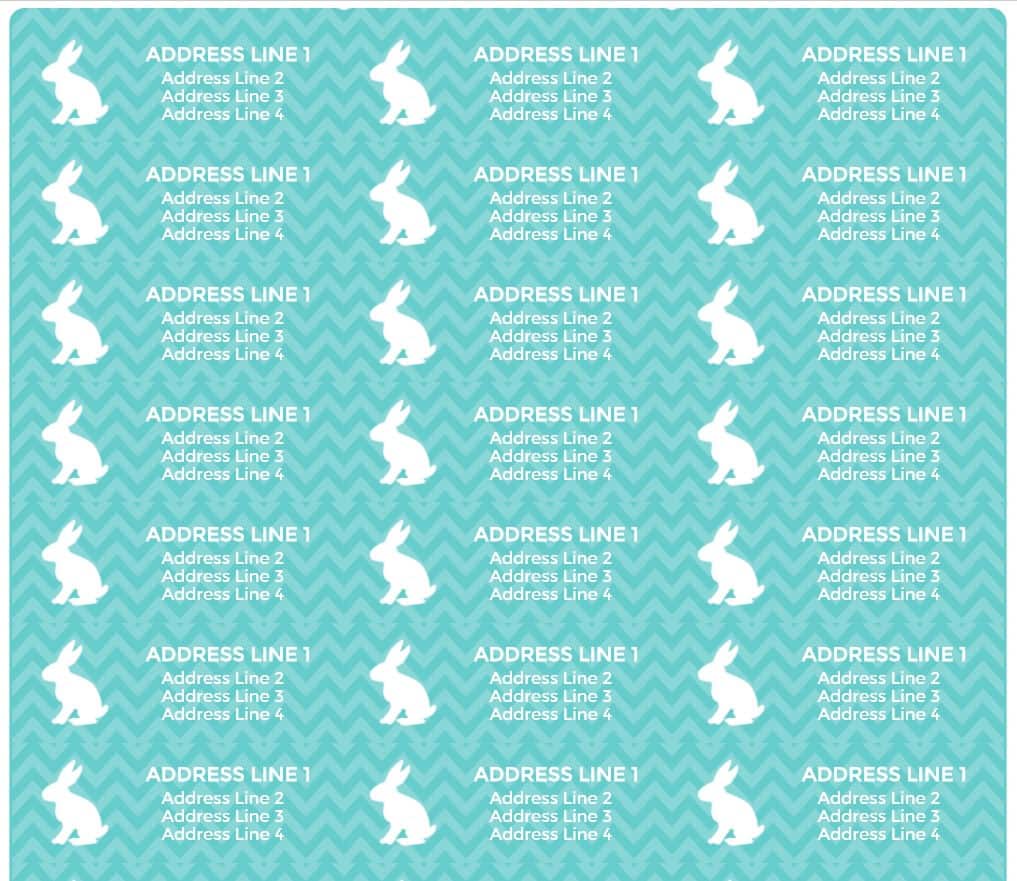
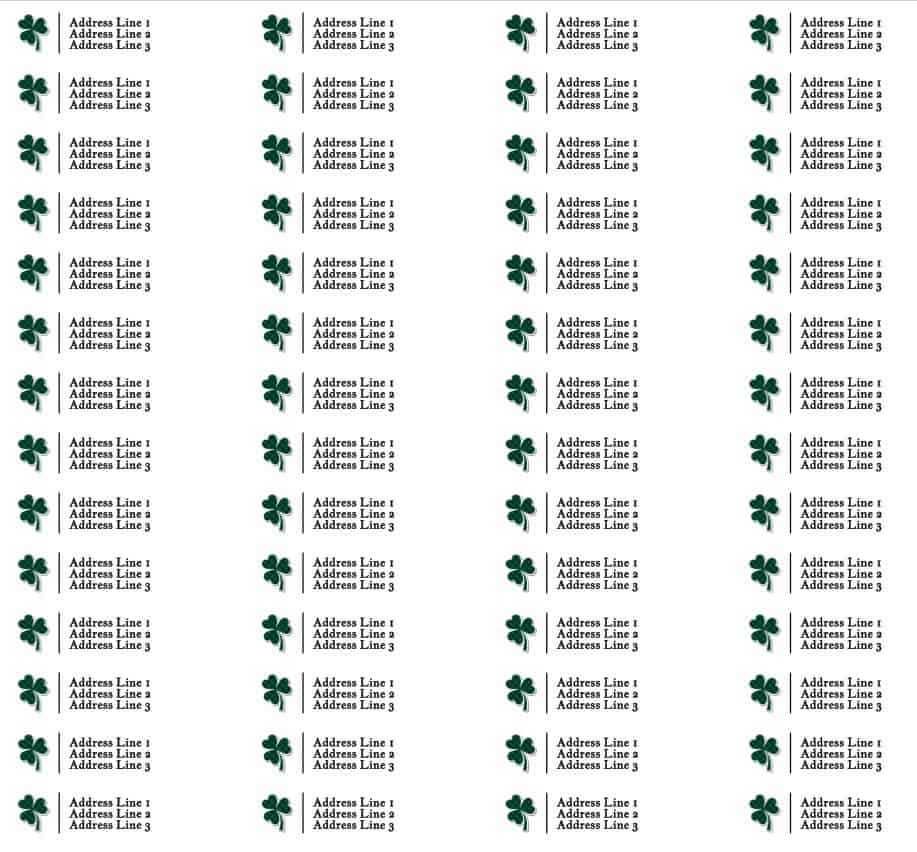
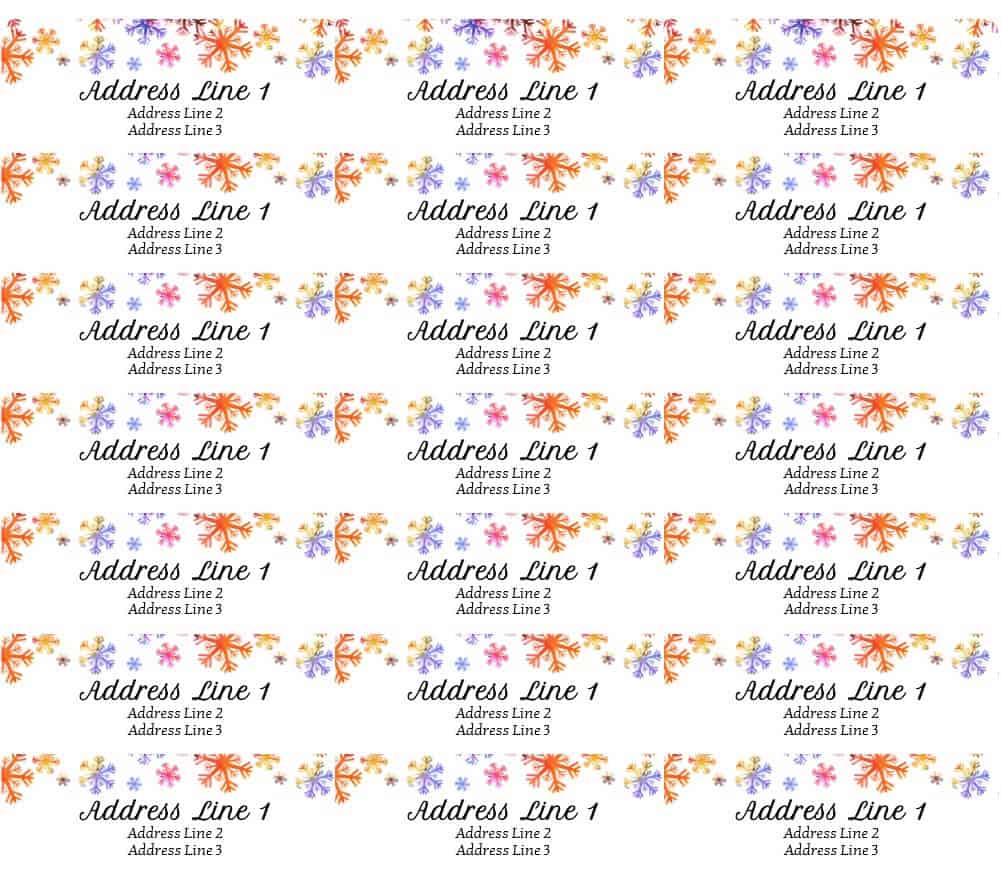
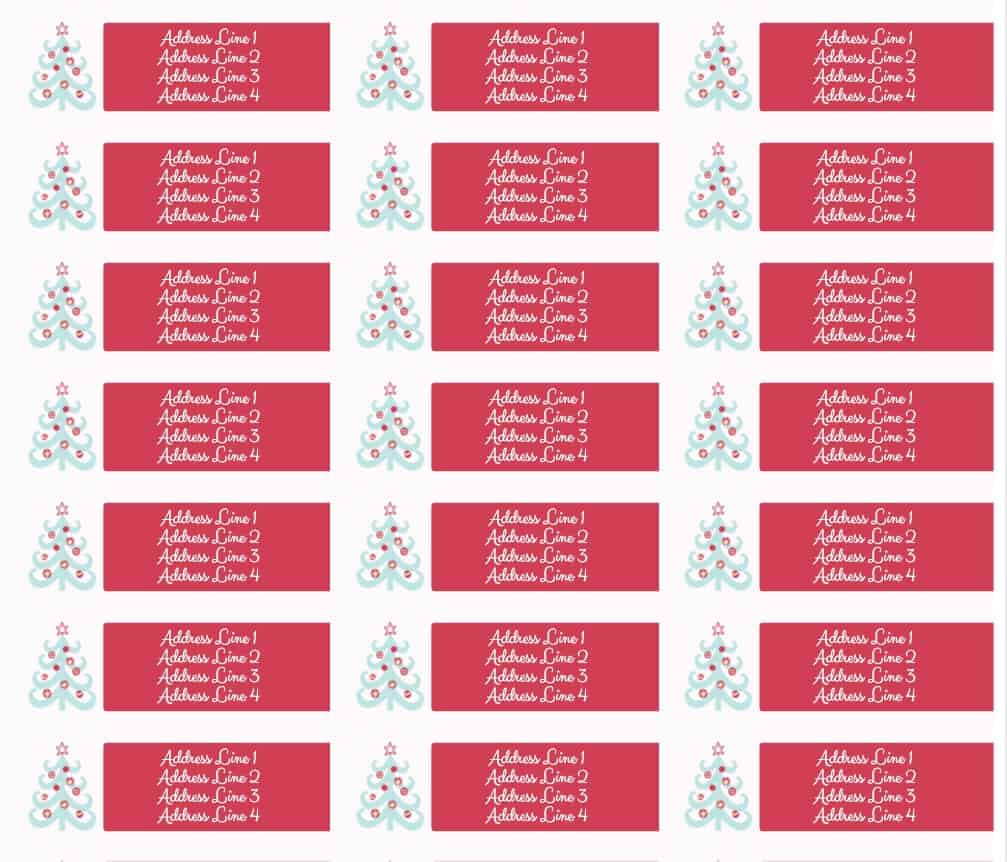
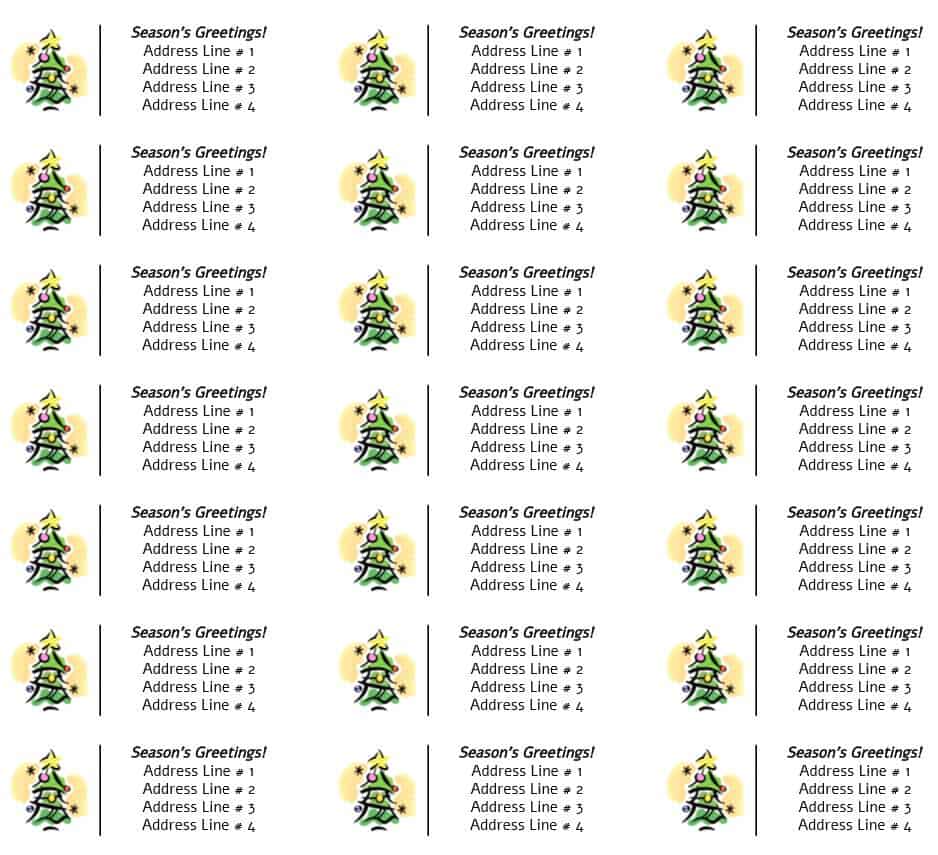
Address label templates are used far beyond the household mailbox. Small business owners use them to print return address labels for invoices and shipped orders. Online sellers rely on them to speed up packing stations, printing a batch of shipping labels in one run instead of writing each one out. Households use seasonal versions, like the Christmas and Easter designs on this page, for holiday cards, while students and remote workers use plain, professional layouts to label parcels, binders, and file folders. Nonprofits and community groups also lean on printable templates for mailing newsletters and event invitations without paying a print shop.
Download Address Label Templates: 10+ Free Word & PDF

Key Elements of a Good Address Label
Not every label layout works equally well, and a few details separate a label that looks clean on the envelope from one that looks cramped or gets misread by sorting equipment. Before you fill in a template, check that it includes the following:
- Full name or company name, positioned on its own line at the top
- Street address, including apartment or suite number where relevant
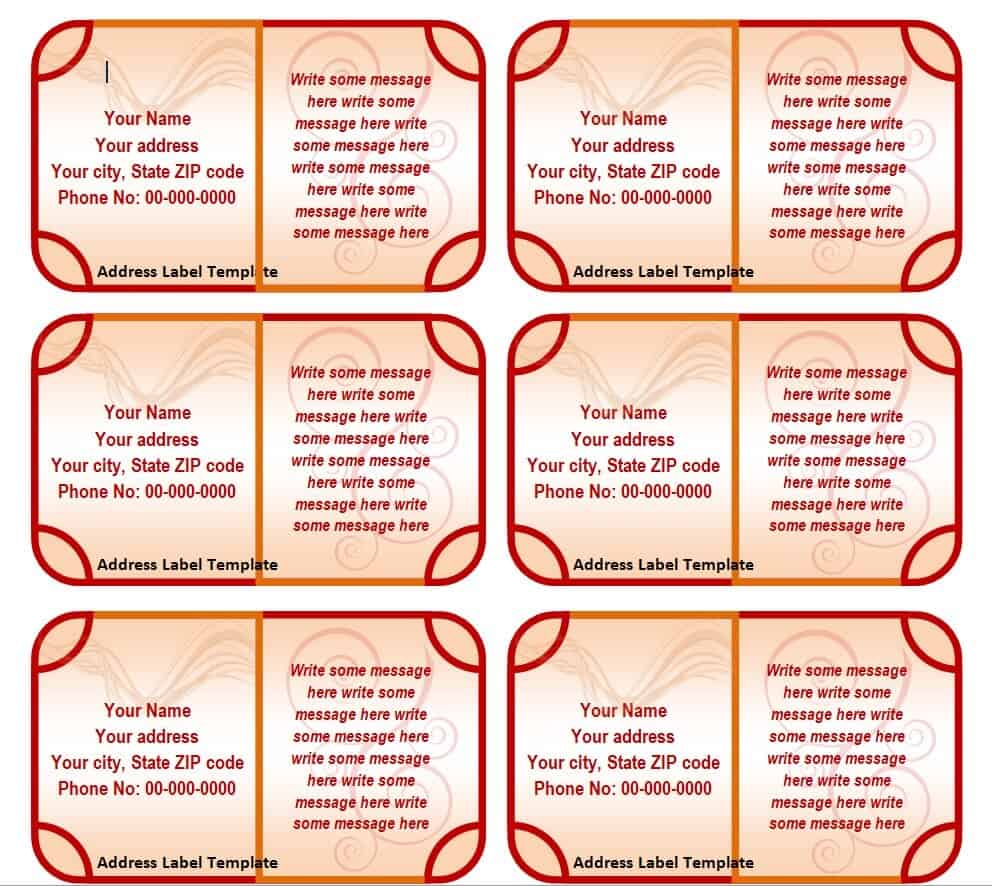
- City, state and ZIP code on a single line, in that order
- Comfortable margins so the text doesn’t run into the label’s edge when printed
- A font size that stays legible at the label’s actual printed size, not just on screen
- Consistent spacing between labels if the template holds more than one per sheet
Common Mistakes to Avoid
A few recurring errors account for most of the wasted label sheets people run into:
- Skipping the test print and going straight to the full label sheet, which wastes the whole sheet if the alignment is off
- Using a font size too small to read once the label is printed at actual size, even though it looked fine zoomed in on screen
- Forgetting to update the ZIP code or apartment number after copying an old address into a new template
- Mixing label sheet sizes, for example printing a template designed for 30 labels per sheet onto a 21-label sheet
- Leaving stray placeholder text, such as “Your Name Here,” in a corner of the design that gets overlooked
Practical Tips for Better Results
- Save a personalized copy of the template with your standard address already filled in, so future printing only takes a few seconds.
- Use a laser printer where possible for labels, since laser toner resists smudging better than inkjet ink on glossy label stock.
- Keep a small stack of pre-printed labels on hand during busy seasons like the holidays so mailing doesn’t get delayed by a printer queue.
- If you’re printing for a business, keep the same template across all your materials so your return address looks consistent on every package.
- Store the original downloaded file in a clearly named folder so you can find and reuse it the next time you need labels.
Frequently Asked Questions
Can I edit these templates in both Word and a PDF reader?
The Word format templates can be edited directly in Microsoft Word or any compatible word processor, letting you change the text, font and colors. The PDF versions are best used as a print-ready layout; if you need to edit a PDF template’s text, use a PDF editor or convert it to Word first.
What label sheet size do these templates fit?
These designs are built around standard address label dimensions commonly sold at office supply stores. Before printing a full sheet, always check the label size printed on your sheet’s packaging against the template’s dimensions in your software’s print preview.
Are these address label templates free to download?
Yes, every template listed on this page is free to download for personal or business use in either PDF or Word format, depending on the version linked under each design.
Why did my printed labels come out misaligned?
Misalignment almost always comes down to a mismatch between the label size set in your software and the actual label sheet loaded in the printer, or a printer margin setting that shifts the page slightly. Running a test print on plain paper, as described in the step-by-step guide above, catches this before you use your real label stock.
Related templates you may find useful: free shipping label templates, free wine label templates and free mailing label templates.
You can also browse our full collection of free word templates for more ready-to-use designs.