Multiple Yearly Calendar Templates are added here in our collection of calendar templates. These beautiful Yearly Calendar Templates are surely going to be of great help to you whether you are a student, an employee, a manager, or an entrepreneur. A calendar is an instrument that allows you to systematize your days according to social, religious, and other national events. Calendars are available in various kinds like weekly, monthly, and yearly calendars. The yearly calendar contains dates and days of twelve months along with social, religious, and national events. It may also describe brief descriptions and information about annual events. The yearly calendar is also known as an annual calendar. You can manage your tasks and events throughout the year with the help of a yearly calendar. It helps you to record what you have to do in a year and also helps you to manage your affairs effectively. It can be used as a tool to keep track of all your activities and task accomplished by you in a year. You can prepare your own yearly calendar by using your computer. A wide range of applications is also available to prepare and manage your yearly calendar on your mobile phones. This free Yearly Calendar Template is available for download.
Organizing is a very important aspect of management, to organize and coordinate the work properly on a priority basis. Outlook calendar provides a handy tool to employees as well as employers using which they can create their schedule and work accordingly. It brings time management to the schedule of the employees and this way they can increase their efficiency and help in achieving targets on time. A yearly Calendar provides an employer a base for coordinating the work with their subordinates and helps in organizing workload in an effective manner. Not only employees it also helps in figuring out the yearly targets of every individual. This calendar provides you the basis for working and sets a time limit to achieve the target. They help one in taming their time schedule and you can also put a customized command like moments of reminders alarming or delaying. It helps in evaluating the operating effectiveness of the person as per the targeted date in quantity and quality.
What Is a Yearly Calendar Template?
A yearly calendar template is a single layout that shows all twelve months of a year at once, usually arranged in a 3×4 or 4×3 grid so every month is visible side by side. This is different from a daily planner, which devotes a full page to a single day’s hours and to-do list, and from a weekly planner, which breaks a week into seven columns for scheduling meetings and short-term tasks. A yearly calendar trades that day-to-day detail for a bird’s-eye view: it is built for marking recurring events, deadlines, holidays, and milestones that need to be seen in the context of the whole year, not just a single week. Because the format is compact, most yearly templates are also easier to print on a single sheet and pin up on a wall or notice board, which is why so many households, classrooms, and offices still keep one alongside their digital calendars.
Who Uses a Yearly Calendar Template?
Families use a yearly calendar to track school terms, vacations, birthdays, and recurring appointments in one place that everyone in the house can glance at. Small businesses and managers use it to plan fiscal quarters, staff leave, product launches, and recurring compliance deadlines without flipping between twelve separate monthly views. Students and teachers rely on yearly academic calendars to lay out semesters, exam periods, and school holidays from the first day of term to the last. Event planners use a yearly grid to block out venues, vendor bookings, and seasonal campaigns well in advance, since many venues and suppliers need to be reserved months ahead of the actual event date. Because the templates on this page come in Word, Excel, and PDF formats, each of these groups can pick the file type that matches how they actually work: Word or PDF for a printable wall calendar, Excel for one that needs formulas, color rules, or a shared planning spreadsheet.
Key Elements of a Good Yearly Calendar Template
A well-built yearly calendar template generally includes a few things beyond the twelve month grids: clearly marked weekends so they stand out from weekdays at a glance, space to note national or religious holidays without cluttering the date cells, and a consistent start-of-week setting, Sunday or Monday, that matches the convention used in your country or organization. Editable formats, a Word document or an Excel workbook rather than a flattened image or scanned PDF, matter because they let you insert your own events, rename the calendar year, add a company logo, or apply color-coding without redrawing the whole grid. Many of the templates below also leave a small margin or notes column next to the grid, which is useful for jotting down a yearly theme, a short list of goals, or a key explaining what each color or symbol means elsewhere on the page.
Get Yearly Calendar Templates Here
Blank Yearly Calendar Template in MS WORD

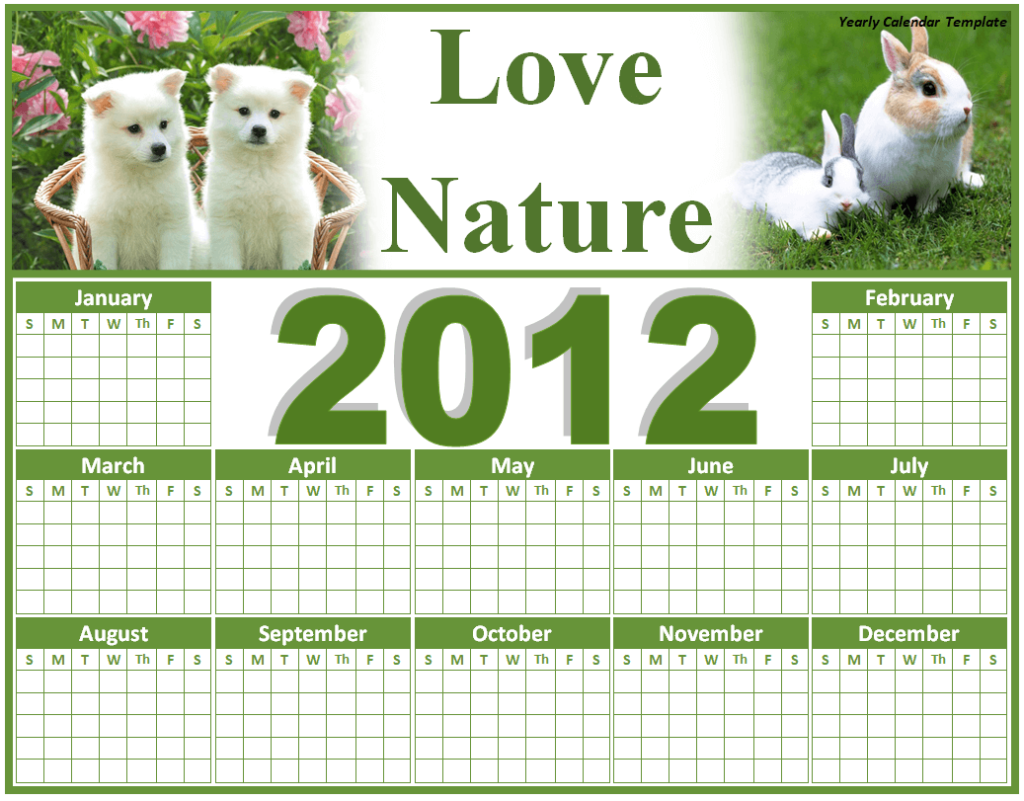
Special Yearly Calendar Template Doc
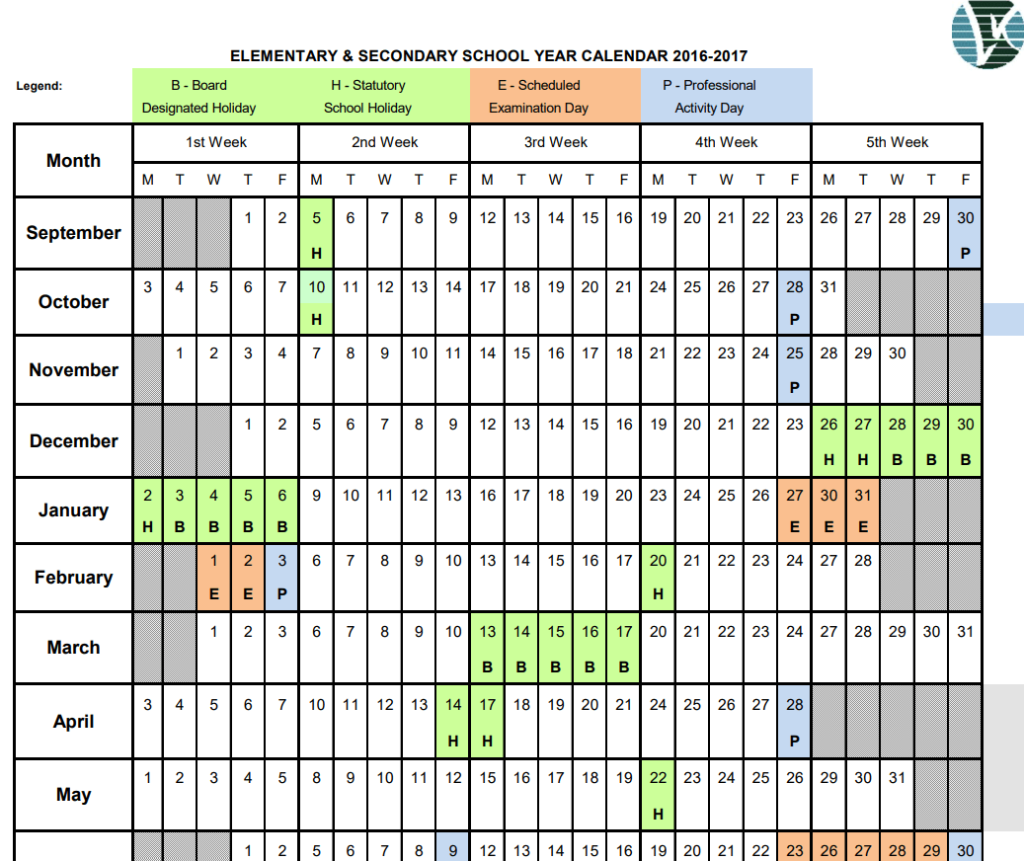
Elementary and Secondary School Yearly Calendar Template
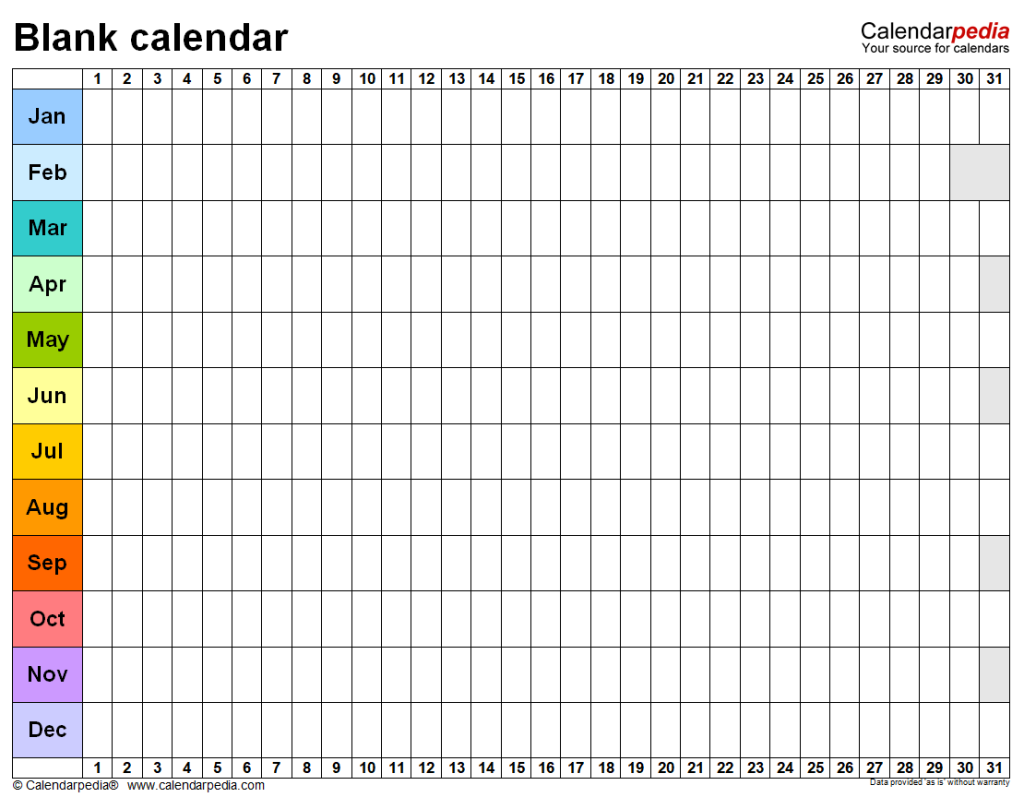
Blank Yearly Calendar Template
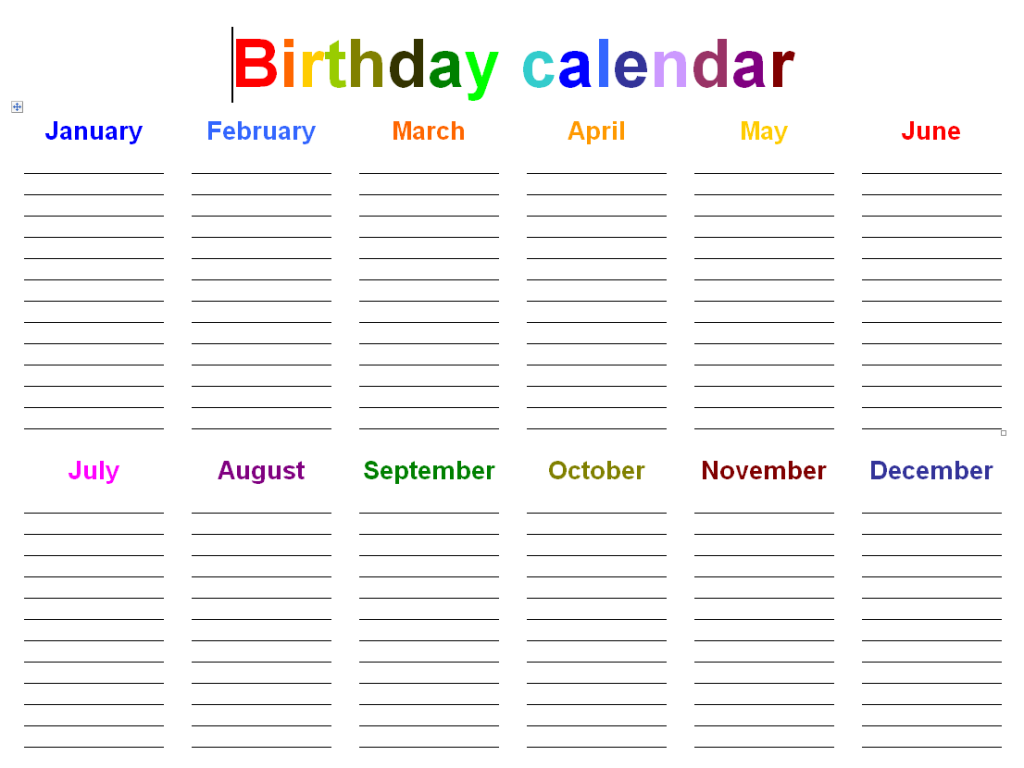
Simple Office Calendar Doc Template
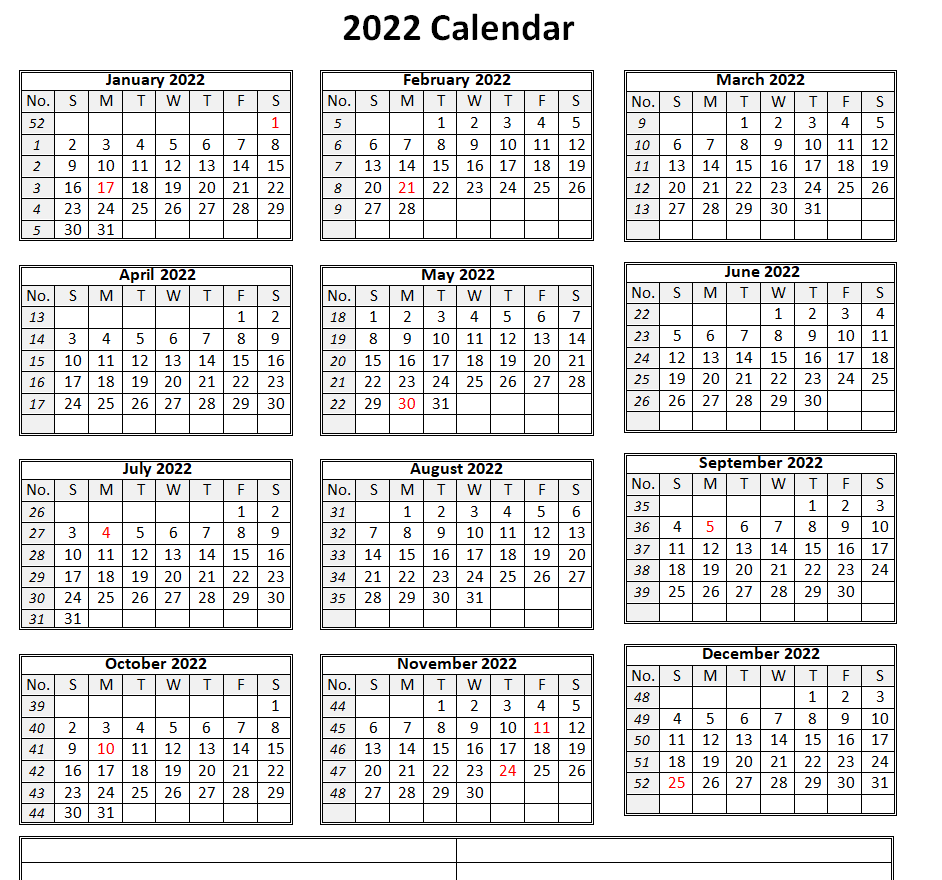
Formal Yearly Calendar Excel Template
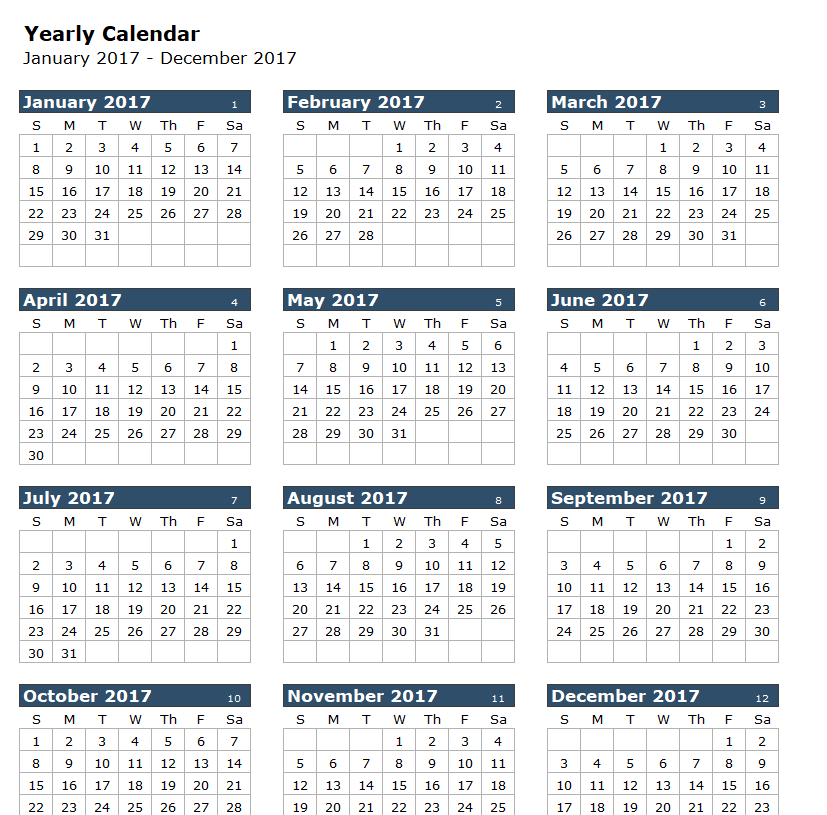
2022 Yearly Calendar Template Word
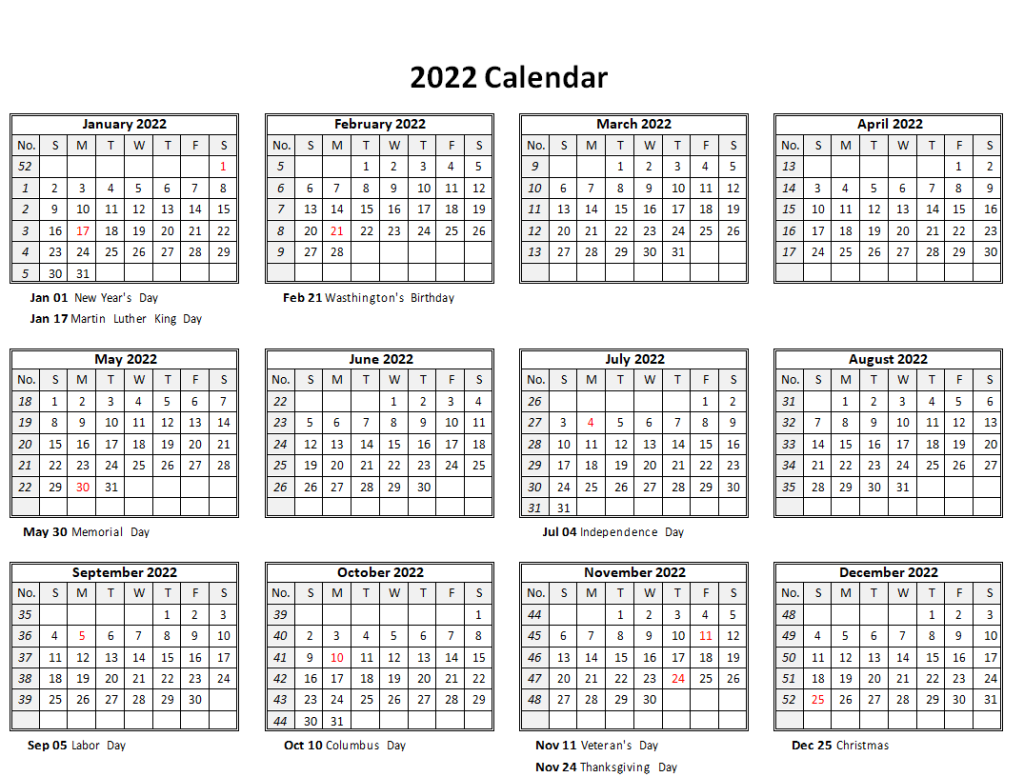
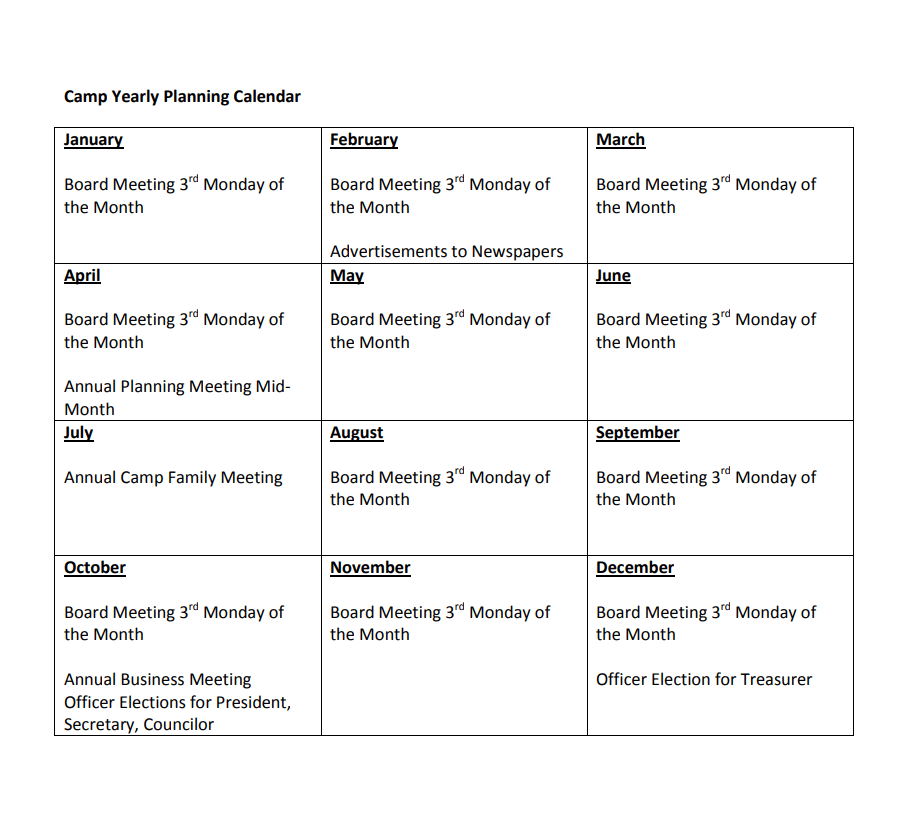
Camp Yearly Calendar PDF Template
Free Editable Yearly Calendar Word Template
Official Yearly Calendar Template
Special Yearly Calendar Template Doc
How to Customize a Yearly Calendar Template for the Year Ahead
Once you have downloaded a template that fits your needs, customizing it for the coming year usually takes just a few steps. First, open the file in the program that matches its format, Microsoft Word for a .docx template or Excel for a spreadsheet-based one, rather than a generic viewer, so the grid and formatting stay editable. Second, update the year shown at the top of the calendar and check that the day-of-week columns still line up correctly, since some years start on a different weekday than the template was originally built for. Third, add your fixed dates first, such as public holidays, school terms, or company shutdowns, since these rarely change and anchor the rest of your planning. Fourth, layer in your recurring personal or team commitments, such as monthly meetings, birthdays, or billing cycles, ideally using a consistent color or short label for each category. Finally, save a blank master copy before you start filling in dates, so you always have a clean version to reuse the following year instead of rebuilding the calendar from scratch.
Common Mistakes to Avoid
The most frequent mistake is overcrowding a single date cell with too many entries, which makes the calendar hard to read at a glance and defeats the purpose of a year-at-a-glance layout; for anything more detailed than a short label, move the specifics into a weekly or daily planner instead. Another common error is keeping the printed or downloaded calendar completely separate from a digital calendar app, so updates made on a phone never make it onto the wall version and the two drift out of sync; it helps to treat one as the master and update the other from it on a fixed schedule, such as every Sunday evening. Skipping the yearly review is another pitfall: because the template is reused across years, it is easy to forget to update the year number, holiday dates, or a fiscal calendar, which can carry an old year’s public holidays into the new one. Finally, choosing a format that does not match how the calendar will be used, for example downloading a flattened PDF when you actually need to edit and reprint the calendar every month, creates avoidable extra work later.
Practical Tips for Getting More From Your Yearly Calendar
Color-coding by category, one color for work deadlines, another for personal events, another for holidays, makes a busy yearly calendar far easier to scan than plain black text alone. If you print the calendar, a heavier paper stock or lamination helps it survive a full year of handling on a wall or noticeboard, and leaves room to mark dates with a dry-erase marker that can be wiped clean. Combining the yearly view with goal planning works well too: many people write one or two major goals per quarter directly on the calendar margin, which keeps longer-term plans visible instead of buried in a separate document. If several people need to see the same calendar, keeping a shared digital copy, in Excel or a cloud-synced format, alongside a printed version ensures everyone is working from the same dates rather than an outdated copy.
Frequently Asked Questions
What file format should I choose for a yearly calendar template?
Choose Word or PDF if you mainly want to print the calendar and write on it by hand, and choose Excel if you want to type in dates, apply formulas, or color-code entries digitally before printing.
Can I edit these templates after downloading them?
Yes. The Word and Excel templates on this page are fully editable, so you can change the year, add your own events, insert a logo, or adjust the color scheme without rebuilding the grid.
How is a yearly calendar different from a planner?
A yearly calendar shows all twelve months at once for a high-level view of the year, while a planner typically breaks a single day or week into detailed time slots or task lists.
Do I need to start my calendar on a Monday or a Sunday?
Either works, but pick whichever matches the convention used in your country or organization, and keep it consistent across every month in the template so the grid stays easy to read.