A newsletter is a kind of publication distributed regularly by associations and organizations to their customers. Newsletter Word Templates are added here on this page for you. It is a short form of an informational letter and is also known as an e-bulletin and e-mail newsletter. A newsletter may contain information, activities, and upcoming events related to the organization. Usually, newsletters are sent to members and subscribers of associations and organizations which contains informational content and pictures as well. These days, website owners use newsletters to communicate with their readers and in order to provide useful information. Most organizations distribute their newsletter via e-mail to their members. A newsletter is the best medium to keep up to date with members and customers about the organization’s events and other information. If you want to write a newsletter for your organization, you can check out the word newsletter templates provided here on this page for you. There are several newsletter samples available on the internet as well that you can download and use to write newsletters for your organization.
The newsletter is published and distributed according to the interest of subscribers about a topic. The topic of the newsletter can be current affairs, food recipes, or about the life of celebrities. The newsletter is available on the websites and is sent by the company on daily basis to the customers’ email addresses. The newsletter word template is especially for users of Microsoft word software. The objective of the newsletter is to provide a daily update about the topics of the customers. The newsletter depends upon the choice of the customer. The newsletter includes the advertisement of products by the companies. The users of the newsletter are professional people who want to be aware of the circumstances faced by the public.
What Is a Newsletter and Why It Matters
A newsletter is a recurring publication, print or digital, that an organization sends to a defined audience to share updates, insights, and calls to action. Unlike a one-off announcement, it follows a set schedule, weekly, monthly, or quarterly, so readers know when to expect it and come to rely on it as a trusted source of information. Companies use internal newsletters to keep employees aligned on projects, policy changes, and company culture, while external newsletters keep customers informed about new products, offers, and events. Schools and universities send newsletters to parents and students summarizing the term’s activities, achievements, and upcoming dates. Nonprofits and charities rely heavily on newsletters to report on program outcomes, thank donors, and invite readers to volunteer or give again. Email marketing newsletters are built specifically to nurture leads and drive repeat business by delivering timely, relevant content straight to a subscriber’s inbox.
Who Uses Newsletter Templates
Newsletter templates save time for anyone who needs to produce a polished, on-brand publication without designing one from scratch every issue. Marketing teams use them to keep every campaign visually consistent across email and print. Human resources departments use internal templates to communicate company news, benefits updates, and team announcements to staff. Teachers and school administrators use them to send classroom or district-wide updates to parents and guardians. Nonprofit staff and volunteers use them for donor updates and impact reports. Small business owners and freelancers turn to free templates, like the ones on this page, because they rarely have an in-house design team but still want a newsletter that looks professionally produced.
Key Elements of an Effective Newsletter
A newsletter that actually gets read, and not just deleted, tends to share a few common traits. It leads with a clear, benefit-driven headline that tells the reader what is inside before they open it. It is built around short, scannable sections instead of one long block of text, since most readers skim first and only slow down for the stories that interest them. It uses visuals, such as photos, icons, or a company logo, to break up text and reinforce the brand. It ends with a clear call to action, whether that is “read the full story,” “RSVP,” or “shop the sale.” And it keeps the same layout, colors, and fonts from issue to issue, so subscribers recognize it in their inbox before they even open it. The Word templates below give you that consistent structure already in place, so you only need to fill in your own text and images.
GET Newsletter Word Templates
Beautiful Design Company Newsletter Template
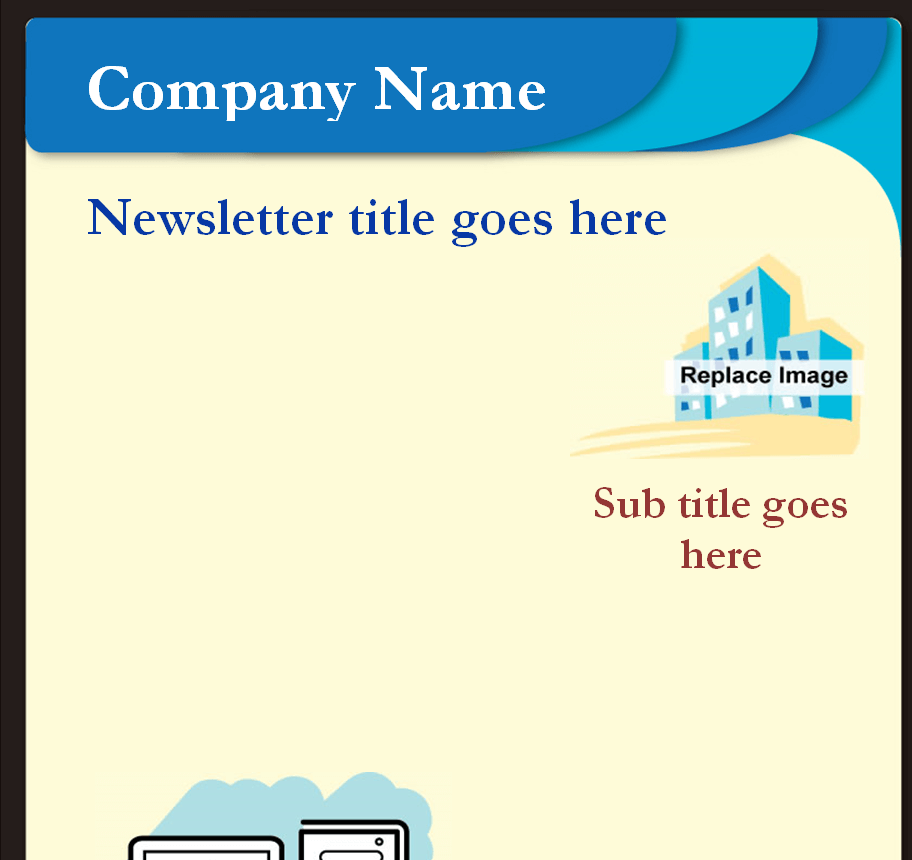

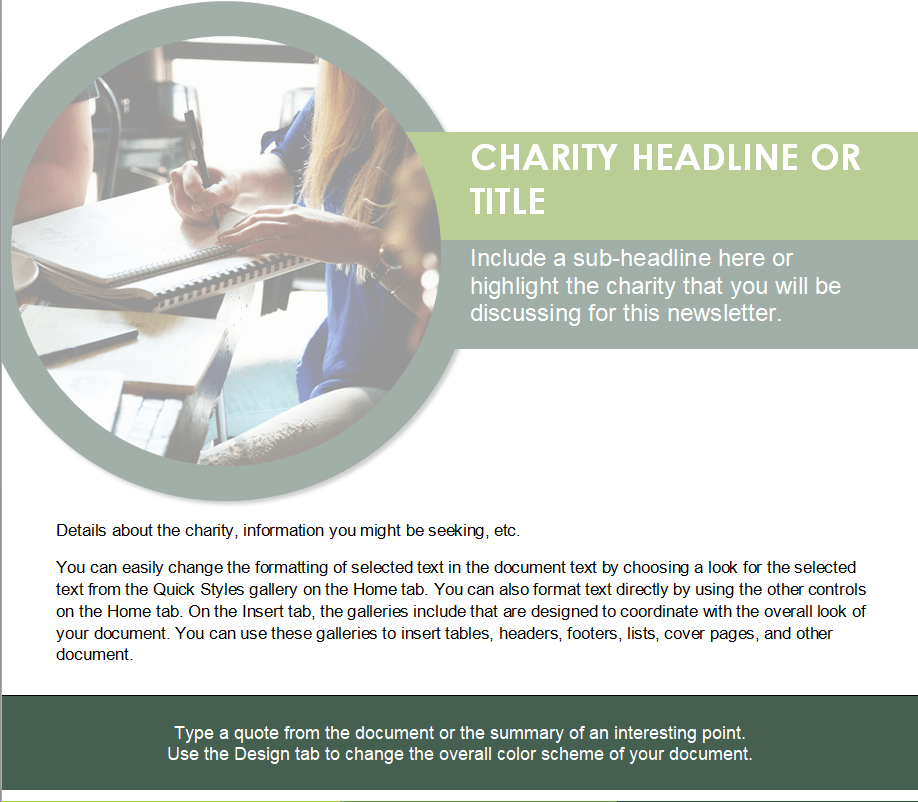
Non-Profit Organization’s Newsletter Template
Construction Company’s Newsletter Word Template
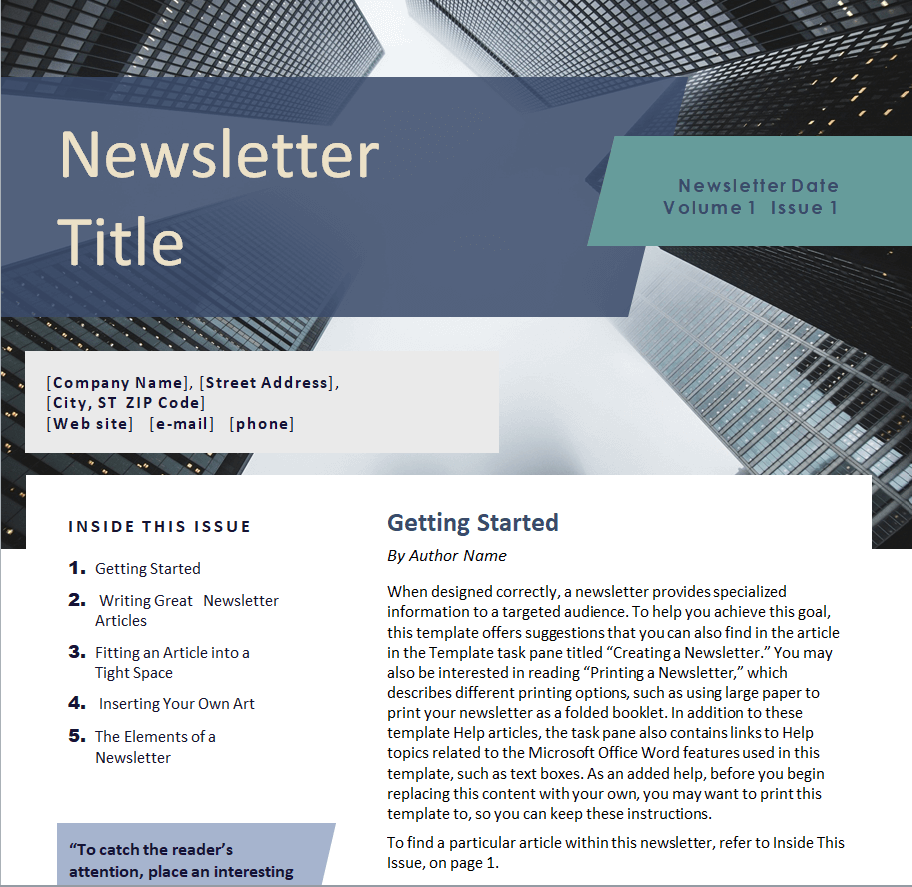
Official Company Newsletter Example
Simple Newsletter Template in MS WORD
Red Stripe Newsletter Template
Free Editable Holiday Newsletter Word Template
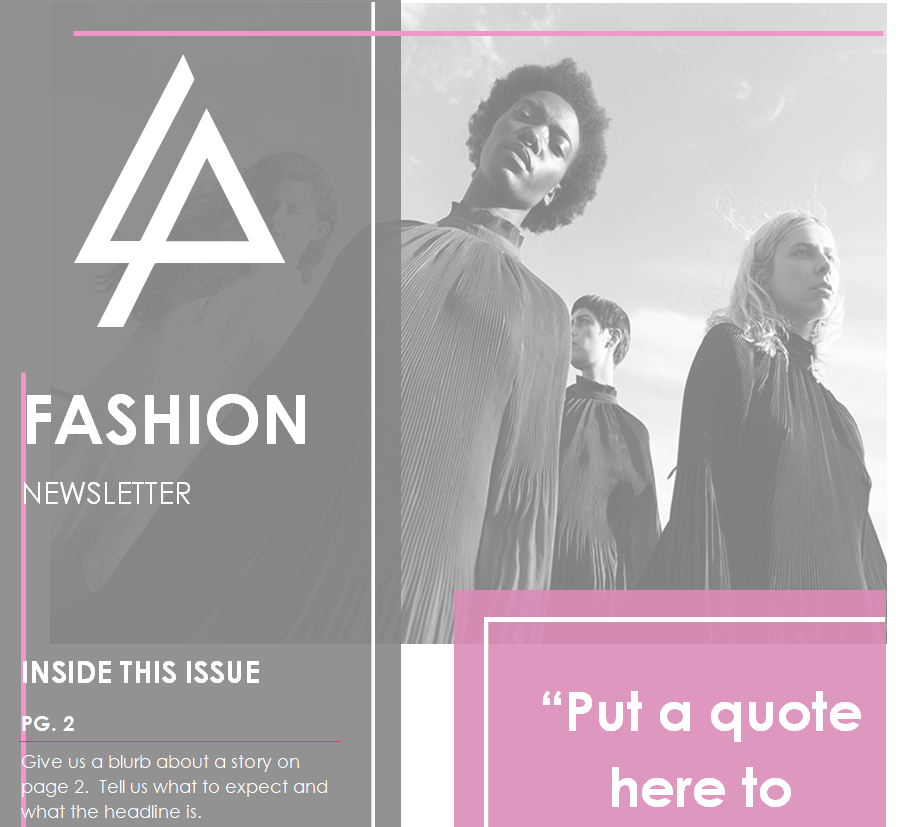
Newsletter Template for a Fashion Brand
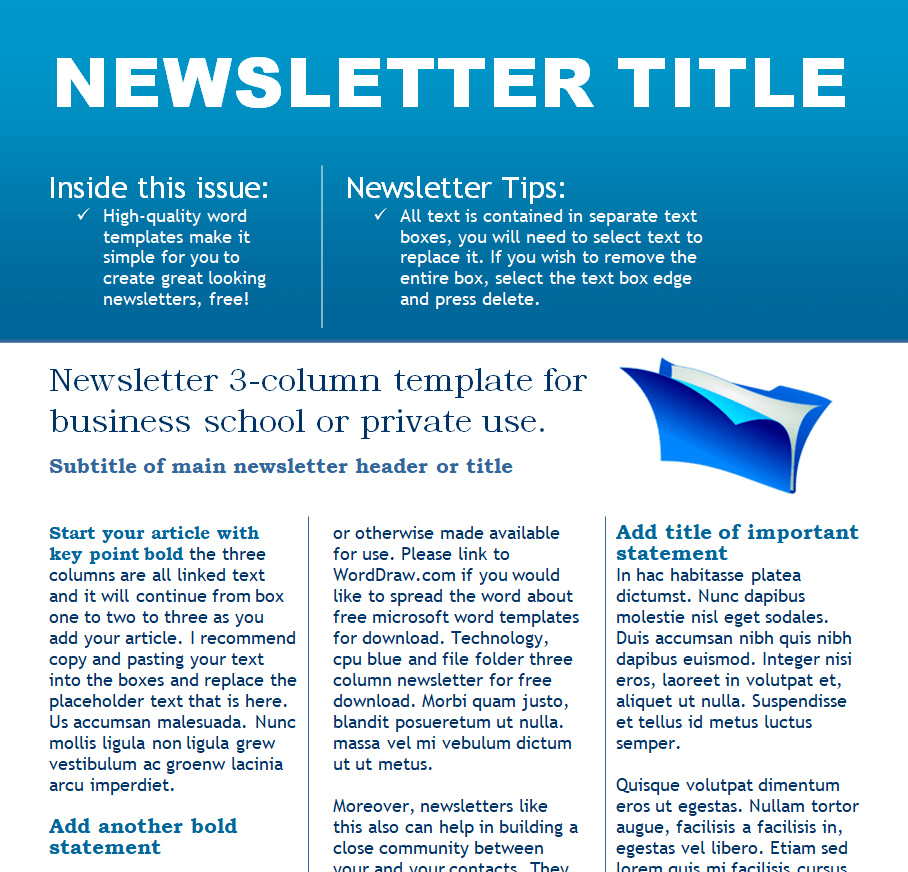
Corporate Newsletter Template in MS WORD
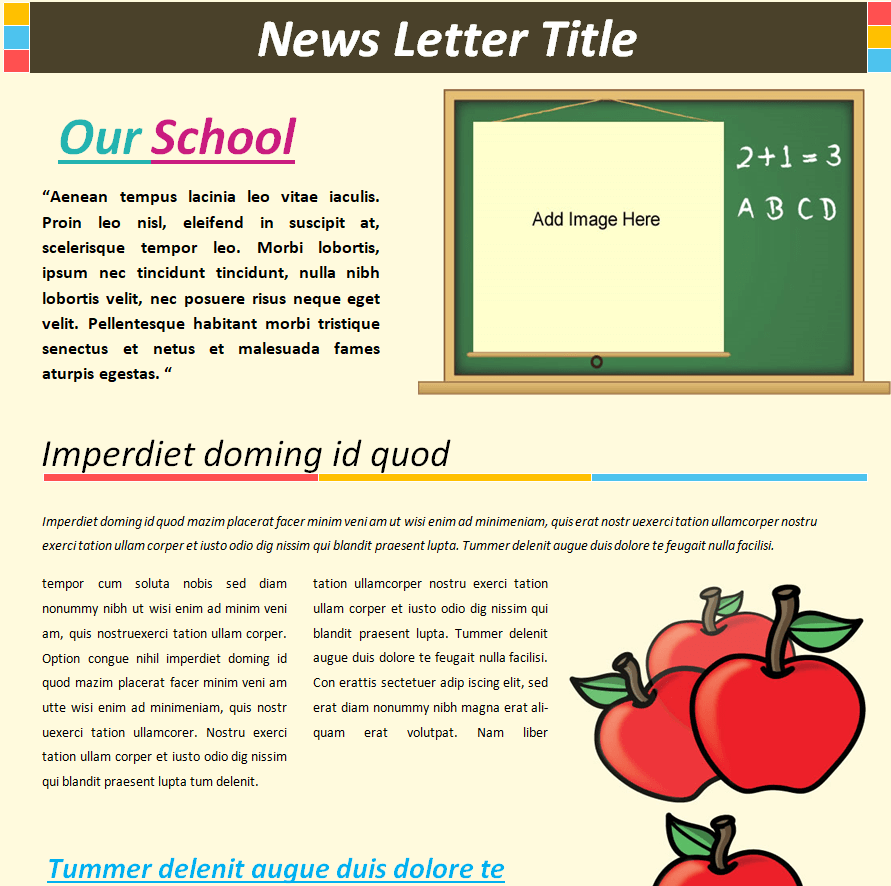
School’s Newsletter Word Template
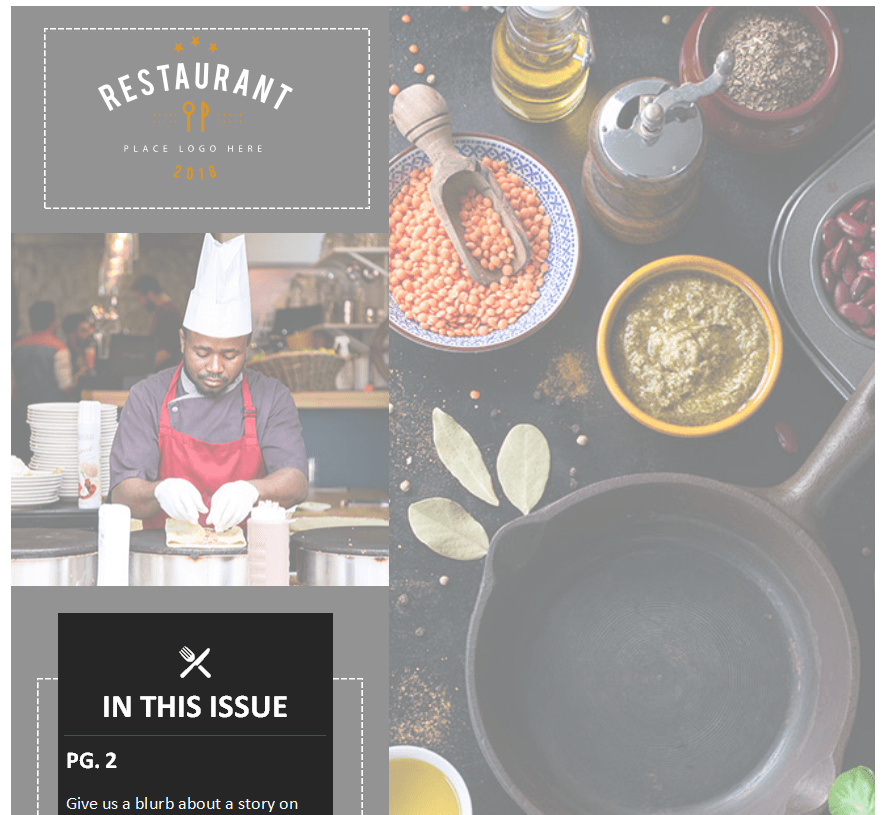
Sample Newsletter Template for a Restaurant
Free Customizable Organization’s Newsletter Template
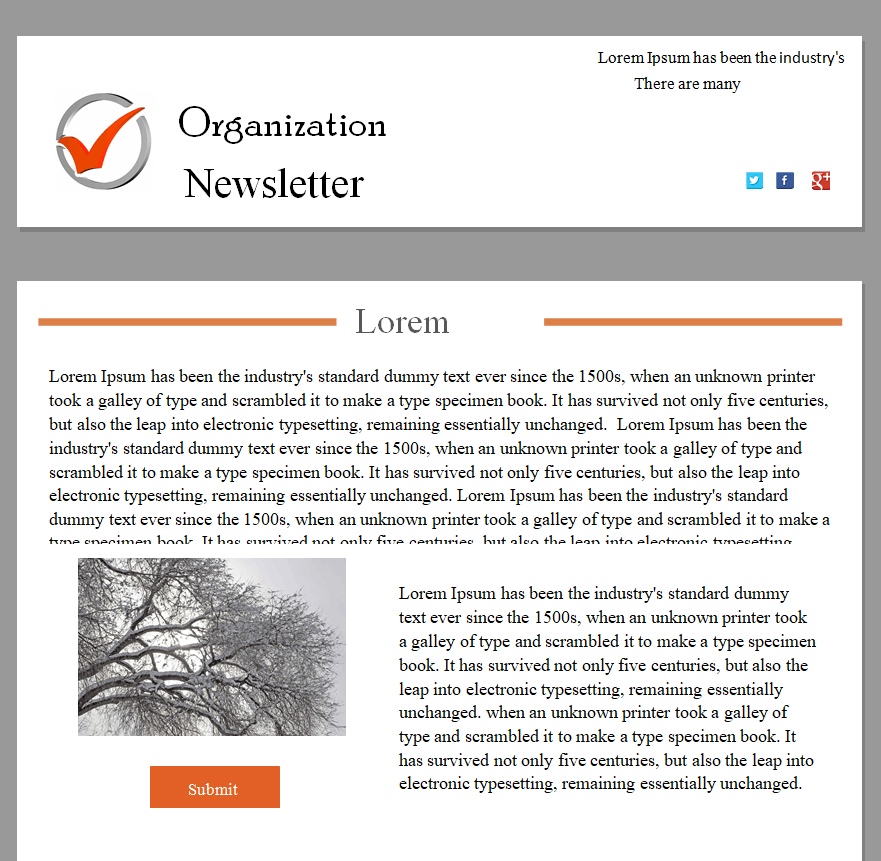
Multi National Company’s Newsletter Template Word
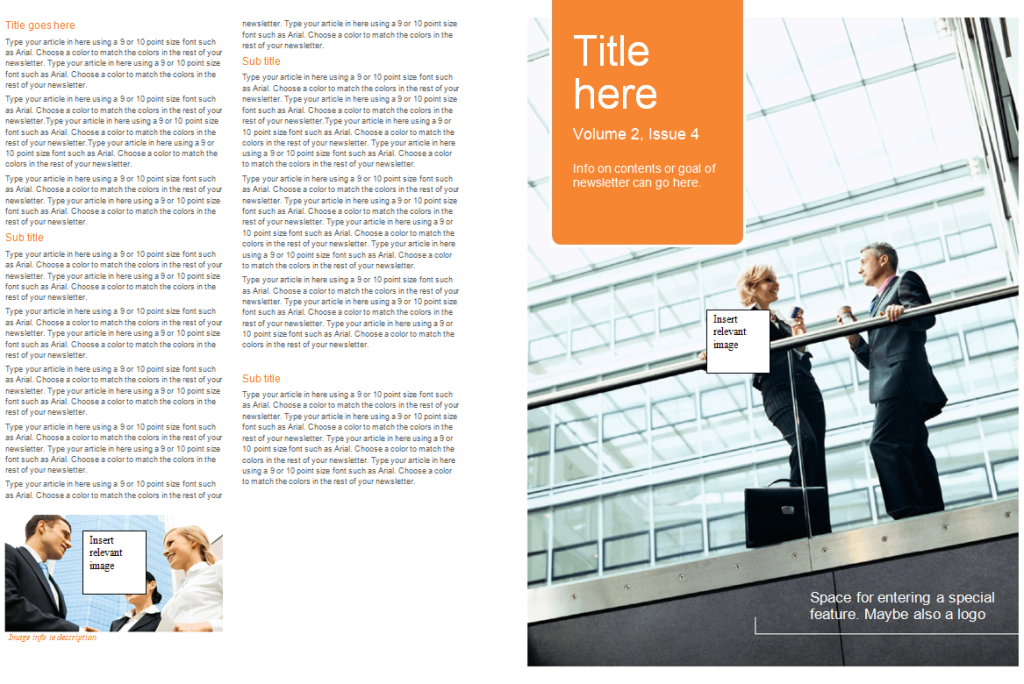
Example of a Kindergarten Newsletter in MS WORD
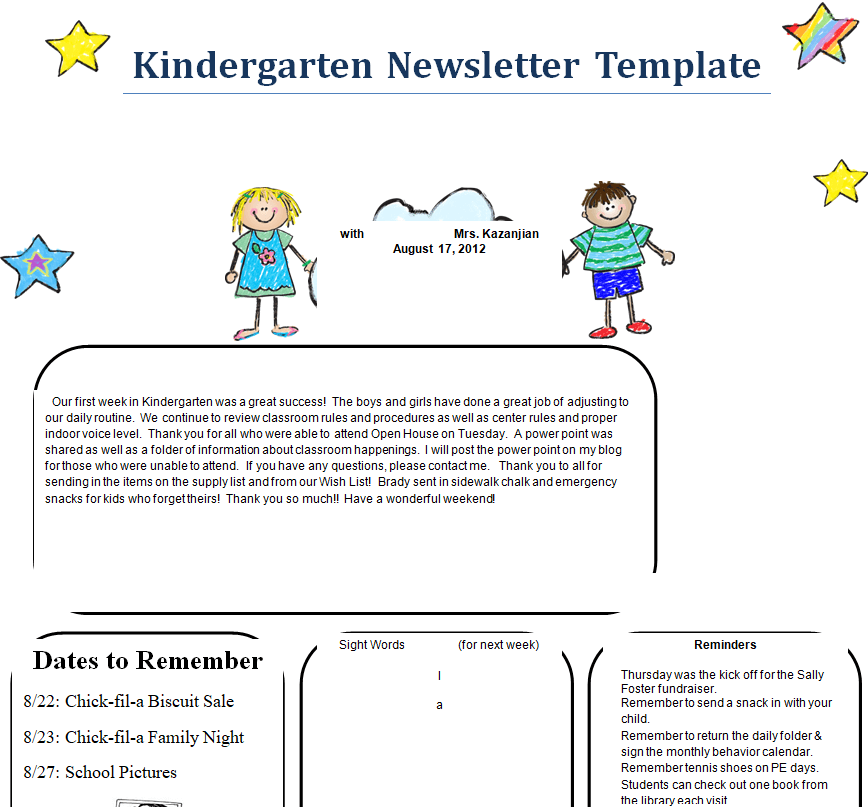
IT Company’s Newsletter Template
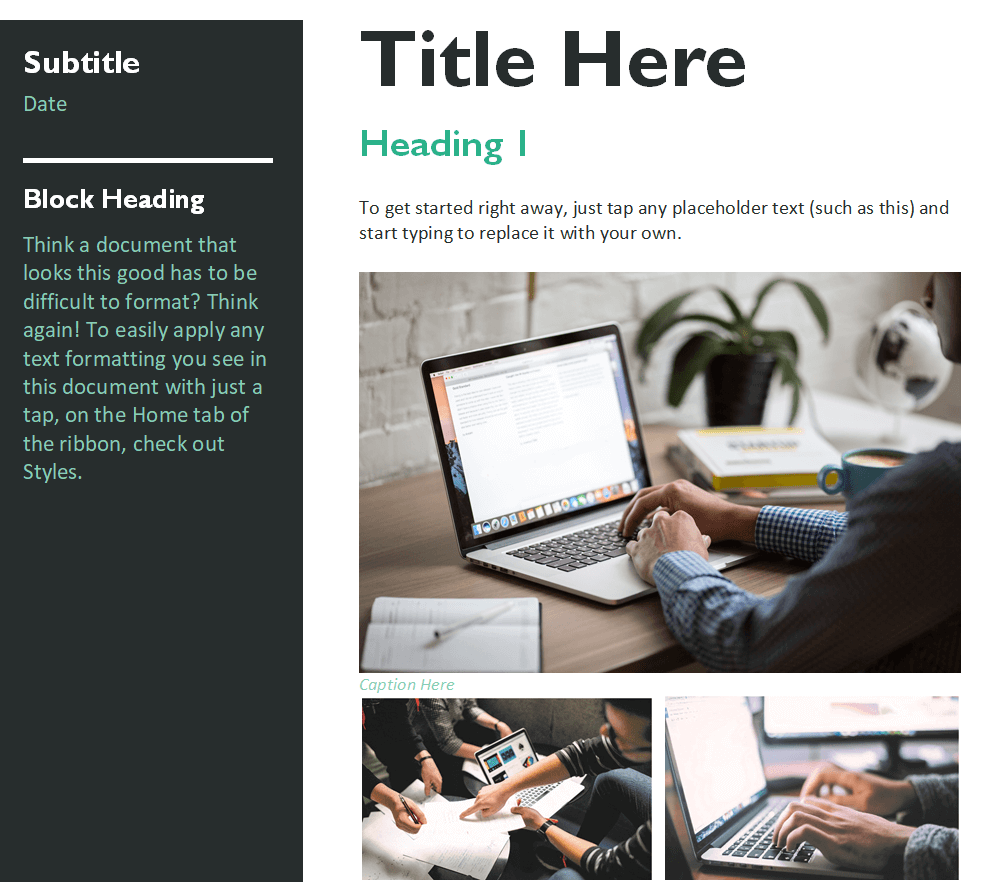
Standard Newsletter Doc Template
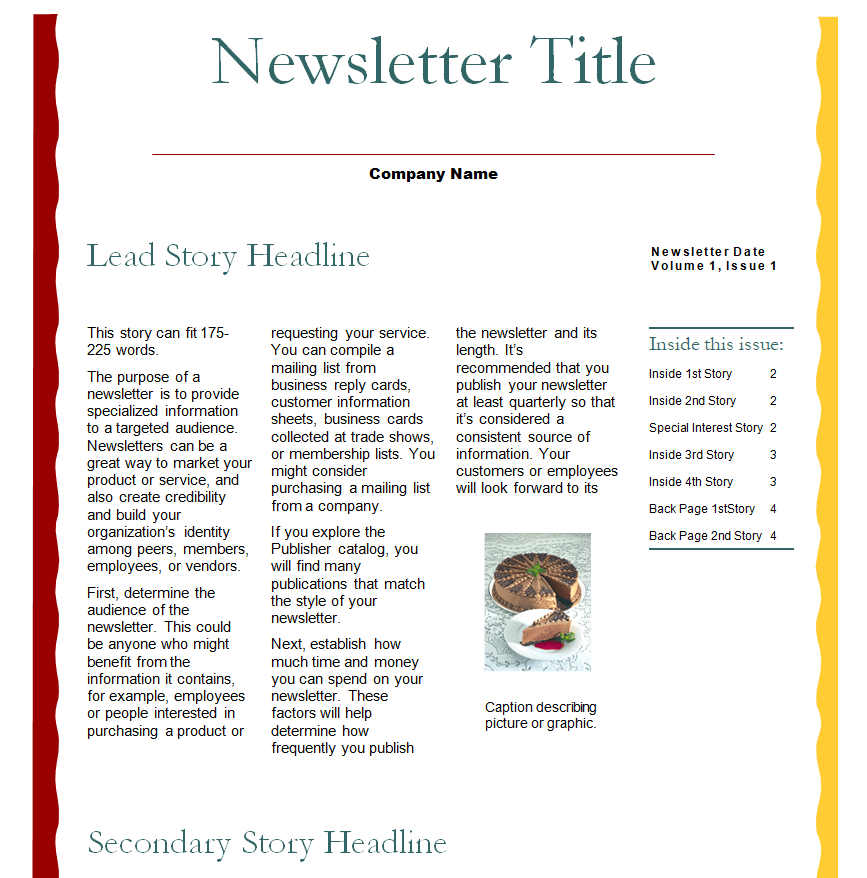
New Startup Newsletter Sample
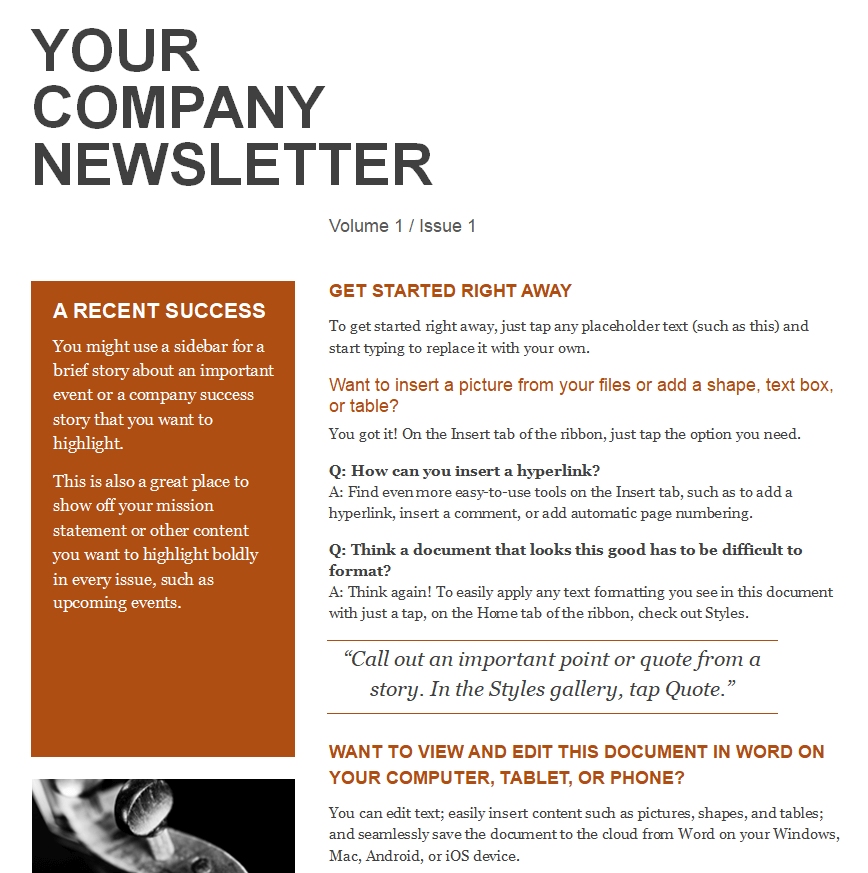
Newsletter Word Template of a B2B Organization

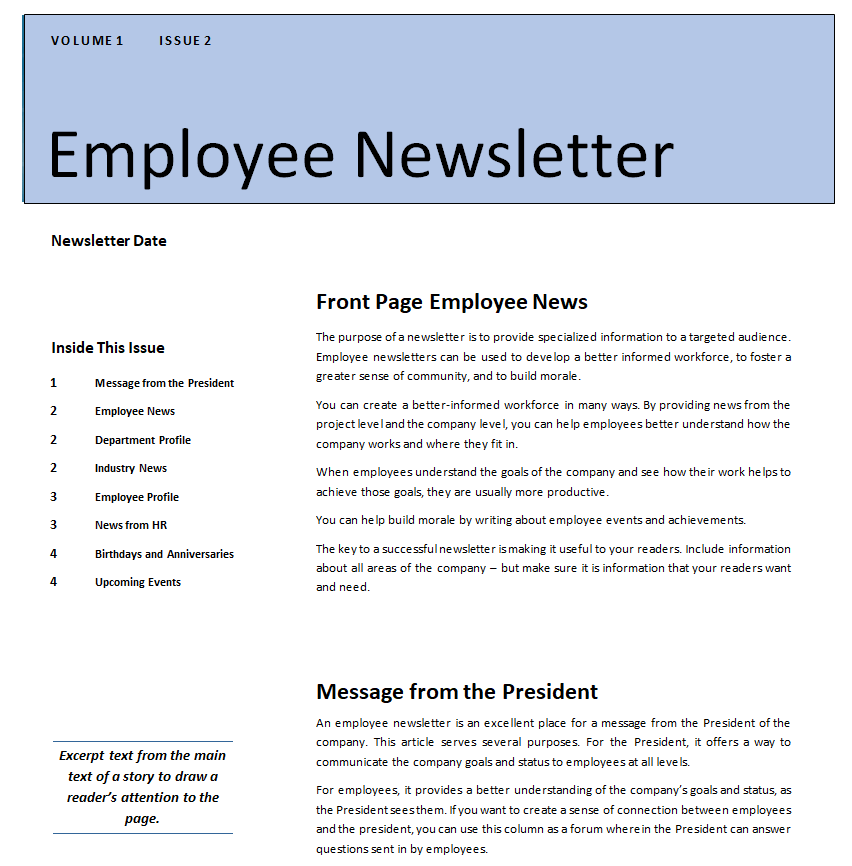
Free Printable Employee Newsletter Template Doc
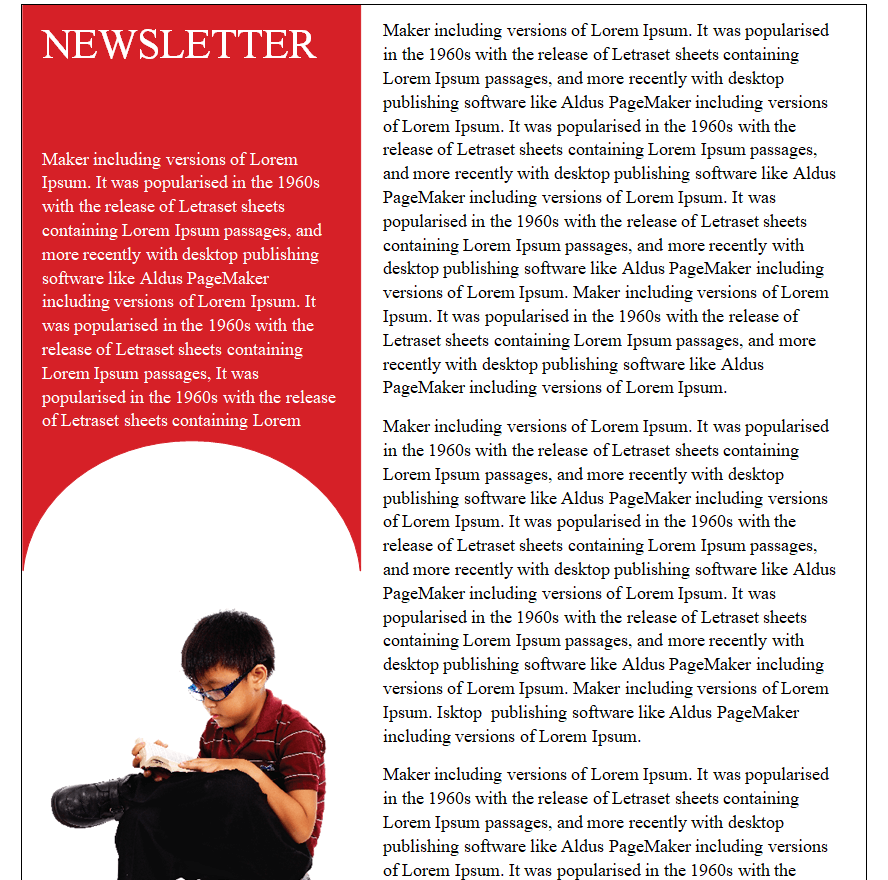
Kids Newsletter Template
How to Customize a Newsletter Word Template
Each of the templates above is a standard Microsoft Word (.docx) file, so you do not need any special software to make it your own. Follow these steps to turn a blank template into a finished newsletter in under an hour:
- Download the template that best matches your organization type from the gallery above and open it in Microsoft Word or Google Docs, which can import .docx files directly.
- Replace the placeholder logo with your own company, school, or nonprofit logo, keeping the same image dimensions so the layout does not shift.
- Open Word’s “Design” tab if you want to adjust the color scheme to match your existing brand palette.
- Swap out the placeholder headline and body copy for your own stories, keeping each paragraph short so it stays easy to skim.
- Replace the sample photos with your own images, sized to fit the existing placeholders so the layout does not stretch or shrink.
- Proofread the whole document, then either export it as a PDF for print distribution or attach the Word file directly to your email campaign.
Common Newsletter Mistakes to Avoid
Even with a good template, a few habits can undermine a newsletter’s effectiveness. Watch out for these common mistakes:
- Packing in too much text. Readers skim newsletters rather than reading them line by line, so long unbroken paragraphs get skipped entirely.
- No clear visual hierarchy. If every headline and paragraph looks the same size and weight, readers cannot tell what matters most at a glance.
- Sending on an inconsistent schedule. A newsletter that arrives sporadically loses the trust and habit that make a regular publication valuable.
- Ignoring mobile readers. Most newsletters are now opened on a phone first, so layouts that only look good on a desktop screen lose readers.
- No single, clear call to action. An issue that asks readers to do five different things usually gets none of them done.
Practical Tips for Planning and Distribution
A content calendar makes the biggest difference to newsletter quality over time. Decide on a realistic cadence, weekly, biweekly, or monthly, and stick to it rather than sending only when something feels urgent. Batch-write a few issues in advance during a slower week so a busy month does not cause a gap. For distribution, email remains the fastest and most measurable channel: most email platforms report open rates and click-through rates, which tell you which headlines and stories actually resonate with your audience. For newsletters intended for parents, employees on-site, or community members without reliable email access, export the Word template to PDF and print copies for physical handout, or post the PDF to your website and social channels alongside the email send.
Frequently Asked Questions
What file format are these newsletter templates in?
Every template on this page is a Microsoft Word (.docx) file. You can open and edit it in Word, or import it into Google Docs if you prefer working in a browser.
Can I use these templates for a business newsletter?
Yes. Several of the templates above, including the corporate, IT company, and B2B organization designs, are built specifically for business use and can be rebranded with your own logo and colors in a few minutes.
How often should I send my organization’s newsletter?
It depends on how much genuine news you generate, but monthly is the most common cadence for company, school, and nonprofit newsletters, while email marketing newsletters often go out weekly or biweekly. The most important factor is consistency: pick a schedule you can sustain and stick to it.
Do I need design experience to customize a Word newsletter template?
No. Because the layout, fonts, and spacing are already built into each template, you only need to replace the placeholder text, logo, and photos with your own content. Word’s built-in Design tab also lets you adjust colors without any graphic design background.