

The list prepared by an individual for inviting the guests to the party, wedding or any ceremony is known as guest list. You can download free Guest List Templates here. The details in the guest list include the name of guests, complete address and the contact number. The guest list is prepared according to the convenience of the person arranging for the party. The purpose of guest list is to make necessary arrangements for the number of people invited. The arrangement can be food or a function. The guest list is prepared by the person for sending invitation cards of an event or occasion. The person after preparing guest list locates the place according to the number of guests. The person by keeping an eye on the guest list estimates the expense for organizing an event. The guest list includes the friends, relatives, neighbors’ and colleague. Nobody can deny the importance of Guest List Template.
You can also browse our full collection of free list templates for more ready-to-use designs.
Simply it is a list of people invited to a special party or event and allowed to enter for free without any ticket or pass. Guest list is very help you to keep track of necessary information, such as who is invited on party or event, what is the relation of the guest with the party holder and how many persons are invited. Through this way you will be able to manage your party or event’s affairs with best efficiency. You should prepare guest list with full attention and care and minimize the mistakes. Start your list by adding your family members, your friends and other important personalities. If you are facing problem in preparing guest list, you can get help by using guest list templates which are available on internet free of cost. Handling a guest list can be a great responsibility.
What Is a Guest List Template and Why You Need One?
A guest list template is a ready-made worksheet that organizes everyone you plan to invite to a wedding, birthday, baby shower, or any other gathering into one clear, sortable document. Instead of scattered notes, text messages, and half-remembered promises about who is coming, a template gives you a single source of truth: full names, contact details, RSVP status, meal preference, the number of guests each invitee is bringing, and where they will sit. Its core purpose is tracking, not just listing. A wedding guest list template, for example, lets a couple see at a glance how many confirmed guests they have, how many are still undecided, and how that number affects catering counts, venue capacity, and the final seating chart. For a large event, this kind of structure is the difference between a smooth planning process and a last-minute scramble to figure out how many chairs to rent.
Who Actually Uses a Guest List Template?
Professional event planners use guest list templates to manage multiple clients and events at once, keeping every invitee list organized by event date, venue capacity, and vendor headcount requirements. Couples planning a wedding rely on one to merge two families’ invitee lists, track RSVPs from both sides, and coordinate plus-ones without duplicate entries or forgotten relatives. Parents organizing a birthday party or baby shower use a simpler version to keep track of who has been invited, who has responded, and who still needs a reminder. Corporate hosts and nonprofit organizers use the same format for conferences, galas, and fundraisers, where an accurate headcount directly affects budgets for food, seating, and printed materials. Whatever the occasion, anyone responsible for a guest count benefits from having it written down in one organized place rather than spread across emails, spreadsheets, and memory.
Key Elements Every Guest List Template Should Include
A guest list template only earns its place in your planning if it captures the information you will actually need later. At minimum, look for or build in the following columns:
- Full name and household grouping — so couples and families are tracked together rather than as separate, disconnected entries.
- Contact information — mailing address for invitations, plus phone number or email for RSVP follow-up.
- RSVP status — a simple column for confirmed, declined, or pending, updated as responses come in.
- Number of guests and plus-ones — how many people each invitation actually covers, since one invite rarely means one attendee.
- Meal choice or dietary restrictions — essential for catering counts and for accommodating allergies or preferences.
- Seating assignment — table or section number, filled in once the layout is finalized.
- Gift or thank-you tracking — a column many hosts add after the event to record what was received and whether a thank-you note has been sent.
- Relationship or category — family, friend, coworker, or vendor, which helps when trimming a list that has grown too large for the budget or venue.
How to Create and Manage a Guest List, Step by Step
- Set your total number first. Before adding a single name, decide on a realistic maximum based on your venue capacity and budget per head. This number will guide every decision that follows.
- Brainstorm by category. Work through immediate family, extended family, close friends, coworkers, and any obligatory invites (such as a boss’s family for a corporate event) separately, then combine the lists. This catches names you would otherwise forget.
- Enter everyone into your template. Add full names, addresses, and contact details as you go, grouping couples and families into single household rows.
- Send invitations and open RSVP tracking. As soon as invitations go out, switch your RSVP column to active use, updating it the moment each response arrives rather than batching updates for later.
- Follow up on outstanding responses. Roughly two to three weeks before your RSVP deadline, contact anyone who has not replied. A dedicated column for “last followed up on” keeps this step from falling through the cracks.
- Finalize headcounts for vendors. Once RSVPs close, use the confirmed total to lock in numbers with your caterer, venue, and rental company, building in a small buffer only if your contract allows late additions.
- Build the seating chart. With a final, accurate guest count in hand, assign tables or sections, keeping families together and separating guests with known conflicts.
- Keep the list after the event. A completed guest list is a useful record for thank-you notes, gift tracking, and as a starting reference for future events with an overlapping guest pool.
Common Guest List Mistakes to Avoid
- Not clarifying plus-one policy upfront. Leaving “and guest” vague on invitations leads to surprise attendees and inaccurate counts. Decide and communicate the policy before invitations go out.
- Tracking RSVPs in multiple places. Splitting responses across text messages, a wedding website, and a paper list makes it easy to lose track of who actually confirmed. Funnel every response into the same template.
- Forgetting to account for children. If kids are invited, list them individually rather than folding them into a parent’s headcount, since caterers and venues often need an exact per-person number regardless of age.
- Waiting too long to follow up on non-responses. Chasing RSVPs a few days before the deadline leaves no room to fill empty seats or adjust catering. Build follow-up reminders into your timeline early.
- Finalizing seating before RSVPs close. Assigning tables too early means constant rework as declines and late confirmations come in. Wait until the list is truly final.
- Losing the list after the event. Discarding the guest list once the event ends throws away a useful record for future thank-you notes, gift tracking, and planning the next gathering.
Practical Tips for RSVPs, Plus-Ones, and Seating
Set a firm RSVP deadline that gives you at least two to three weeks of buffer before you must confirm final numbers with vendors, and print that deadline clearly on every invitation. When plus-ones are allowed, name them directly on the invitation and in your template rather than leaving an open-ended “and guest,” which tends to produce inflated counts. Color-code or flag entries as you go, marking confirmed guests one color and declines another, so a quick glance at the template tells you exactly where things stand without recounting rows. For seating, build the chart in two passes: a rough draft grouping guests by relationship and age once most RSVPs are in, followed by a final pass after the deadline that resolves any last-minute changes. Keeping dietary restrictions and meal choices in the same row as each guest’s seating assignment also saves time when handing the final chart to a caterer or venue coordinator, since everything they need appears in one place instead of across separate documents.
Frequently Asked Questions
How far in advance should I start my guest list?
For a wedding or other large event, start building your guest list as soon as you set a budget and venue capacity, typically nine to twelve months ahead. This gives enough time to finalize numbers, send invitations, and collect RSVPs without rushing.
What is the best way to track plus-ones and children separately?
Give each plus-one and each child their own row or clearly labeled sub-entry under the primary invitee’s household group, rather than a single combined number. This keeps your seating chart and catering counts accurate down to the individual guest.
Should I keep my guest list in a spreadsheet or use a printable template?
Either works, and the templates below cover both formats. A spreadsheet is easier to sort and filter as RSVPs come in, while a printable version is handy for quick reference at a planning meeting or for hosts who prefer working on paper.
How do I handle guests who never RSVP?
After your printed deadline passes and a follow-up call or message, it is reasonable to mark non-respondents as declined for the purpose of your final headcount, since most vendors require a locked number shortly before the event.
Download Free Guest List Templates For Party, Event, Baby shower, Wedding , etc:
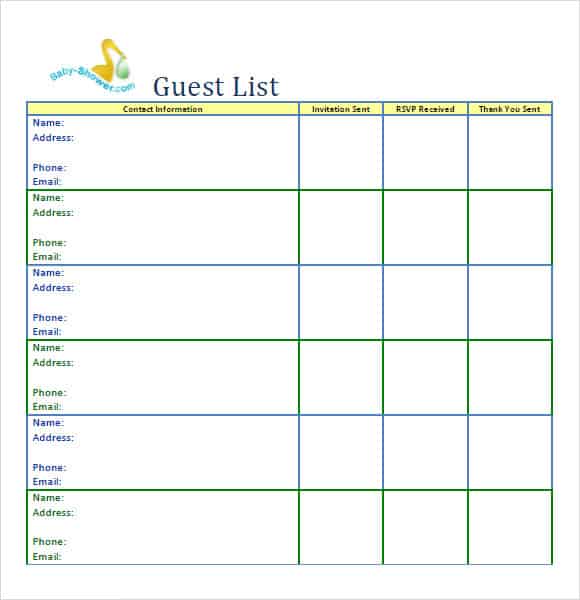
Baby Shower Guest List Template:

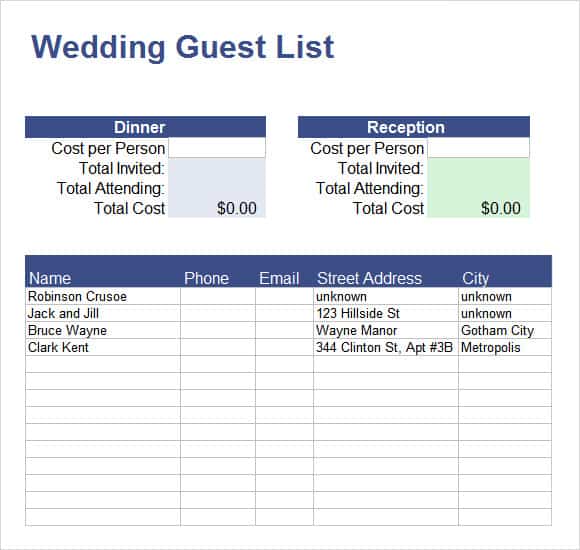
Wedding Guest List Template:
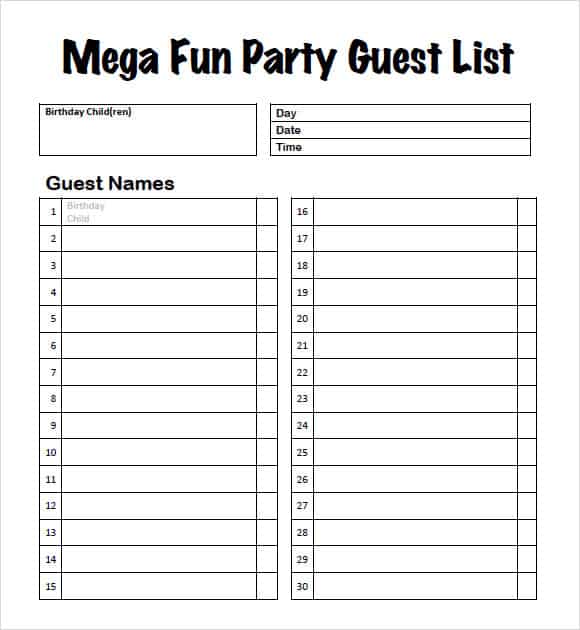
Fun Party Guest List Template:
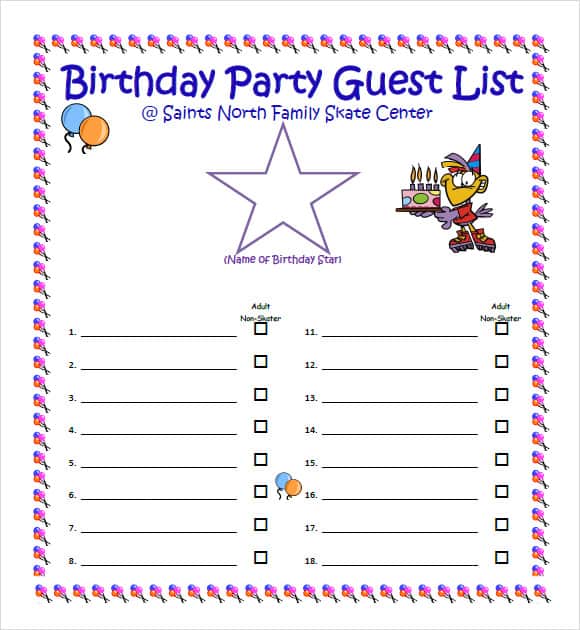
Birthday Party Guest List Template:
General Guest List Template:
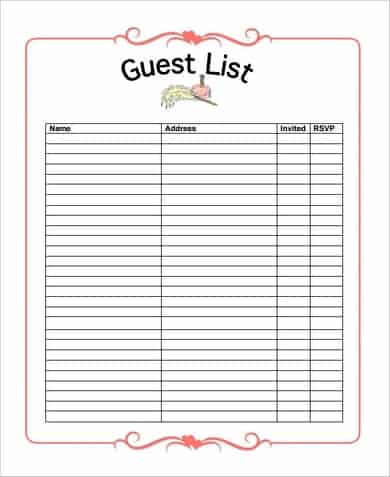
Wedding Guest Tracker Template:

Wedding Planner for Guests List Template:

Colorful Wedding Guest List Template (Roses)

Pink Wedding Guest List Template:

Simple Wedding Guest List Template:
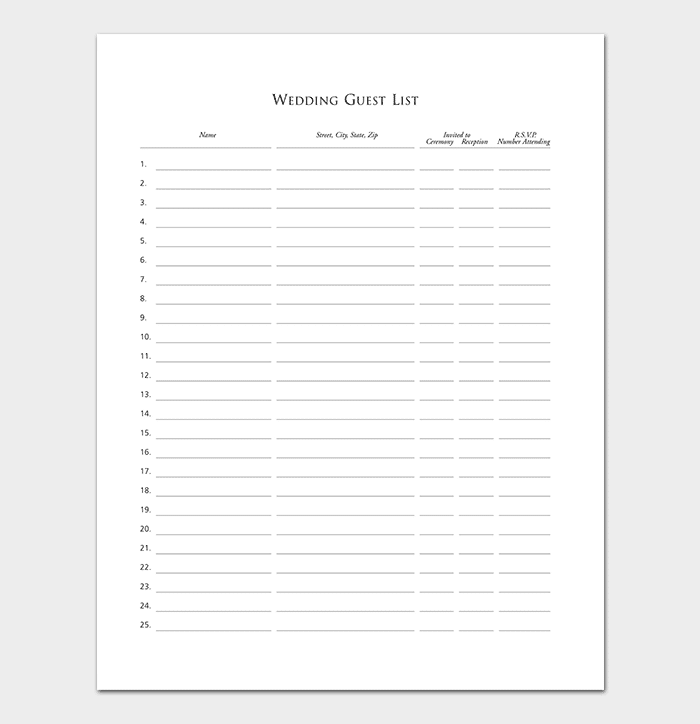
Event Guest List Template:

Party Guest List Template Word:

Party Guest List Template:

Related templates you may find useful: free wedding invitation list templates, free to do list templates and free supplier list templates.