

A funeral program is a printed keepsake handed to guests at a memorial or funeral service. It helps mourners follow the order of events as the service unfolds, and it later becomes a small memento that families and friends keep to remember the person who has passed. A program typically opens with the name of the deceased along with the birth and passing dates, followed by a short biography, the order of service, any readings or hymns chosen for the occasion, and a note of thanks to those who attended. Preparing one thoughtfully, whether written from scratch or started from a ready-made design, gives a grieving family one less thing to manage during an already difficult time. The funeral program templates below are professionally designed, easy to edit in Word or similar software, and free to download, so the text and photos can be personalized and a finished program can be ready to print within a short time.
You can also browse our full collection of free word templates for more ready-to-use designs.
The Role a Funeral Program Plays in the Service
Funeral programs are usually printed as a single folded sheet, most often a bi-fold or tri-fold booklet, so they are easy to hold and simple to keep afterward. During the service itself, they help guests follow the sequence of the ceremony without needing to ask what comes next, and many families later place a copy in a memory box or scrapbook. Because it is one of the few printed items created specifically for the occasion, a well-designed program often becomes something relatives return to years later when remembering the person who passed.
Who Typically Prepares a Funeral Program
In most cases, the funeral home handles the printing once a family supplies the wording and photos, though the actual writing is usually done by whoever is closest to the arrangements — often a spouse, adult child, sibling, or close friend of the deceased. Some families split the work: one person gathers photos, another writes the biography, and a third proofreads the finished draft before it goes to print. Clergy or a service officiant may also contribute the order of service and any readings, since they know how the ceremony itself will flow. If time is short, a funeral director can usually recommend a local printer or handle the printing directly, which is worth asking about when finalizing service details.
Key Elements to Include in a Funeral Program
A complete funeral program balances practical information with a personal tribute. At minimum, it should cover:
- Order of service – the sequence of readings, music, eulogies, and rituals so attendees know what to expect
- Obituary or brief biography – a short account of the person’s life, family, and notable milestones
- Photographs – a portrait on the cover and, space permitting, a few candid photos inside
- Readings, hymns, or scripture – the specific passages or songs selected for the service
- Acknowledgment of family and participants – pallbearers, speakers, officiants, and immediate family members
- A thank-you note – a brief line thanking guests for their support and presence
Leaving out any of these is not a mistake, but including the ones that fit the service helps guests feel oriented and gives the family a keepsake that reflects who their loved one was.
Download Funeral Program Template:
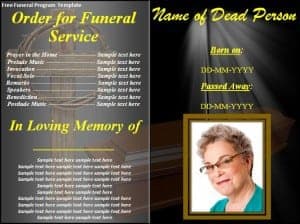
Click on the download button and make this free funeral program template your own.

Get More Funeral Program Templates Here
1. GraphicRiver


2. Creativemarket

3. Funeralpamphlets
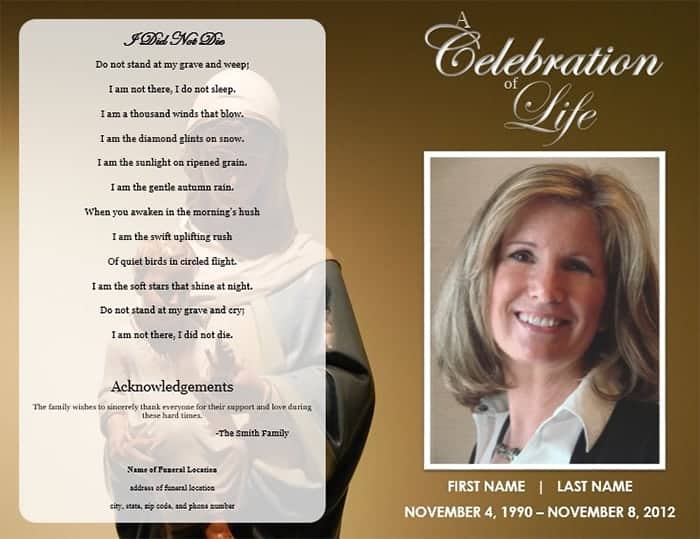
4. Etsy
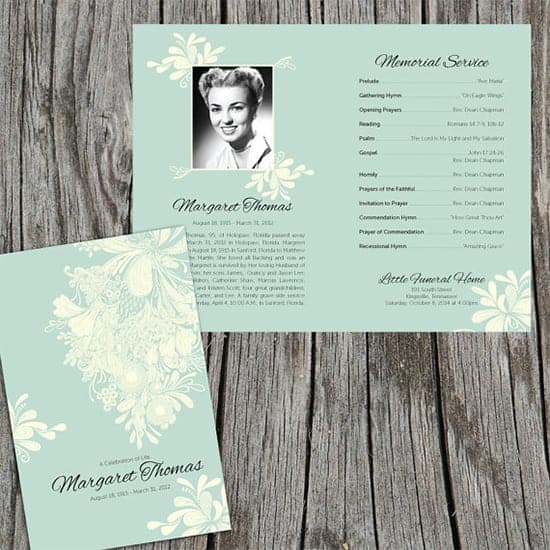
5. Funeralprogram-site

How to Customize a Funeral Program Template
- Choose a template that matches the tone of the service. Pick a design whose colors and imagery suit the person being remembered, whether that calls for a soft floral layout or a simple, formal design.
- Open the file in compatible software. Most of the templates above open directly in Microsoft Word, though some may require the specific program noted on the source site.
- Replace the placeholder name and dates first. Update the front cover, double-checking the spelling of the full name and the birth and passing dates against the death certificate or obituary.
- Add the order of service. Fill in the readings, music, and speakers in the order the officiant confirms, leaving a section blank if a detail is still being finalized.
- Insert photos. Replace placeholder images with a clear, high-resolution portrait and any additional photos, keeping file sizes large enough that they will not look blurry once printed.
- Proofread with a second set of eyes. Ask a family member to review names, titles, and dates before sending the file to print, since small errors are easy to miss when reading through grief.
- Print a test copy first. Check spacing, margins, and colors on a single printed copy before running the full quantity needed for guests.
Common Mistakes to Avoid
A few small oversights tend to show up most often, and each is easy to prevent with a careful review before printing:
- Misspelling the name or getting a date wrong – verify the full name and dates against an official document rather than memory
- Leaving out a key participant – double-check that every speaker, pallbearer, and officiant is named, since an omission can feel hurtful even if unintentional
- Cramming too much text onto one page – give the layout room to breathe, since a program that is too dense is hard to read during the service
- Skipping the proofread – grief makes typos easy to miss, so have at least one other person review the final draft
- Printing at low quality – a blurry photo or faded ink undermines an otherwise thoughtful design, so use a proper printer or professional print shop for the final copies
Practical Tips for Printing and Timing
Most families finalize the program one to two days before the service, once the obituary is confirmed and photos are gathered, so it helps to build that into the timeline when coordinating with a funeral home. Ask the funeral home early whether they offer in-house printing or work with a preferred print shop, since they often have experience with paper weights and folding that hold up well when handled by many guests throughout the day. A heavier cardstock, around 80 to 100 lb, tends to look and feel more substantial than standard printer paper. If printing at home, a color laser printer generally produces crisper text and more consistent color than an inkjet, and it is worth printing a handful extra in case of a last-minute change to the guest count.
Frequently Asked Questions
How many programs should we print?
A good rule of thumb is to print 10 to 15 percent more than the number of expected guests, since programs are often taken home as keepsakes and shared with family who could not attend.
Can a funeral program be updated after it is printed?
Yes, though changes are easier before the file goes to the printer. If an error turns up in the first batch, most families quietly correct the file and reprint the remaining copies rather than trying to fix programs already handed out.
Do we need permission to use a hymn or reading in the program?
For a private funeral service, reprinting a short excerpt of a hymn or reading is generally accepted, but if the program will be shared publicly or printed in large commercial quantities, it is worth checking the copyright status of that specific text first.
What if we are short on time to prepare one?
A pre-designed template like the ones above can usually be personalized within an hour once the wording and photos are ready, and many funeral homes can also prepare a simple program on request for families who would rather not handle the design themselves.
Related templates you may find useful: free non-disclosure agreement templates, free expense report templates and free to do list templates.