Free job-winning resume templates are added here in our resume collection. A resume is a formal written document prepared to apply for jobs. It includes all your personal information along with your education, work experience, and other accomplishments.
You can also browse our full collection of free word templates for more ready-to-use designs.
The basic purpose of preparing a resume is to provide a brief summary of your information, skills, and other work experience. It is a quick and best way to let people know about you. Mostly it is a one or two pages document which briefly explains about you and your skills. Simply it is a clear picture of who you are.
A resume is a basic requirement when applying to most white-collar jobs. Your resume must be able to attract the attention of HR managers and other authorities. A resume is a primary instrument in order to search for a job, therefore it should be written with full attention & care and critiqued. The given Free Resume Templates will surely be of great help to you in order to make an impressive resume.
The document which shows the variety of employment situations is known as a free resume. A resume is a document that includes details such as education, skills, experience, and accomplishments of goals and tasks and is used for applying to the job. The information in the resume includes the name of a person, date of birth, contact number, identification number, father name, and email address.
A free resume is a document in which everyone can put his/her information for sending it to an employer for a job. This document is demanded by an institution from an individual when he wishes for doing a job. This document contains interests, hobbies, and academic information. As the employment rate is exceeding the free resume document users should be in great number. The choices of the people depend upon the free resume style available on electronic media.
What to Include in a Resume Template
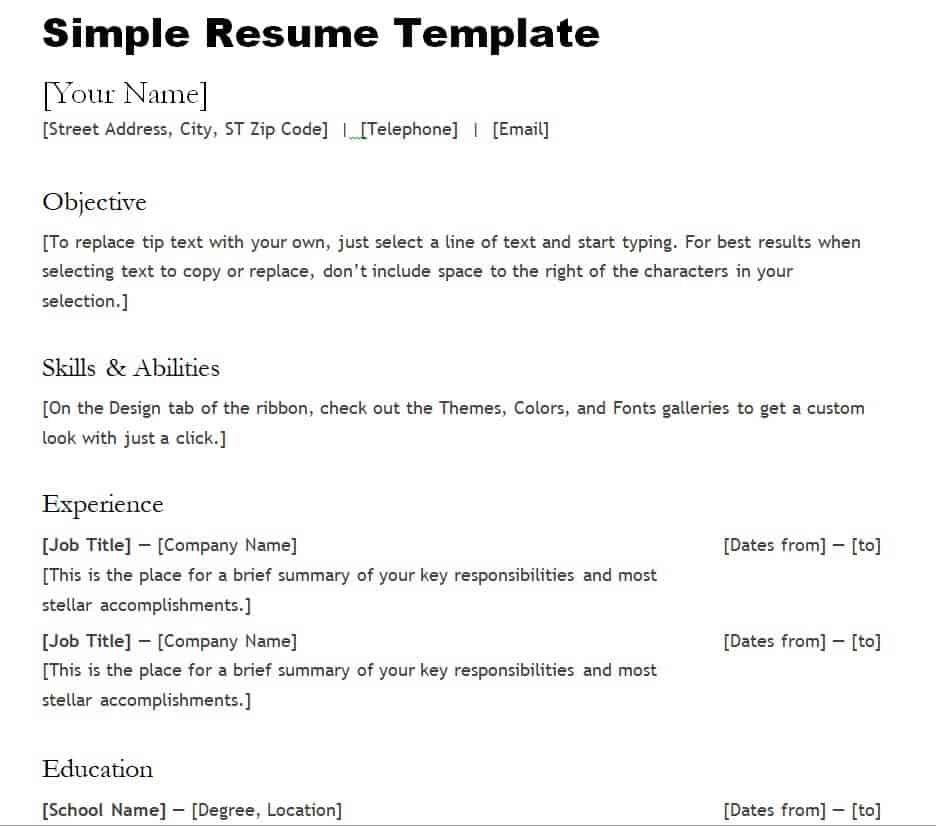
A strong resume template gives structure to the information you already have, so you spend your time on the wording rather than the layout. At minimum, look for a template that includes a header for your name and contact details, a short professional summary or objective, a work experience section with space for dates and bullet points, an education section, and a skills section. Many of the free resume templates on this page also leave room for optional sections such as certifications, languages, volunteer work, or a portfolio link, which can help you stand out for specific roles.
How to Fill In Your Resume Template
Start by downloading the format that best matches the job you are applying for, then open it in Word, PowerPoint, or your preferred editor. Replace the placeholder name, address, phone number, and email with your own details first, since these are the easiest to overlook once the rest of the document is filled in. Next, write a two- to three-line summary that states your target role and top strengths. Work backward through your job history, listing your most recent position first, and describe each role using short, specific bullet points that lead with an action verb and, where possible, a measurable result. Finish with your education, certifications, and any relevant skills, keeping the formatting consistent with the template’s original fonts and spacing so the document still looks polished once it is saved as a PDF.
Tips for Choosing the Right Resume Template
Match the template’s tone to the industry: a creative or colorful layout can work well for design and marketing roles, while a clean, minimalist format is usually safer for corporate, legal, or administrative positions. Keep the file editable in a program you actually have access to, whether that is Word, PowerPoint, or a DOC-format template, so you are not stuck fighting the formatting the night before an application is due. Pay attention to how much white space the template leaves for experience versus education, and pick one that fits how much work history you have. Finally, before you send anything out, proofread the finished document carefully and ask a friend or colleague to check it too, since a resume with a typo or an outdated phone number rarely gets a second look.
FREE Resume Templates are Here:
Creative Resume Template
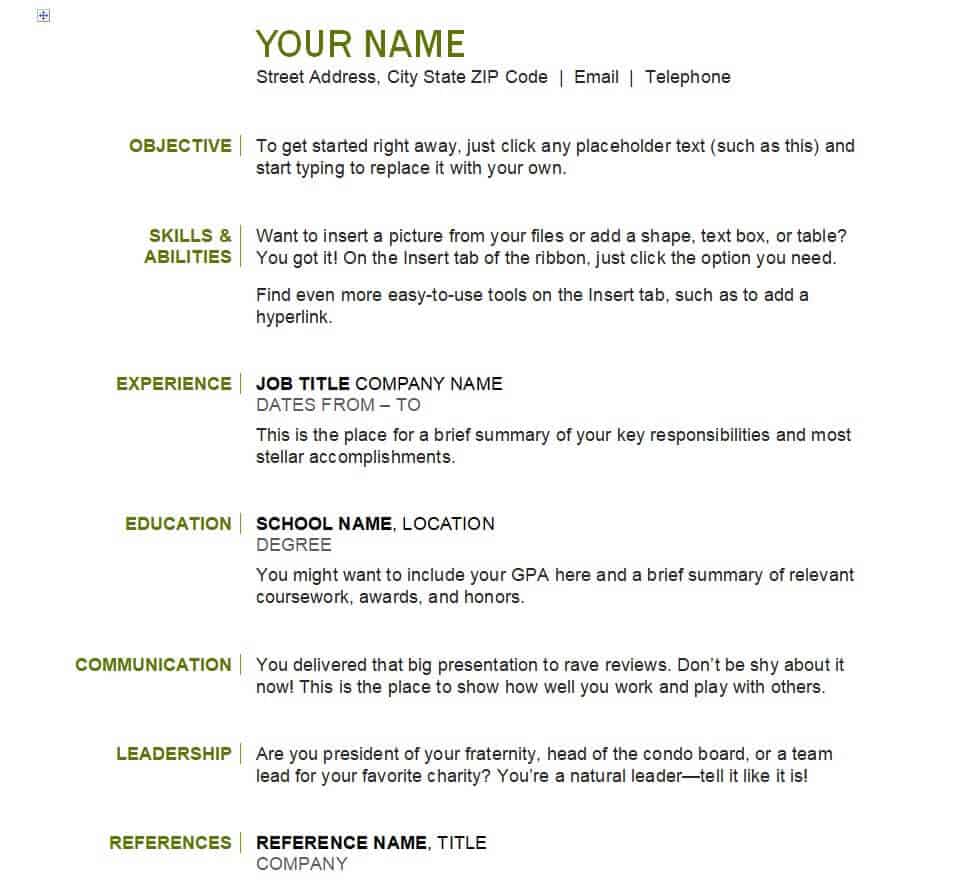
Special Resume Template WORD
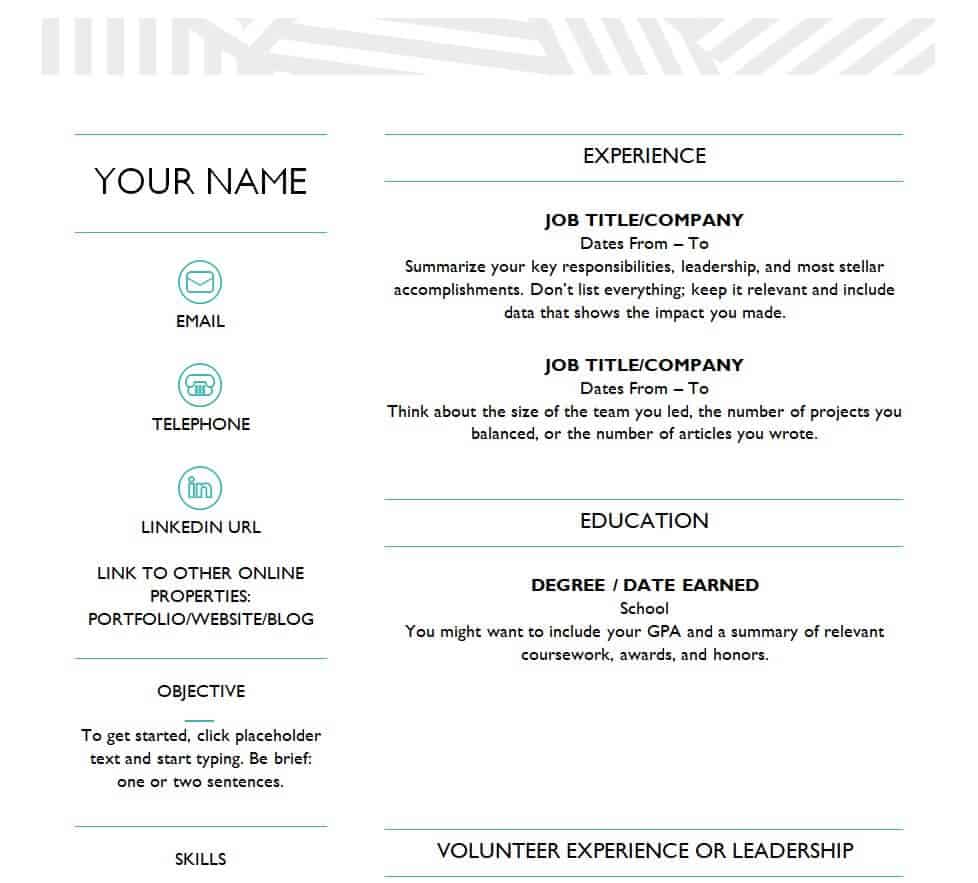
Professional Resume Template
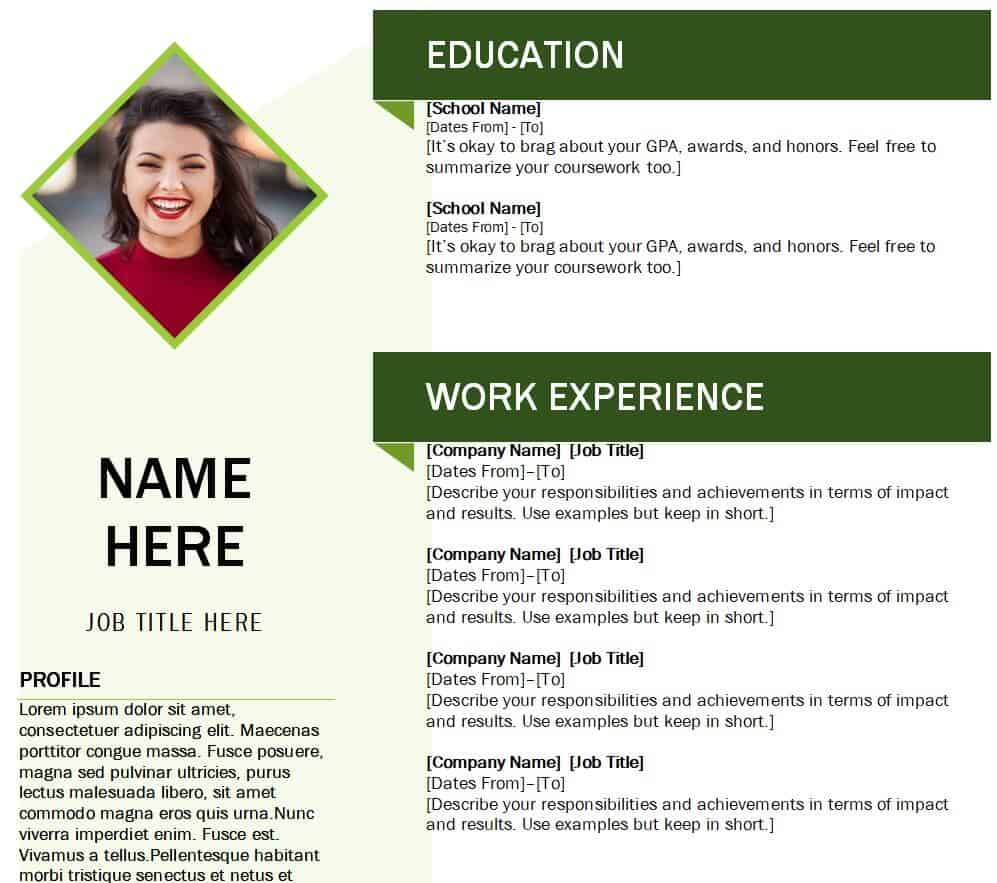
Decent Style Resume Template
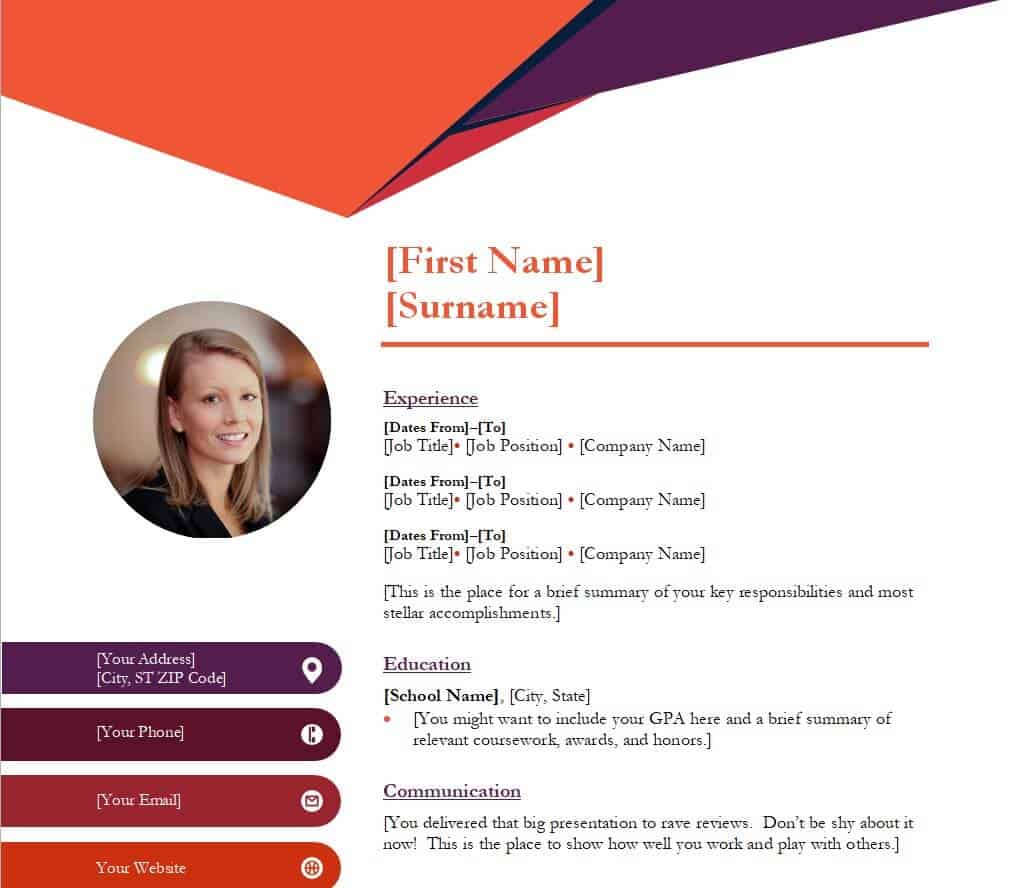
Minimalist Resume Template Free
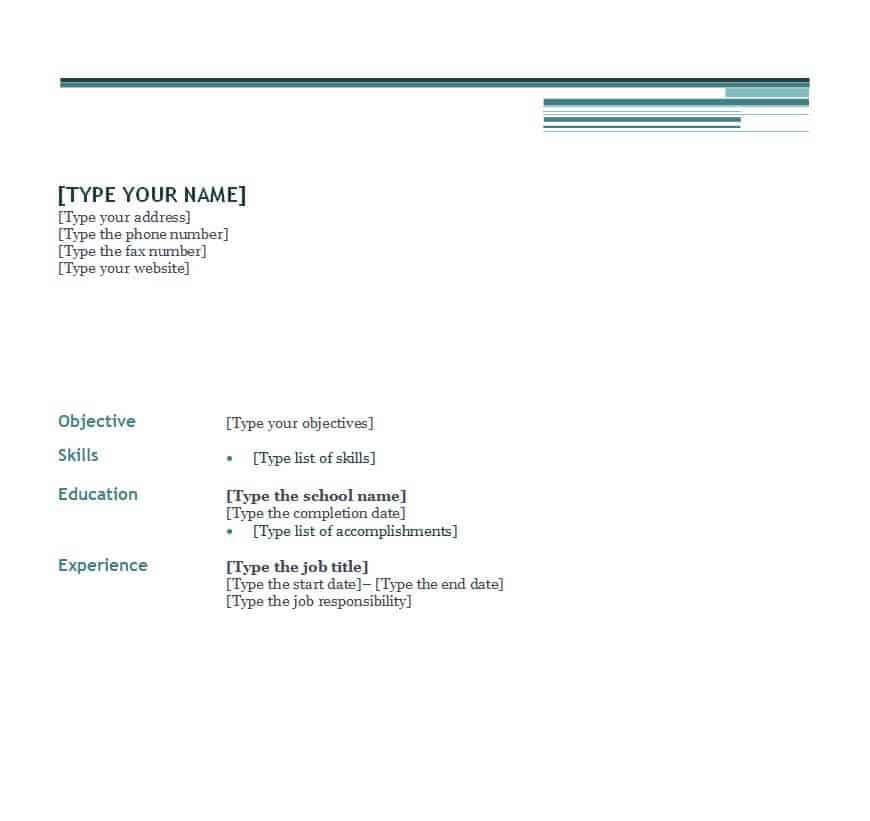
Copywriter’s Resume WORD Template
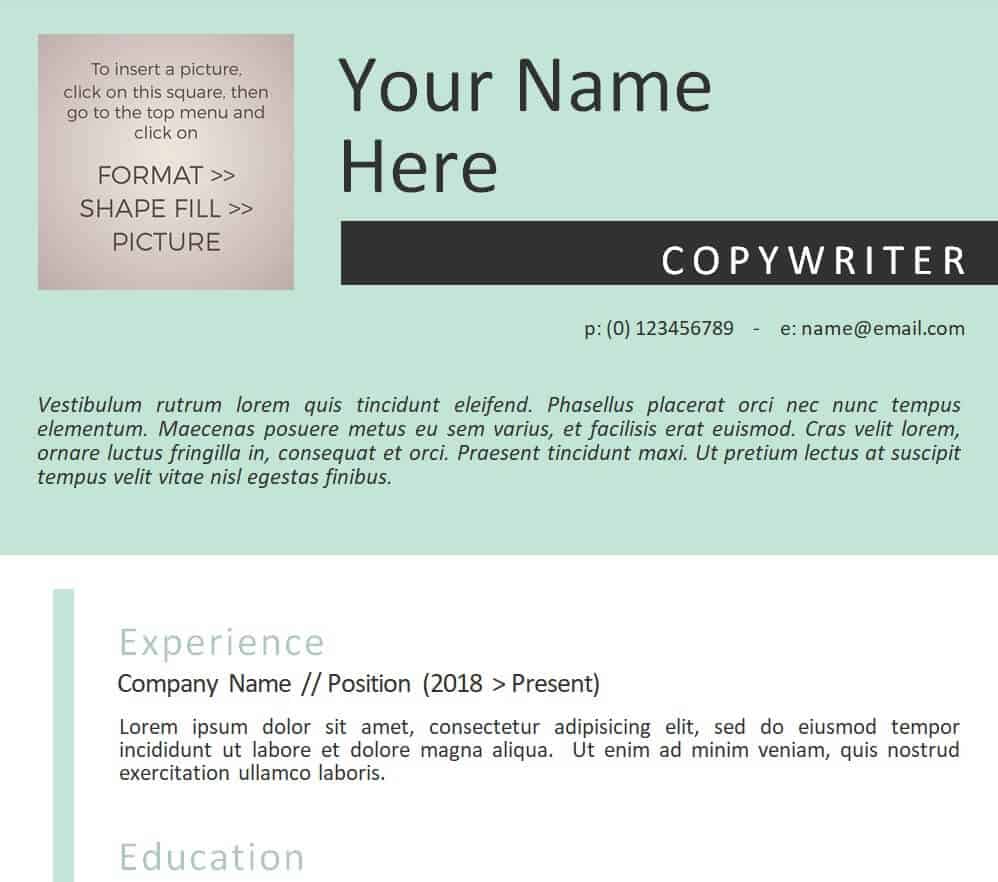
Editable Director’s Resume Template
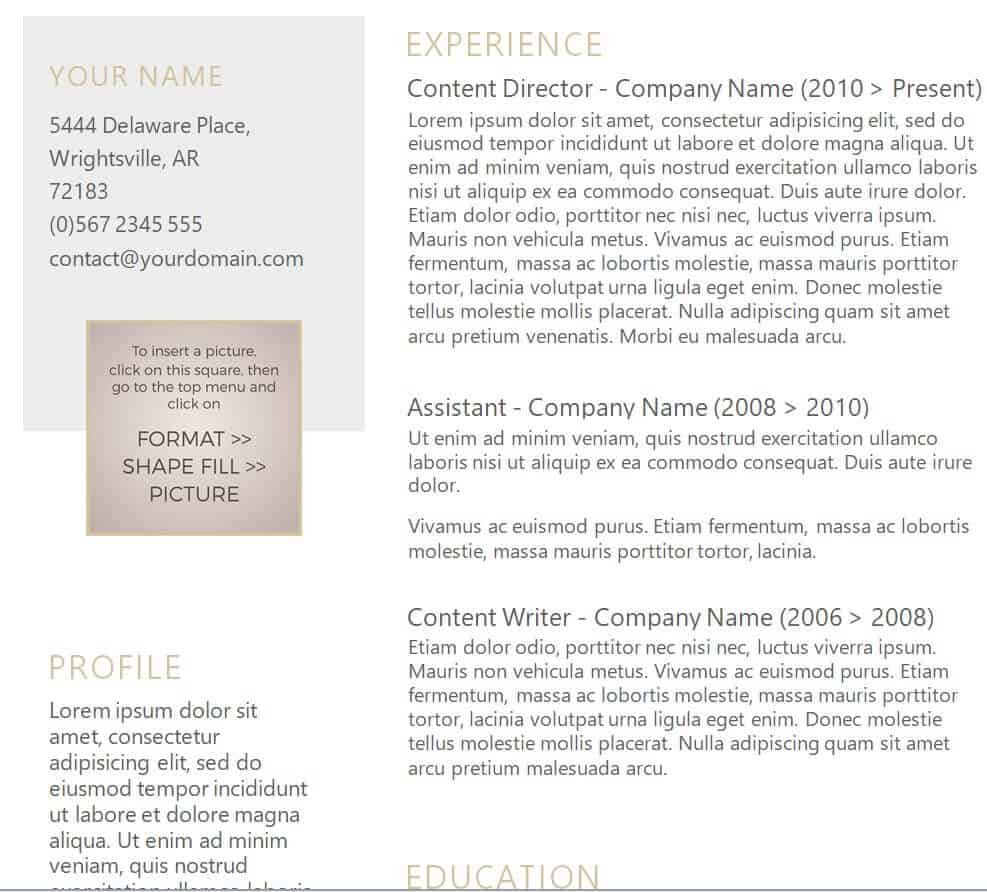
Model Resume Template in DOC Format
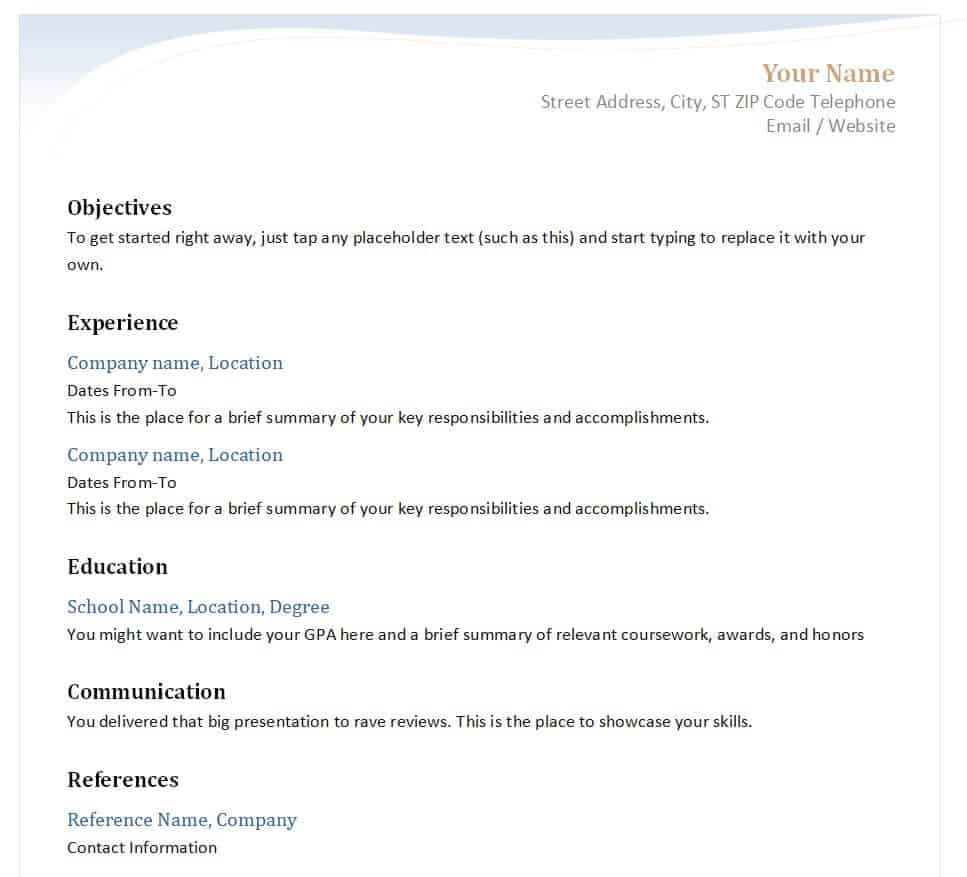
Web Developer’s Resume Template PowerPoint
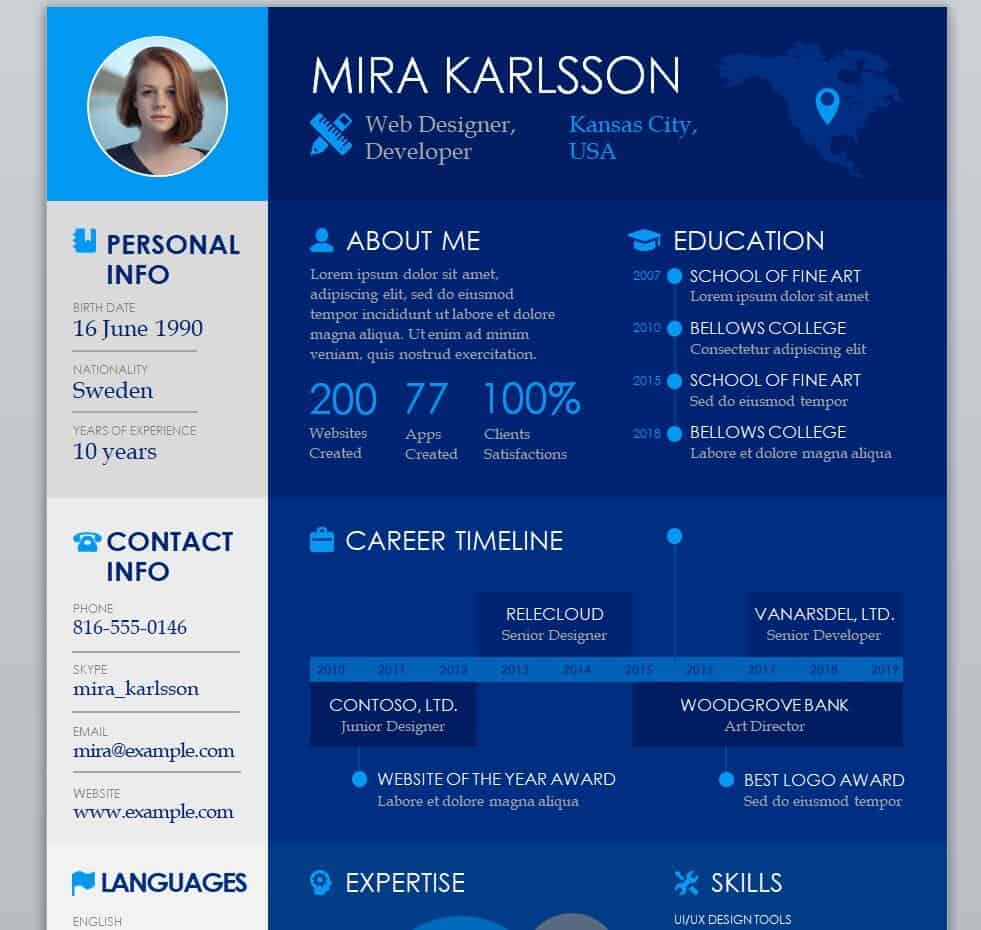
Printable Admin Assistant’s Resume Template
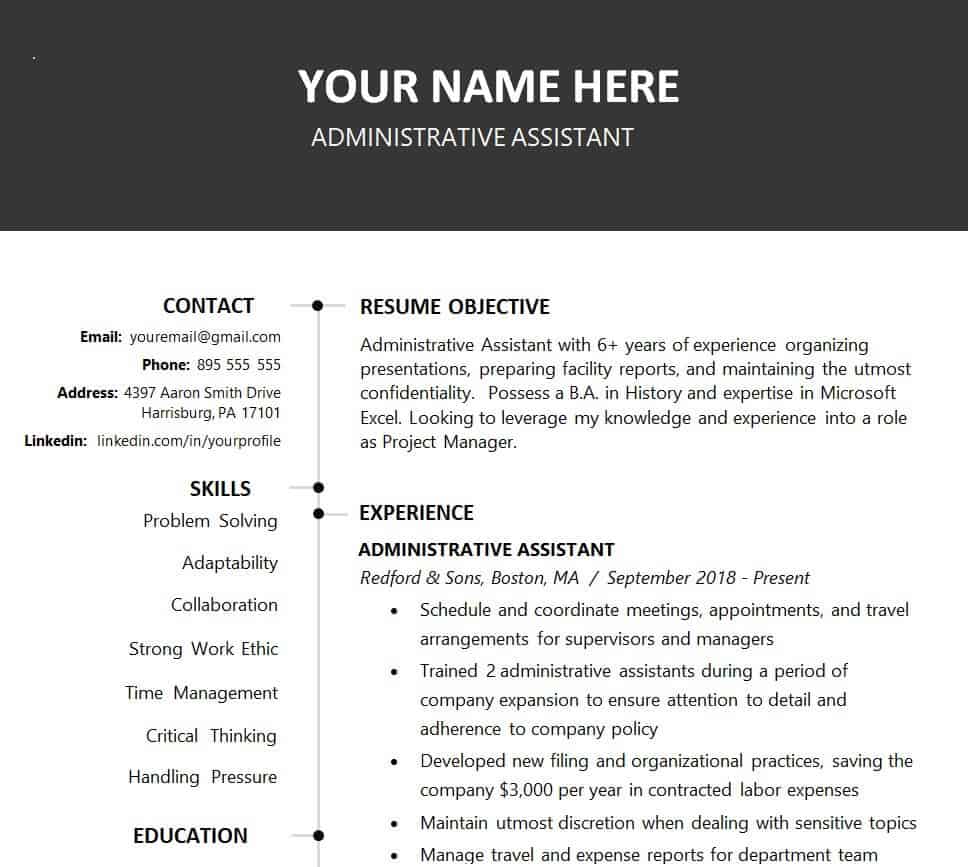
Practical Resume Template in WORD Format
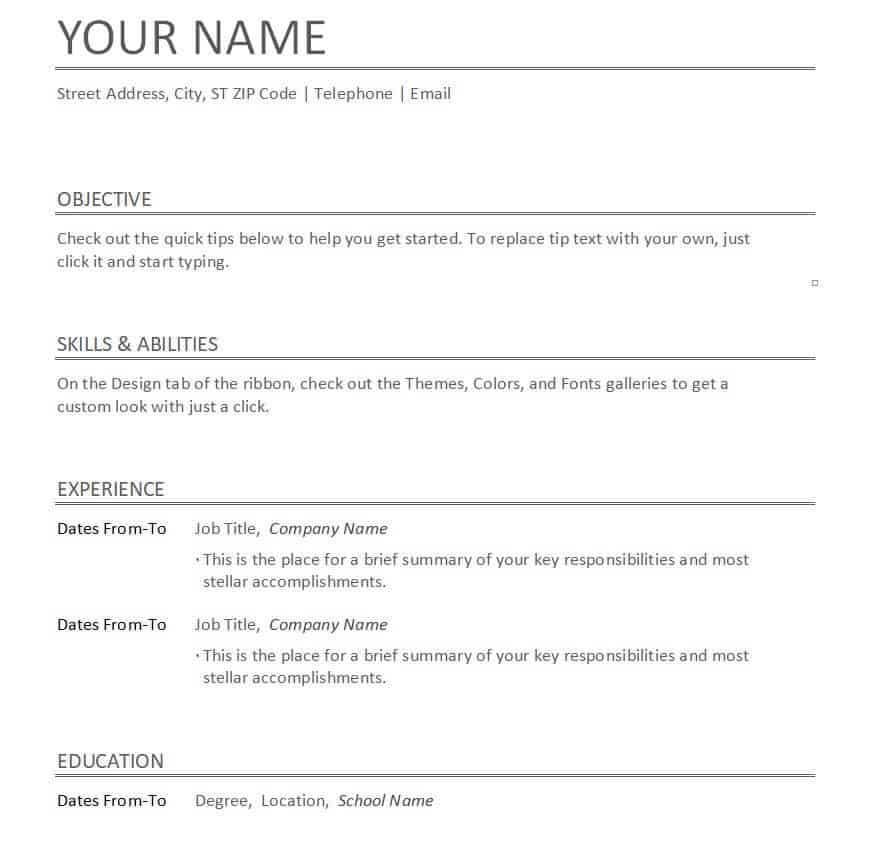
Online Formal Resume Template
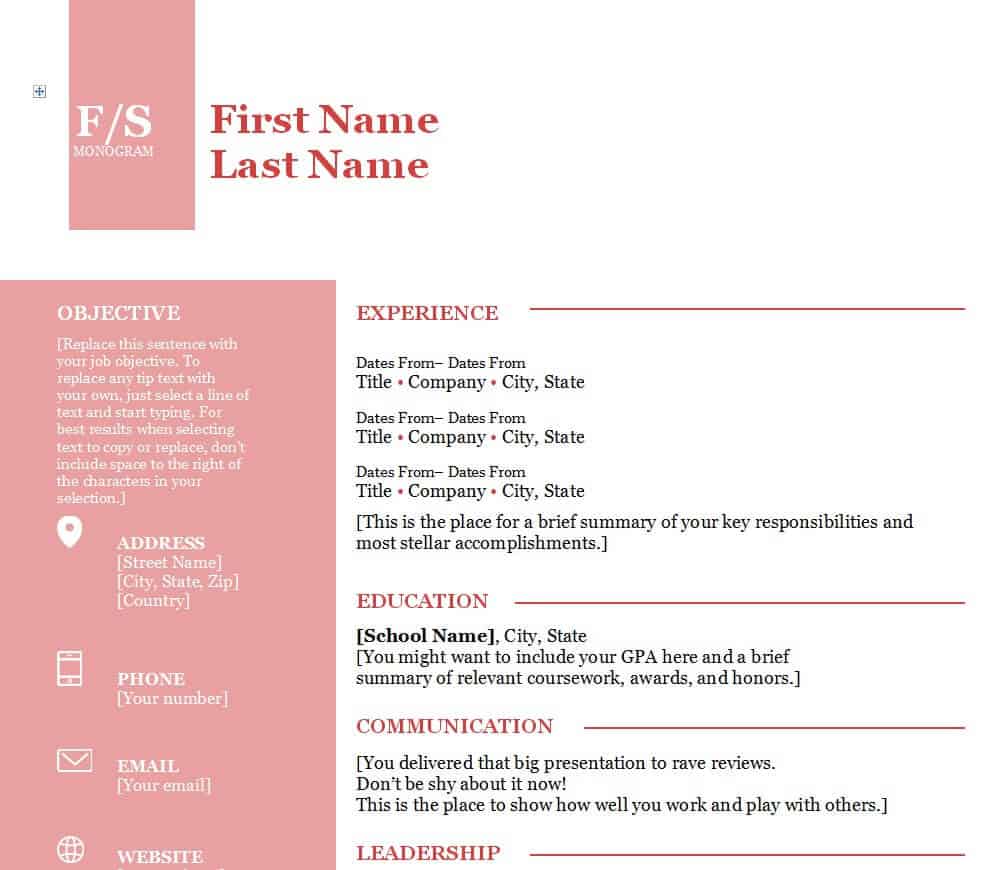
Corporate Job Resume Template
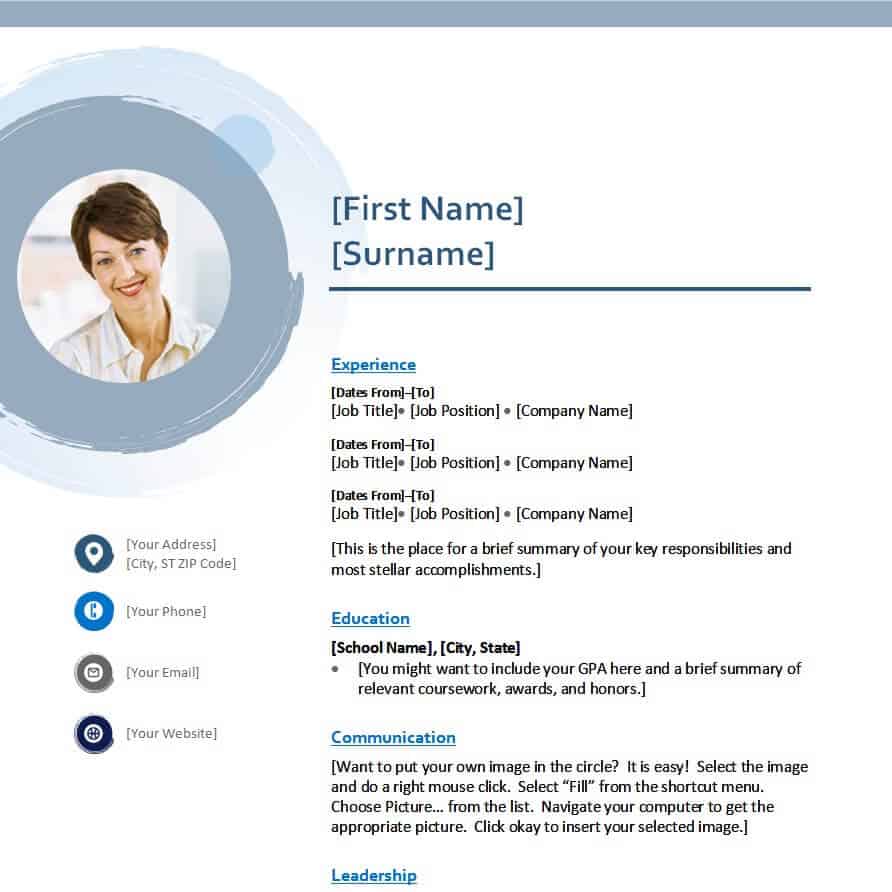
Applicant’s Free Resume Template
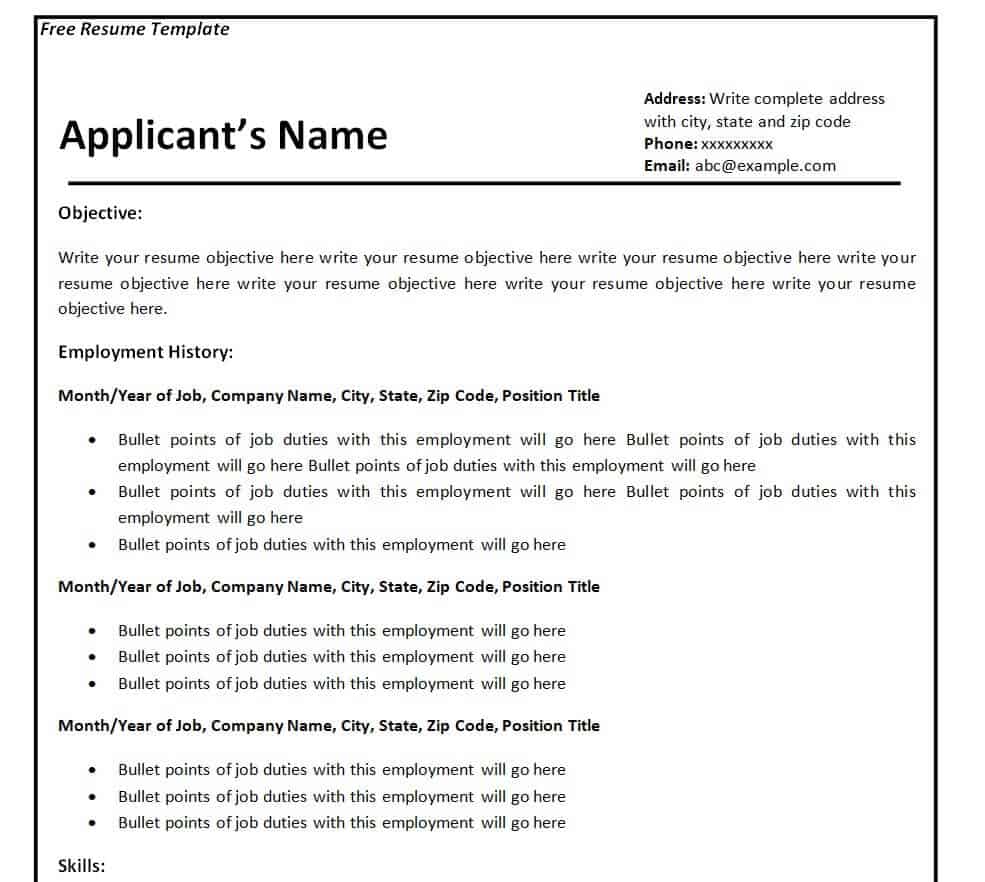
Basic Resume Format Template
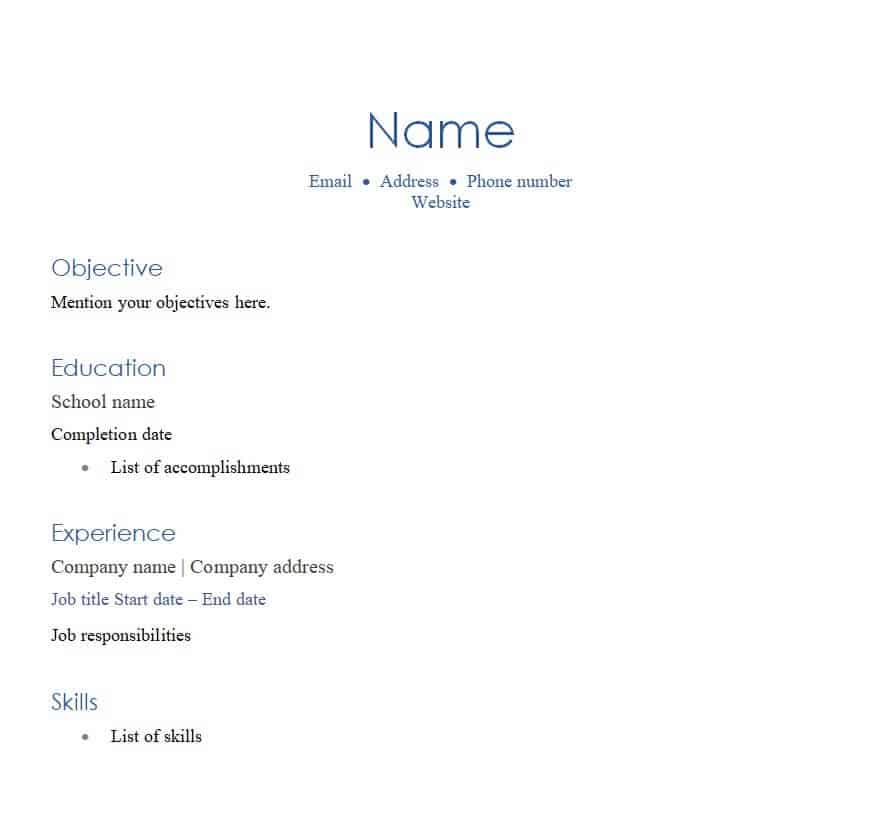
Example Resume Template
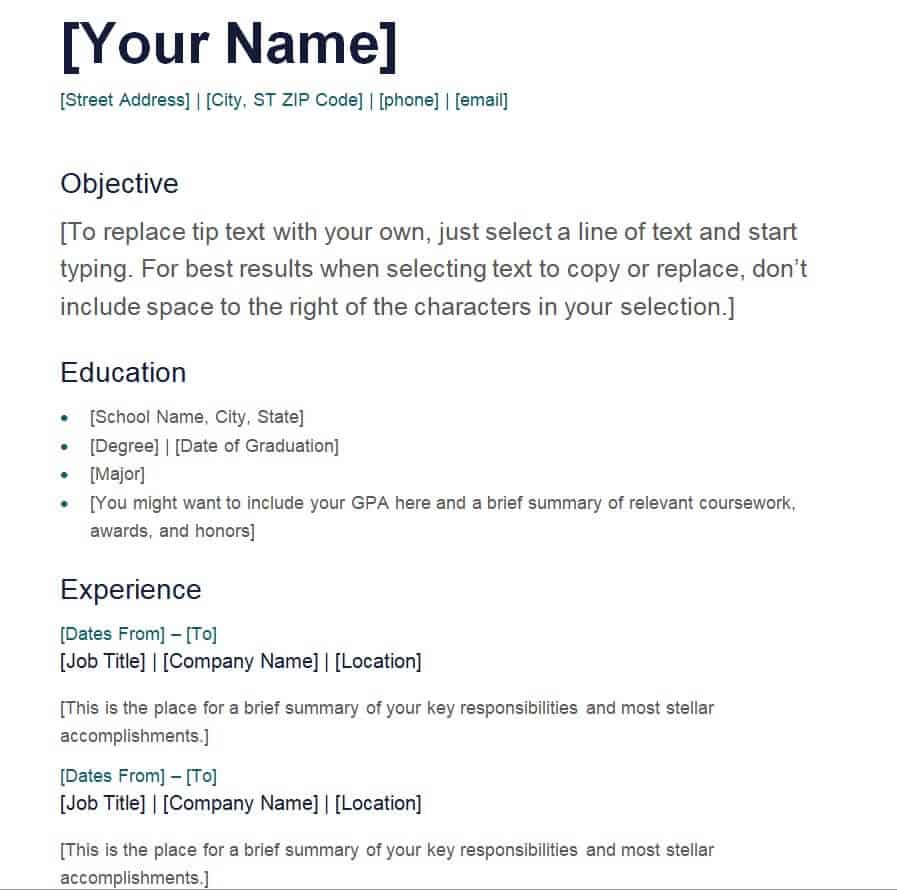
Simple Resume Template Editable
Common Resume Mistakes to Avoid
Even with a solid template, small errors can undermine an otherwise strong resume. Avoid cramming your entire career history onto the page; recruiters generally spend only a few seconds on a first pass, so focus on the last ten to fifteen years of relevant experience and cut anything that no longer supports the role you want. Steer clear of vague statements like “responsible for” without backing them up with what you actually achieved, and avoid listing skills you cannot speak to in an interview. Watch out for inconsistent formatting, such as mixed fonts, uneven spacing, or bullet points that do not line up, since these details are the first thing a hiring manager notices even before reading the words. Finally, always save and send your resume as a PDF unless the employer specifically asks for a Word document, so your formatting does not shift when it is opened on a different computer.
Frequently Asked Questions
Which resume template should I choose if I have little work experience?
Look for a template that gives more space to education, skills, and projects than to work history, such as the Basic or Minimalist styles above. This lets you fill the page naturally without stretching a short job history into paragraphs of filler text.
Can I edit these resume templates on my phone?
Word and PowerPoint templates can be edited on a phone using the free Word or PowerPoint mobile apps, though for detailed formatting changes it is usually easier to finish the document on a laptop or desktop before saving it as a PDF.
How long should my resume be?
One page is standard for most applicants, especially earlier in a career. Two pages are acceptable once you have ten or more years of relevant experience, but the content should still be tightly edited rather than padded out to fill the space.
Do I need a different resume for every job application?
You do not need to start from scratch each time, but you should adjust your summary, skills, and the order of your bullet points to match the language used in each job posting. This small amount of tailoring makes a noticeable difference in how relevant your resume looks to the reader.
Related templates you may find useful: free non-disclosure agreement templates, free expense report templates and free to do list templates.