

Start with the periods the school cannot move, such as assembly and lunch. Then place lessons and check that the same teacher or room hasn’t been assigned twice.
How to Create an Effective Timetable: Step-by-Step
Once you’ve picked a template that fits your needs from the options below, use this process to fill it in so it actually reflects how your time works:
- List everything that needs a slot. Start by writing down every recurring class, task, meeting, or chore before you try to place any of it on the grid.
- Identify your fixed commitments first. Classes, work hours, and appointments that can’t move should go on the timetable before anything flexible, since they anchor the rest of the plan.
- Estimate realistic durations. Give each task the time it genuinely takes rather than the time you wish it took; padding a little is safer than underestimating.
- Group similar tasks together. Batching related work, such as all your emails or all your revision for one subject, reduces the mental cost of switching between different types of tasks.
- Slot in breaks and buffers. Add short breaks after intense blocks and leave buffer time around anything with an uncertain length, like commutes or meetings that tend to run over.
- Fill in the template. Transfer your list onto the timetable, using color, bold text, or shading if the template supports it to make different categories easy to tell apart at a glance.
- Review it against a typical day or week. Walk through the timetable mentally, or even for one real day, to check the pacing feels realistic before committing to it.
- Print or save it somewhere visible. A timetable only works if you actually see it regularly, so put it where you’ll check it, whether that’s a wall, a desk, or your phone.
- Revisit and adjust weekly. Treat the first version as a draft; most timetables need a few rounds of small tweaks before the rhythm feels right.
Download School & Class Timetable Templates
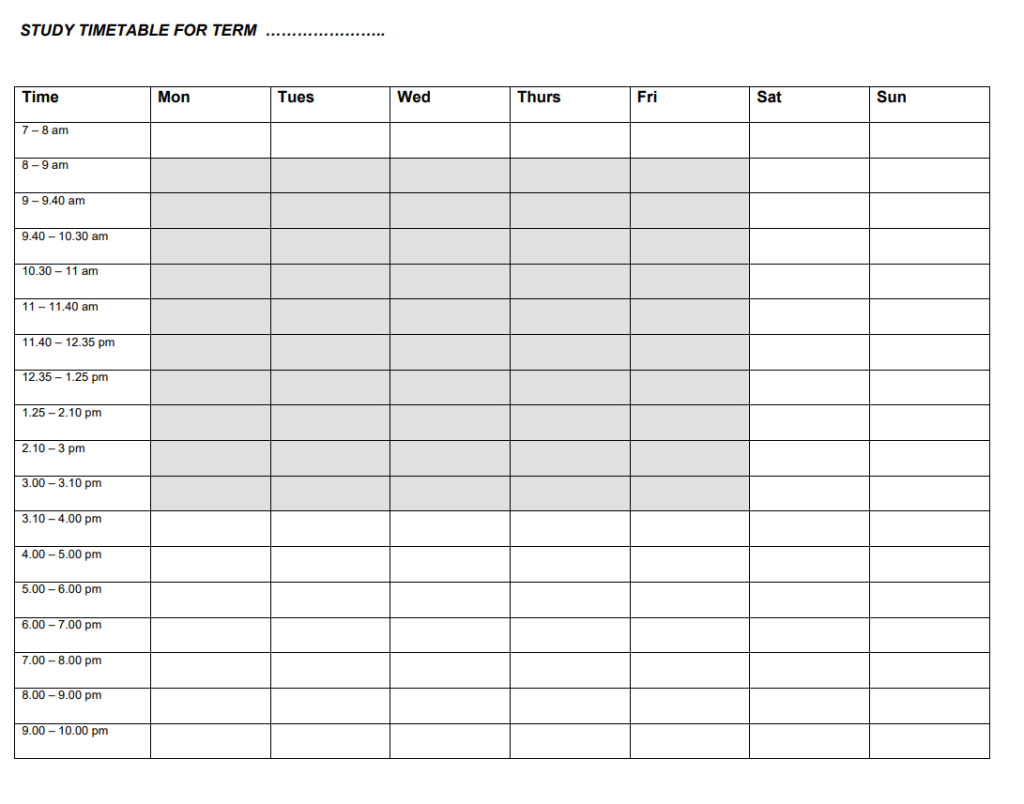

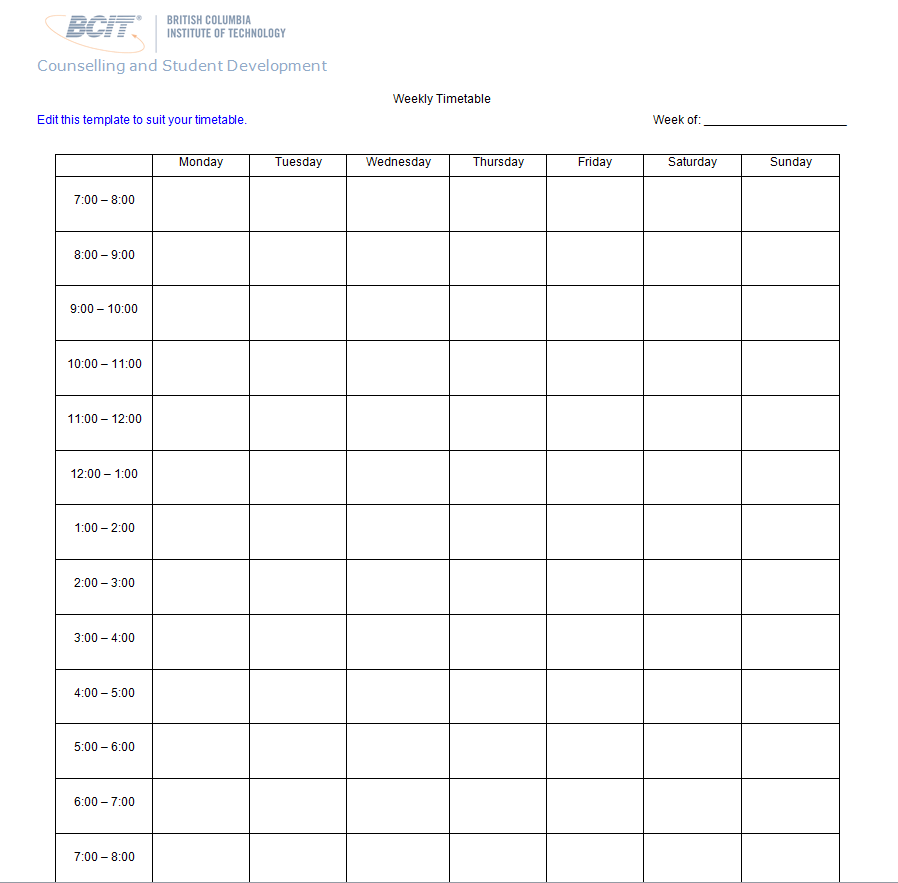

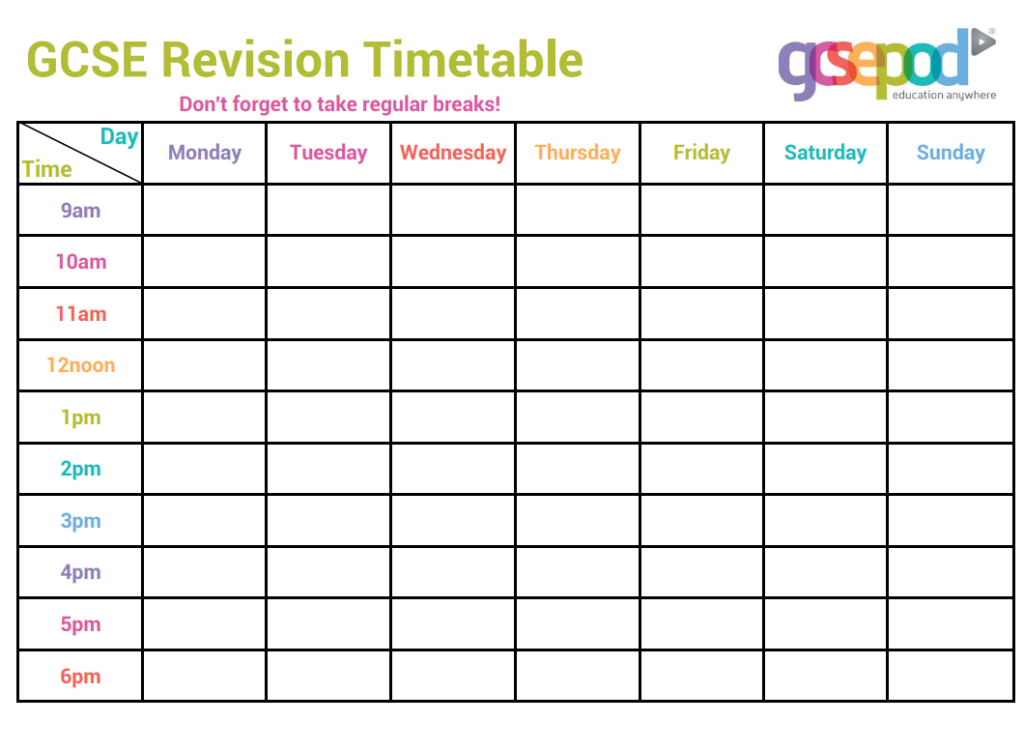
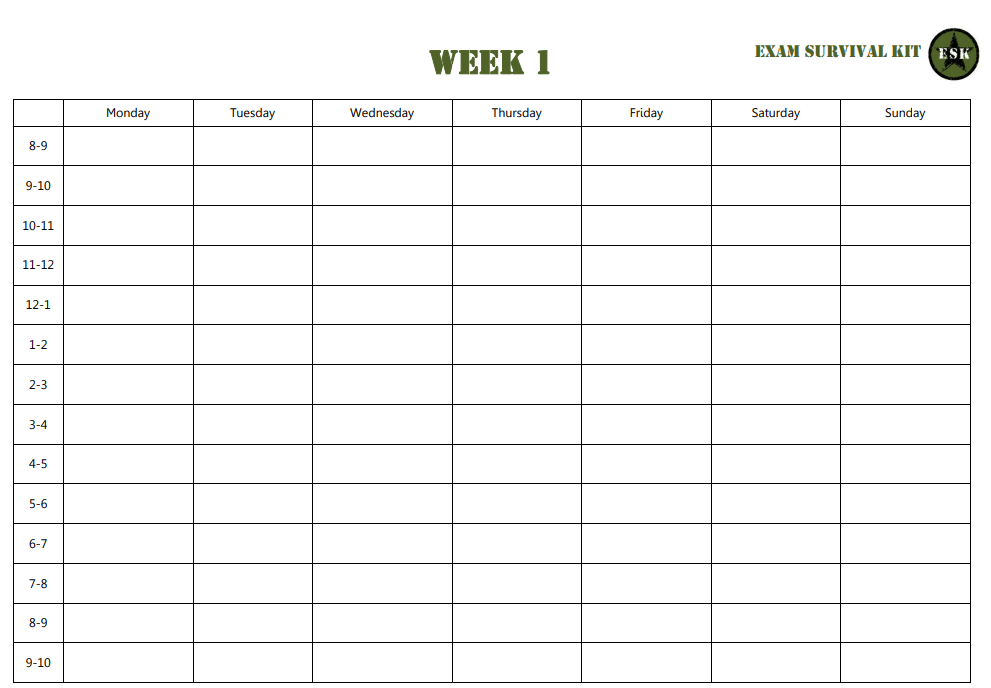
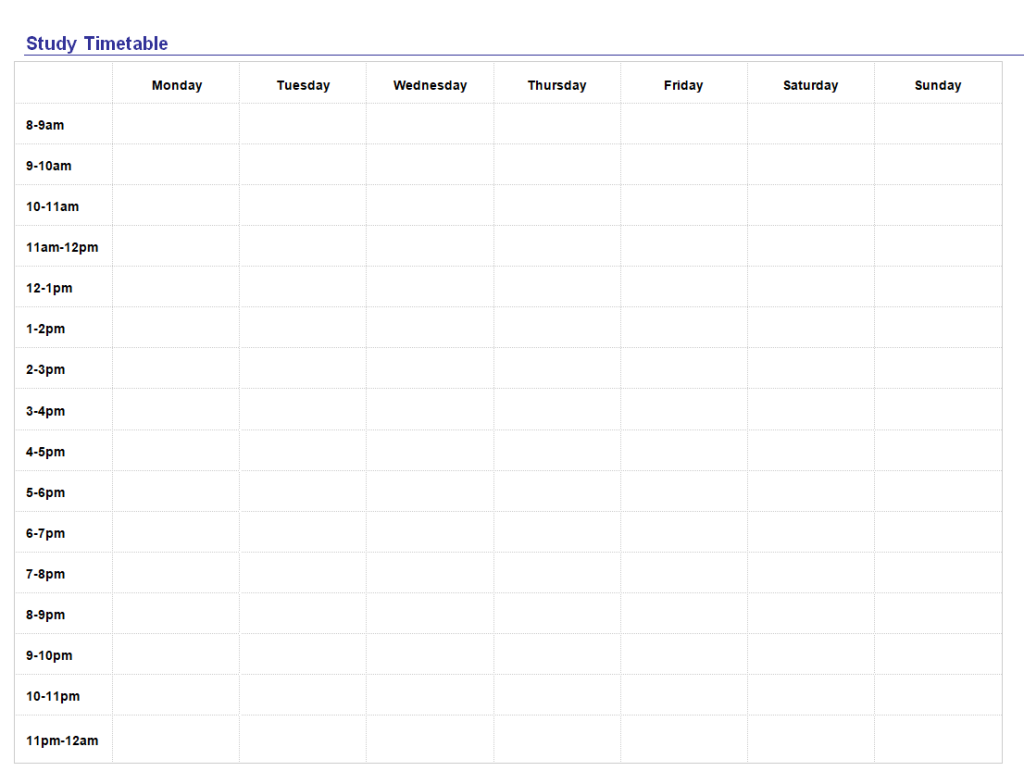
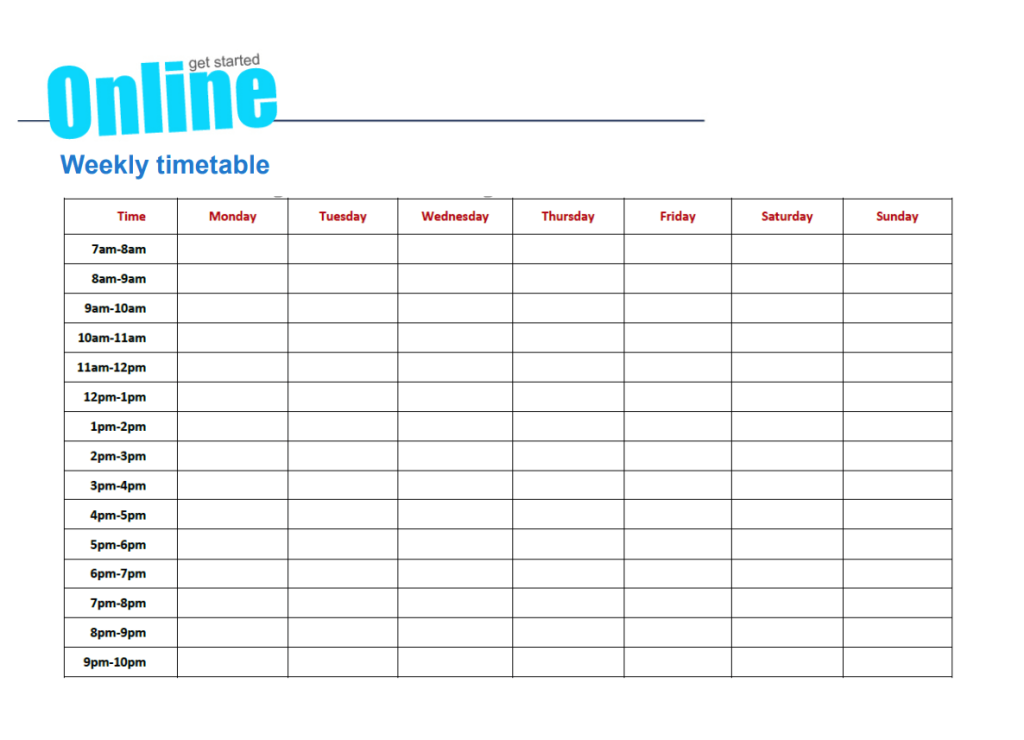
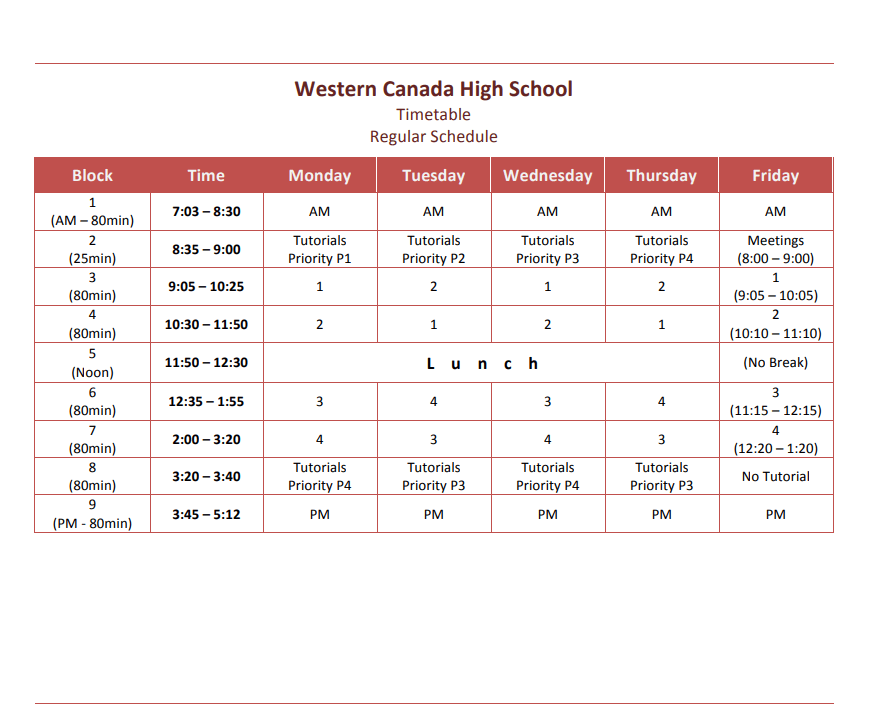
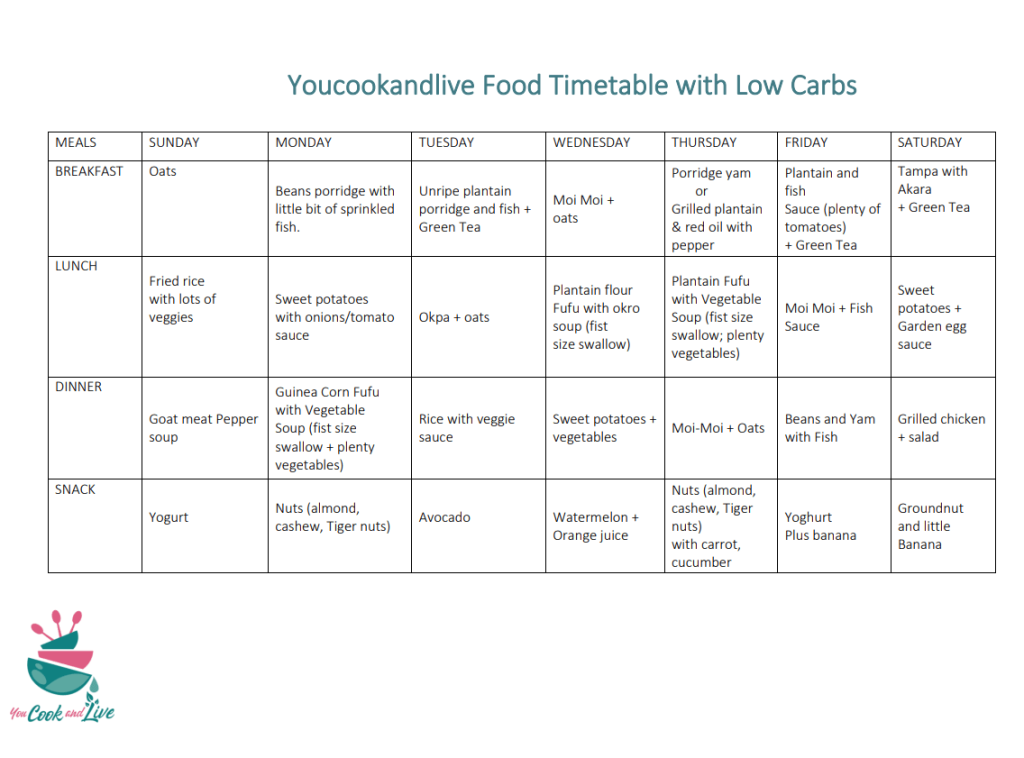
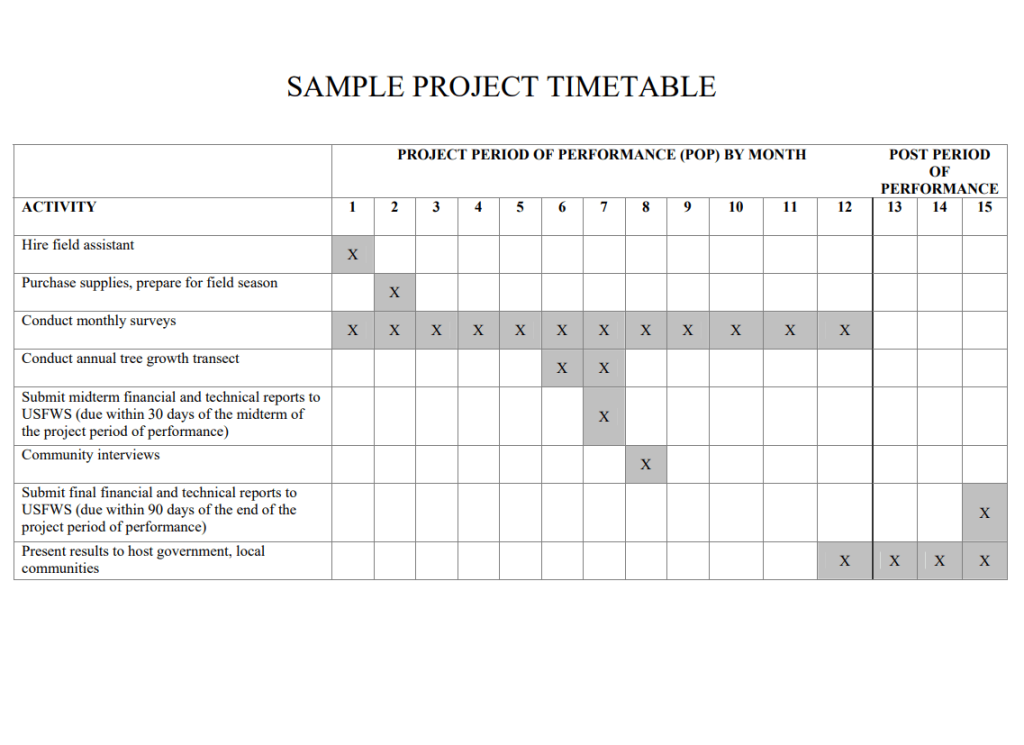
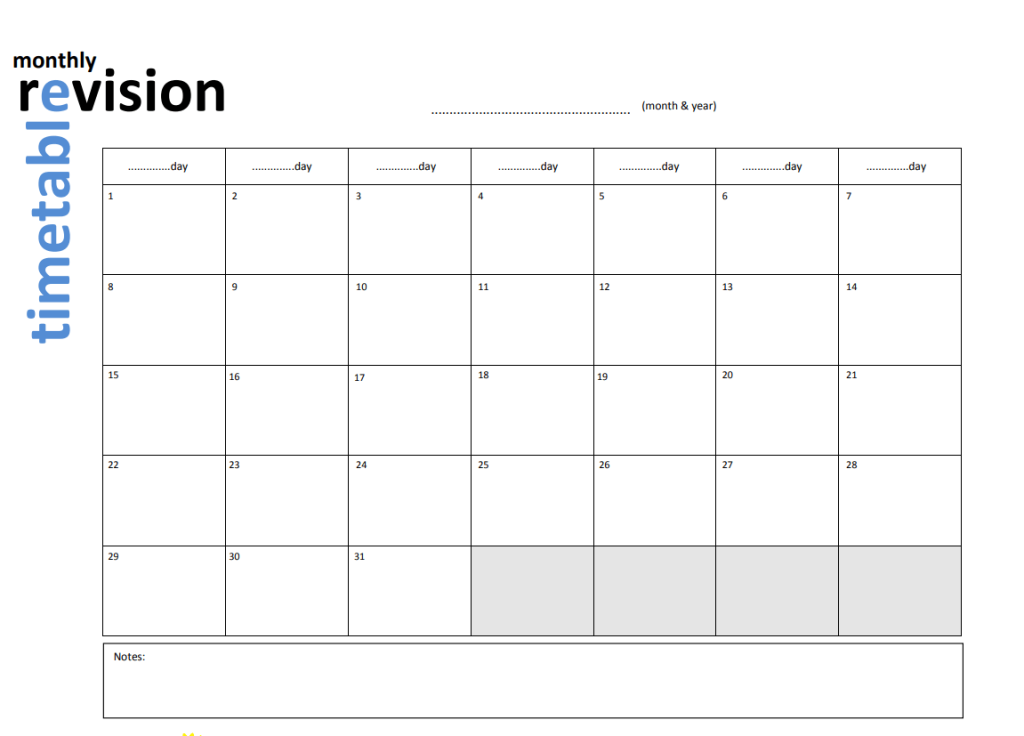

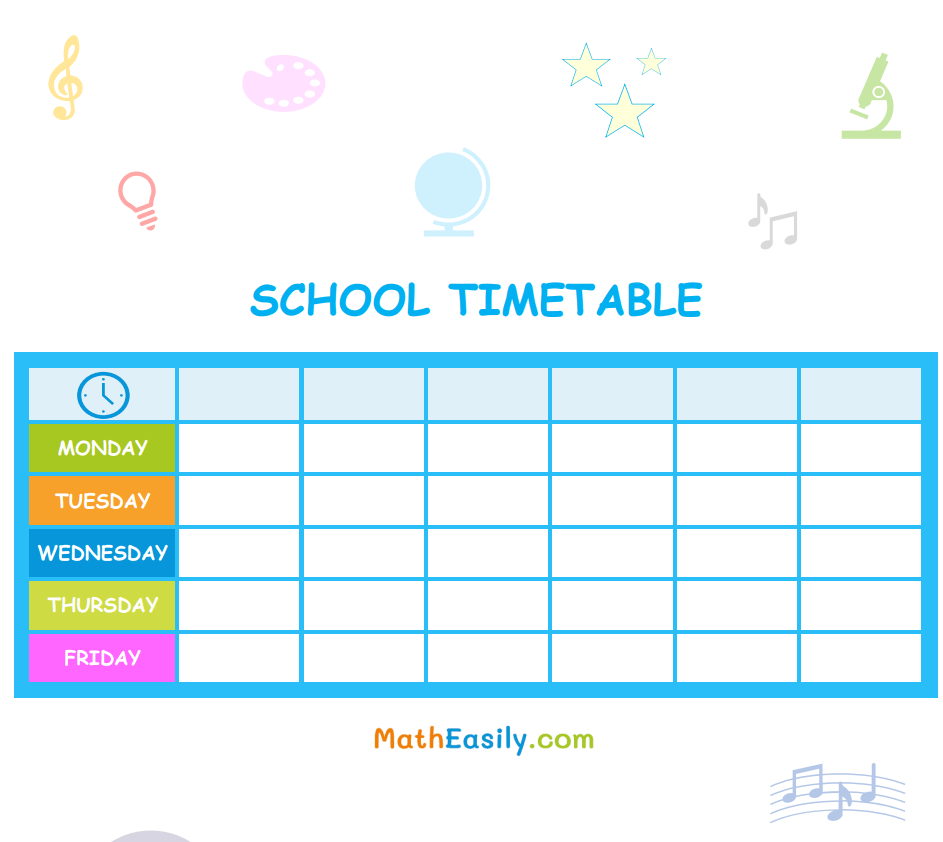
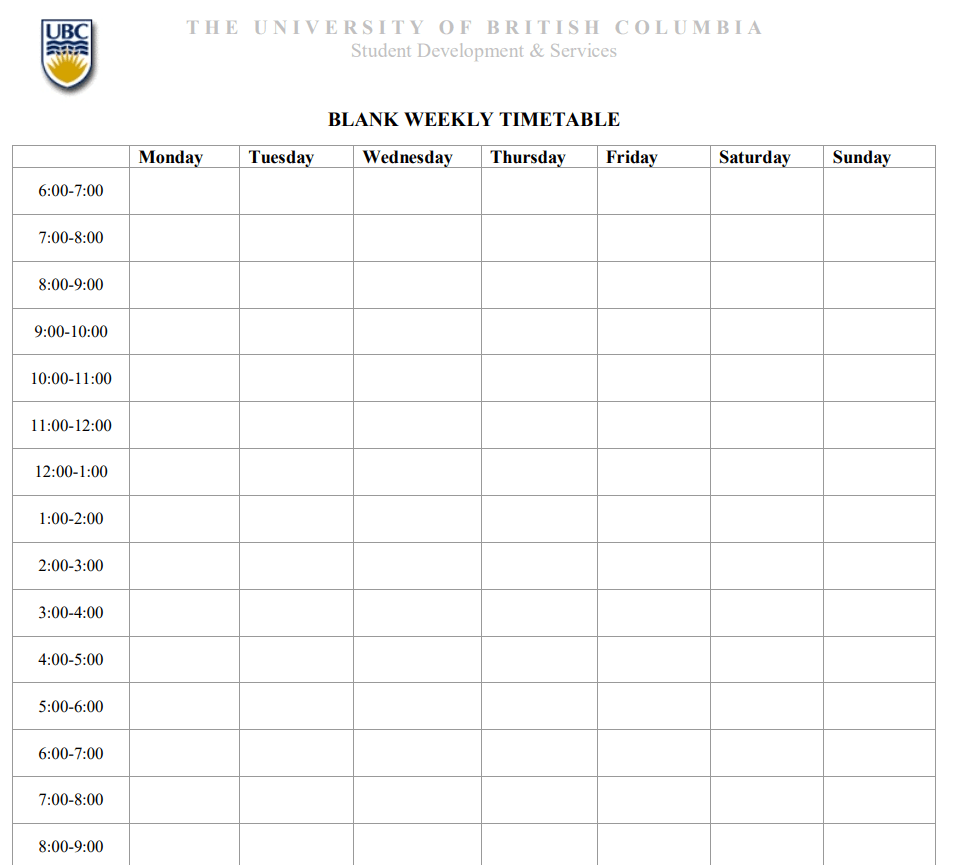
What Is a Timetable Template and Why Does It Matter?
A timetable template is a ready-made grid or chart that breaks a day, week, or term into fixed time slots so that activities, classes, tasks, or appointments can be assigned to a specific block of time. Instead of building a schedule from a blank page every time, you fill in a structure that already has the rows and columns in place, whether that is hours of the day down the side and days of the week across the top, or subjects, clients, and projects arranged however your routine works best. The purpose is simple: to turn a vague list of things you need to do into a visual plan that shows exactly when each thing happens, so nothing gets double-booked and nothing gets forgotten.
Because the template already handles the layout, you can spend your time on the actual planning instead of ruling lines and measuring columns. A good timetable also acts as a quick reference that anyone else involved, a classmate, a coworker, a family member, can glance at and immediately understand what is happening and when, which is why timetables remain one of the most widely used planning tools in schools, offices, and homes alike.
Who Uses Timetable Templates?
Timetables are useful in almost any setting where time needs to be divided among competing demands. The templates above are built to be adapted by several different kinds of users:
- Students use timetables to map out class schedules, study sessions, and revision blocks ahead of exams, making it easier to cover every subject without last-minute cramming.
- Teachers and schools rely on timetables to organize class periods, assign rooms and staff, and communicate the school day clearly to both students and parents.
- Working professionals use timetables to block out meetings, deep-work sessions, and administrative tasks so the workday has a clear rhythm instead of constant context-switching.
- Event planners use timetables to sequence setup, vendor arrivals, rehearsals, and the event program itself, keeping every moving part synchronized on the day.
- Parents and households use timetables to coordinate school runs, extracurricular activities, chores, and family meals across multiple people’s schedules at once.
- Freelancers and project teams use timetables to track deadlines and deliverables across several clients or workstreams running in parallel.
Key Elements Every Effective Timetable Should Include
Not every timetable needs to be complicated, but a few core elements make the difference between a chart that actually gets used and one that gets abandoned after a week:
- A clear time axis. Whether it’s hourly blocks, half-hour slots, or class periods, the time divisions should match how granular your day actually needs to be.
- Consistent categories. Subjects, task types, or activity labels should be named the same way throughout so the timetable stays easy to scan.
- Breaks and buffer time. Built-in gaps between tasks prevent one thing from running late and derailing everything that follows.
- A visible date range. Whether it covers a single day, a week, or a full term, knowing the exact period the timetable applies to avoids confusion later.
- Space for notes or priorities. A small column or row for reminders, deadlines, or priority flags helps you act on the plan, not just look at it.
- Room for revision. Plans change, so a template that’s easy to edit, print again, or fill in by hand each week is more sustainable than a rigid one-time chart.
Common Mistakes to Avoid
Even with a good template, a few habits tend to undermine a timetable’s usefulness:
- Overpacking every slot. Filling every minute leaves no room for delays, and a single overrun can push the rest of the day off track.
- Ignoring energy levels. Scheduling demanding tasks during your lowest-energy hours makes them take longer and feel harder than they need to.
- Skipping breaks entirely. Cutting out rest time to fit more in usually backfires, leading to burnout and lower-quality work later in the day.
- Making it too rigid. A timetable with no flexibility falls apart the first time something unexpected comes up, and once it breaks, people tend to stop using it altogether.
- Never updating it. A timetable built once and never revisited quickly stops matching reality, so it stops being useful as a guide.
- Overcomplicating the format. Too many colors, categories, or columns can make a timetable harder to read than a plain, simple grid.
Practical Tips for Time-Blocking and Staying Organized
- Use time-blocking, not just to-do lists. Assigning a specific block of time to a task, rather than just listing it, makes you far more likely to actually start it.
- Color-code by category. Using one color for work, another for personal time, and another for study or family commitments makes the whole week easier to read at a glance.
- Protect your most productive hours. Reserve your highest-focus time block for the task that matters most, and schedule routine or low-effort work around it.
- Keep a recurring template. If your week follows a similar pattern, save a base version of your timetable so you’re only adjusting the parts that change, not starting over.
- Batch similar errands or admin tasks. Grouping small, similar tasks into one slot avoids the constant start-stop that eats up more time than the tasks themselves.
- Build in a weekly review slot. A short block at the end of the week to check what worked and adjust the next week’s timetable keeps the whole system improving over time.
Frequently Asked Questions
What’s the difference between a timetable and a to-do list?
A to-do list simply records what needs to be done, without saying when. A timetable goes a step further by assigning each task to a specific block of time, which is why it tends to produce more consistent follow-through than a list alone.
Which format should I choose, PDF or Word?
A PDF version is best when you plan to print it and fill it in by hand or keep it as a fixed reference. A Word (or Doc) version is better if you want to type directly into the template, resize columns, or reuse the same file week after week with quick edits.
How detailed should my timetable be?
Detailed enough to be useful, but not so detailed that maintaining it becomes a task in itself. Broad blocks, such as “study,” “work,” or “family time,” are usually easier to stick to than schedules broken into five-minute increments.
Can one template work for both school and work schedules?
Yes, as long as the time divisions match your actual routine. A weekly grid template can just as easily hold class periods as it can meetings and project blocks; only the labels inside the grid need to change.
Related templates: free timetable templates and free expense report templates.
Looking for school timetable templates? This page brings together free, editable school timetable templates you can customise and print. You can also browse our full collection of word templates.


