

A timesheet is a sheet that is used for recording the amount of time spent by a worker during his job. Such sheets are very simple to make and are mostly made in tabular forms. At the end of every row or column, a sign column is made so that the worker or the employee can sign at the end of the shift. On this page, we have some amazing and useful timesheet templates for you that you can use for your work.
The main benefit of creating a timesheet is that company owners can easily keep a record of the work hours and finally at the end of the month or the week payment can be made. You can easily make a timesheet on a simple white paper and if you have a computer, then you can create such a sheet in Microsoft-Excel software. Most of the offices these days have a computer with them and hence it is very easy to create such sheets and it is also very easy to maintain them for regular use.
Timesheet is a document that shows the amount (hours) workers spend on their jobs. It is a very important business tool usually used by human recourses and accounting departments in order to calculate the payment of employees according to their working hours. Nowadays well established companies and organizations are using electronic timesheets for their employees.
Employees can enter them in and out times simply putting their thumbs on the thumb scanner provided by companies on security cabins. Time tracking via timesheets can increase the performance of employees and increase revenue through automatic billing and payments. A huge number of online software available internet can help you to prepare timesheets for your company or organization. In order to save time and effort, you can opt for using free timesheet templates that are available in this article.
Who Uses Timesheets, and Why They Matter
Timesheets are used across almost every industry that pays people for their time. Hourly employees rely on them to make sure every shift is counted correctly, while salaried staff often use them to track how their hours are split across projects or departments. Freelancers and independent contractors use timesheets to justify invoices to clients, showing exactly what was worked on and for how long. Project managers use them to monitor how much time a team is spending on specific tasks, which helps with budgeting and scheduling future work. Human resources and payroll teams depend on accurate timesheets to calculate wages, overtime, and leave balances without having to chase down employees for missing information.
For employers, a well-kept timesheet is a safeguard as much as a record. It provides documentation in case of a wage dispute, supports compliance with labor laws around overtime and breaks, and gives managers real visibility into how work hours are actually spent. For employees, a timesheet is the paper trail that guarantees they get paid for every hour they put in, including overtime that might otherwise be forgotten by the time payroll is processed. In short, a timesheet protects both sides of the employment relationship by replacing an informal understanding with a documented, verifiable record.
Key Elements Every Timesheet Should Include
Not every timesheet needs to be complicated, but a handful of fields separate a useful timesheet from one that creates more questions than it answers. At a minimum, a solid timesheet should include the employee’s full name and employee ID (if applicable), the pay period or date range it covers, and a daily breakdown of hours worked rather than just a weekly total. It should also have a dedicated place to record overtime hours separately from regular hours, since many payroll systems calculate them at different rates. A line for unpaid breaks or lunch periods keeps the recorded hours accurate and helps with labor law compliance. If the work is billed to different clients or internal projects, a project or task code column makes it possible to see where time is actually going. Finally, a signature or approval line for both the employee and their supervisor confirms that the hours were reviewed and agreed upon before payroll processes them.
Get Timesheet Templates for FREE:
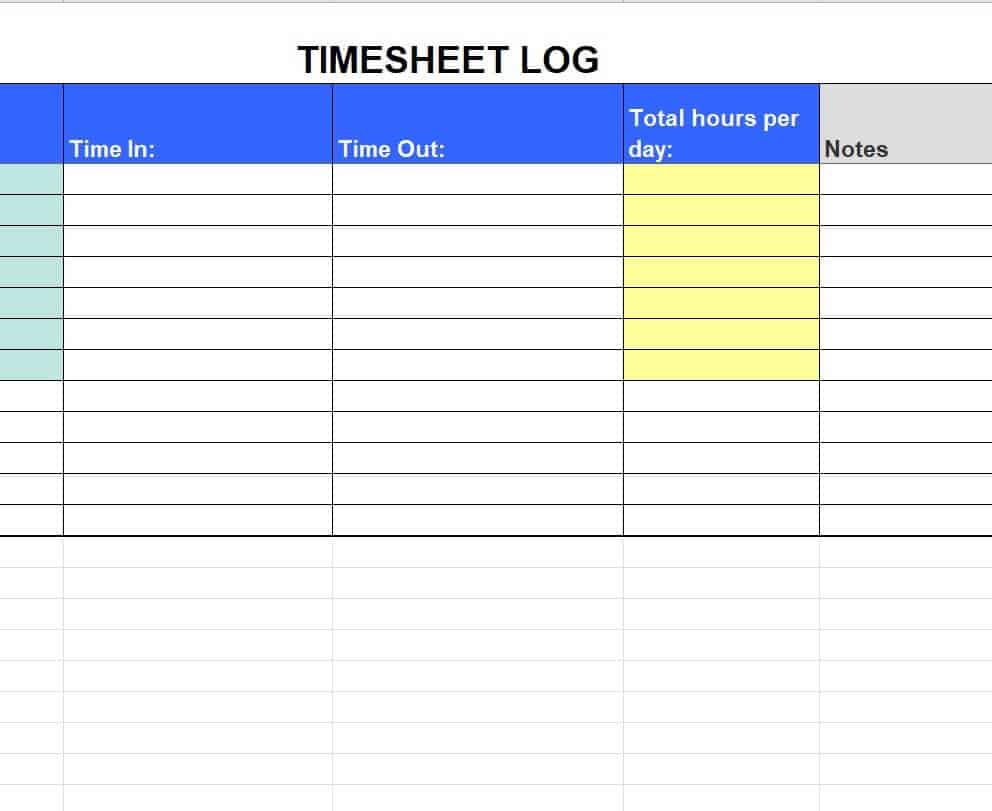
Sample Timesheet Log Template
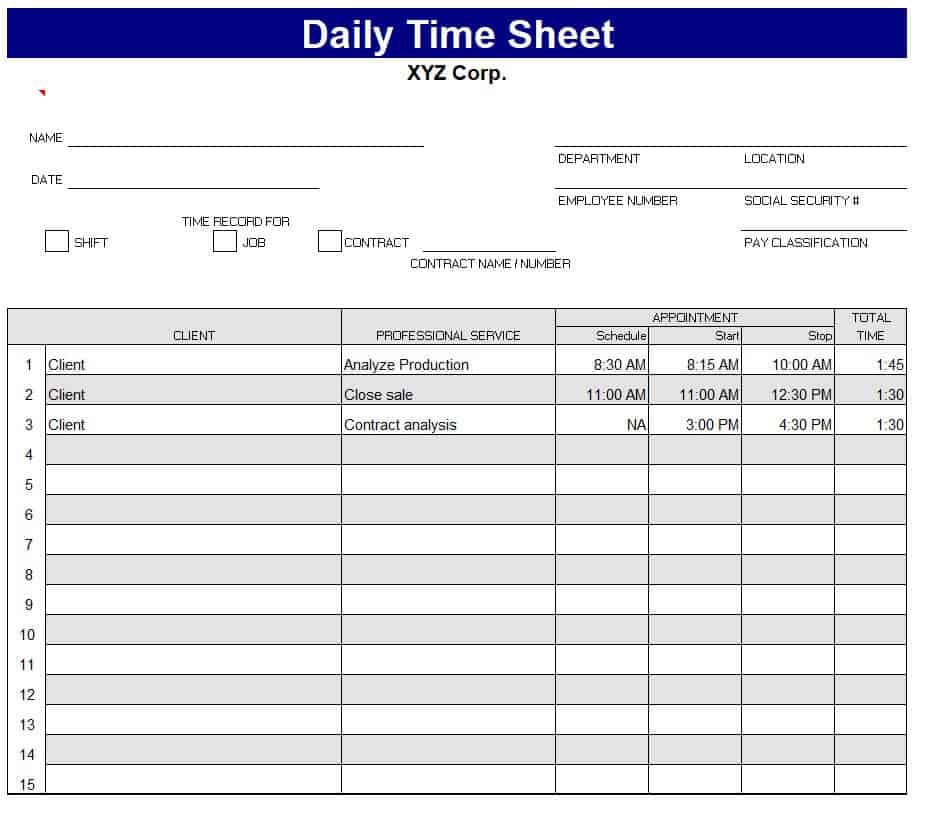
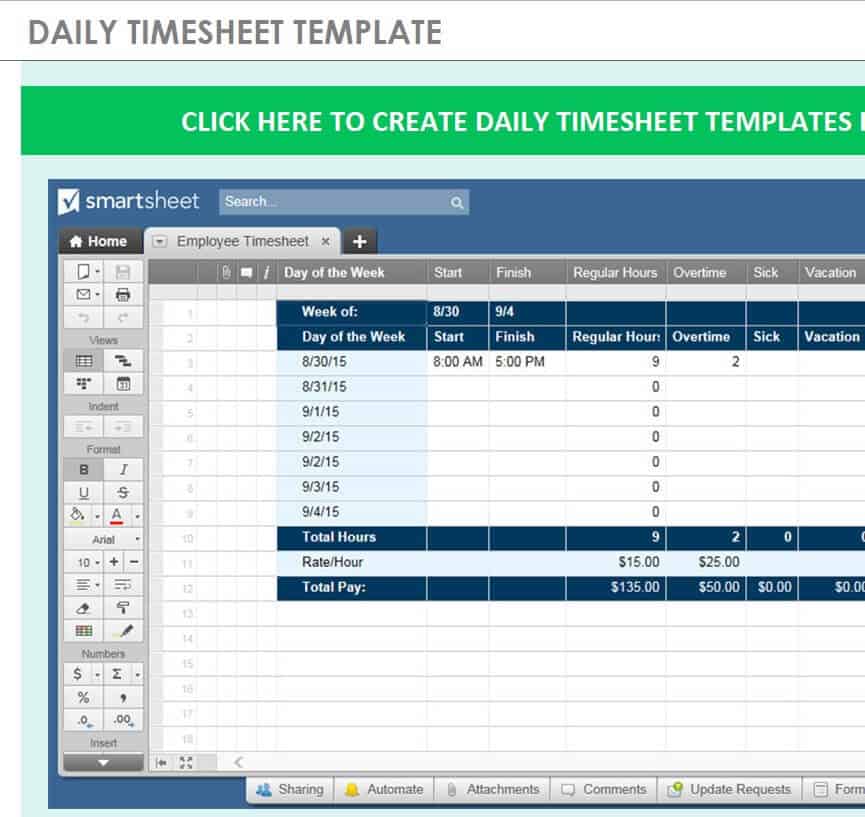
Daily Timesheet Template
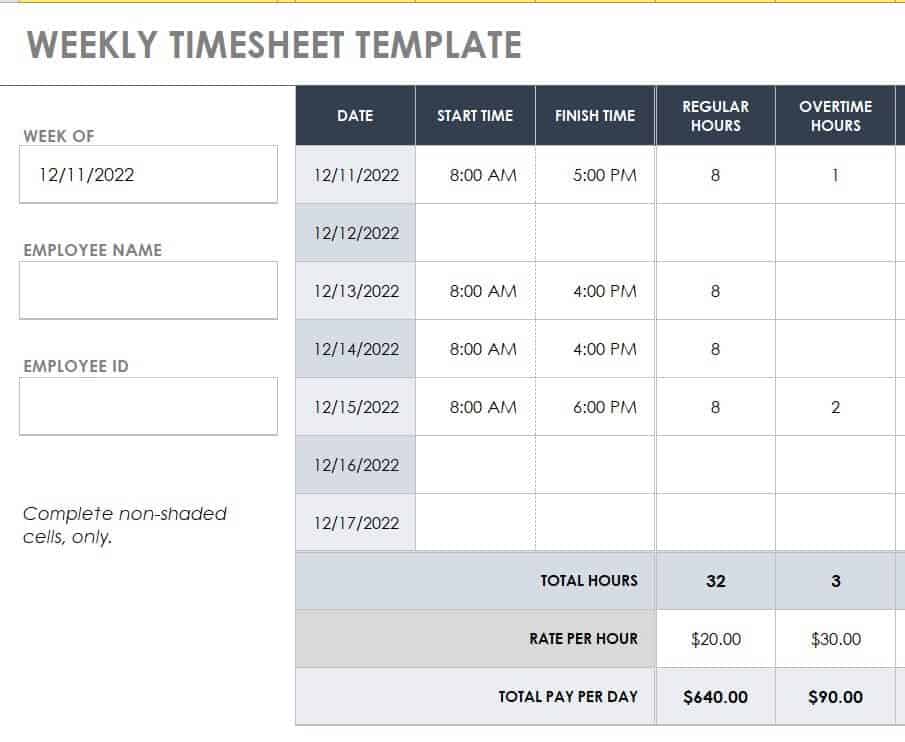
New Weekly Timesheet Template
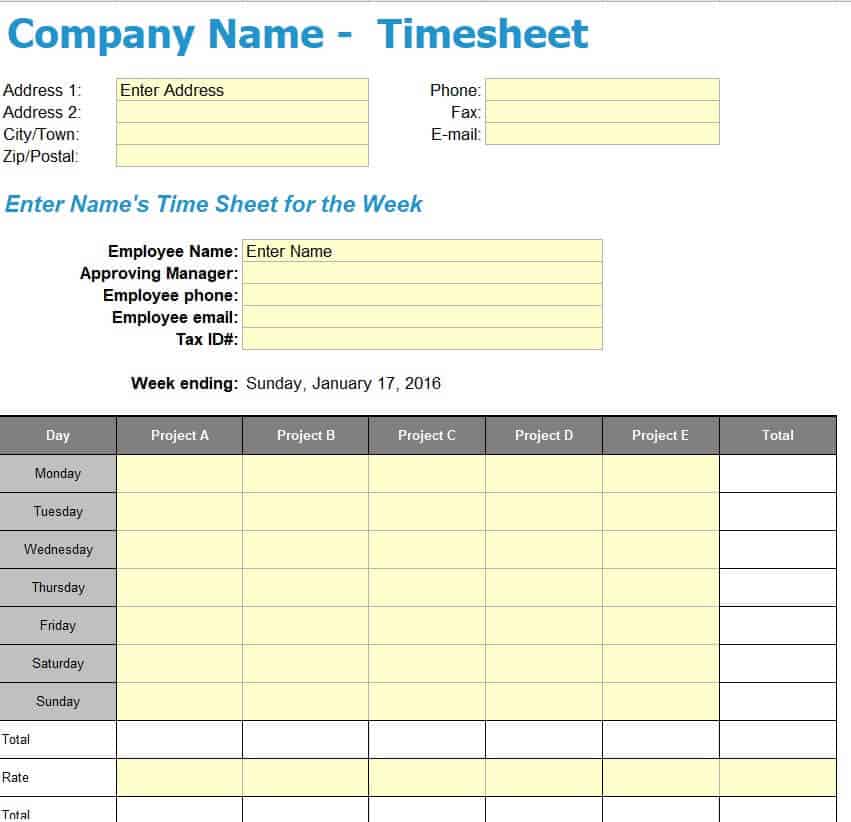
Company’s Timesheet Template Excel
Professional Daily Timesheet Template
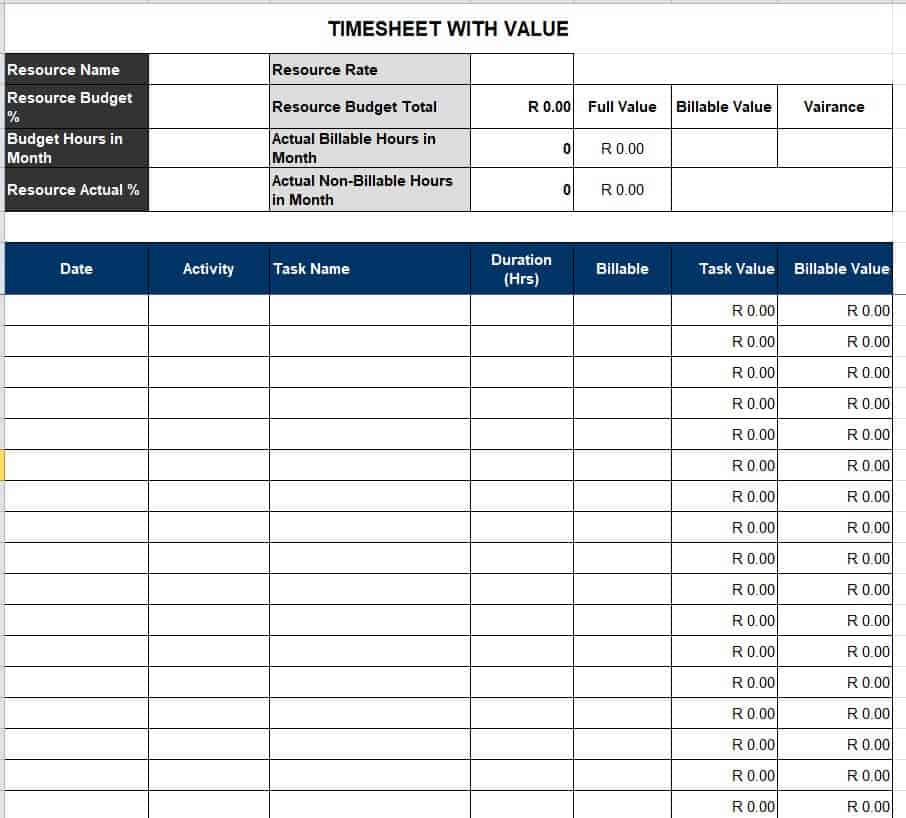
Timesheet with Value Template
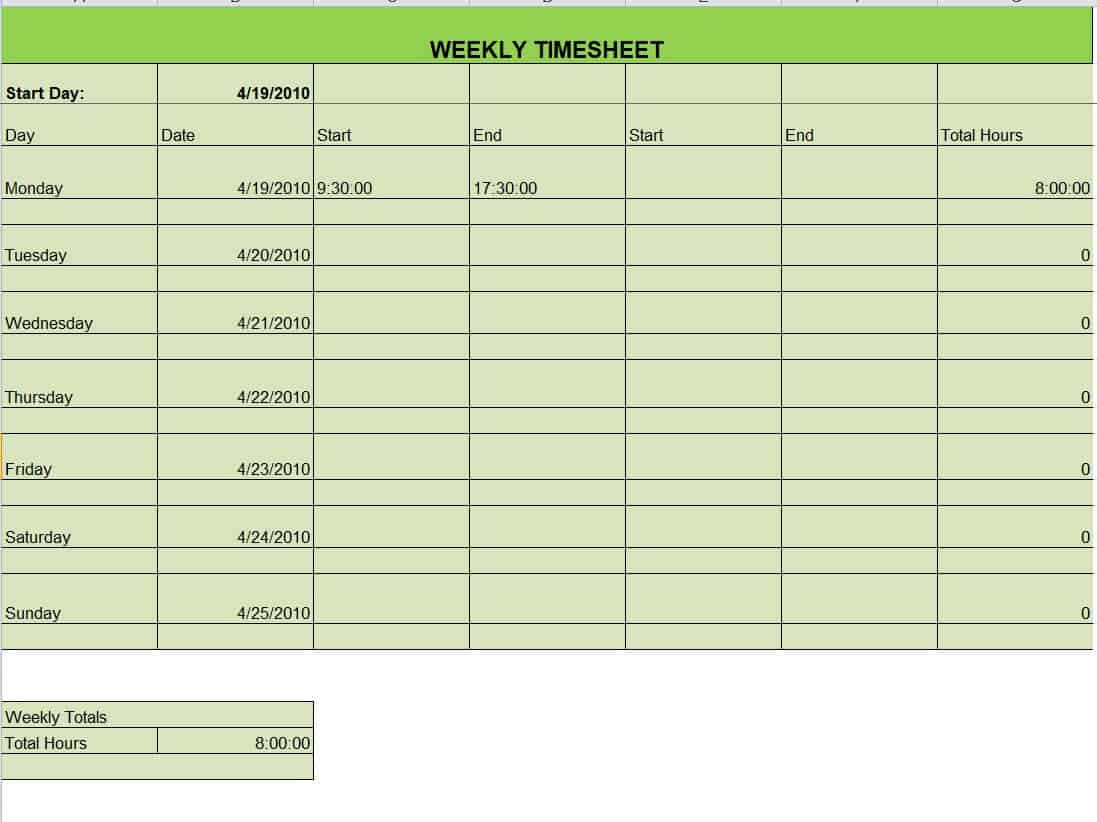
Weekly Timesheet Format Template
Model Excel Timesheet Template

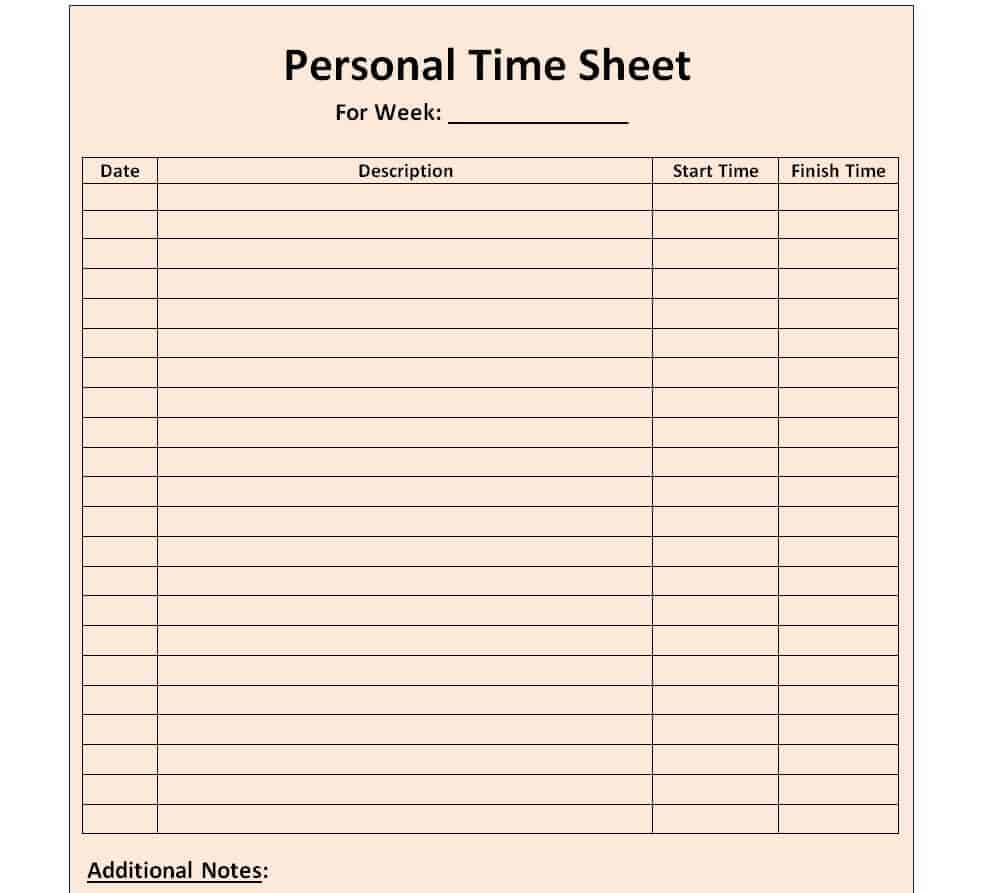
Personal Timesheet Template WORD
Free Printable Timesheet Template
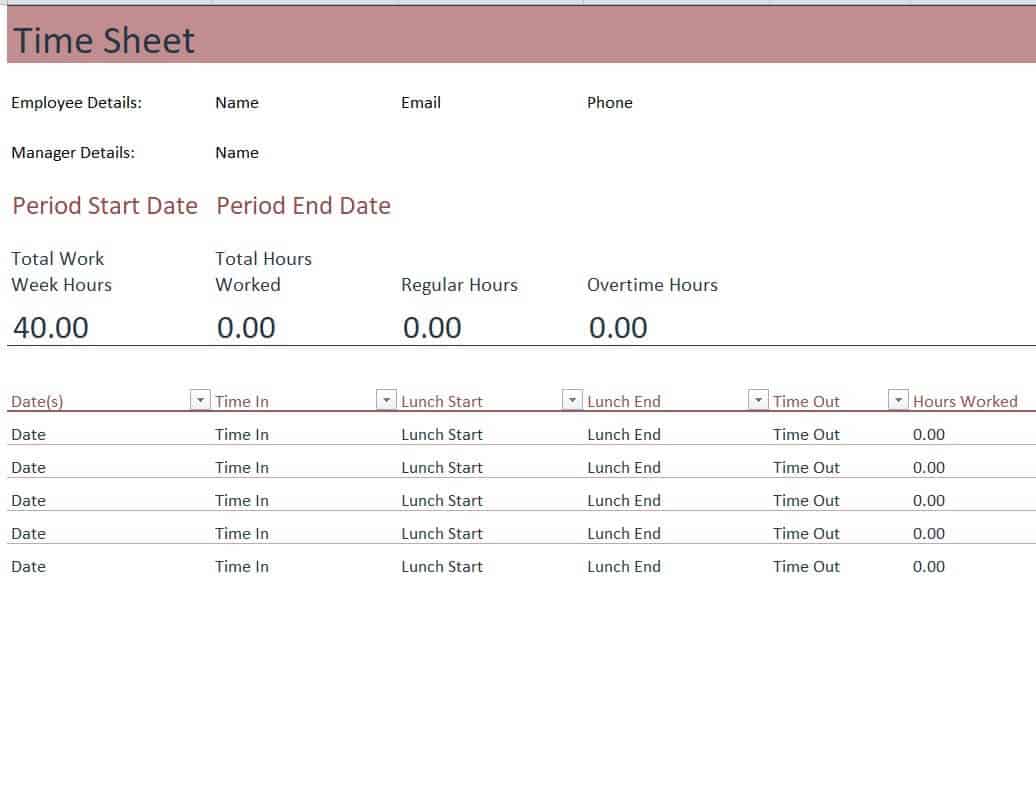
Example Timesheet Template
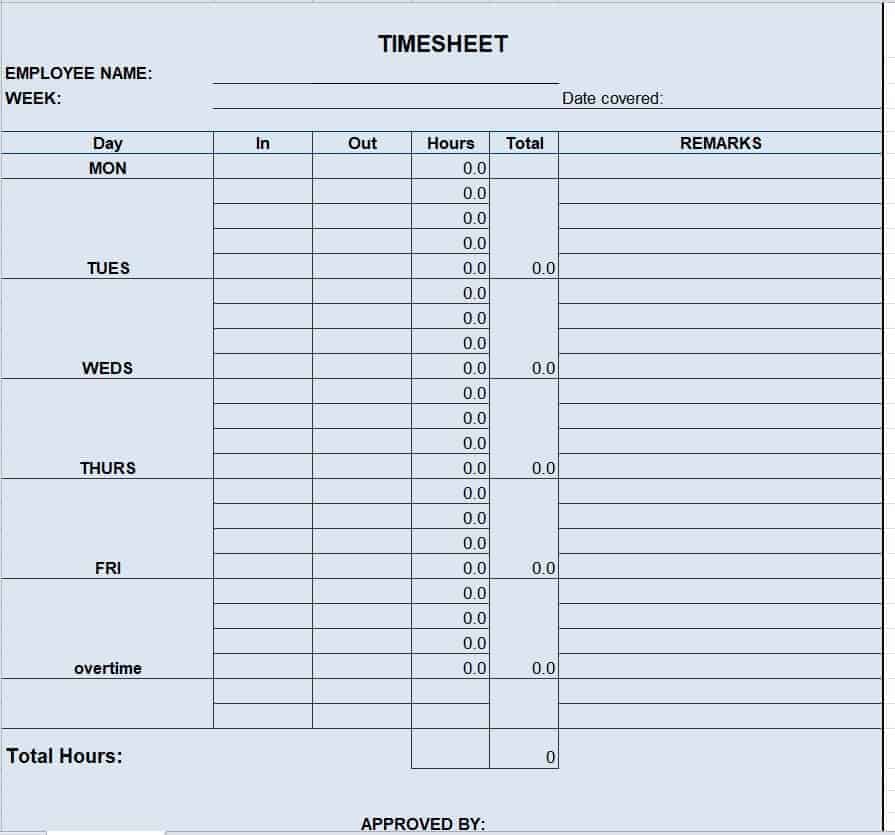
Project Timesheet Sample Template
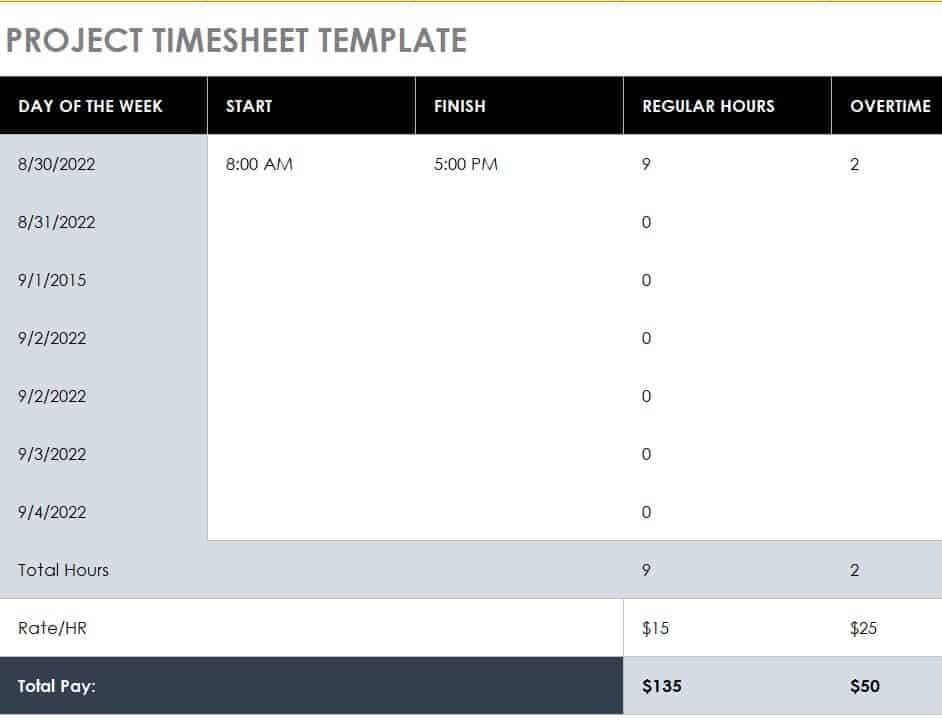
Timesheet for Work Template
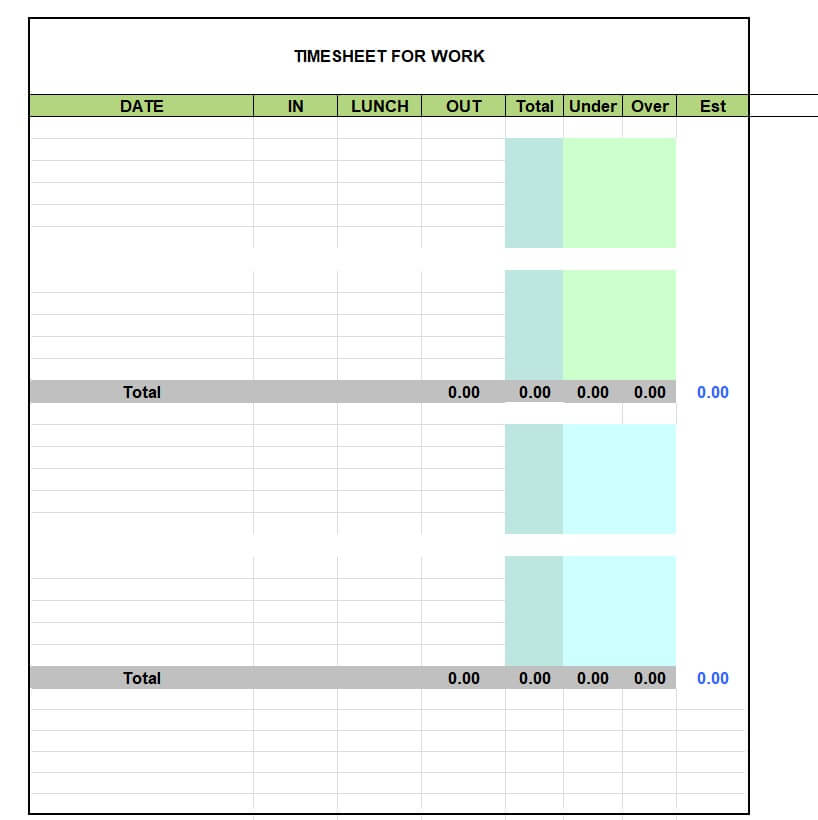
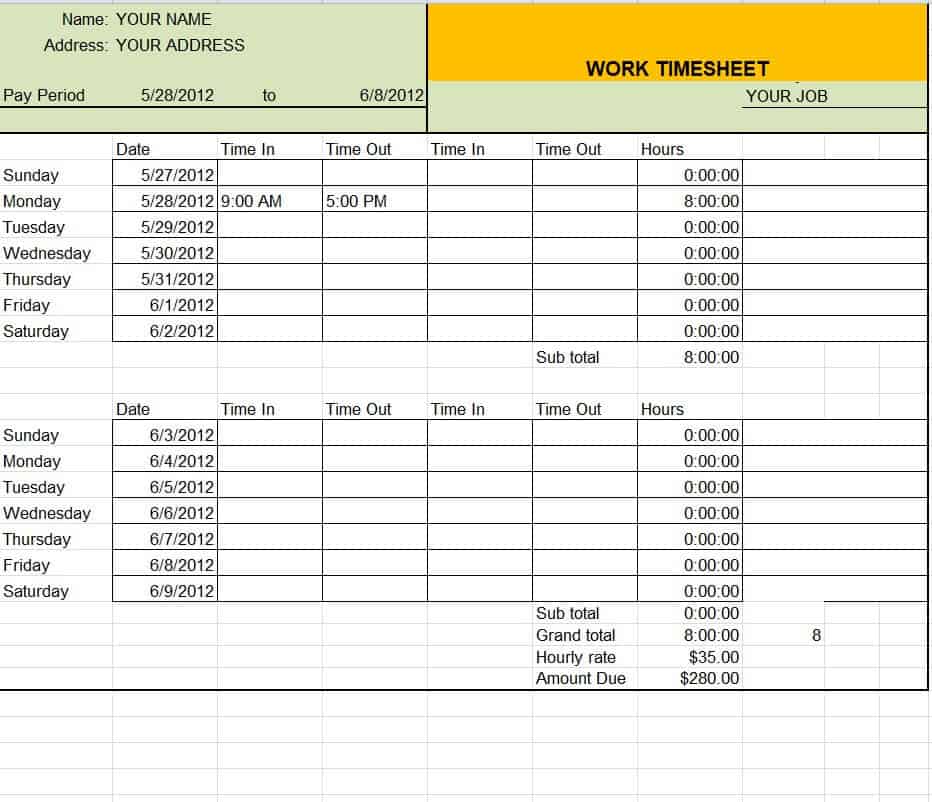
Detailed Work Timesheet Template
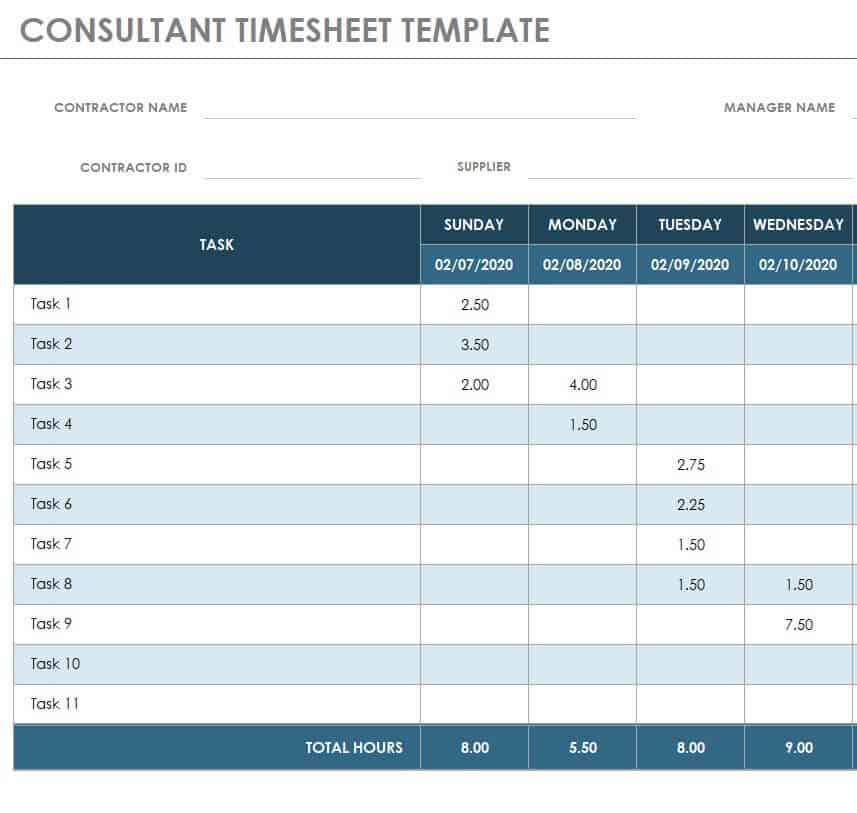
Consultant Timesheet Template in XLSX Format
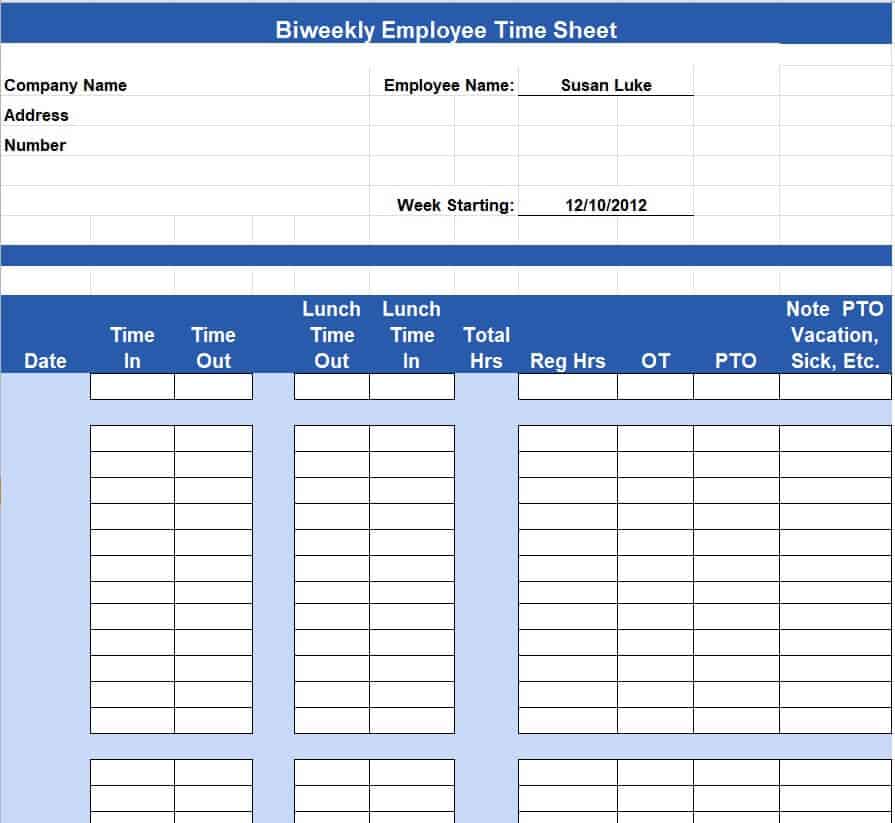
Biweekly Employee Timesheet Template
How to Fill Out and Submit a Timesheet Accurately
Filling out a timesheet correctly is mostly about consistency. Start by entering your name, employee ID, and the pay period dates at the top of the sheet before you record anything else. Log your start and end time for each shift as soon as you can, rather than trying to reconstruct the week from memory on the day it’s due, since small gaps in memory are where errors creep in. Record breaks and lunch periods separately from worked hours, even if your company doesn’t pay for them, so the total hours worked are accurate. If you worked on more than one project or task during the day, split your hours across the relevant codes instead of lumping everything under one entry. Once the pay period ends, review the sheet for the day, add up the totals yourself before submitting so you can catch obvious mistakes, and then send it to your supervisor for approval by the deadline your company sets. Keep a copy or a screenshot of what you submitted until you see it reflected correctly in your paycheck.
Common Timesheet Mistakes to Avoid
A few recurring mistakes account for most of the problems that show up in payroll. Forgetting to log breaks is one of the most common, since it either overstates hours worked or creates confusion when a supervisor cross-checks the sheet against actual schedules. Rounding hours incorrectly is another frequent issue: rounding 7 hours and 52 minutes down to 7.5 or up to 8 might seem harmless, but it adds up over a pay period and can create discrepancies that are hard to trace later. Submitting a timesheet late is a simple but costly mistake, since it can delay an entire payroll run or push your payment to the next cycle. Skipping manager approval, or submitting a timesheet without review, removes the safeguard that catches errors before they reach payroll. Finally, leaving fields blank instead of entering a zero or a clear note can make a sheet look incomplete and trigger unnecessary follow-up questions.
Using Timesheets to Track Productivity and Simplify Payroll
Beyond payroll, timesheets are a practical tool for understanding how time is actually spent. Reviewing timesheet data over several pay periods can reveal which projects consistently take longer than planned, which employees are regularly working overtime, and where workflows might need adjusting. For payroll teams, standardizing on one timesheet template across the company makes it far easier to process pay runs quickly, since every sheet has the same fields in the same place. Encouraging employees to fill in their timesheet daily rather than all at once at the end of the week also improves accuracy and reduces the last-minute scramble that often leads to mistakes. Whether you use a printed template or a digital spreadsheet, the goal is the same: a clear, consistent record that both the employee and the employer can trust.
Frequently Asked Questions
How often should timesheets be submitted?
Most companies ask employees to submit timesheets weekly or biweekly, matching their regular pay cycle. Some workplaces ask for daily entries to keep the record as accurate as possible, then submit the completed sheet at the end of the pay period.
Are digital timesheets more accurate than paper ones?
Digital timesheets, including Excel templates like the ones on this page, tend to reduce simple arithmetic errors because formulas can total the hours automatically. They’re also easier to store, search, and share with payroll than a stack of paper sheets, though the accuracy still depends on the person entering the hours correctly.
Do freelancers need to use timesheets?
Yes. Freelancers and independent contractors often rely on timesheets to back up their invoices, especially when billing by the hour. A clear timesheet gives the client a transparent record of what was worked on and makes payment disputes far less likely.
What happens if a timesheet is submitted late?
A late timesheet can delay that employee’s payment until the next payroll cycle, since most payroll systems run on a fixed schedule and can’t easily process late entries. Some companies allow a manual off-cycle payment for late submissions, but it typically requires extra approval and isn’t guaranteed.


![Get 16+ FREE Bill of Lading Templates & Forms [WORD, EXCEL]](https://www.docspile.com/wp-content/uploads/2022/03/bill-of-lading-sample-6566910-150x150.jpg)