A handy collection of Sales Invoice Templates is available here for you to download. You will find the free Sales Invoice Templates below the content which are surely going to be quite useful for you. A sale invoice is a document used by companies to communicate to their customers about the sum of payments that are outstanding in exchange for goods that have been sold by the company. Generally, an invoice describes the types of goods and services, the quantity, the date of the sale transaction and payment, etc. Other important details that may appear on a sales invoice include a reference number to the transaction and the name and contact information of the seller. A sales invoice can also be used to keep track of the sales and the financial history of the company. Sales invoice also helps the seller to manage his inventory according to his sales. It is a very important document both for the sellers and the buyers. For sellers, it indicates the items that are sold and shipped and for buyers, it indicates the items that are received and stocked.
You can also browse our full collection of free invoice templates for more ready-to-use designs.
The invoice used for selling products or services provided to the customer is known as a sales invoice. The details on the invoice are serial number, customer name and address, signature, description, quantity, unit price, total price, and subtotal. The sale can be on credit or cash it depends upon the consent between the two parties. The sales invoice can be kept as a record so that in the future if there is any misconduct then it will be helpful for the parties. The description includes the name of the product and expressly warranty with limitations such as for only one year. The sales invoice has three copies 1-customer copy2-office copy3-sales person copy. Sales invoice is an essential part of the bookkeeping of any business. To maintain a proper record sales invoice is necessary. In case of a return by the customer then it will only be possible if he has the sales invoice.
Who Uses Sales Invoices?
Sales invoices show up in nearly every type of business transaction. Retailers and wholesalers use them to bill customers for goods shipped or picked up in-store, while freelancers and consultants use them to bill clients for completed work. Service providers such as contractors, repair technicians, and agencies rely on sales invoices to itemize labor and materials, and manufacturers use them to document bulk orders sent to distributors. On the other side of the transaction, buyers keep sales invoices for their own bookkeeping, expense tracking, tax filing, and warranty claims. Because the document works for both sides of a deal, it is one of the few business forms that every party in a transaction has a reason to hold on to.
Key Elements Every Sales Invoice Should Include
A sales invoice does not need to be complicated, but it does need to be complete. Leaving out a single detail can delay payment or create confusion during an audit. At minimum, a well-formed sales invoice should include:
- Invoice number — a unique reference used to track and locate the invoice later
- Invoice date — when the invoice was issued
- Seller details — business name, address, phone number, and email
- Buyer details — the customer’s name, billing address, and contact information
- Itemized description — the product or service sold, listed clearly
- Quantity and unit price — how many units were sold and the price per unit
- Subtotal — the total before tax and any discounts
- Tax — sales tax or VAT applied, shown separately from the subtotal
- Total amount due — the final amount the buyer owes
- Payment terms — the due date and accepted payment methods
All of the templates below already include these fields, laid out and ready to fill in, so you can simply drop in your business details and start invoicing.
FREE Customizable Sales Invoice Templates
Used Car Sales Invoice Word Template
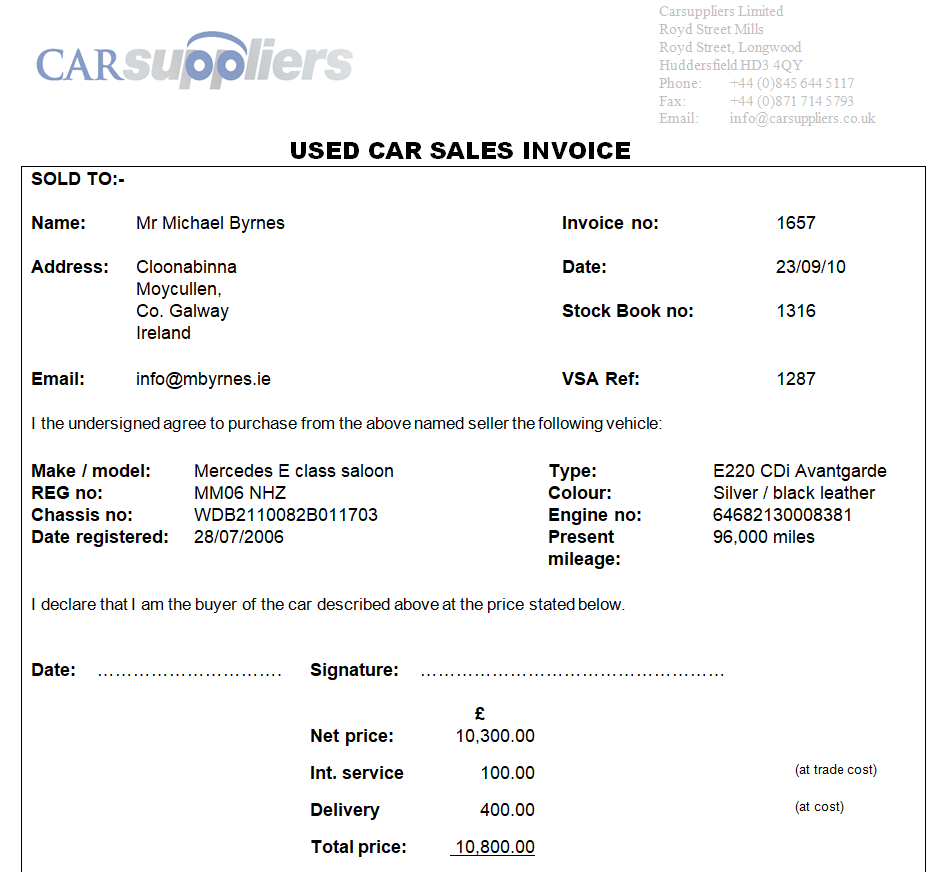

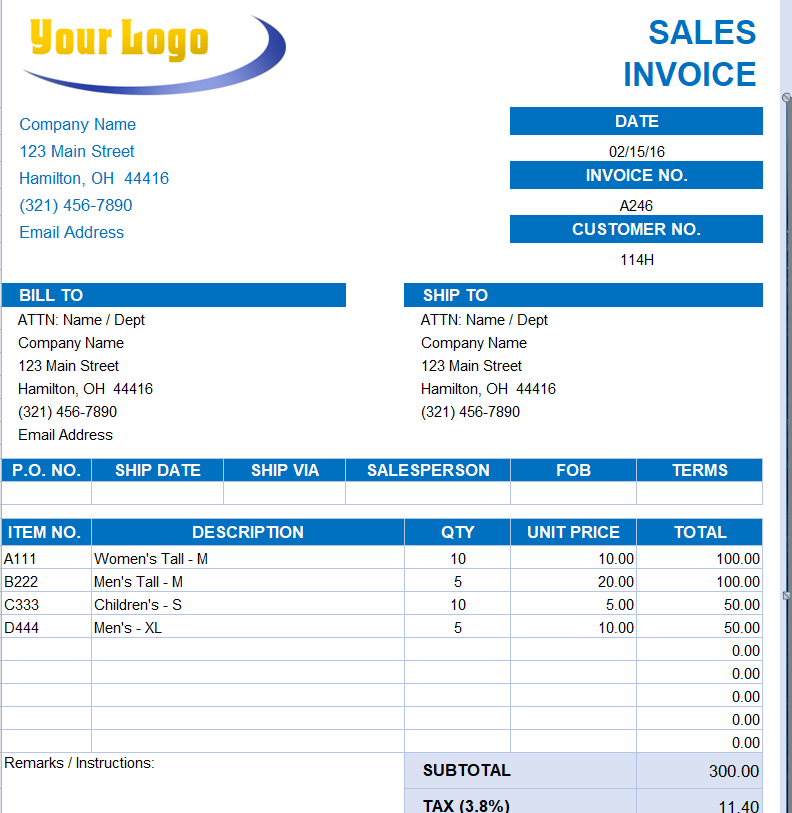
Editable Sales Invoice Excel Template

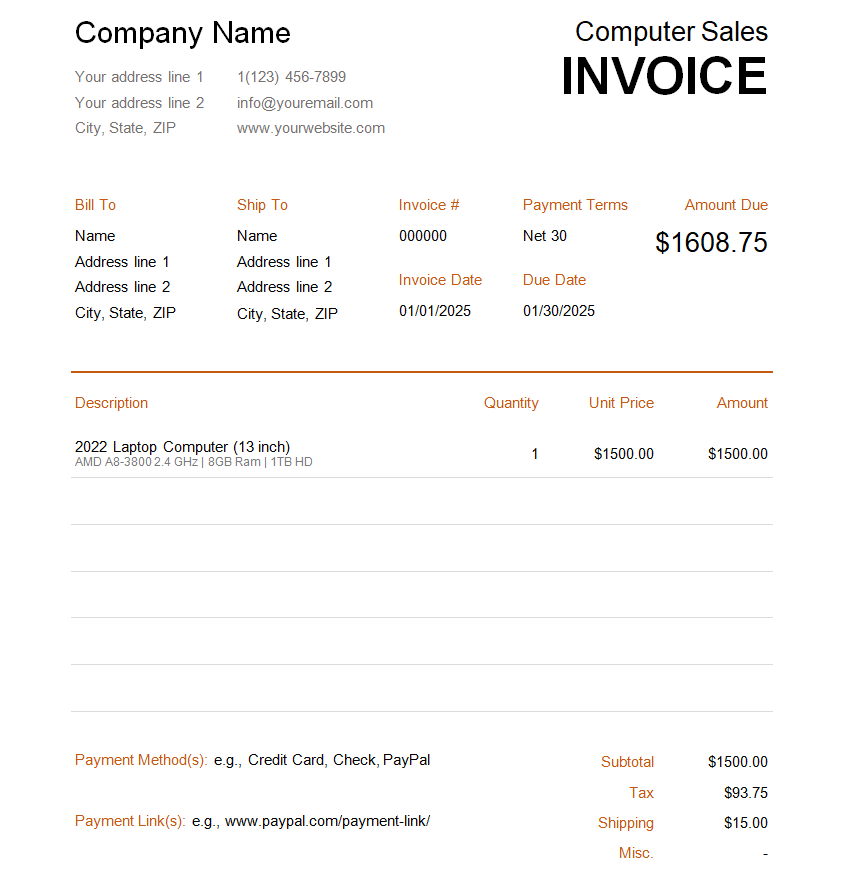
Sales Invoice Template for the Sales of a Computer
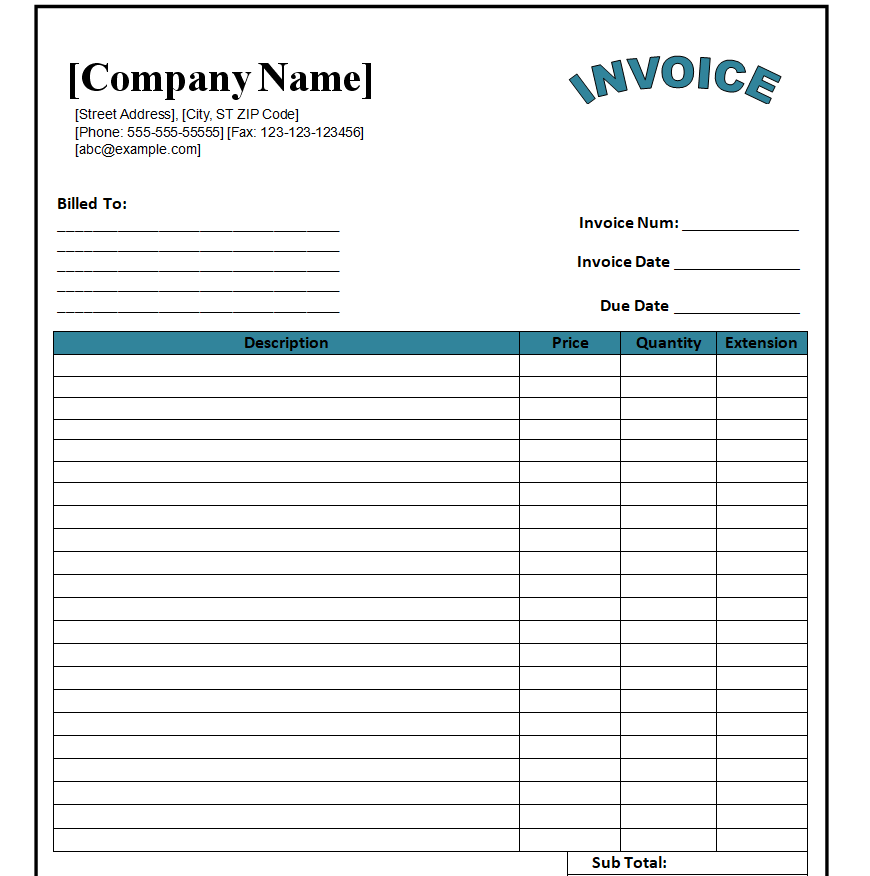
Blank Sales Invoice Doc Template
Standard Sales Invoice Template MS WORD
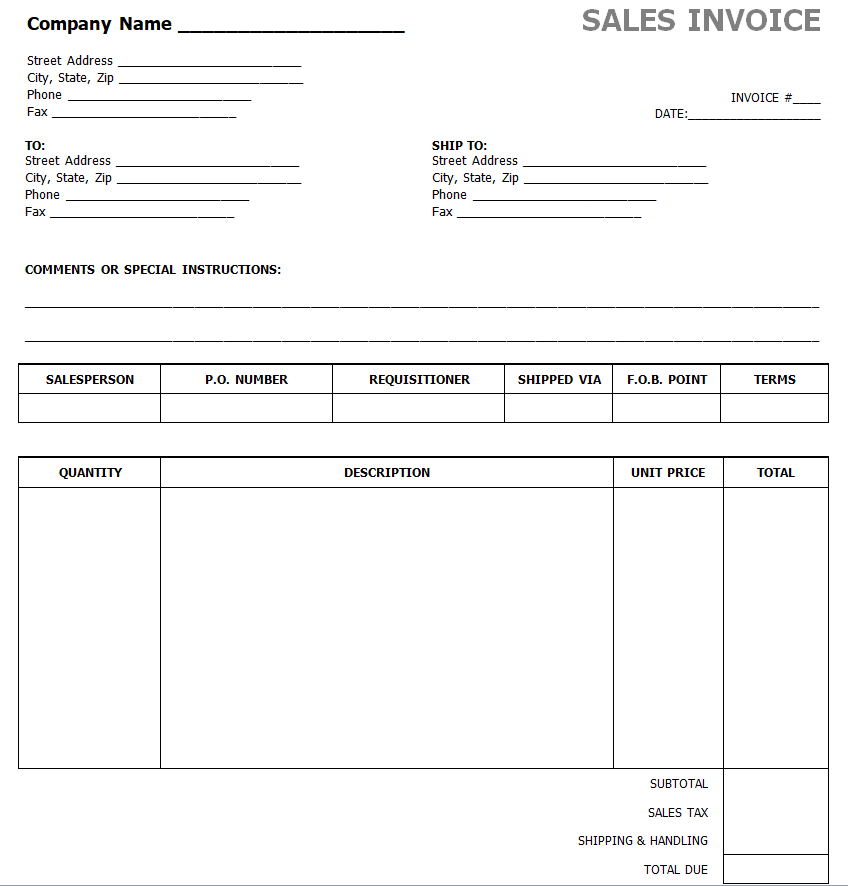
Company’s Excel Sales Invoice Template
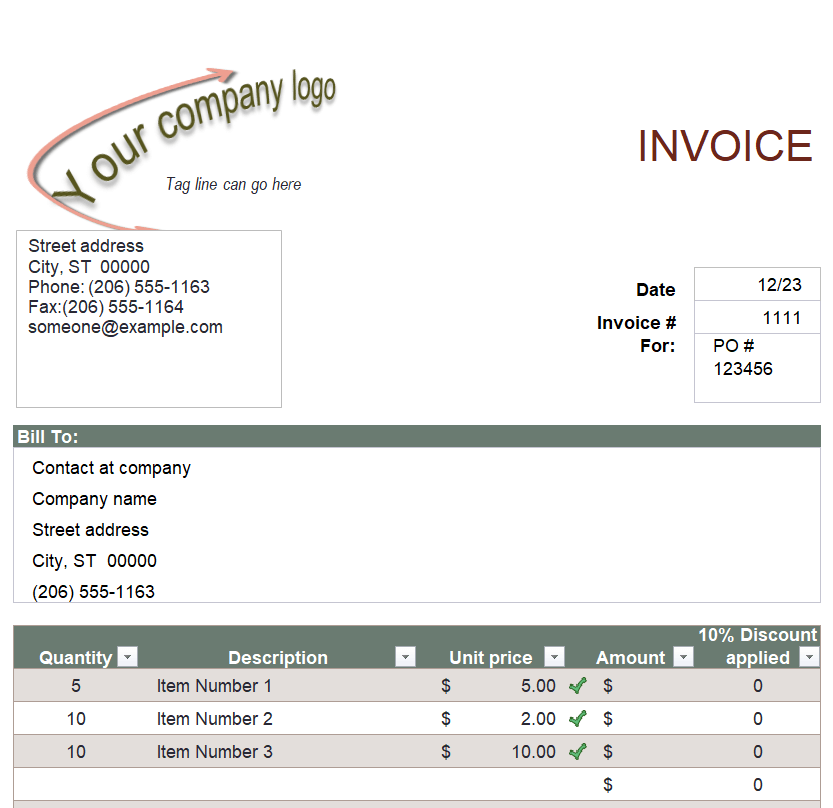
FREE Printable Sales Invoice Templates
Private Sales Invoice PDF Template
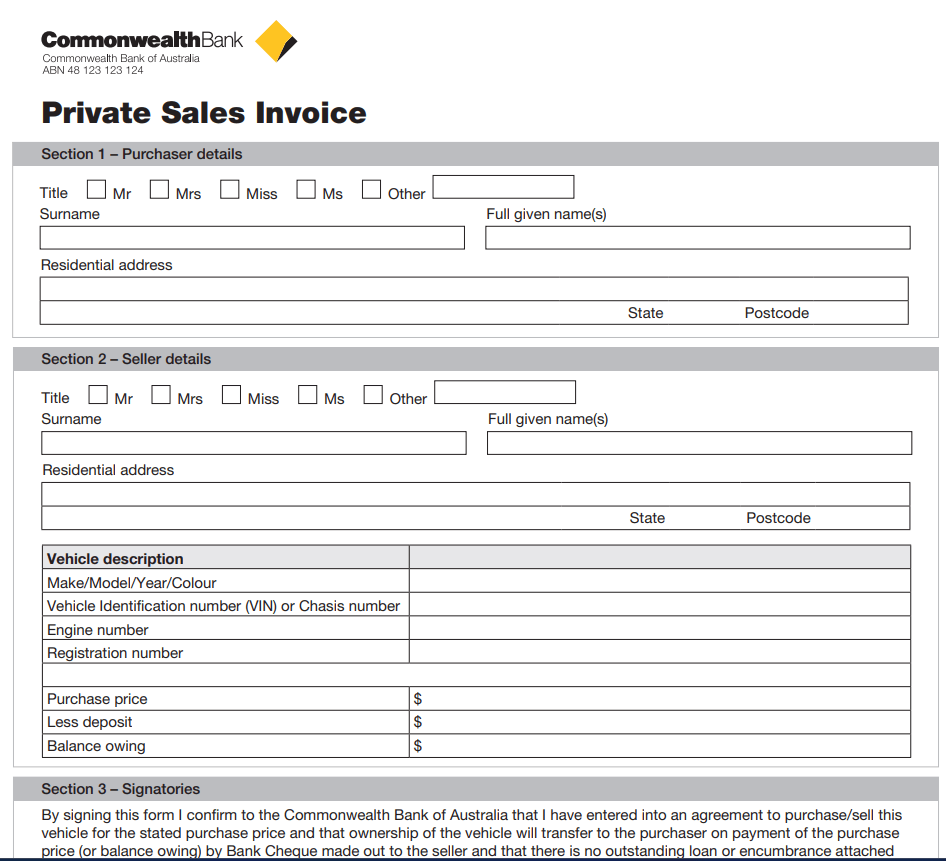
Simple Sales Invoice Template
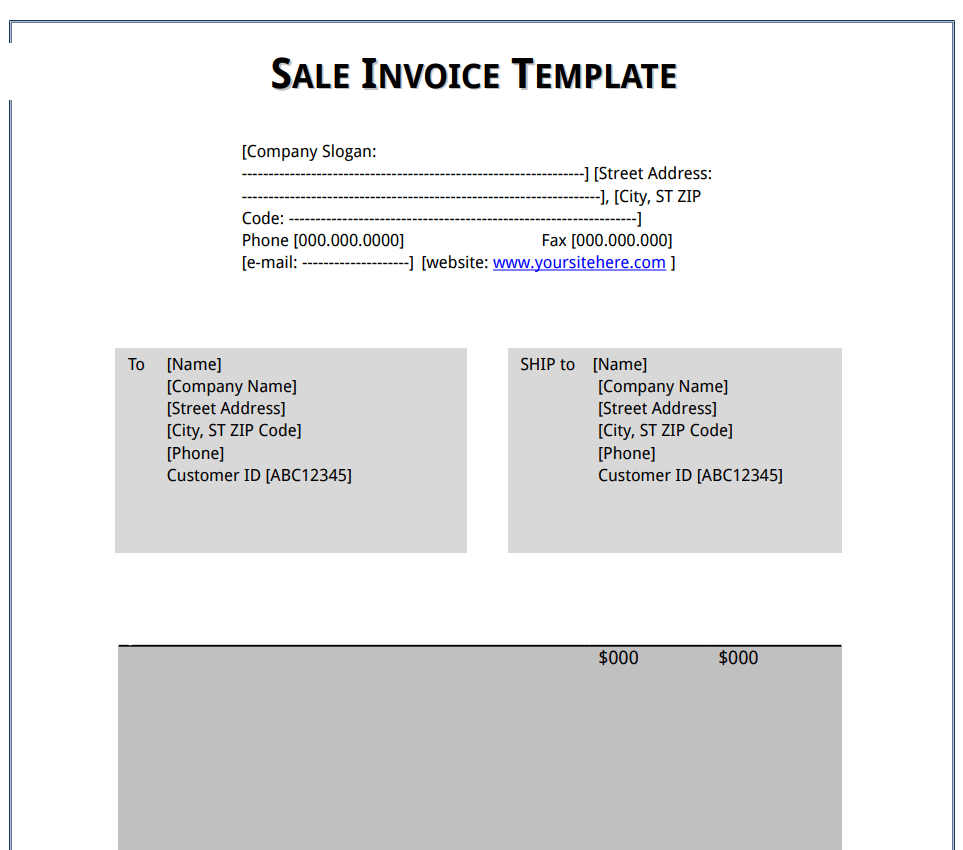
Business Sales Invoice Template
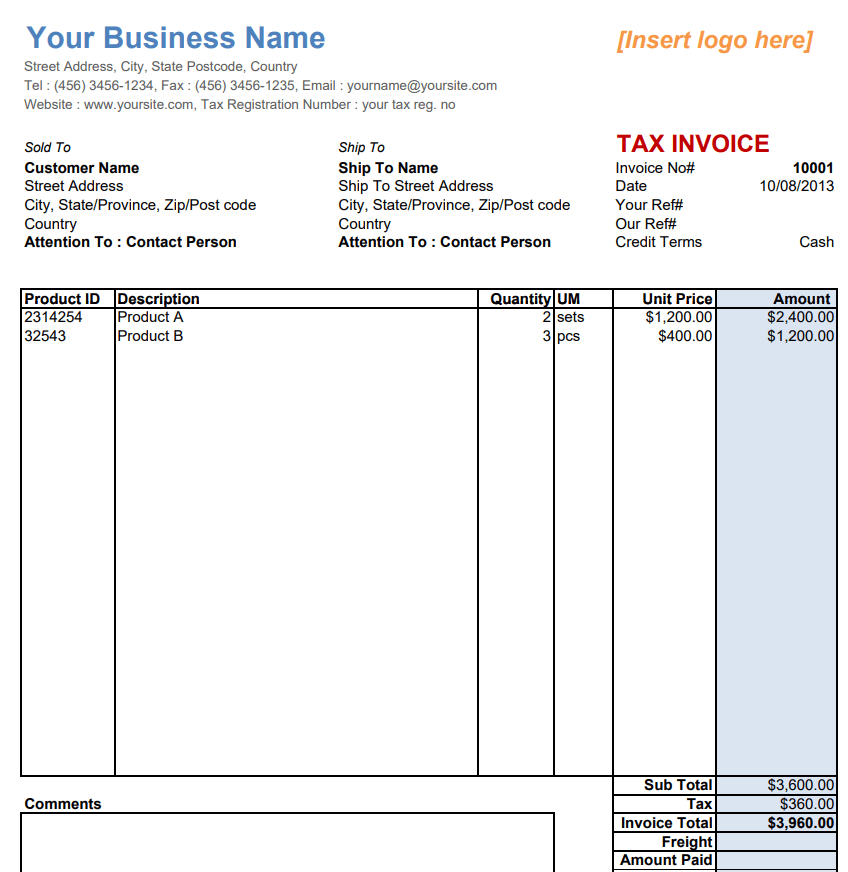
Special Sales Invoice Sample PDF
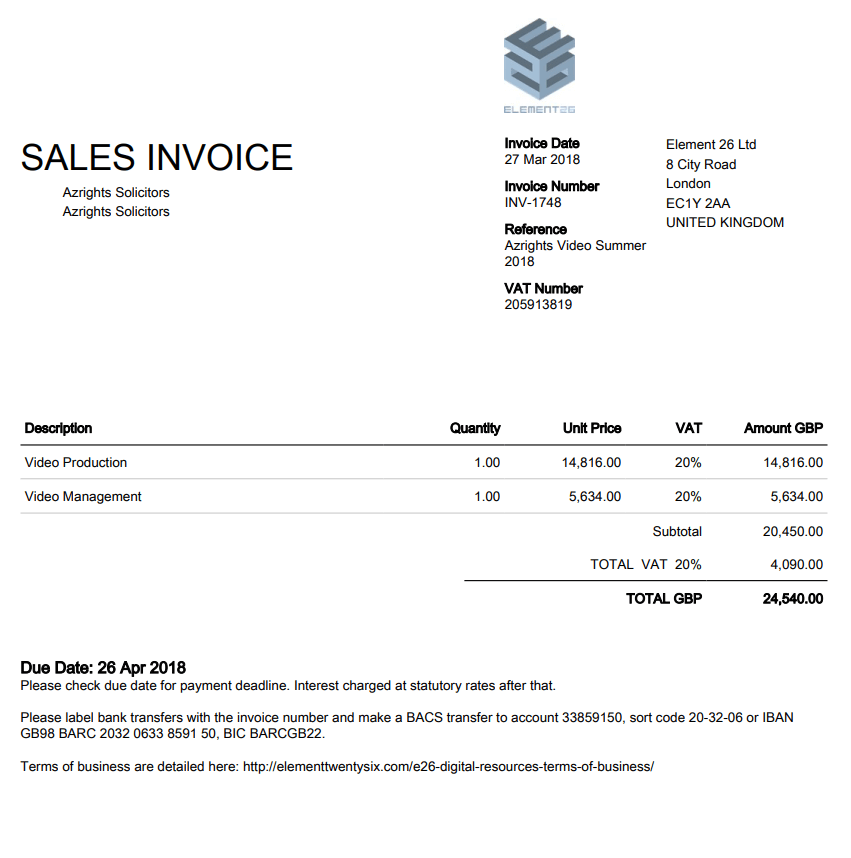
Shipping Sales Invoice Template
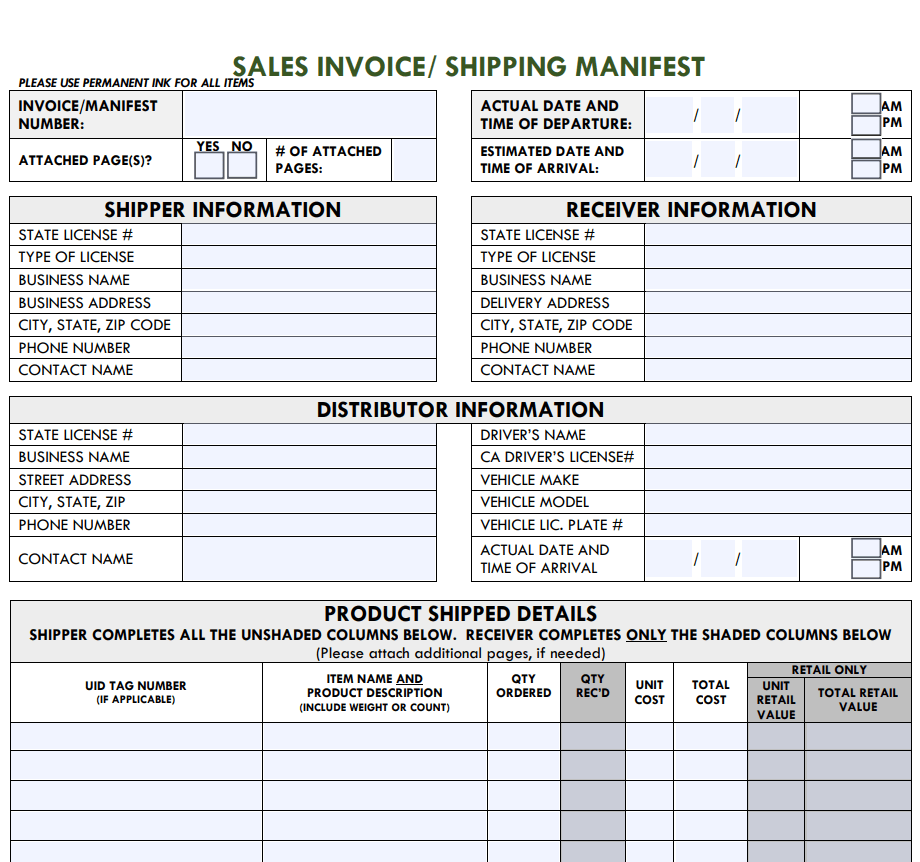
Free Printable Sales Invoice Form Template
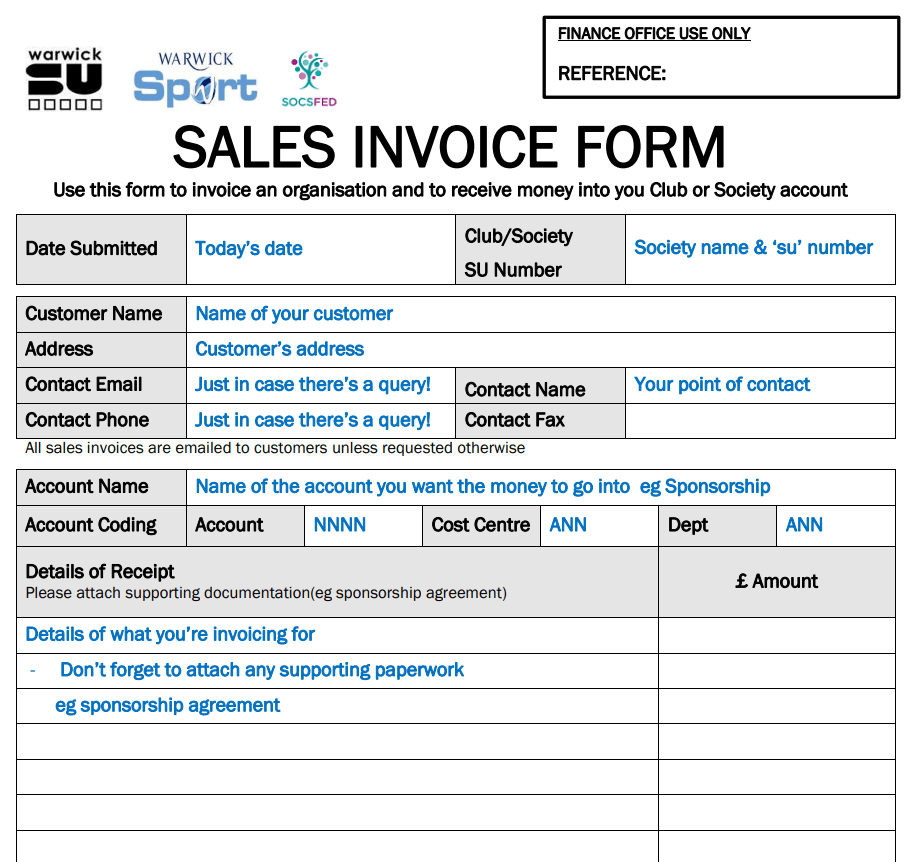
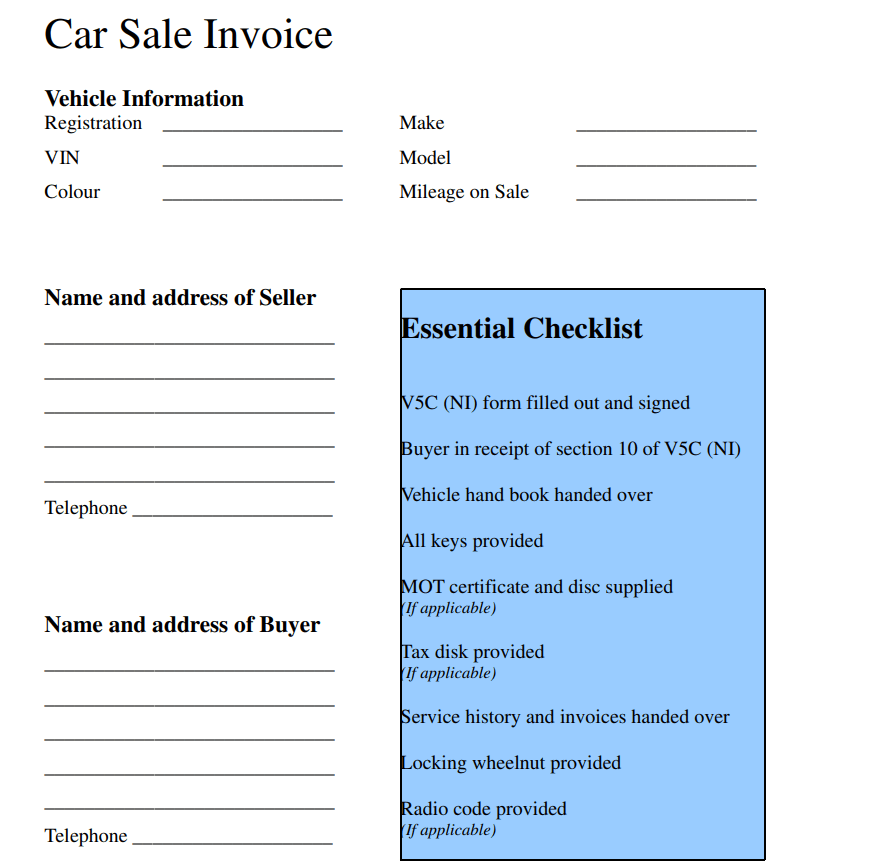
Simple Car Sales Invoice PDF Template
How to Create and Send a Sales Invoice Using These Templates
- Pick a template that fits your file format. Choose from the Word, Excel, or PDF versions above depending on whether you need to edit the layout, run calculations automatically, or send a finalized document that cannot be altered.
- Download and open the file. Click the download icon under the template you want, then unzip and open it in Word, Excel, or your PDF editor.
- Add your business information. Replace the placeholder fields with your company name, logo, address, and contact details.
- Fill in the buyer’s details. Enter the customer’s name, billing address, and any purchase order or reference number they require.
- List the items or services sold. Include a clear description, quantity, and unit price for each line item so the buyer can verify the charges.
- Calculate the subtotal, tax, and total. Excel templates will do this automatically once quantities and prices are entered; Word and PDF templates need the totals entered manually.
- Set payment terms. Note the due date, accepted payment methods, and any late-payment policy.
- Save and send. Export the invoice as a PDF before emailing it, so the formatting stays intact and the numbers cannot be accidentally edited by the recipient.
Common Mistakes to Avoid
Even a simple sales invoice can cause payment delays if it is filled out carelessly. Some of the most common mistakes include:
- Missing or duplicate invoice numbers — this makes it hard to track payments and can cause confusion during tax season
- Unclear payment terms — not stating a due date or accepted payment methods often leads to late payments
- Math errors — incorrect subtotals, tax calculations, or totals erode a customer’s trust and slow down payment
- Vague item descriptions — a buyer who cannot tell what they are being charged for is more likely to dispute the invoice
- Not keeping copies — failing to save a copy of every invoice sent makes bookkeeping, audits, and dispute resolution far more difficult
- Sending an editable file as the final copy — sending a Word or Excel file instead of a locked PDF leaves room for accidental or intentional changes
Tips for Getting Paid Faster and Staying Organized
A few small habits can make a noticeable difference in how quickly invoices get paid and how easy it is to stay on top of your records. Send invoices as soon as the work is complete or the goods are shipped, rather than batching them at the end of the month. Keep invoice numbering sequential so nothing gets skipped or duplicated, and use a consistent naming and filing system so past invoices are easy to search later. State payment terms clearly, including any late fees, and follow up promptly once an invoice becomes overdue rather than waiting weeks. Finally, store both a working copy and a finalized PDF of every invoice, either in cloud storage or accounting software, so you always have a backup if a document is lost or a dispute comes up.
Frequently Asked Questions
What’s the difference between a sales invoice and a receipt?
A sales invoice is sent before payment to request money owed for goods or services, while a receipt is issued after payment to confirm that the transaction is complete. In short, an invoice asks for payment; a receipt proves it was made.
How long should businesses keep sales invoices?
Most businesses keep sales invoices for at least three to seven years, since tax authorities can request records going back several years during an audit. Check your local tax regulations for the exact retention period that applies to you.
Can a sales invoice be used as a legal document?
Yes. A properly completed sales invoice can serve as evidence of a transaction in legal or financial disputes, which is why accurate details, sequential numbering, and dated records matter.
Should invoices be numbered sequentially?
Yes. Sequential invoice numbers make it far easier to track payments, spot missing invoices, and stay organized for accounting and tax purposes. Skipping or reusing numbers can create confusion and raise red flags during an audit.
Related templates you may find useful: free commercial invoice templates, free sales receipt templates and free sales contract templates. Need to create one online instead? Try our free online Invoice Generator, no download required.