The Weekly Schedule Templates given here on this page are added for your use and some of these templates are available both in Microsoft Excel format while the others in Microsoft Word format. You can download these Weekly Schedule Templates below by clicking the ‘download’ button adjacent to every template. The document on which the planning of all the tasks has been described in accordance with the date and time is known as the schedule. The document prepared for performing tasks and other activities in a week can be called a weekly schedule. The details of the plan include entertainment, meetings, appointments, official work, and assignments. The schedule is prepared for accomplishing the tasks and goals and performing the tasks allotted by the manager that has to be completed within a week. It is necessary for an individual to make a weekly schedule to be smart and efficient in performance. This schedule helps a lot person for having a successful life while preferring his/her basic needs. It is basically based on time management theory as one can be attached to friends, family, and clients. This is among one of the activities of professionals.
You can also browse our full collection of free word templates for more ready-to-use designs.
Any task can be performed well only when it is managed properly. In addition, as per the functions of management, the work must first should be planned as in the monthly plan. A Weekly schedule for such work needs to be framed and then analyzed or observed. A strategy is to be framed to achieve the target. The staff should be well-communicated, then organized, and coordinated properly. Only if the functions of management properly execute it, higher shall be the efficiency of the staff in achieving the objectives. The work should be synchronized properly on a priority basis and in chronological order, which shall be coordinated with staff reminding them of the company’s policy at regular intervals However, after the completion of a task the work may be reviewed and observed. The principle of Time management shall be applied throughout the functioning of the program.
What Belongs in a Good Weekly Schedule
A useful weekly schedule template usually lays out the seven days of the week across the top and breaks each day into time blocks down the side, whether that’s hourly slots, morning/afternoon/evening sections, or simple half-hour increments. Good templates leave room for the essentials: work tasks and meetings, personal errands, meals, exercise, and downtime, so the schedule reflects a realistic week rather than only work obligations. Many also include a notes or priorities column where you can flag the two or three things that absolutely have to get done that week, separate from routine tasks. A print-friendly layout with clear grid lines makes it easy to fill in by hand, while an Excel version lets you type directly into cells and rearrange tasks without erasing anything.
Who Uses a Weekly Schedule Template
Weekly schedules aren’t just for office workers. Students use them to balance classes, assignments, and study sessions across the week. Parents use them to coordinate school drop-offs, activities, and family commitments for everyone in the household. Managers and team leads use a weekly schedule to plan shift coverage or assign recurring tasks to staff. Freelancers and small business owners rely on them to block out client work, admin time, and marketing tasks so nothing important gets crowded out by whatever feels most urgent that day. Even a simple chore chart for kids is really just a weekly schedule adapted for a different audience.
How to Fill Out a Weekly Schedule Template
- Choose the format that fits how you work: Excel if you want to type, sort, or reuse the same layout every week, or Word if you plan to print and fill it in by hand.
- List your fixed commitments first, such as work hours, classes, or recurring appointments, since these anchor everything else around them.
- Add flexible tasks and errands into the open time blocks that are left, grouping similar tasks together where possible.
- Build in short breaks and buffer time between tasks so the schedule doesn’t fall apart the first time something runs long.
- Review the finished schedule against your priorities for the week and adjust anything that looks unrealistic.
- At the end of the week, glance back at what you completed versus planned, and carry over anything unfinished to next week’s schedule.
Tips for Sticking to Your Weekly Schedule
- Fill out next week’s schedule before the current week ends, ideally on a Friday or over the weekend, so you start Monday with a plan already in place.
- Keep the schedule visible, whether that’s printed and pinned up or open on your desktop, so you actually check it during the day.
- Time-block similar tasks together rather than scattering small tasks throughout the day, which reduces the mental cost of switching between different types of work.
- Leave at least a little unscheduled time each day for the inevitable interruptions and last-minute requests.
- Color-code categories (work, personal, family) if you’re using the Excel version, which makes it much faster to scan the week at a glance.
Common Mistakes to Avoid
- Scheduling every minute of the day with no buffer, which makes the whole plan collapse after the first delay.
- Only tracking work tasks and leaving out personal commitments, which leads to double-booking yourself.
- Making the schedule so detailed that maintaining it becomes its own chore.
- Never reviewing how the previous week actually went, so the same scheduling mistakes repeat.
- Using a template that doesn’t match how you actually think about time, such as an hourly grid when you really plan in half-day blocks.
Frequently Asked Questions
Should I use the Excel or Word version of a weekly schedule template?
Use Excel if you want to type entries, rearrange tasks, or reuse the same file every week without printing. Use Word if you prefer to print a blank copy and fill it in by hand.
How detailed should a weekly schedule be?
Enough detail to know what you’re doing and when, but not so much that updating it becomes a task in itself. Hourly blocks work well for structured workdays, while broader morning/afternoon/evening sections often suit a more flexible routine.
What’s the difference between a weekly schedule and a to-do list?
A to-do list is just a set of tasks with no fixed time attached, while a weekly schedule assigns each task, or block of tasks, to a specific day and time slot across the week.
Can these templates be used for a team instead of one person?
Yes, several of the templates below work well for coordinating shift schedules or assigning weekly tasks across a small team, not just for personal planning.
FREE Weekly Schedule Templates in MS EXCEL
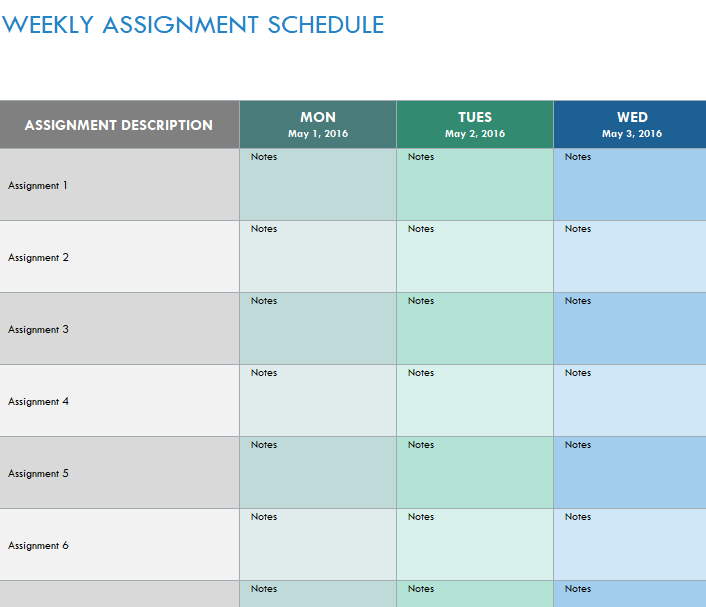
Weekly Assignment Schedule Template

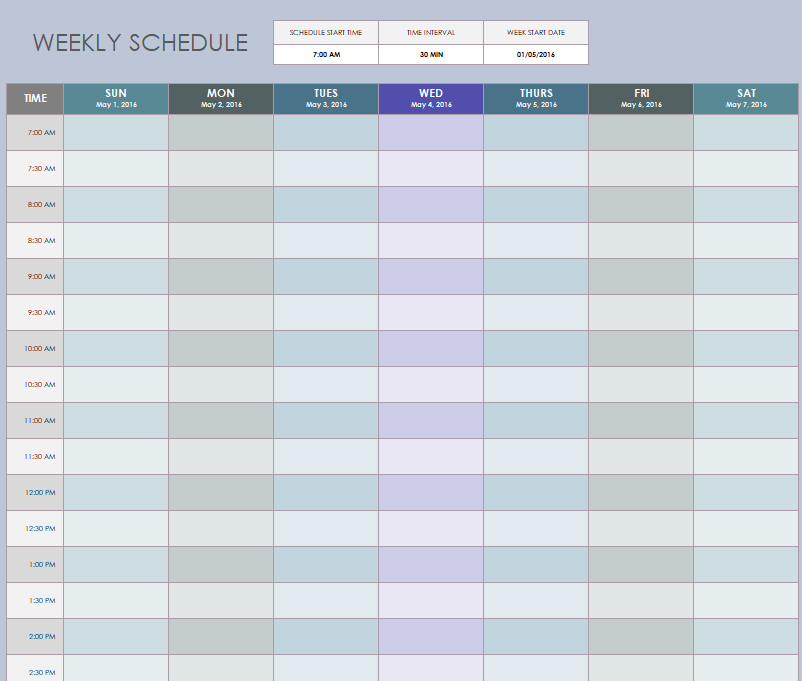
Sample Weekly Schedule Excel Template
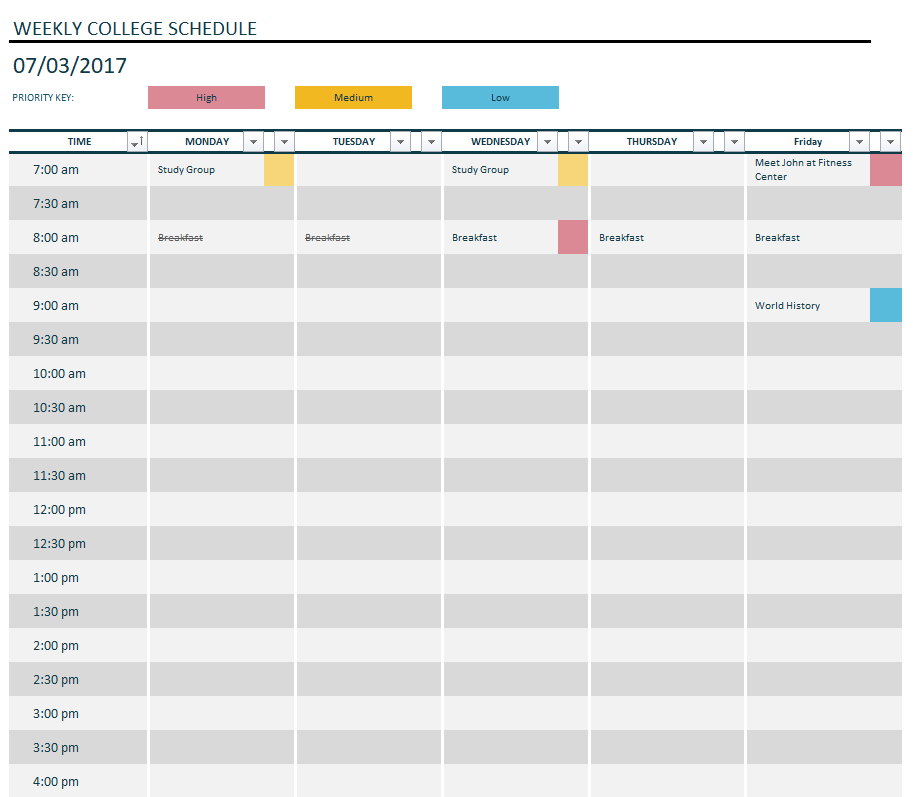
Weekly College Schedule Template
Bi-Weekly Work Schedule Template in XLSX Format
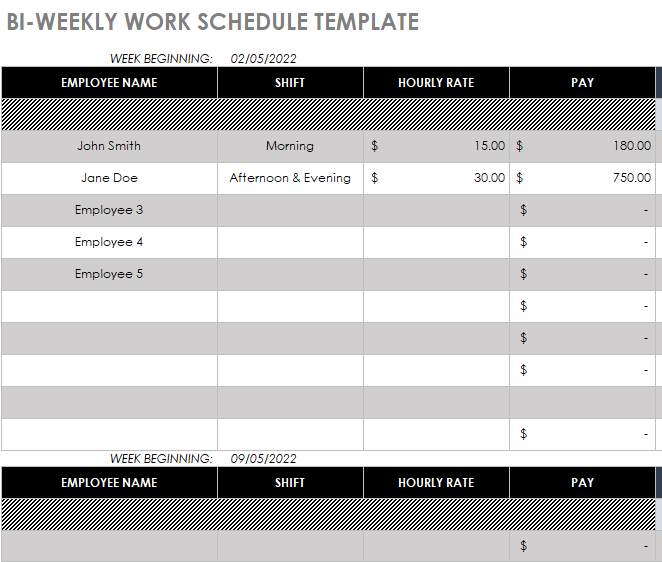
Customizable Weekly Schedule Example
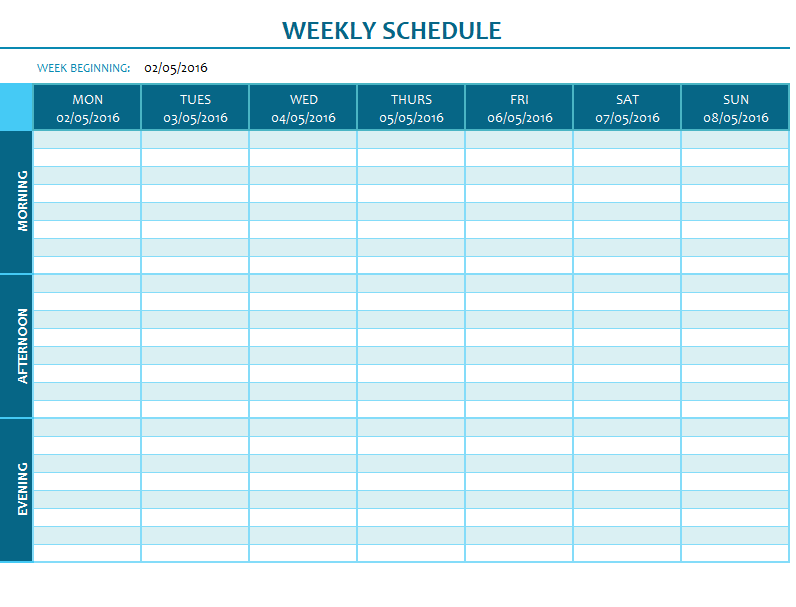
Weekly Homework Schedule Excel Template
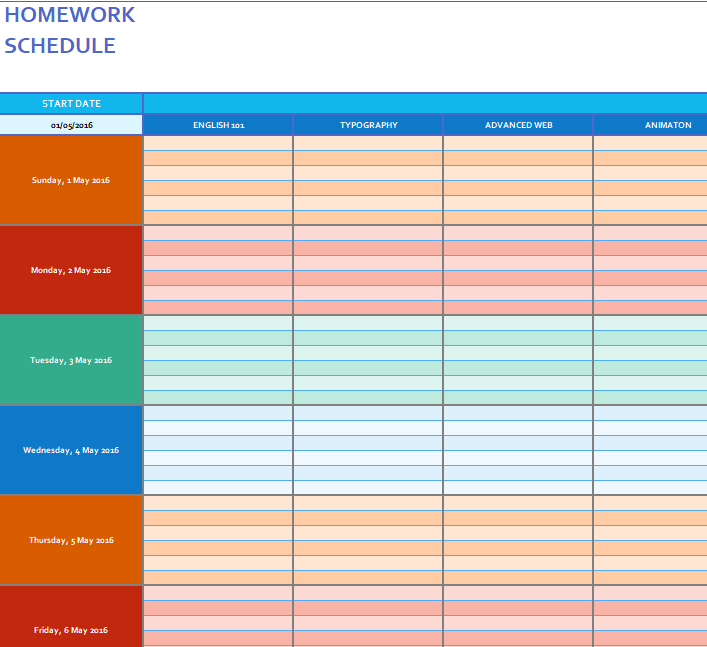
Weekly Schedule Template for Assignments
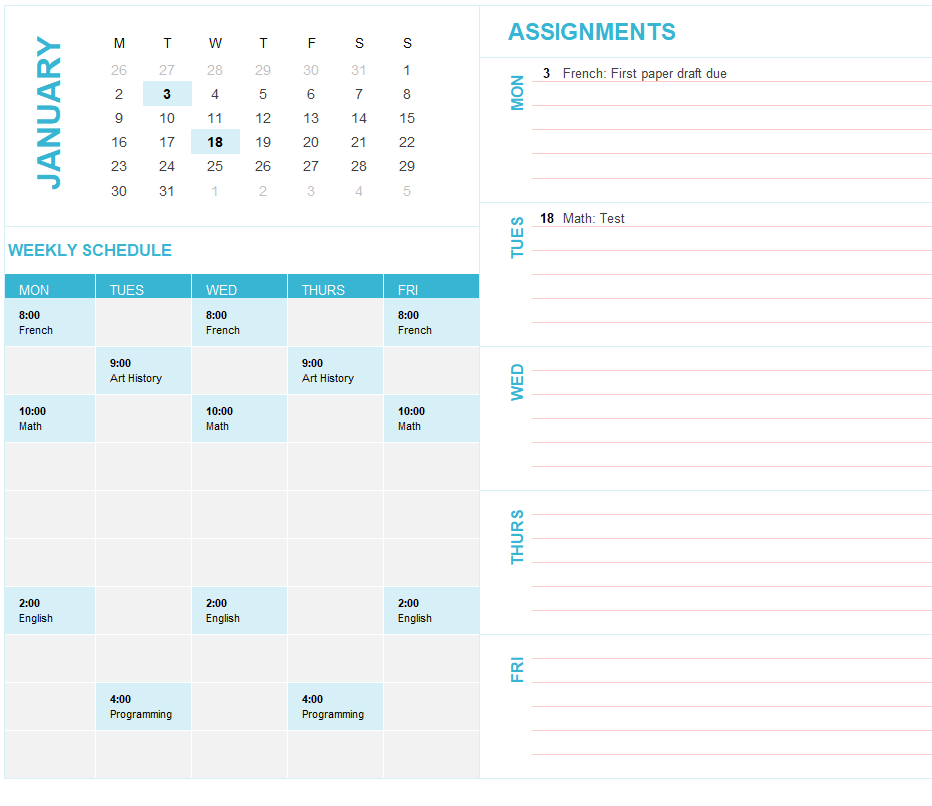
Colored Weekly Schedule Template for Students
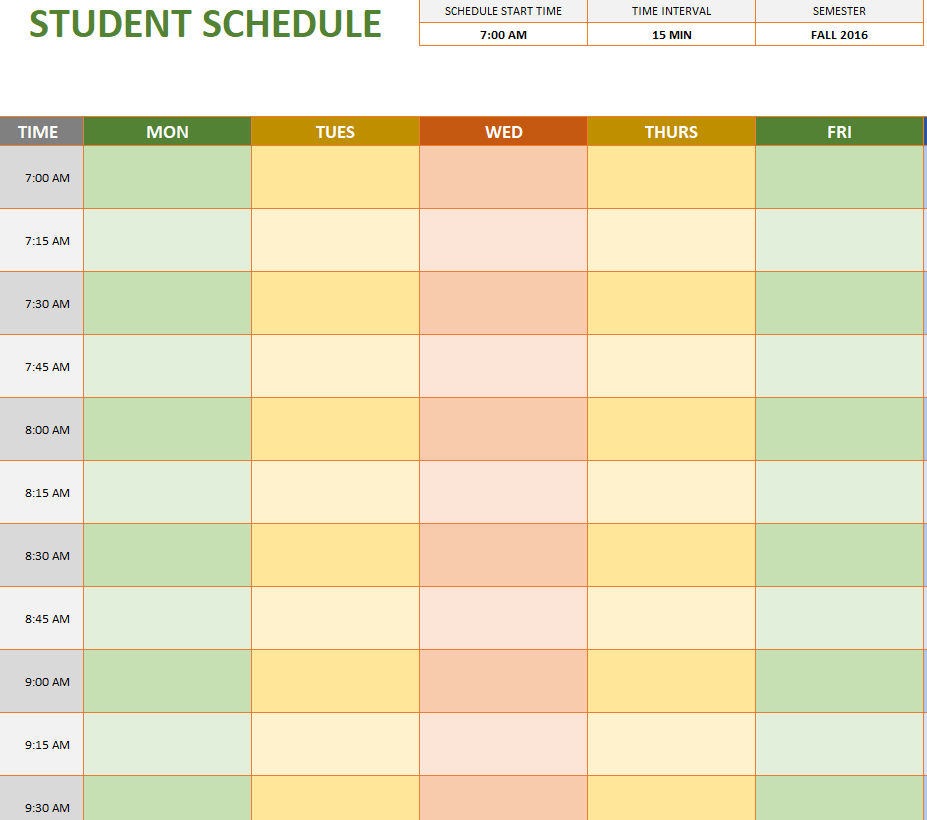

Weekly Employee Schedule Sample Excel Worksheet
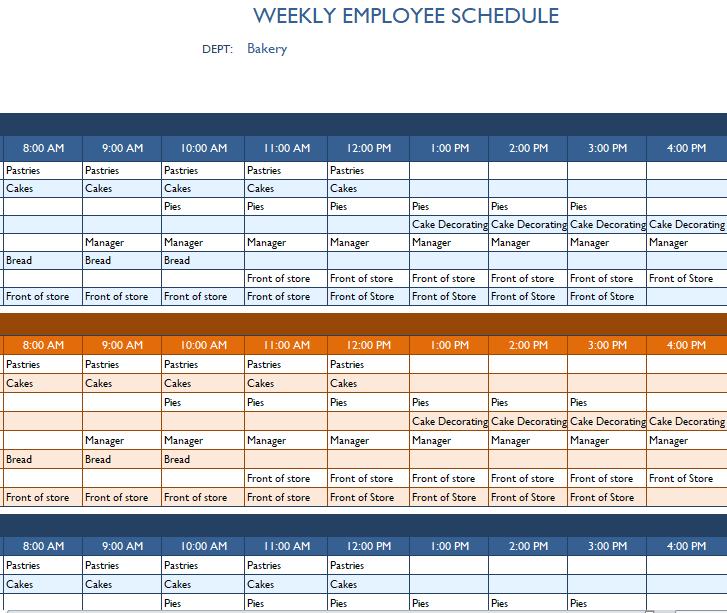
Official Weekly College Schedule Template
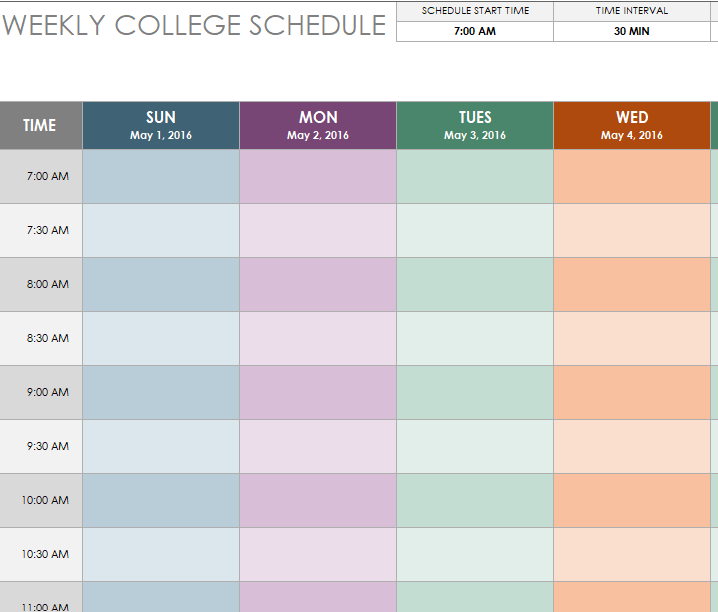
Editable Weekly Chore Schedule XLSX Template
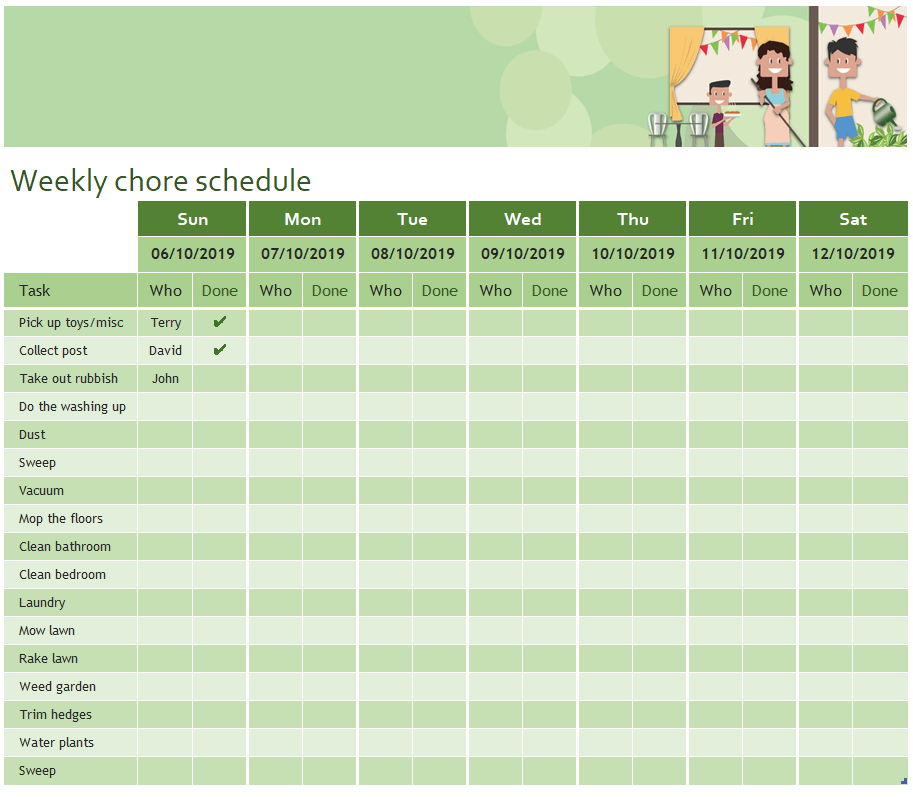
FREE Weekly Schedule Templates in MS WORD
Blank Weekly Schedule Word Template
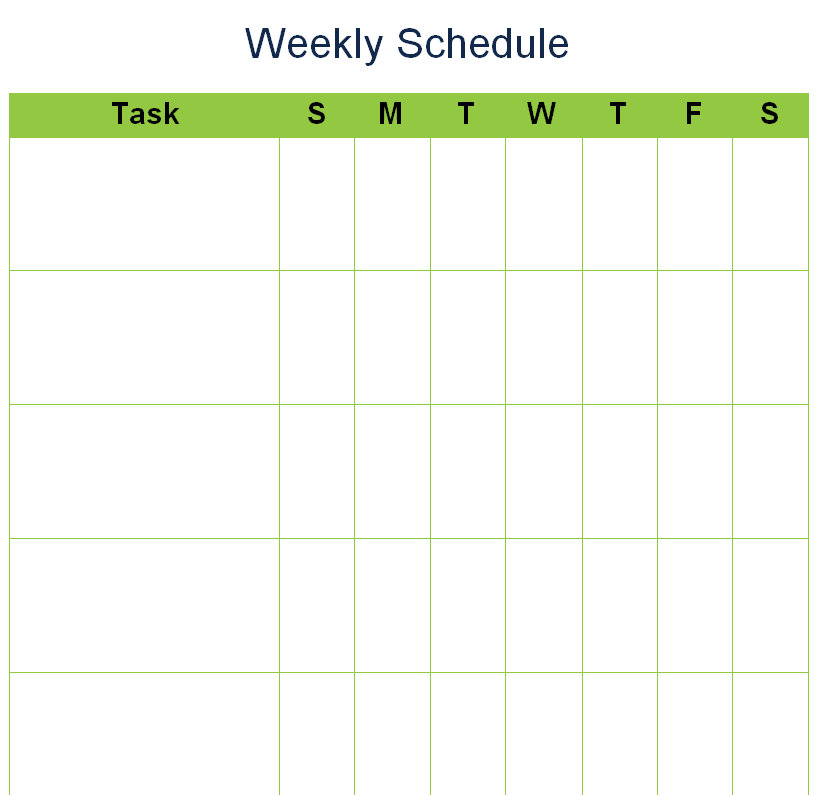
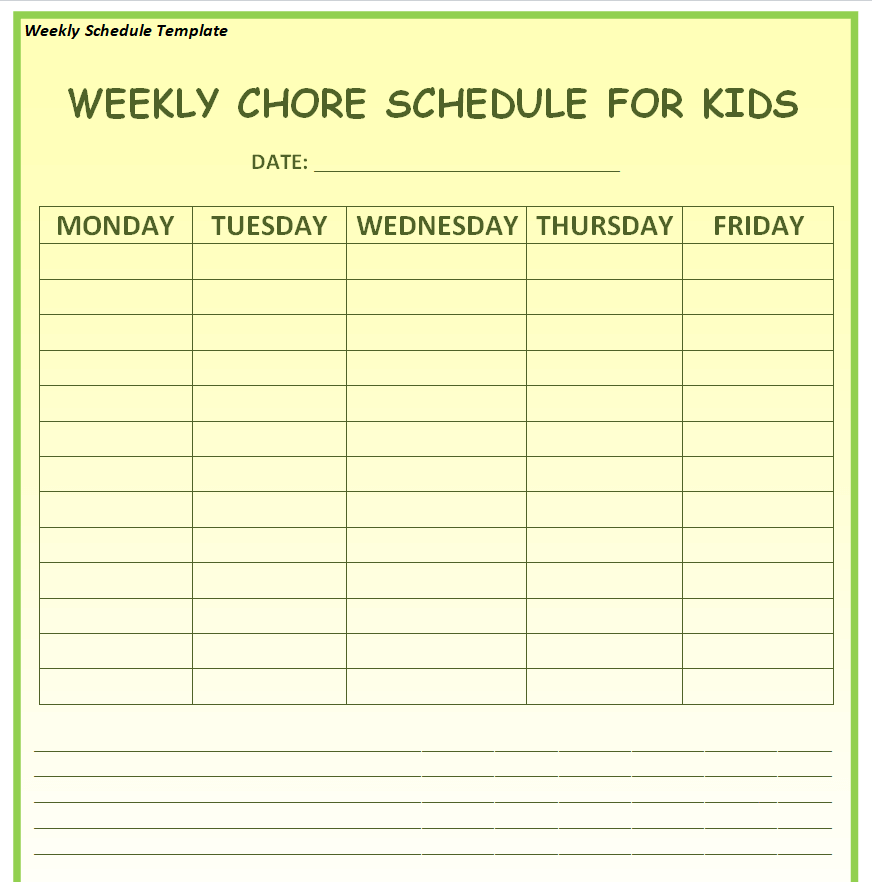
Weekly Chore Schedule Template for Kids
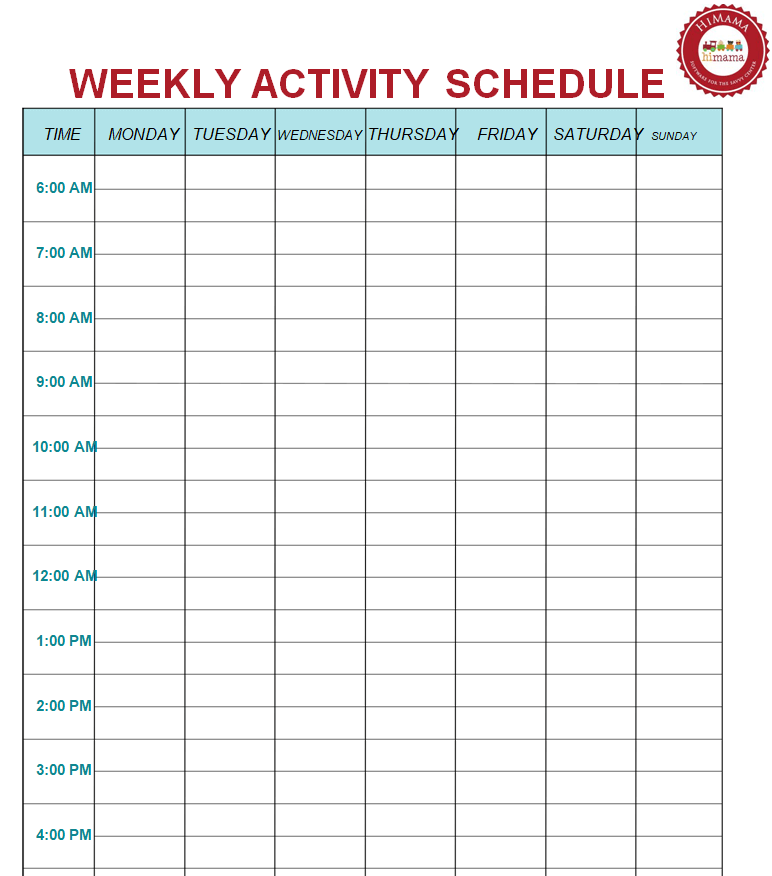
Fillable Weekly Activity Schedule Template Doc
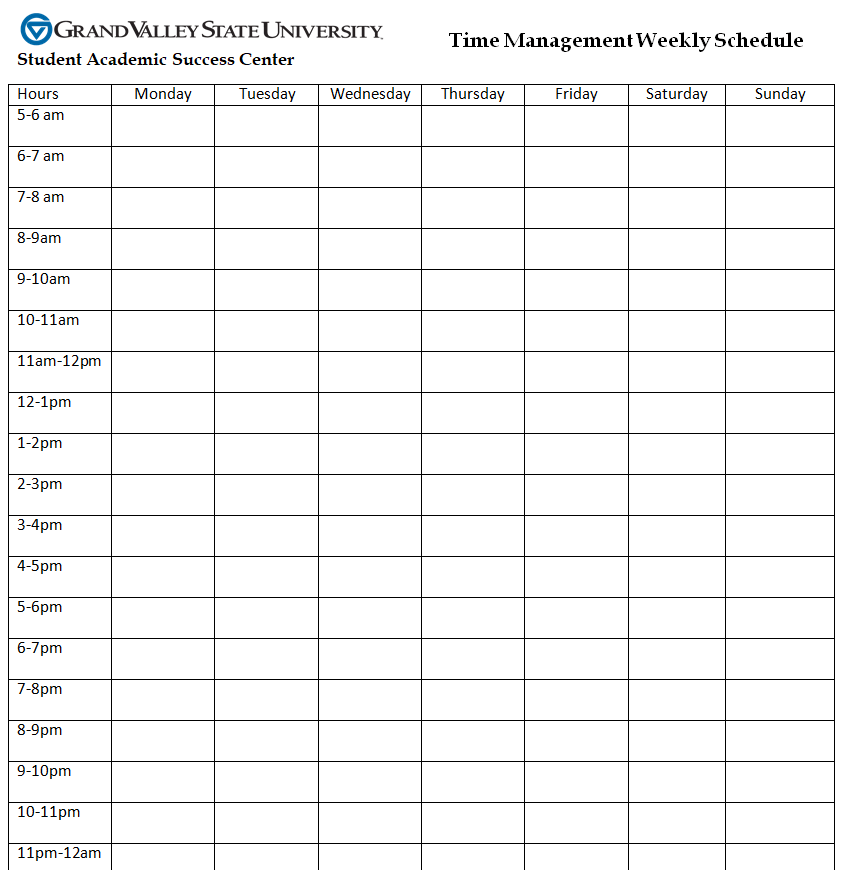
Time Management Weekly Schedule Template
Weekly Task Schedule Printable Sample Doc
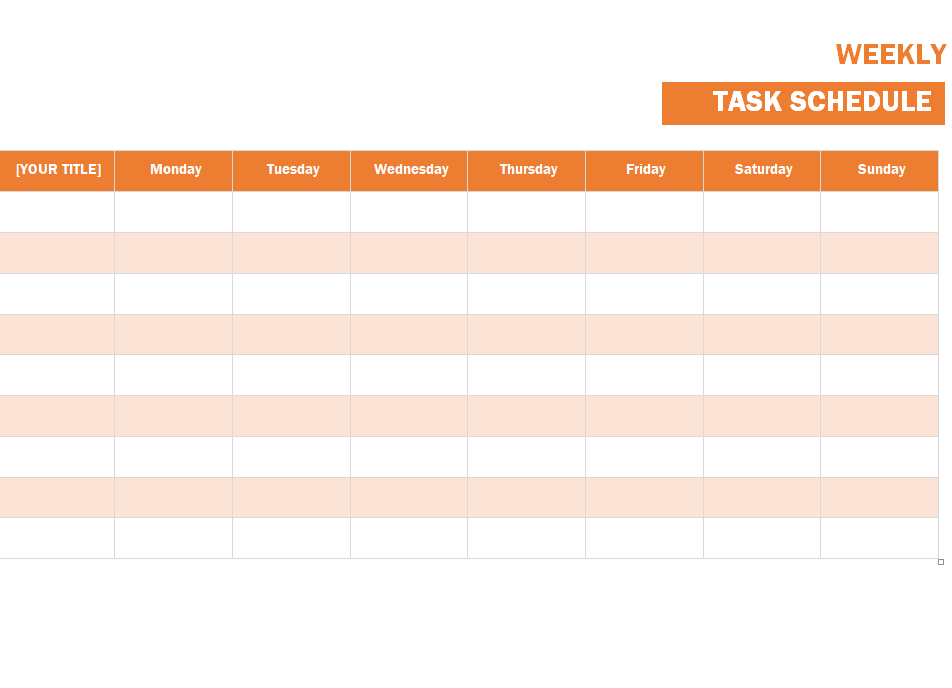
Free Customizable Weekly Activity Schedule Template
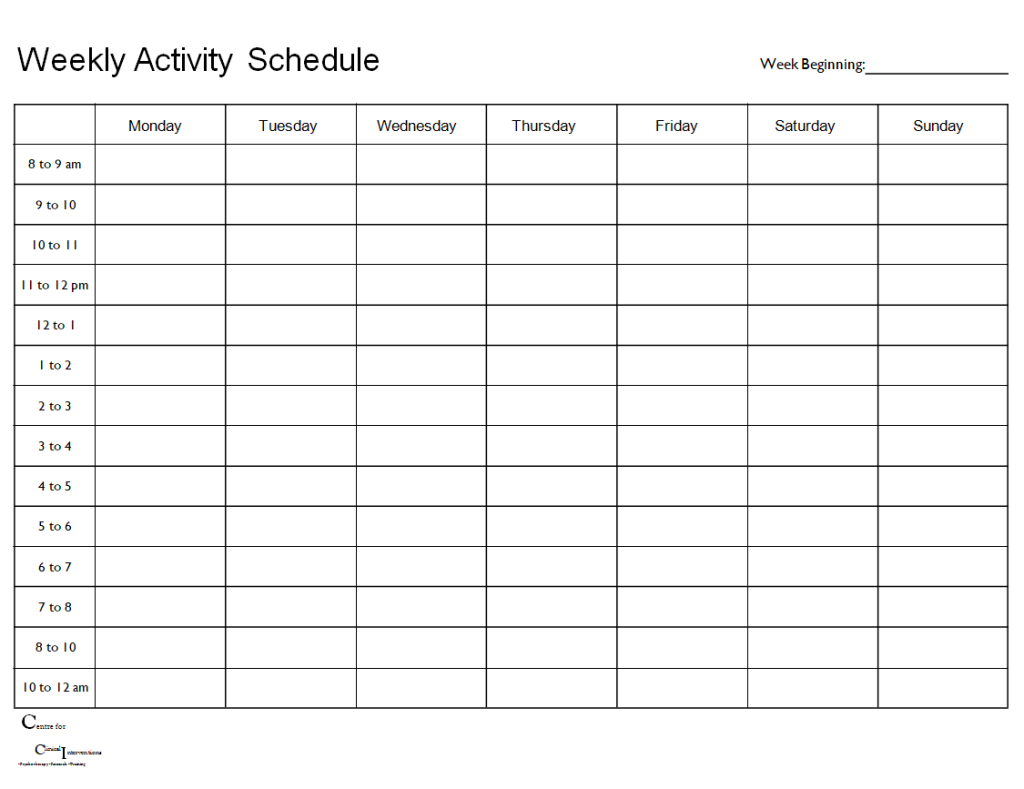
Employee’s Weekly Schedule Example
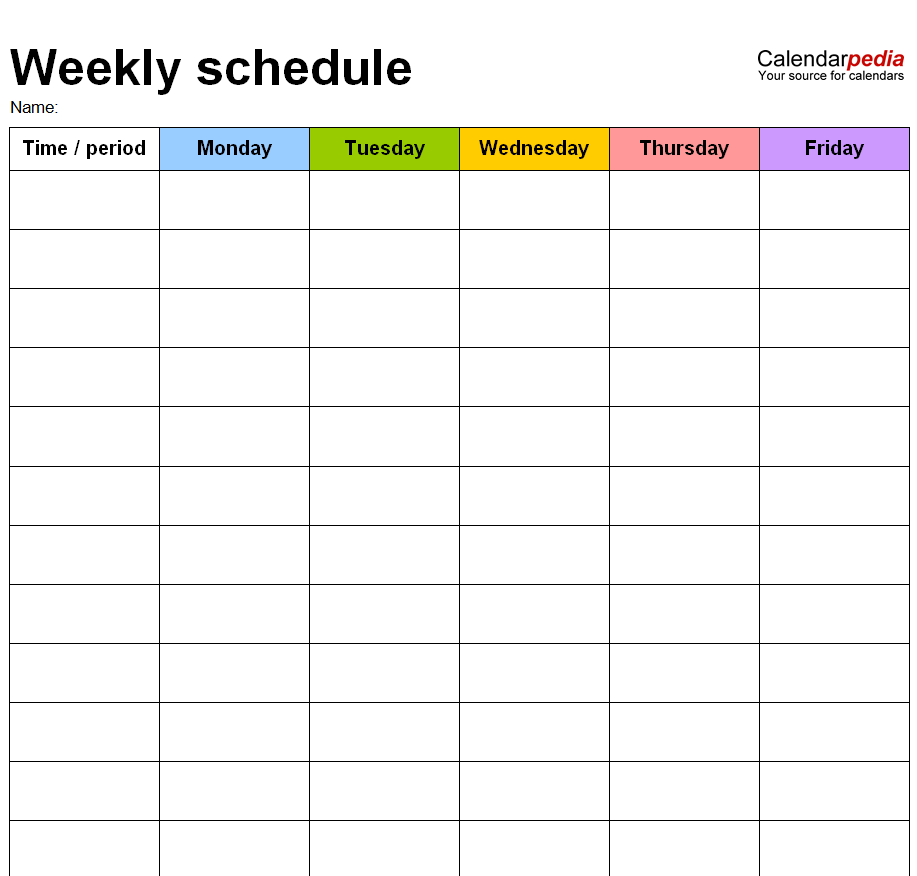
Office Weekly Time Schedule Template in MS WORD
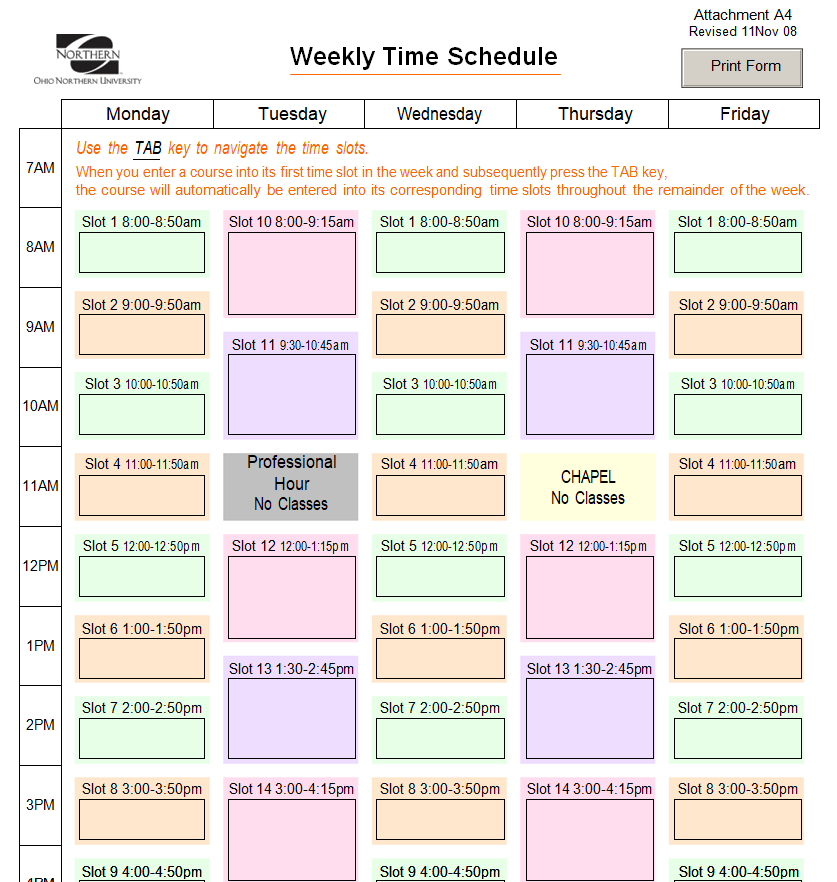
Related templates you may find useful: free project schedule templates, free daily schedule templates and free homework templates.